
Your phone's movies.
On your TV.
The movies on your Android phone, playing on your Android TV.
Free · Version 1.1 · Android 8 or newer
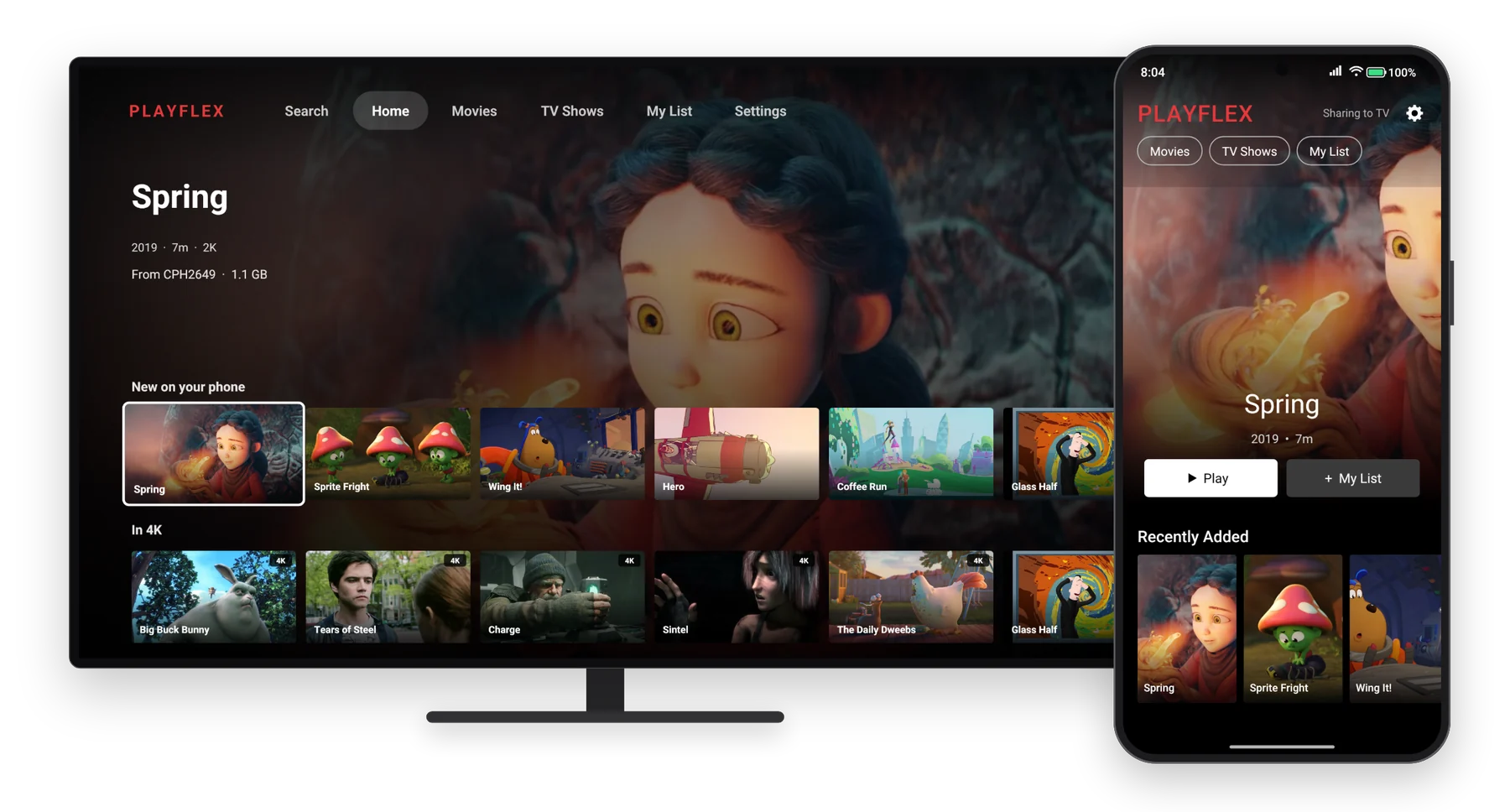
No cables.No copying.No casting.
A real phone sending a real movie to a real TV. Nothing sped up.
Pick a movie on your phone.
Just your movies, on the big screen.
Open it
It finds your phone by itself.
Open PlayFlex on the TV. Your movies are already there.
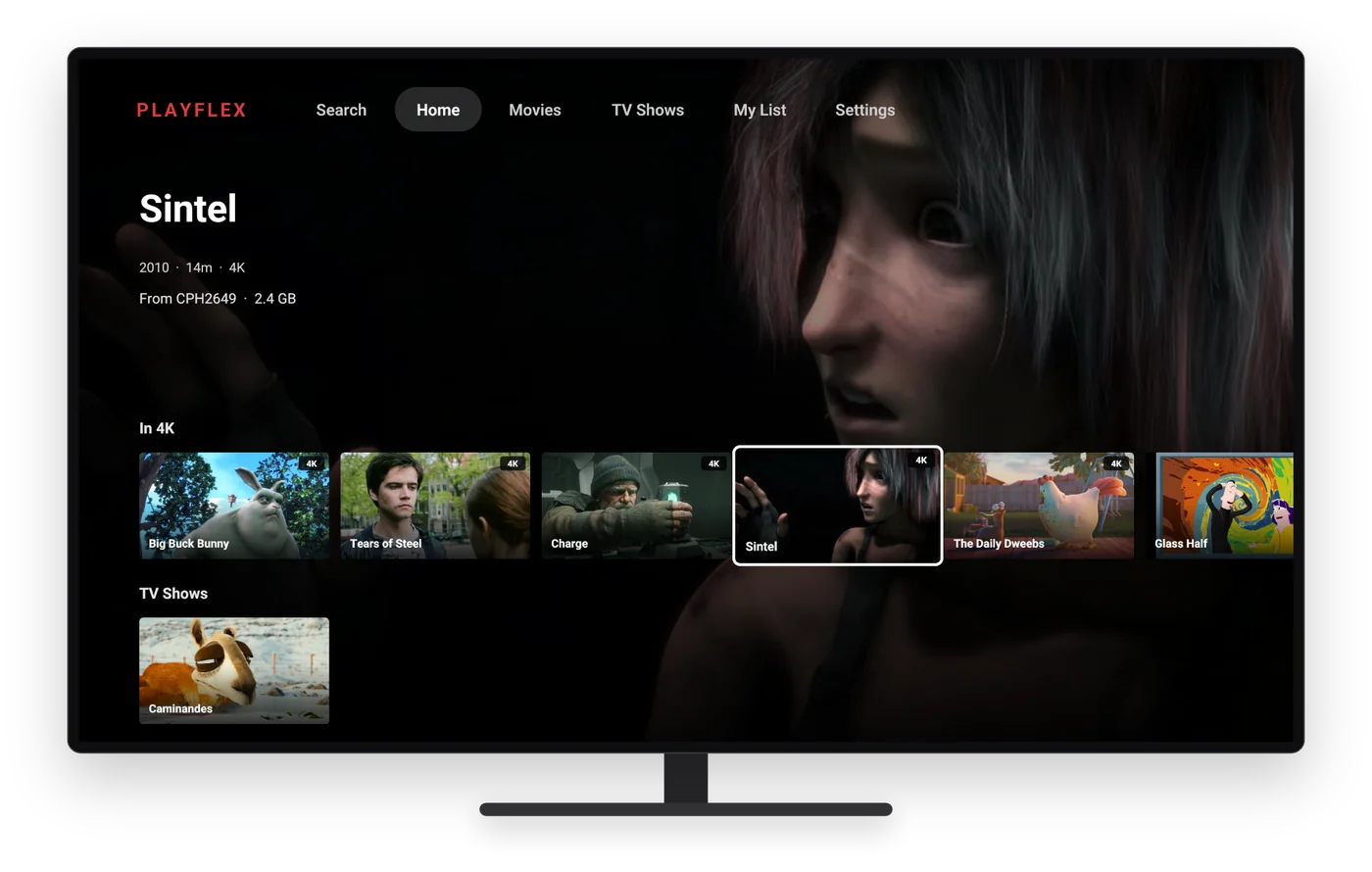
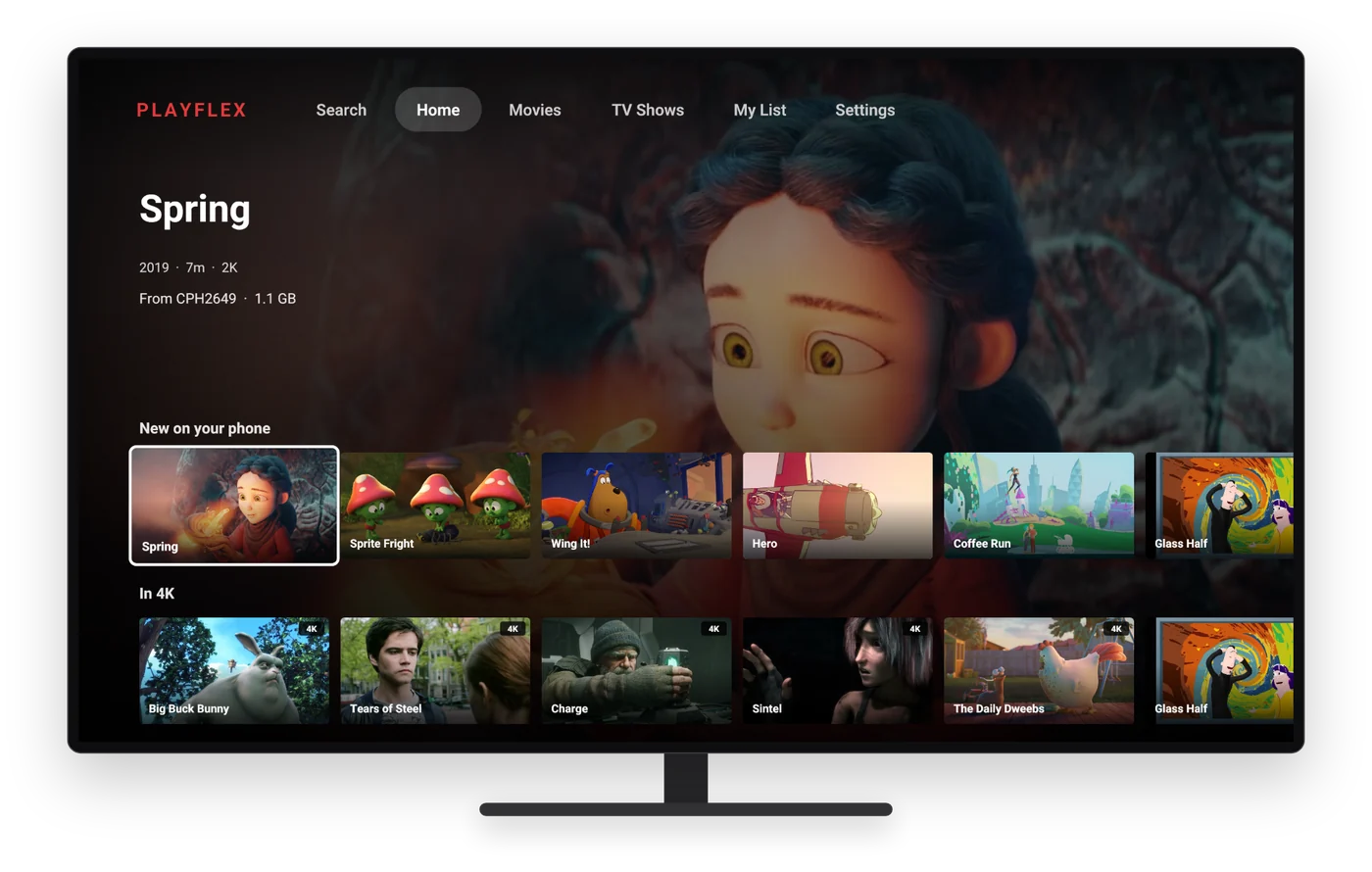
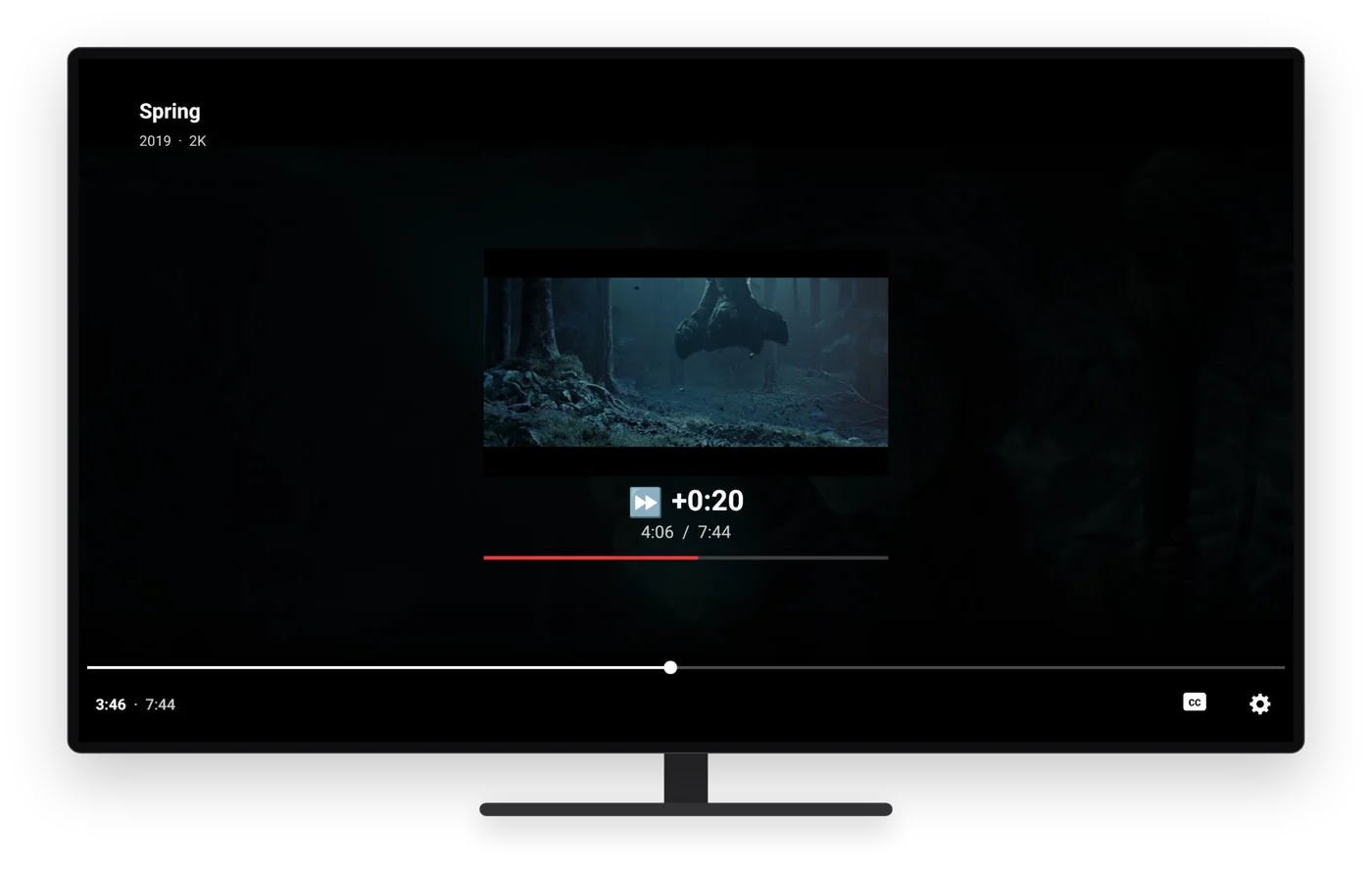
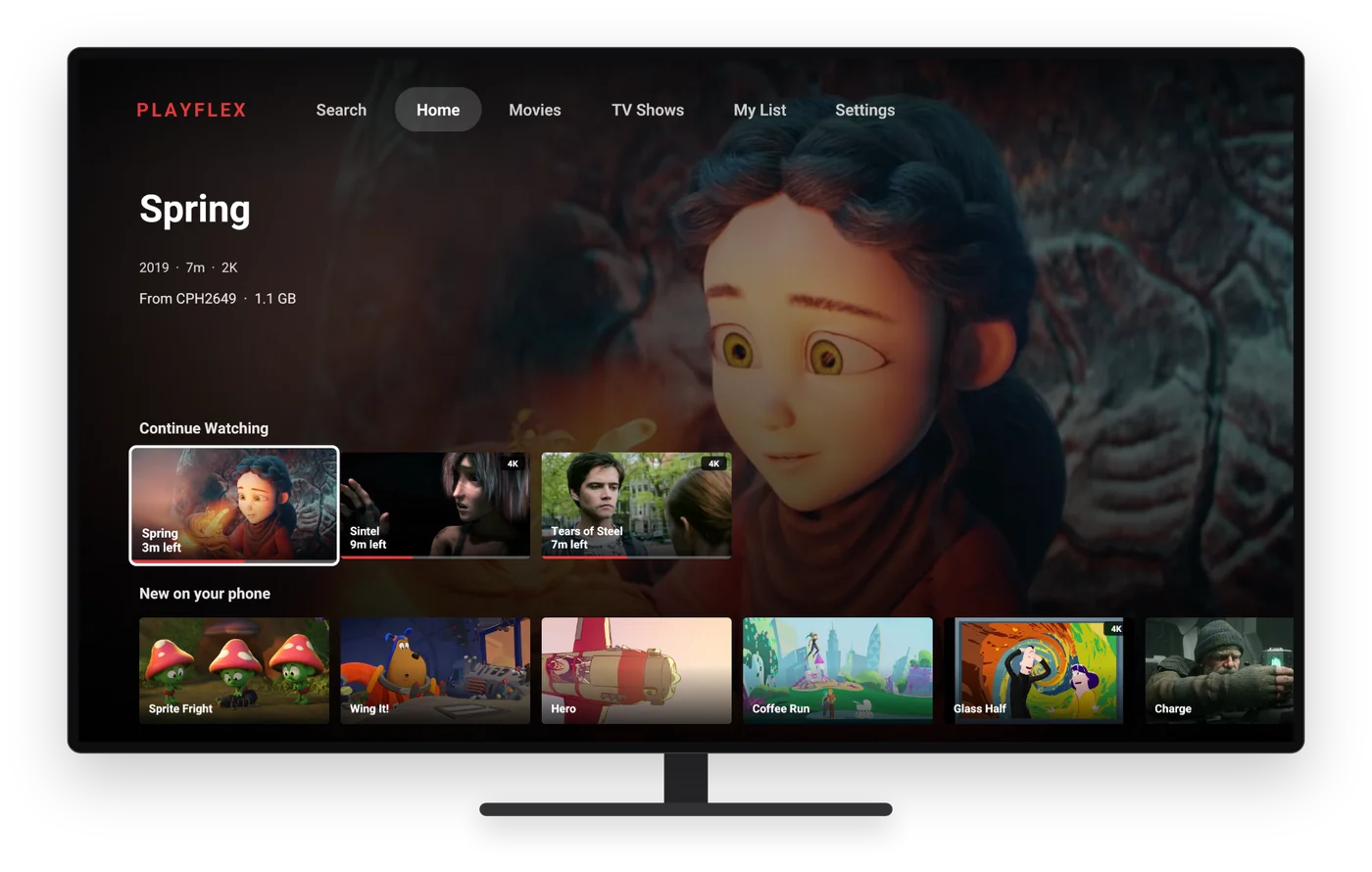
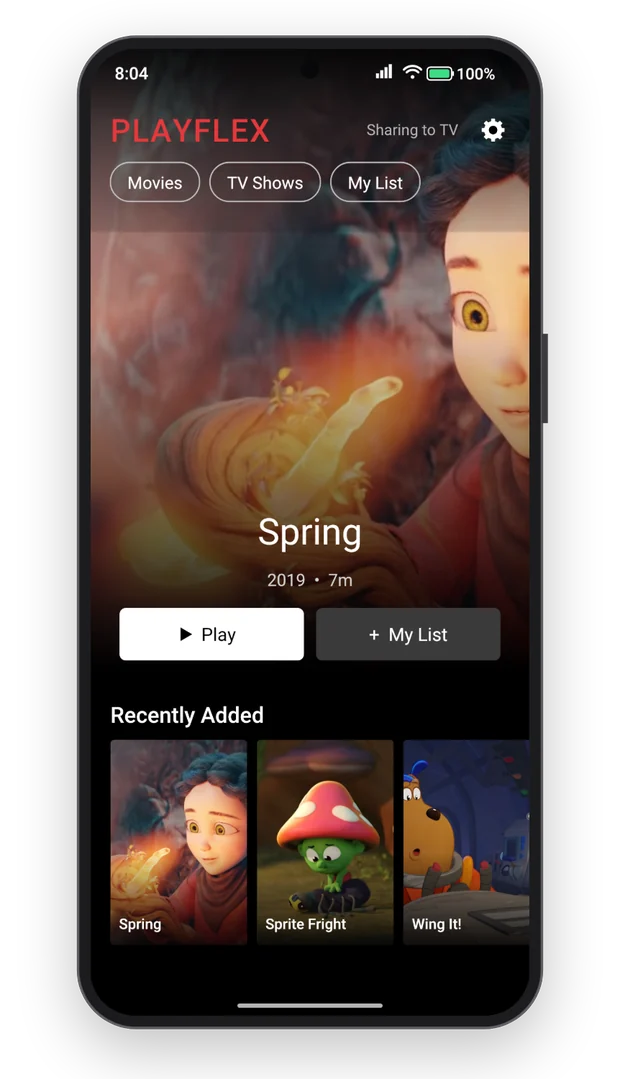
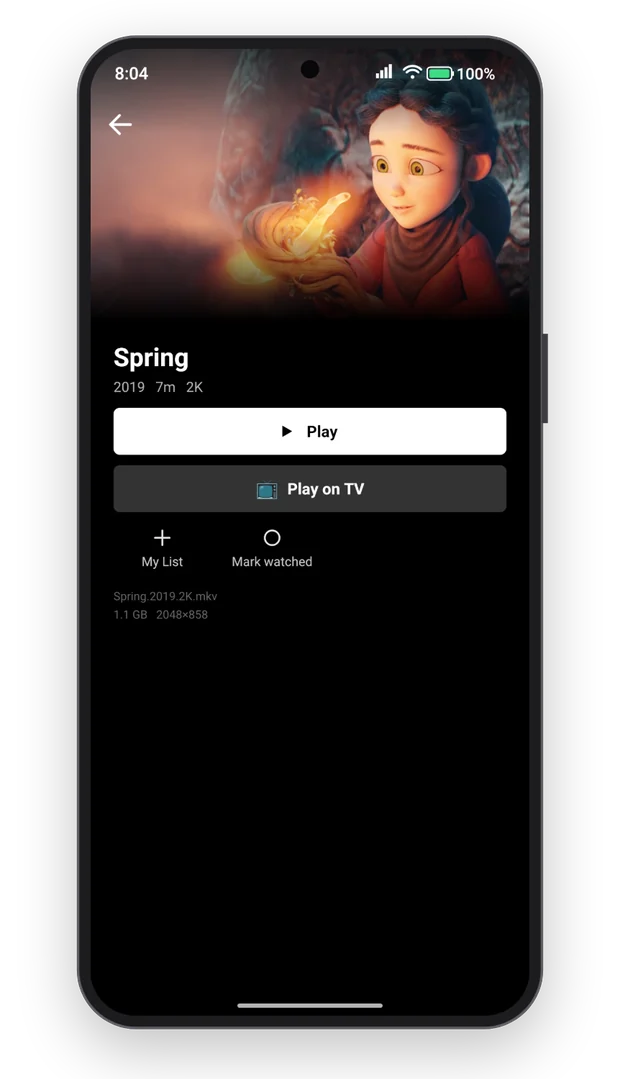
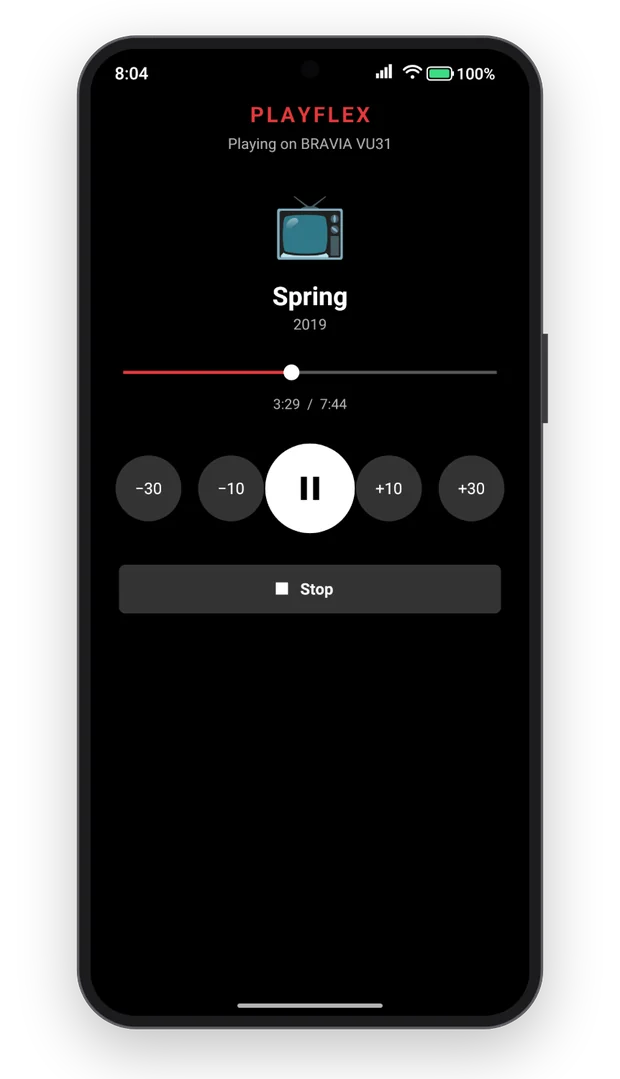
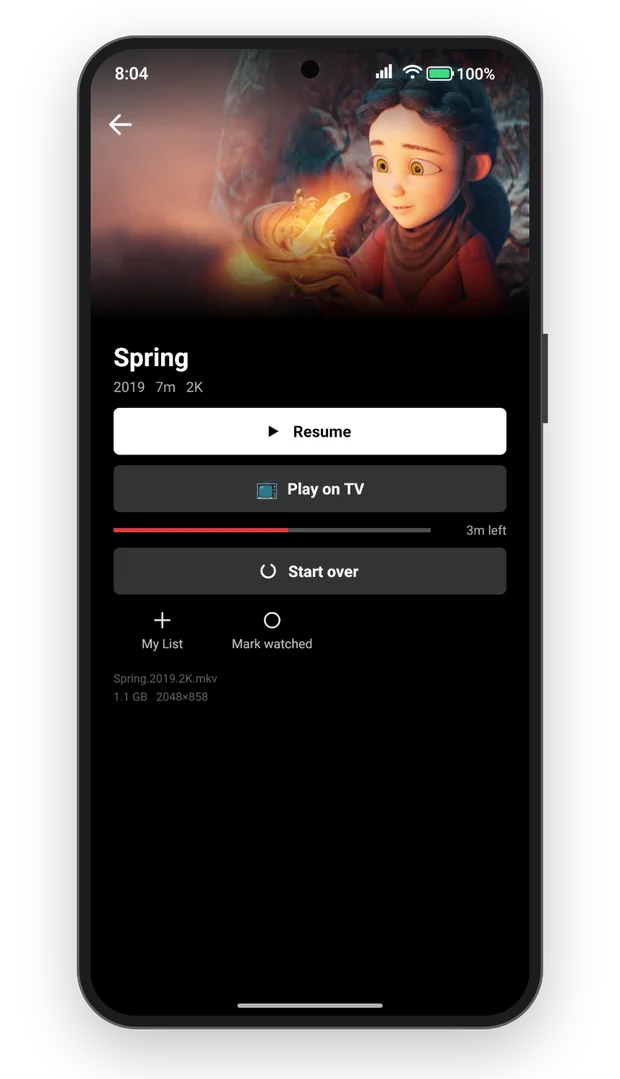
Cinema quality.
From your pocket.
4K
Up to 3840 × 2160, played by the TV itself
HDR10
Bright, deep, high dynamic range
5.1
Dolby Digital Plus can pass through to your soundbar
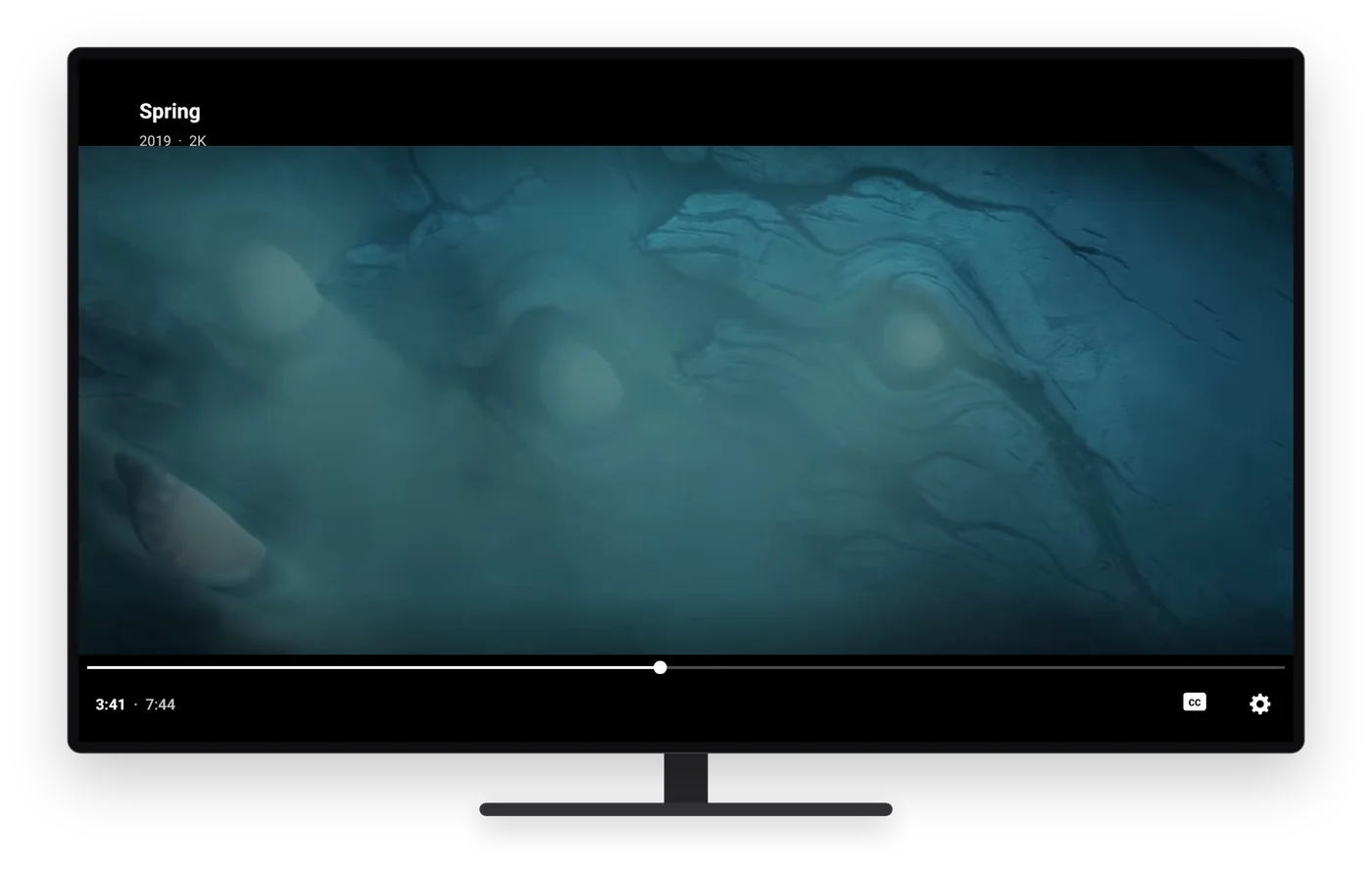
Watch the film.
Plays
H.264, HEVC, VP9 and AV1 video. AAC, AC3, E-AC3, DTS and TrueHD audio. MKV, MP4, WebM, TS and AVI files.
Set it up once.
Then just press play.
On your TV
- 1
Turn on Developer options.
Settings > System > About. Click Android TV OS build until it says you're a developer.
- 2
Get Downloader.
The free Downloader app by AFTVnews, from the Play Store on your TV.
- 3
Type this link and press Go.
- 4
Install, then open PlayFlex.
Allow Downloader to install apps, and let PlayFlex display over other apps.
On your phone
- 1
Download the app.
- 2
Install it.
Open the file and allow your browser to install apps.
- 3
Pick your movie folders.
Allow videos and notifications, tick your folders, tap Save folders.
Guides
All 10 guides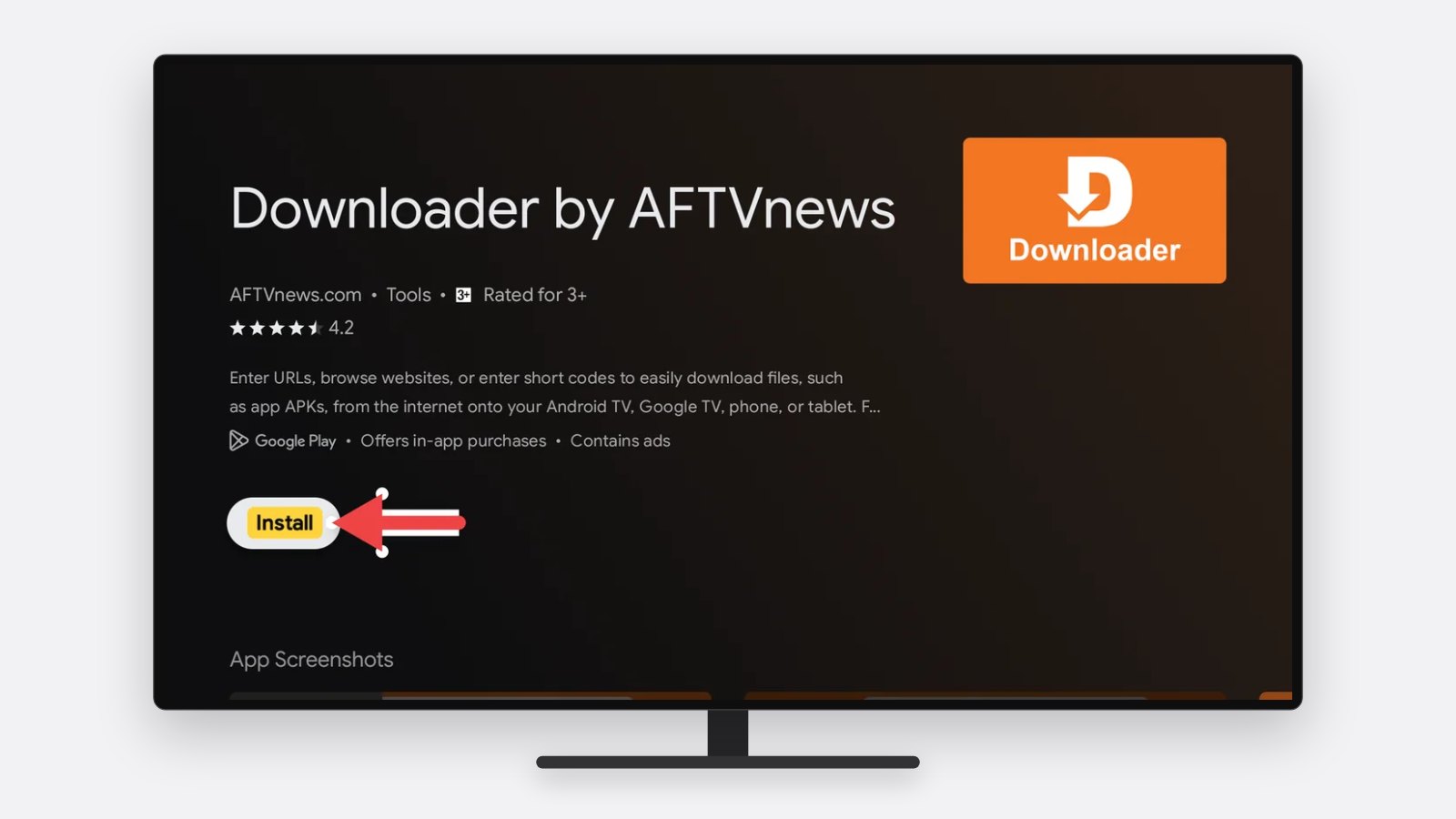
5 min · On your TV
How to install PlayFlex on Android TV and Google TV
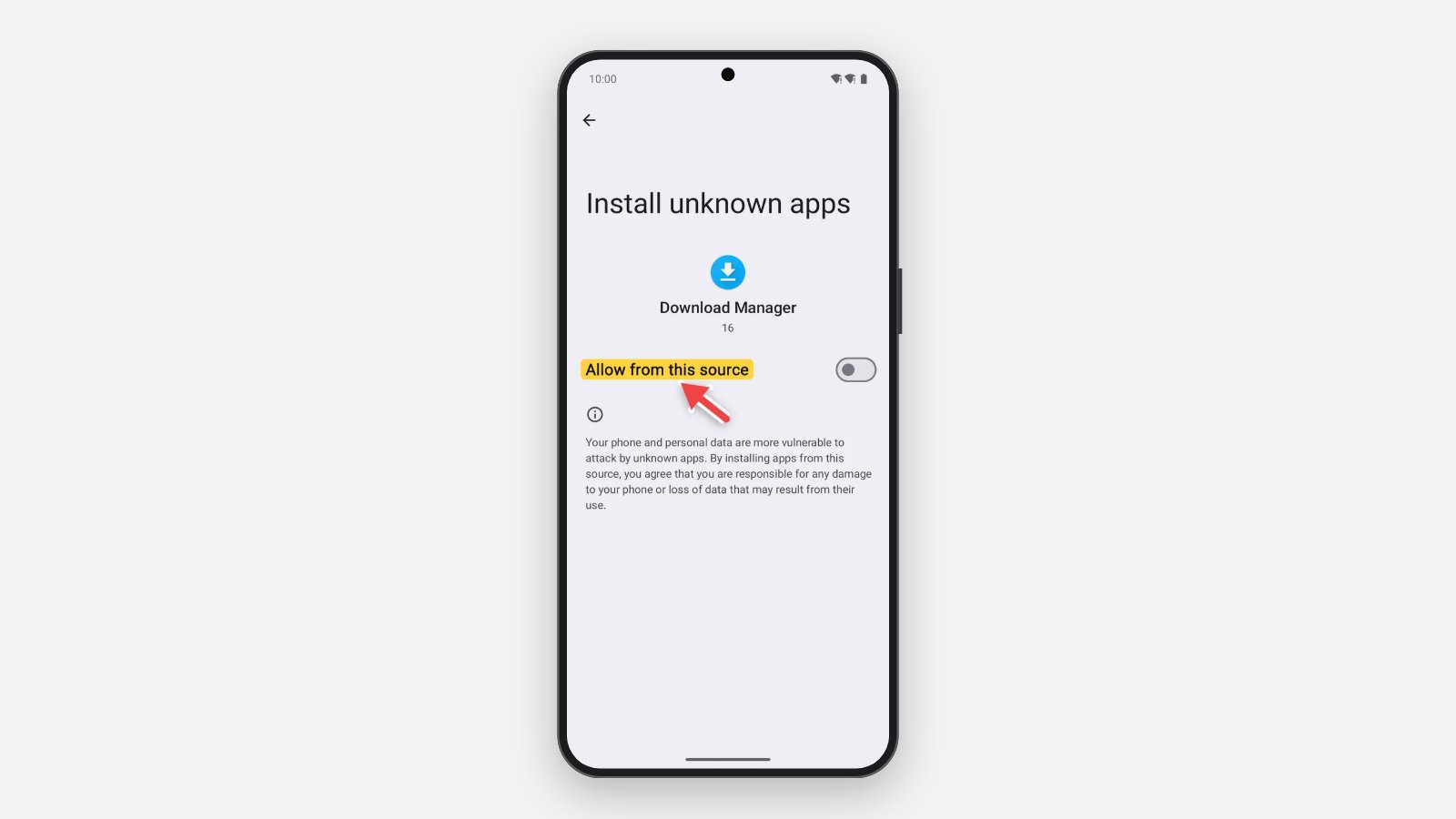
3 min · On your phone
How to install PlayFlex on your Android phone
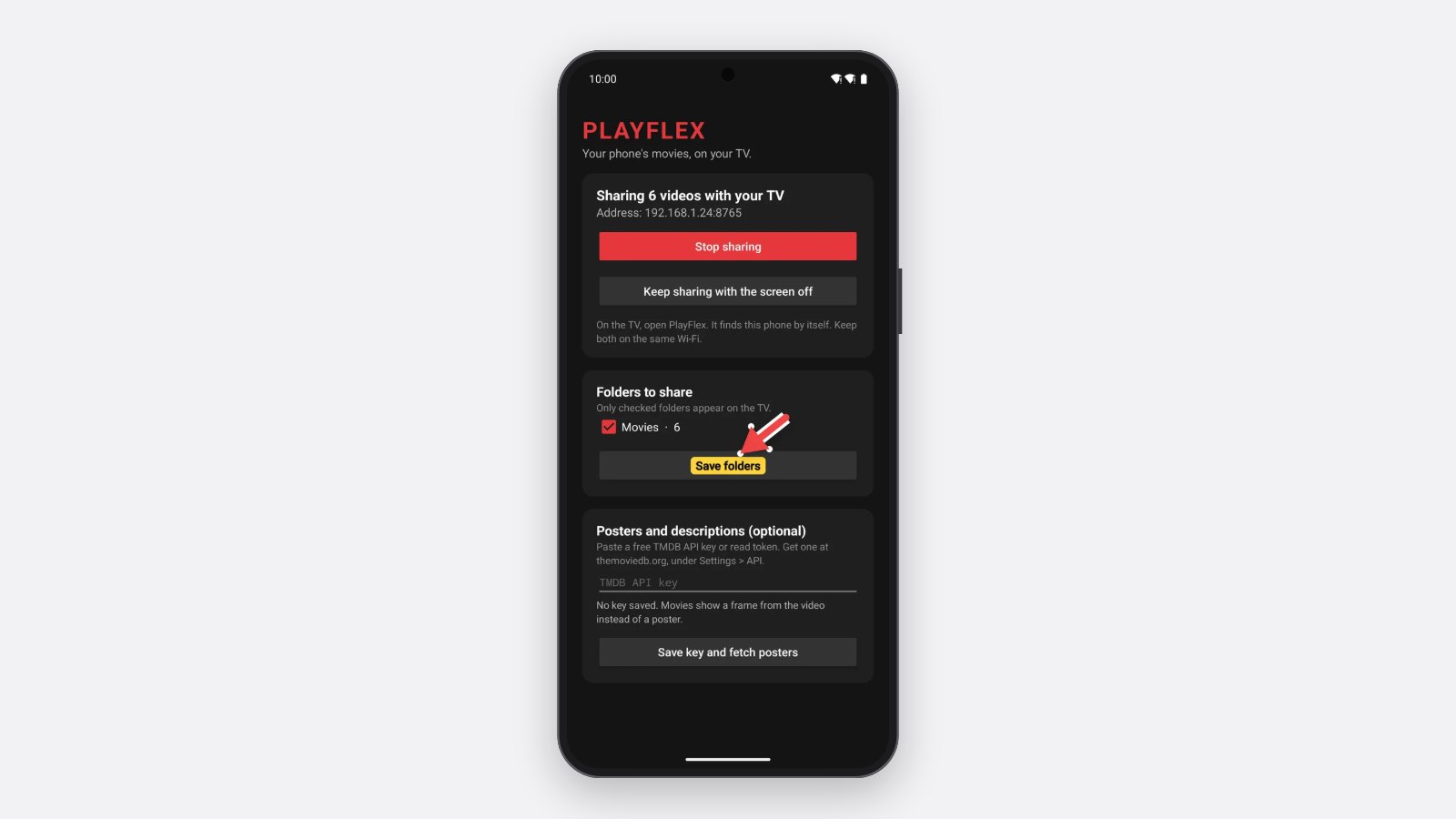
2 min · On your phone
How to share your phone's movies with PlayFlex
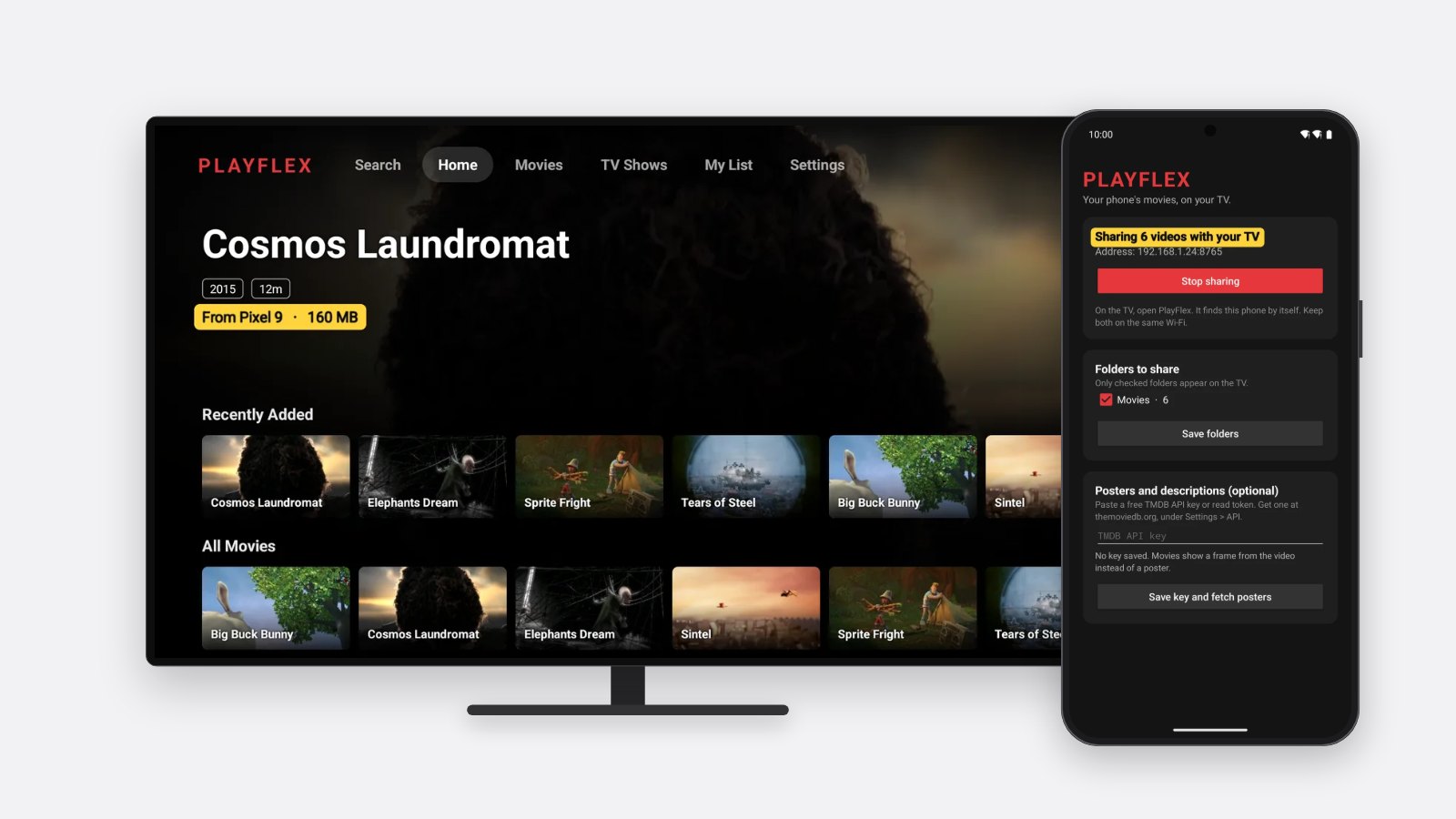
2 min · On your phone and TV
How to connect PlayFlex on your TV to your phone
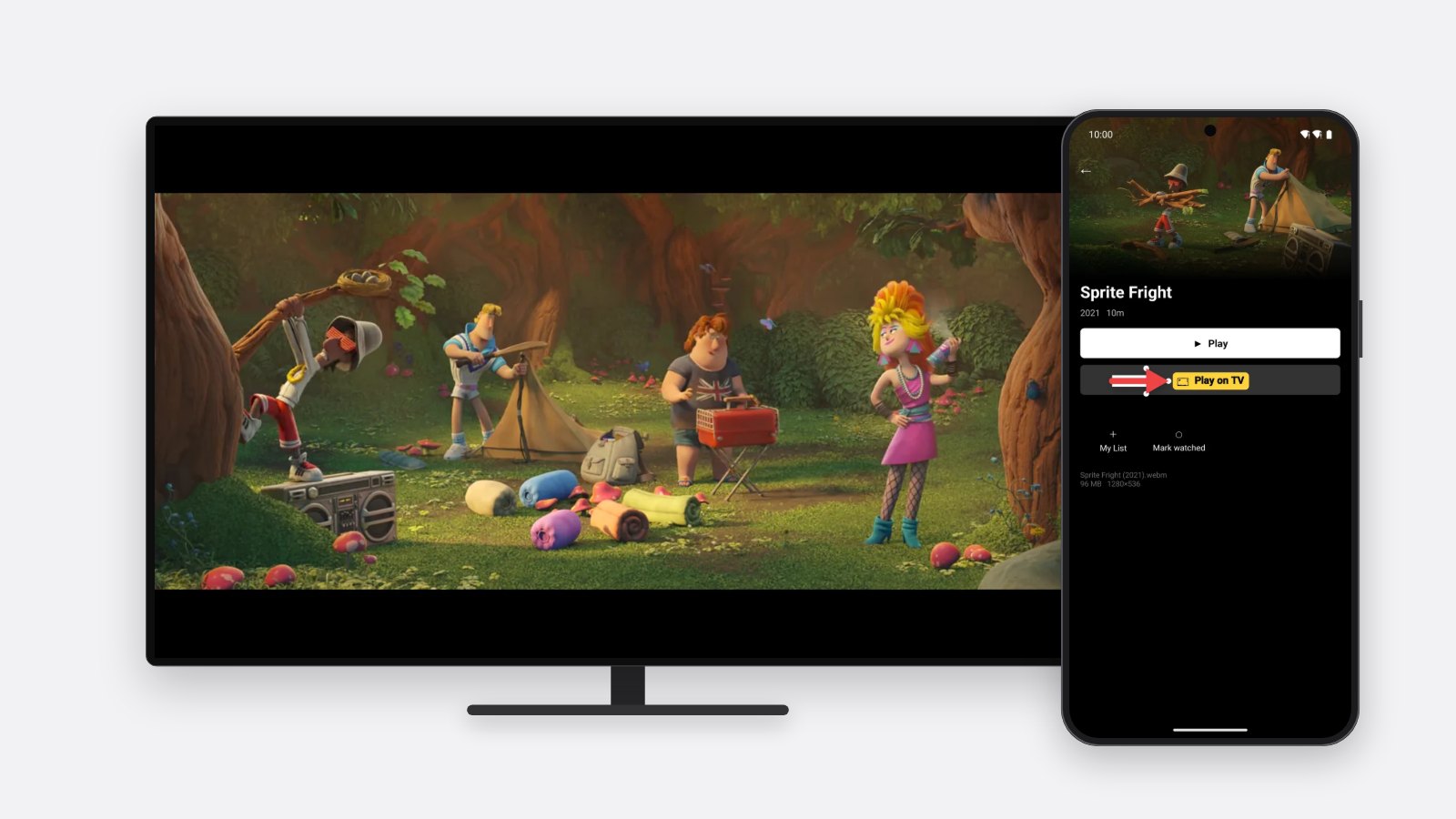
1 min · On your phone and TV
How to play a movie from your phone on your TV with PlayFlex
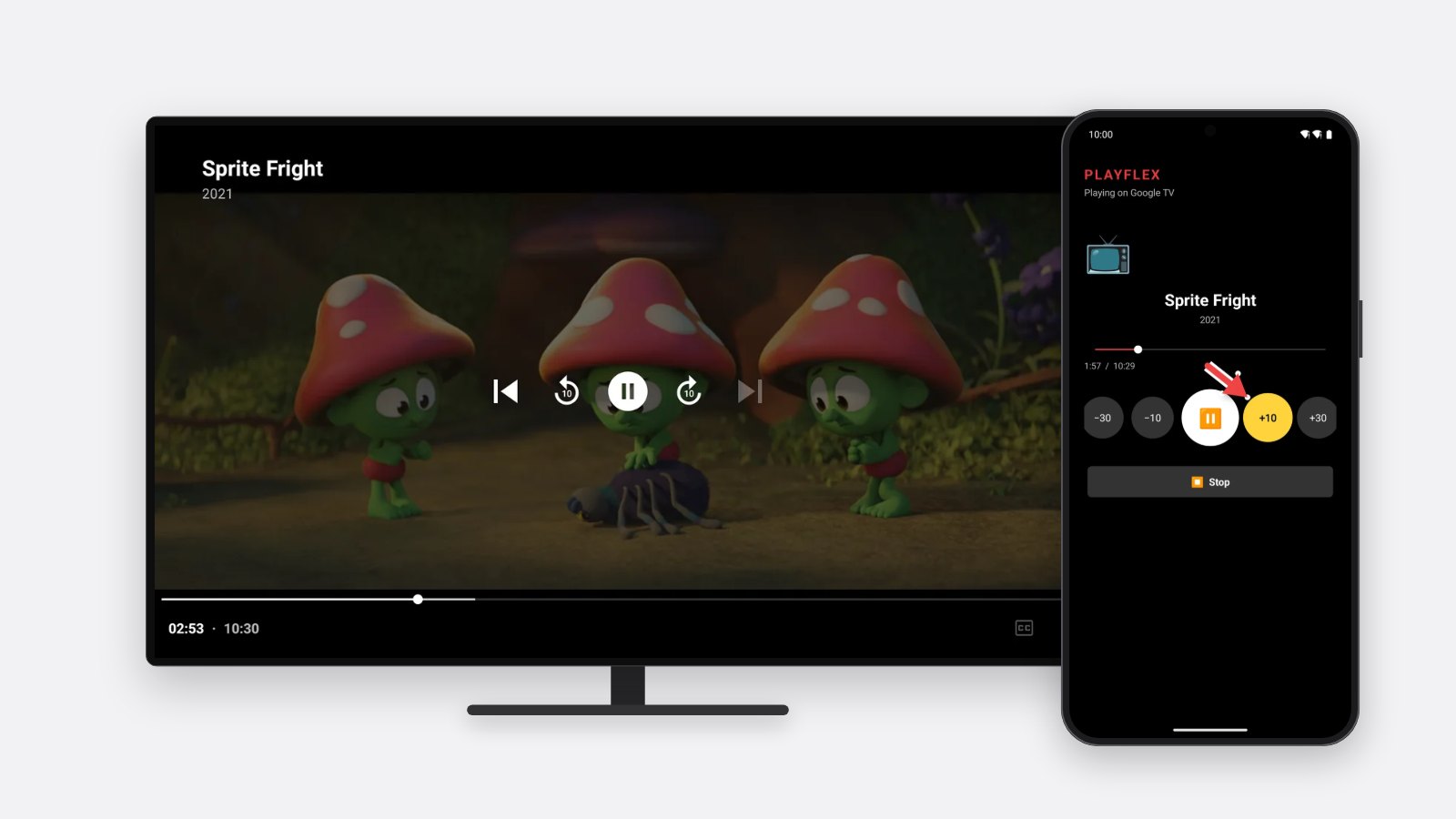
1 min · On your phone and TV
How to use your phone as a remote for PlayFlex
Questions
Is PlayFlex free?
Yes. Both apps are free, with no ads and no account.
Does it upload my movies anywhere?
No. Your movies stay on your phone and play over your home Wi-Fi only.
Does it work with an iPhone?
No. PlayFlex needs an Android phone and an Android TV or Google TV.
The TV can't find my phone.
Check both are on the same Wi-Fi. If it still can't, choose Type phone address on the TV and enter the address shown in the phone app.
Your movies.
Your TV.
Films shown are Blender Foundation open movies (Spring, Sintel, Big Buck Bunny, Tears of Steel and others), CC BY. PlayFlex plays the videos you already have on your phone.