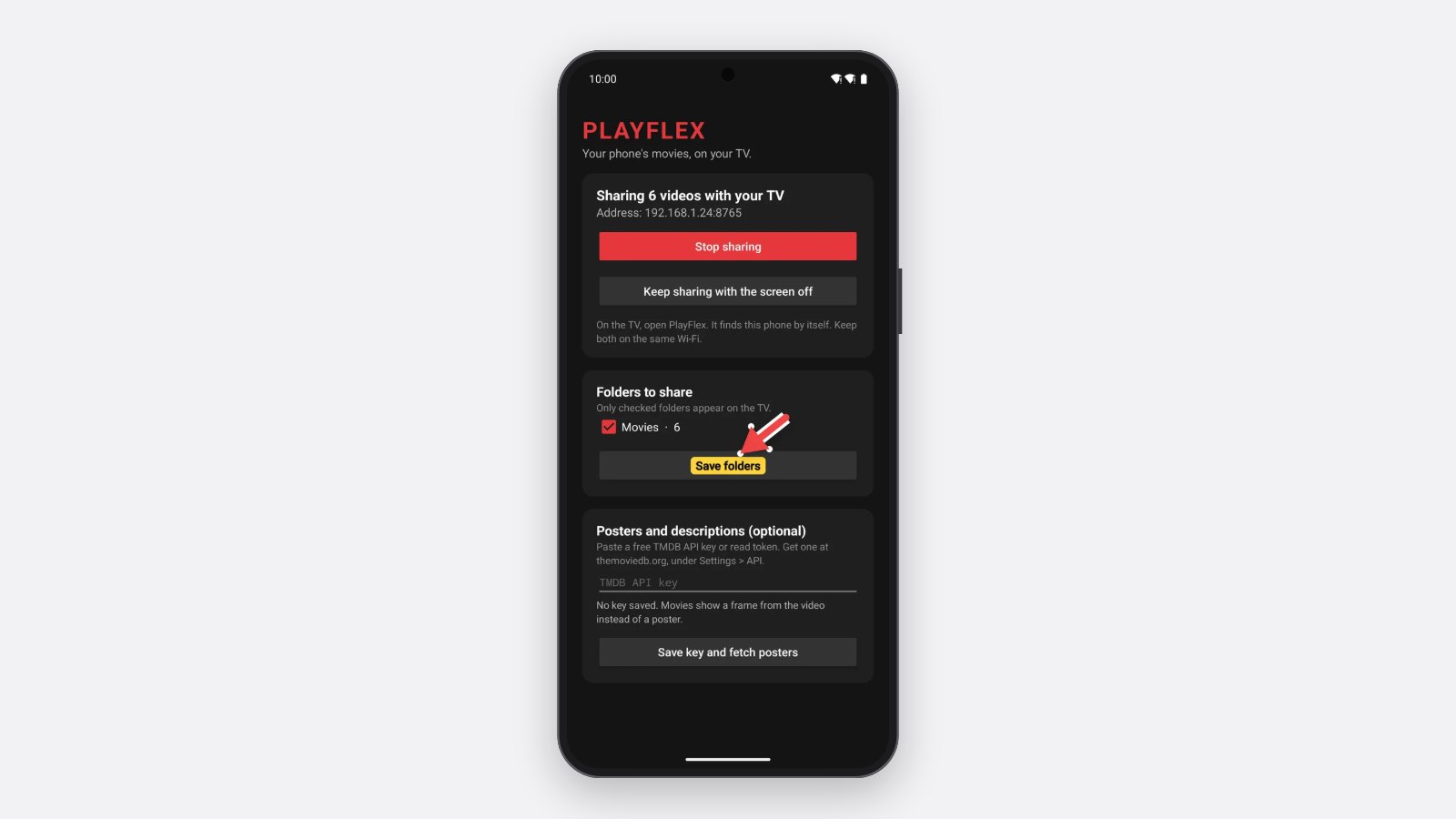
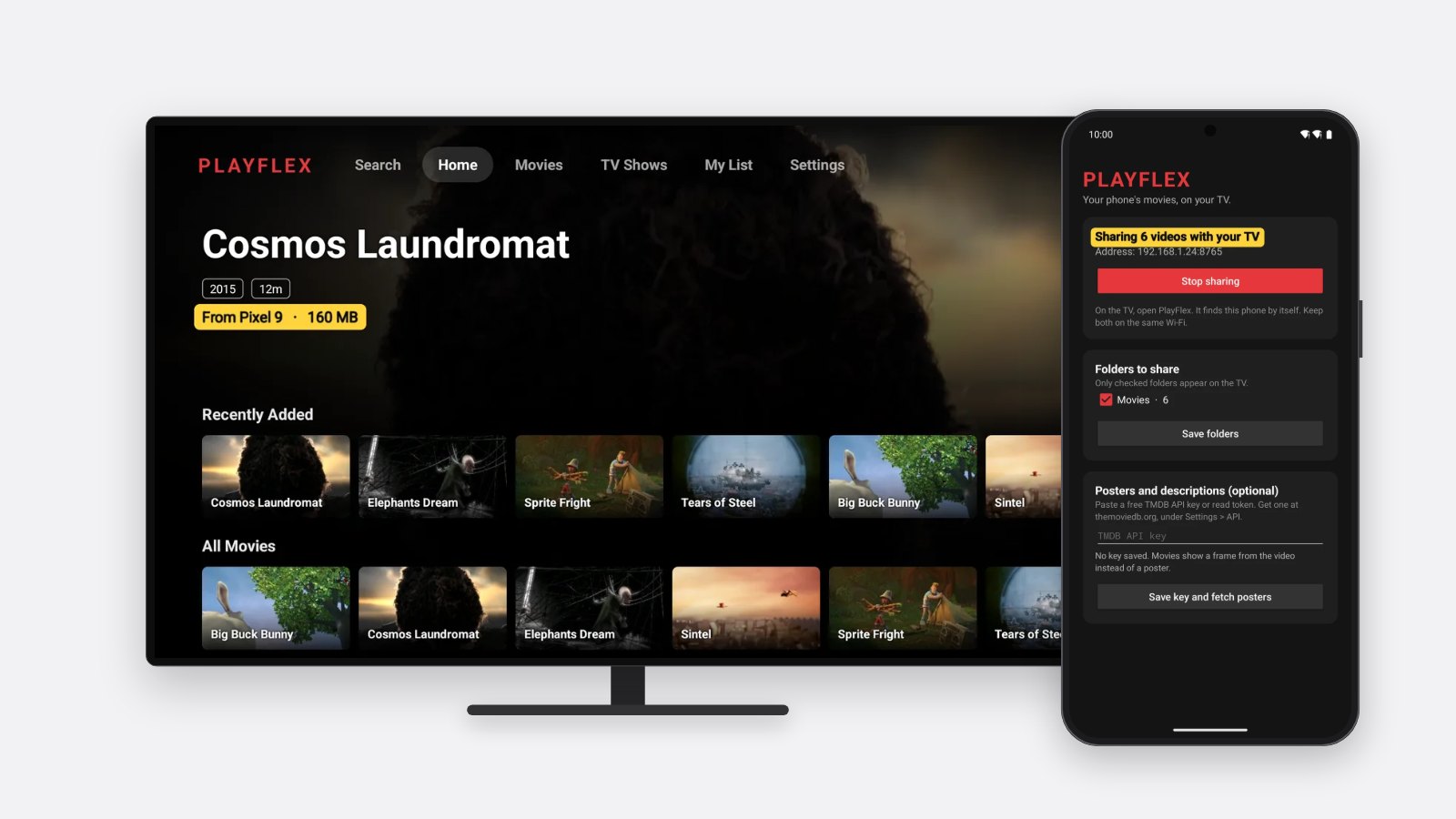
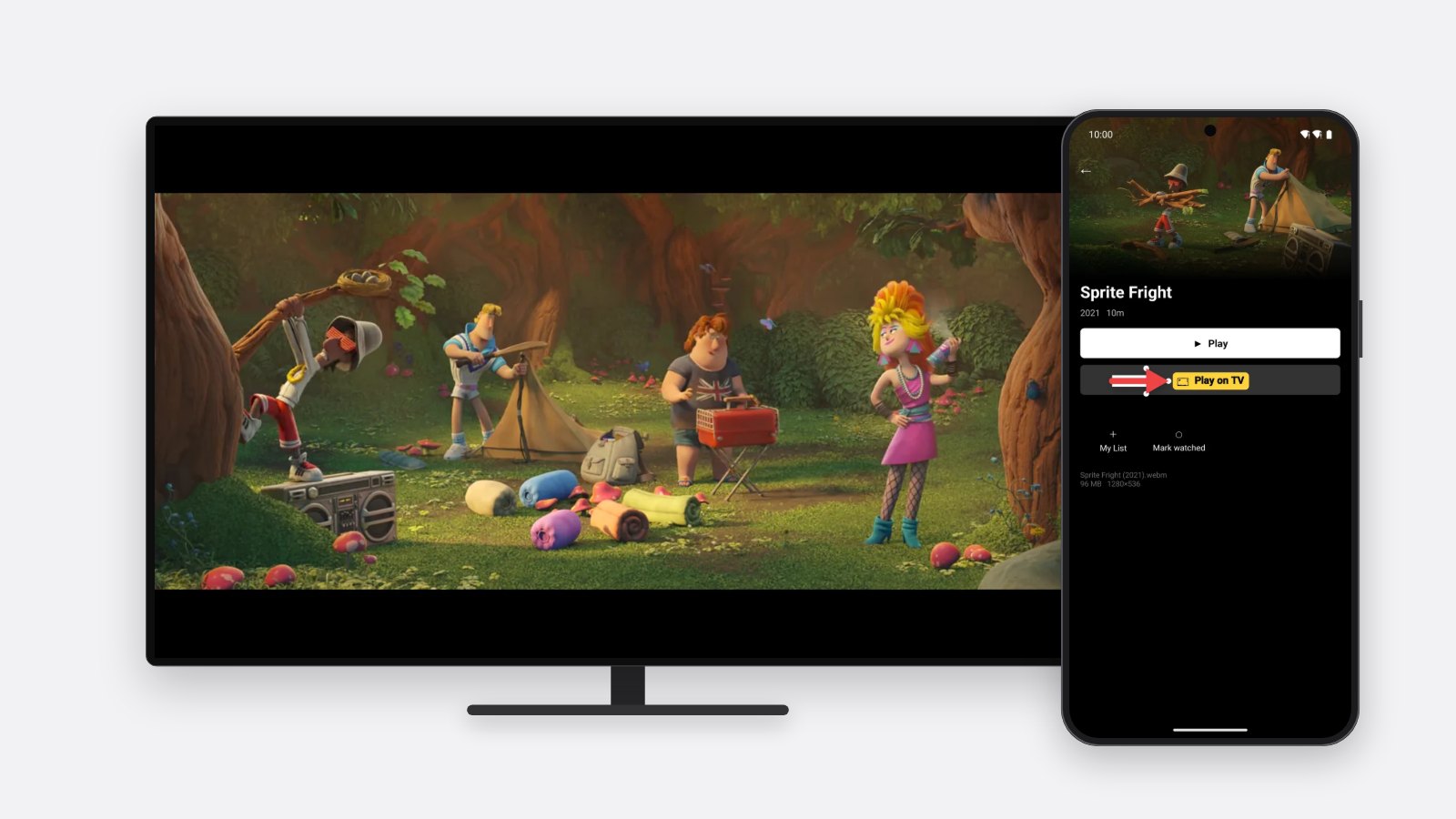
How to install PlayFlex on your Android phone
3 min · On your phone · Updated
The phone app is the one that holds your movies and sends them to the TV. You download it from techpp.app and Android asks you to say yes a couple of times. Screens are from a Pixel on Android 16.
You need
- An Android phone
- The phone on Wi-Fi
Steps
Open the link
In Chrome on your phone, go to
techpp.app/playflex-phone.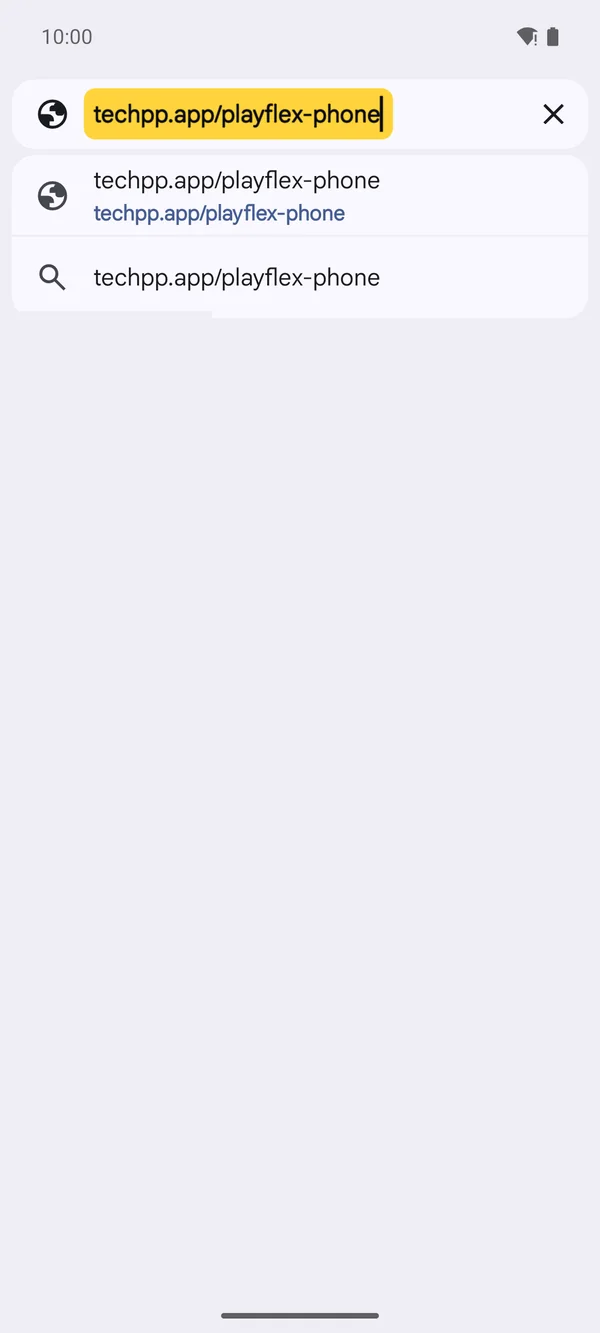
Download it
Chrome says the file might be harmful. It says that for every app from outside the Play Store. Tap Download anyway, then tap Open when it's done.
Allow the install
Android asks once before it installs apps from your browser. Tap Settings, then turn on Allow from this source.
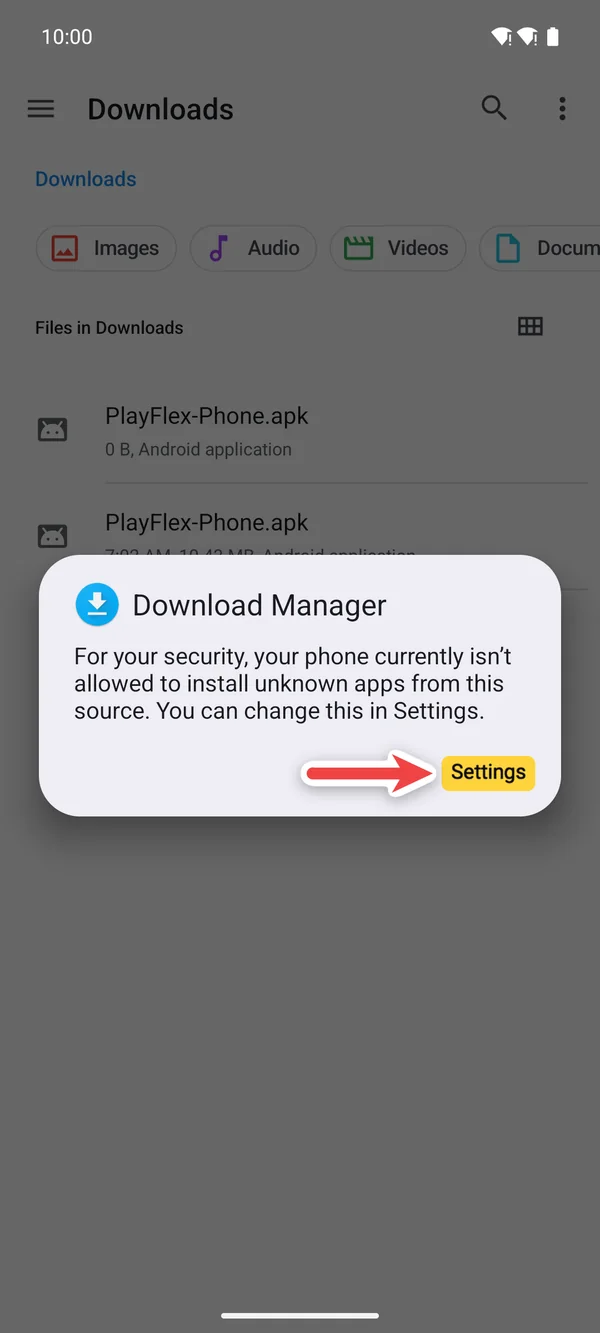
1Tap Settings 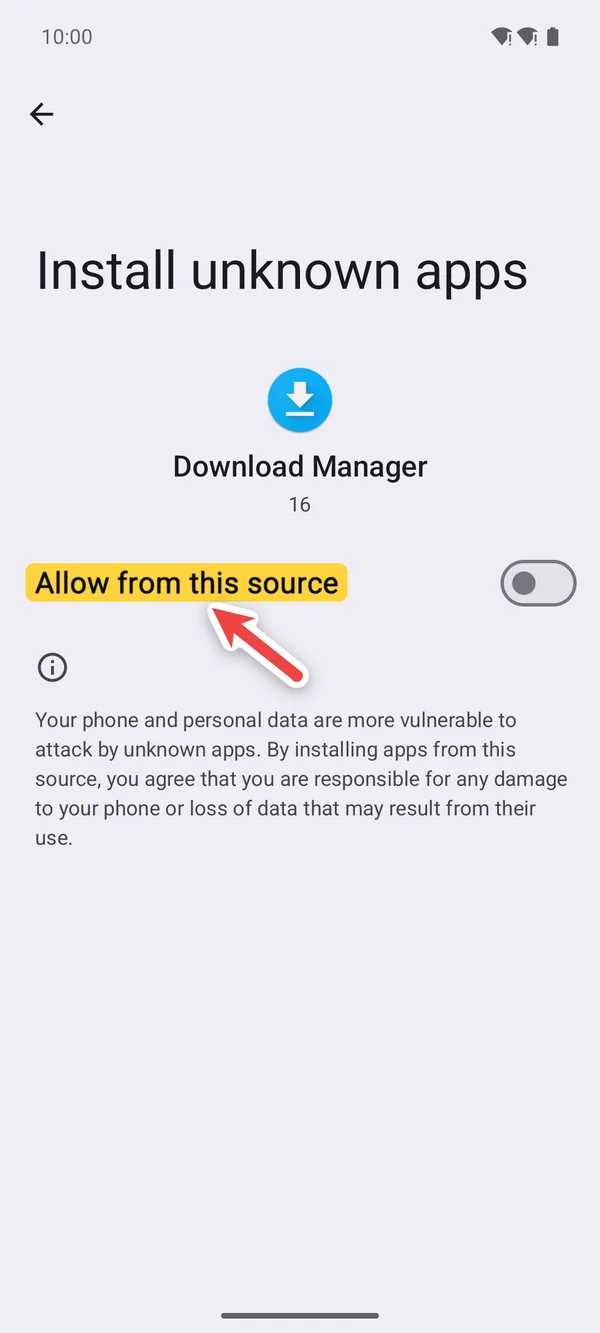
2Turn on Allow from this source Install PlayFlex
Tap Install. If Play Protect asks to scan it, tap Scan app, or open More details and tap Install without scanning. Then tap Open.
Tip: Play Protect asks about any app it hasn't seen before. It only asks the first time.
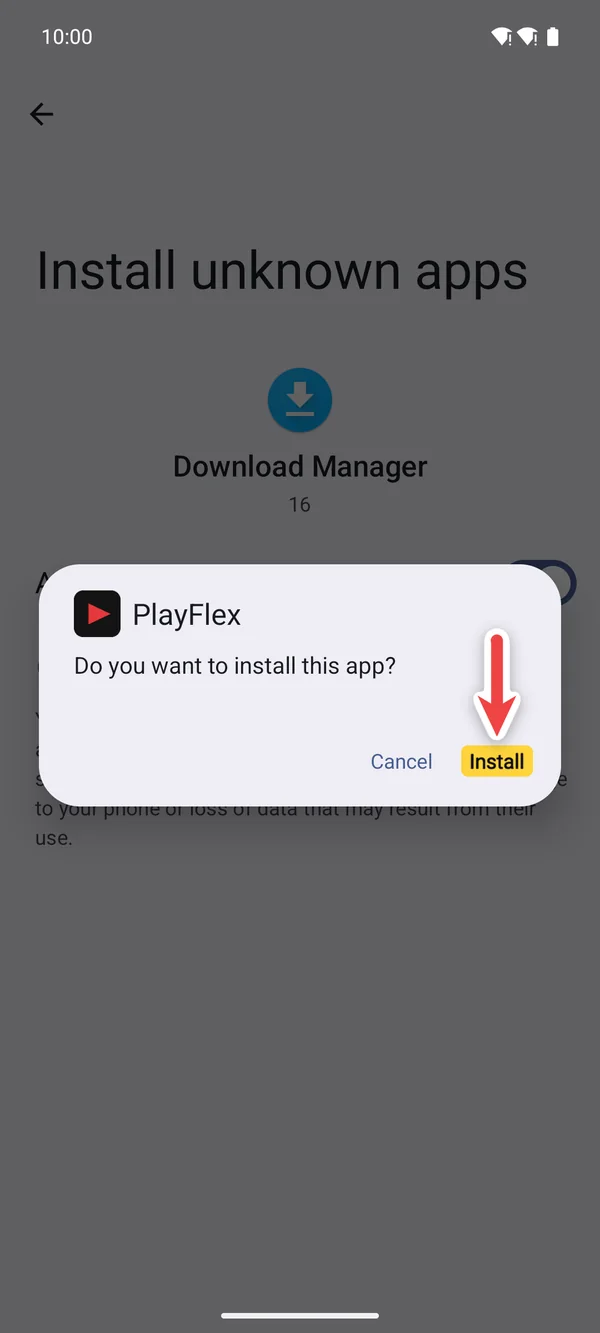
1Tap Install 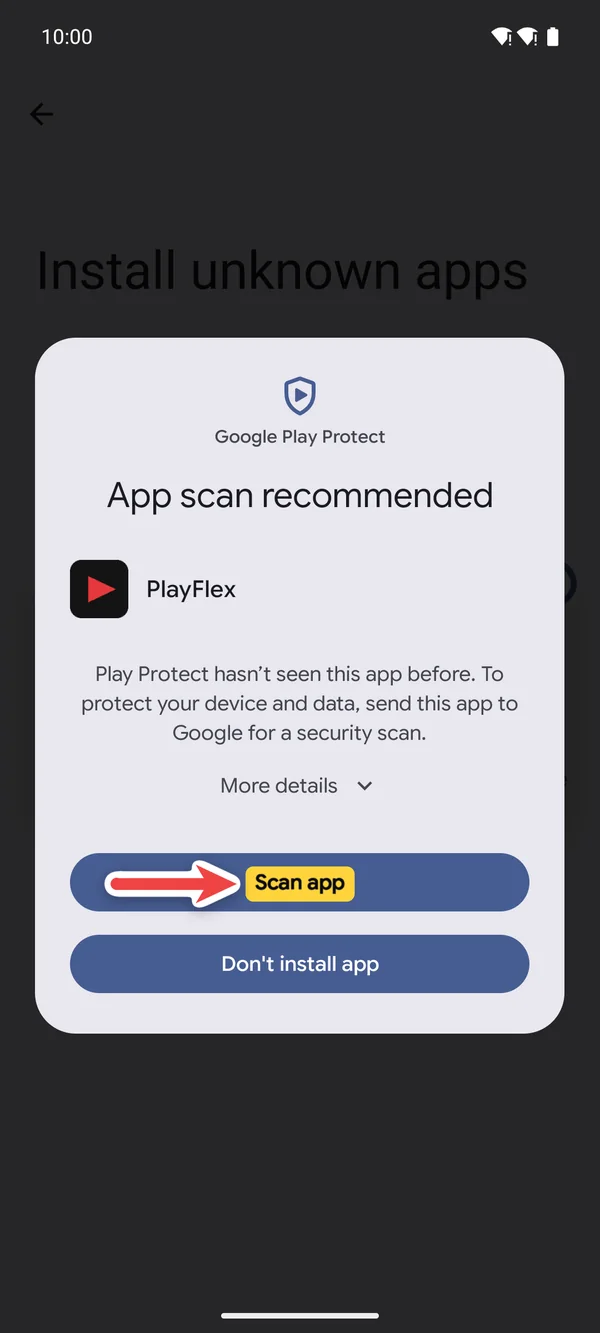
2Tap Scan app 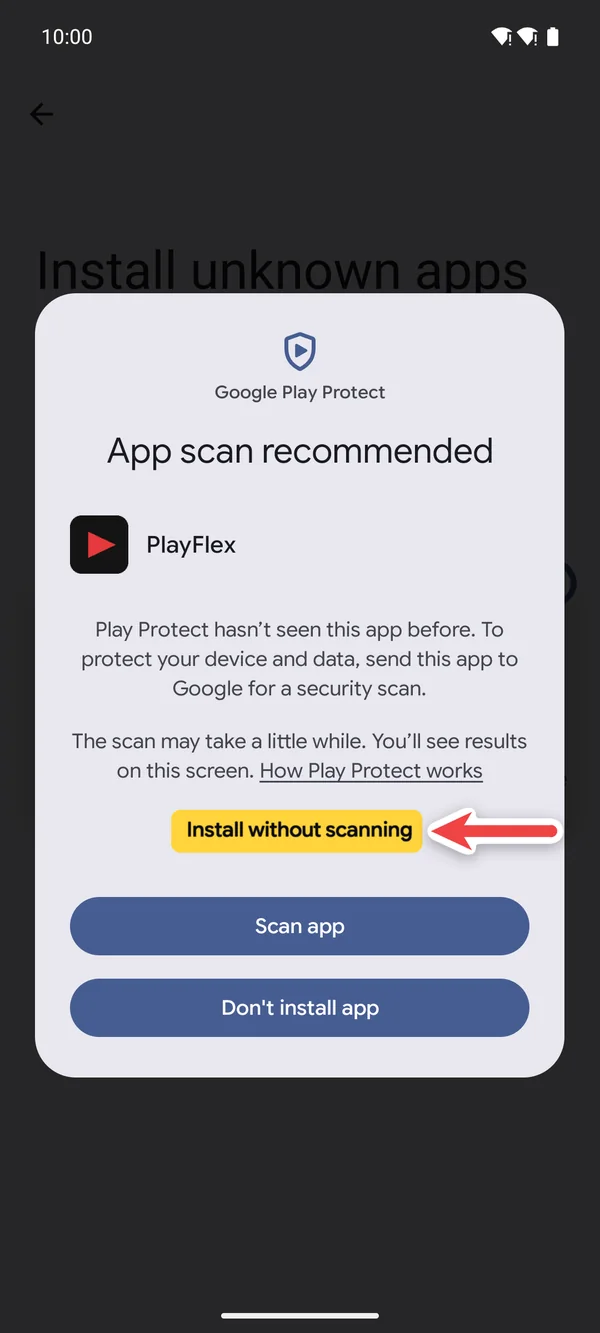
3Or Install without scanning 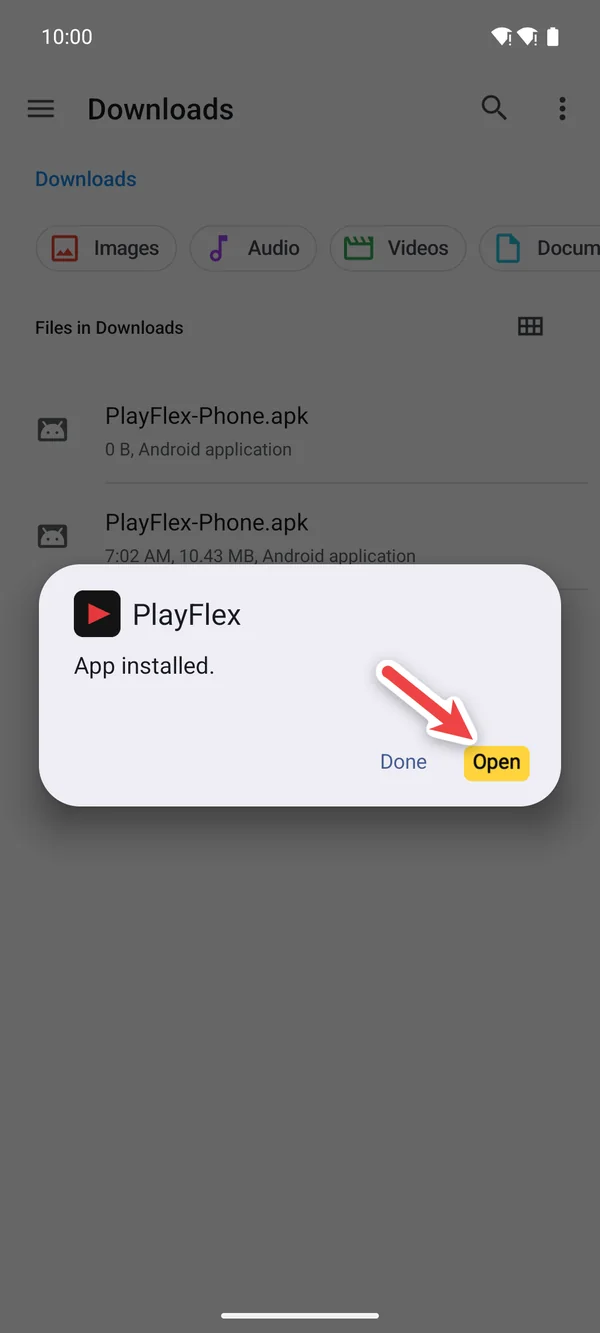
4Tap Open
If something doesn't work
- There's no Open button after the download
- Open the Files app, go to Downloads and tap PlayFlex-Phone.apk.
- It says App not installed
- An older PlayFlex is on the phone. Uninstall it first, then install again.
Questions
Why isn't PlayFlex in the Play Store?
It's a small free app I share straight from techpp.app.
Why does Play Protect warn me?
It warns about any app it hasn't seen before. Scanning it is fine.
Will Android ask again for updates?
No. You already allowed your browser, so updates install straight away.
Next: How to share your phone's movies with PlayFlex
Before this: How to install PlayFlex on Android TV and Google TV
Don't have PlayFlex yet? Get the free apps.