How to use your phone as a remote for PlayFlex
1 min · On your phone and TV · Updated
When a movie plays on the TV from your phone, the phone becomes the remote. No need to find the TV remote in the sofa.
You need
- A movie playing on the TV from your phone (how)
Steps
Open the remote
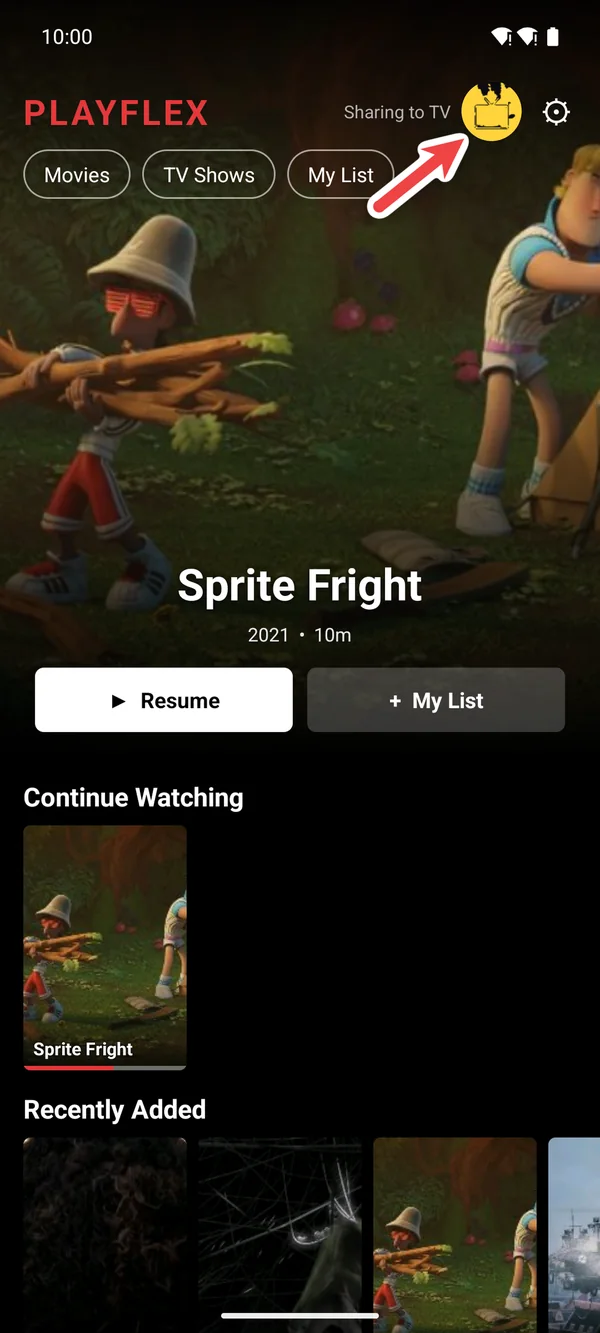
After Play on TV the remote opens by itself. To get back to it later, tap 📺 at the top of the home screen.
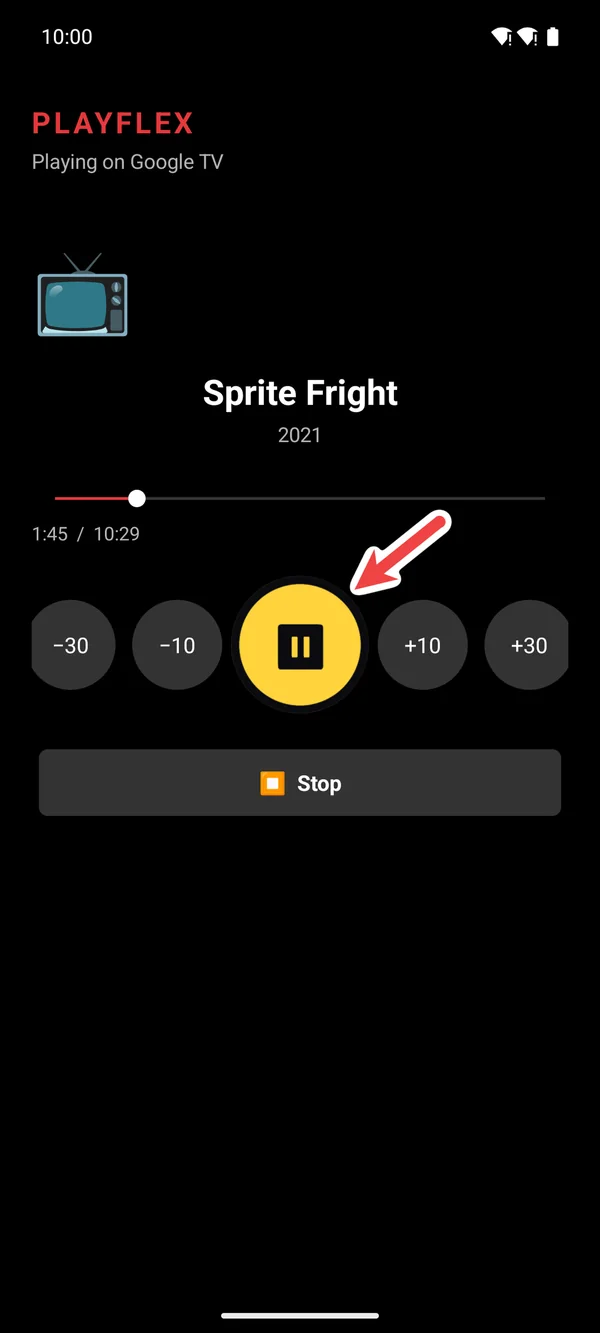
Pause and play
Tap the big button in the middle to pause. Tap it again to play.
Skip 10 or 30 seconds
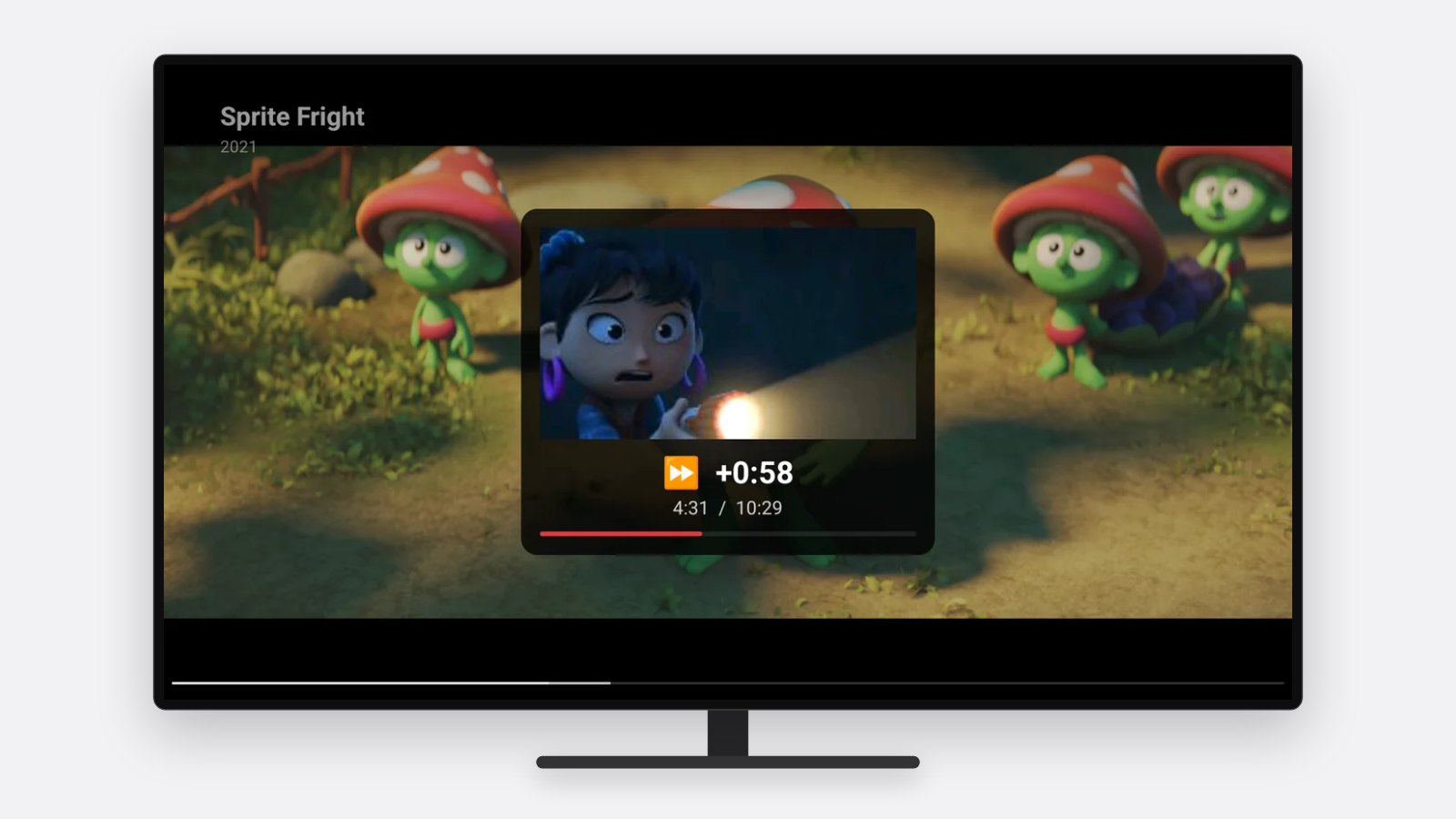
Tap +10 or +30 to skip ahead, −10 or −30 to go back. The TV shows where you are.
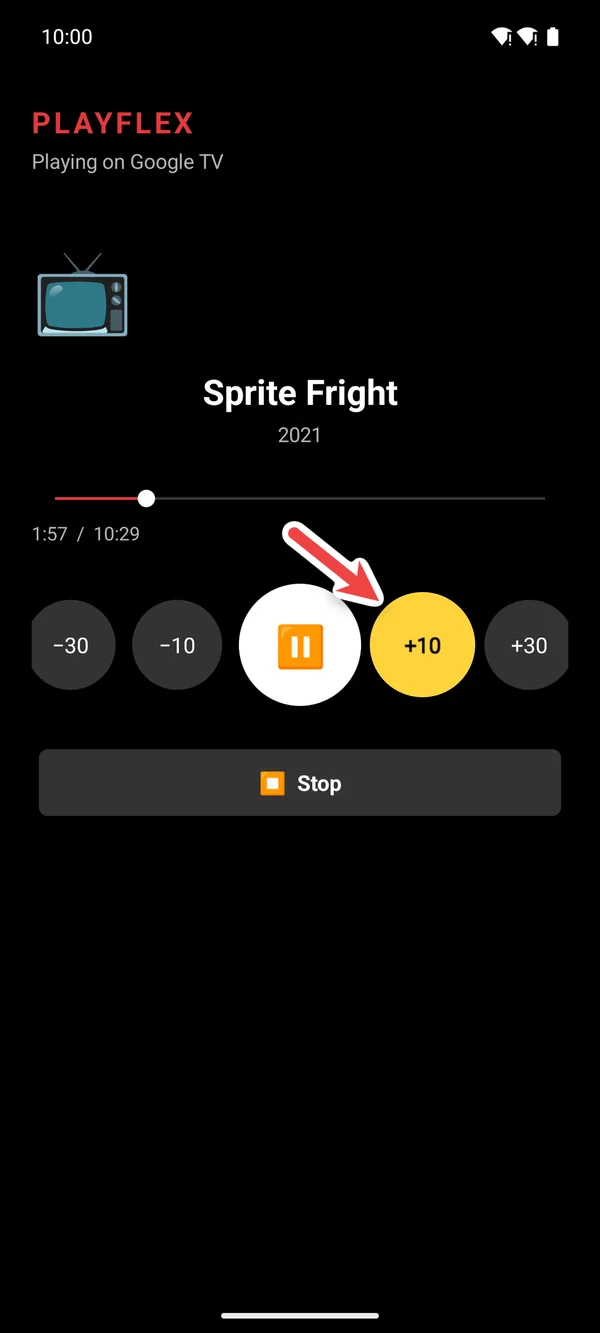
1Tap +10 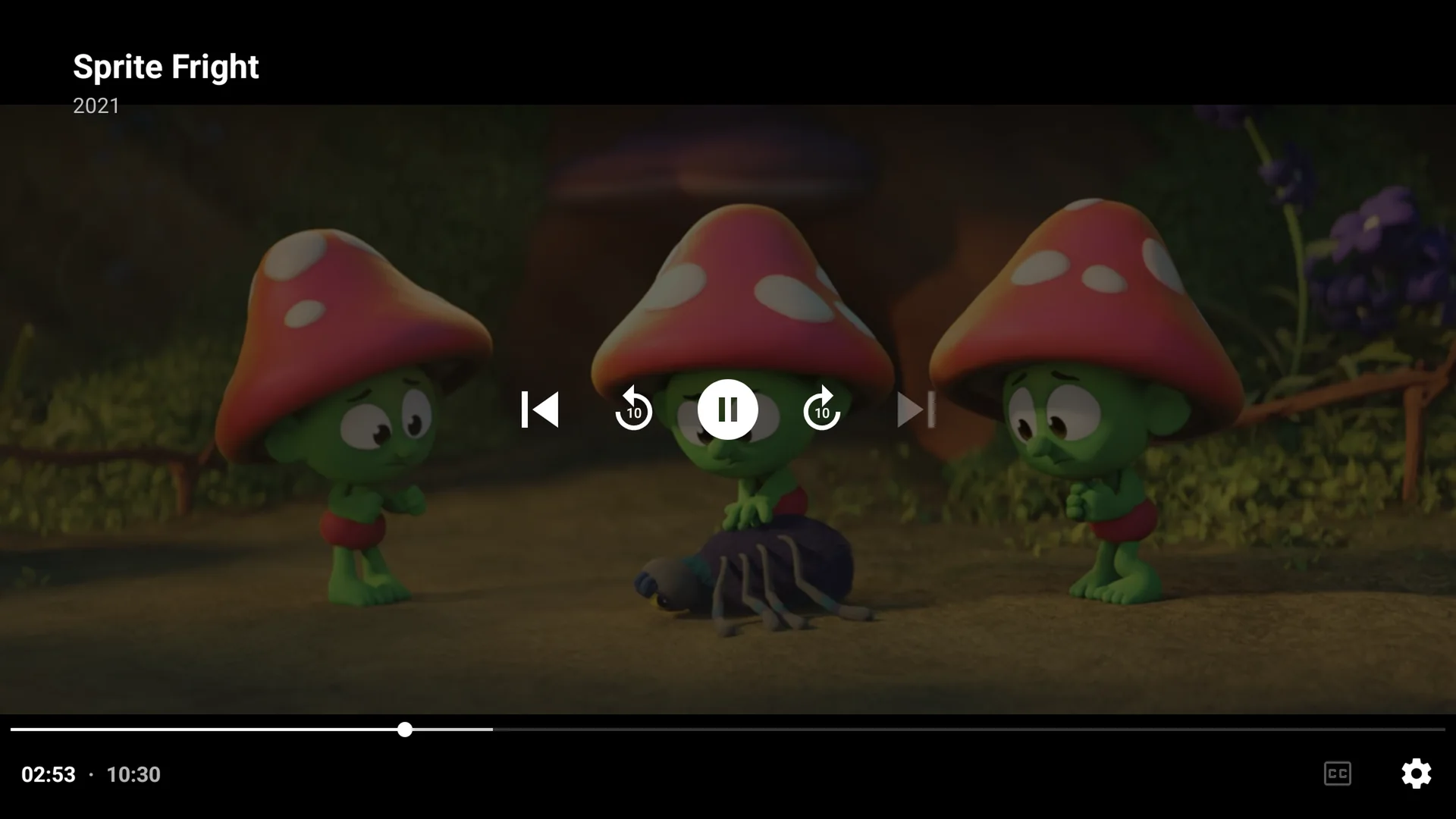
2The TV jumps ahead Jump to any point
Drag the bar to go anywhere in the movie.
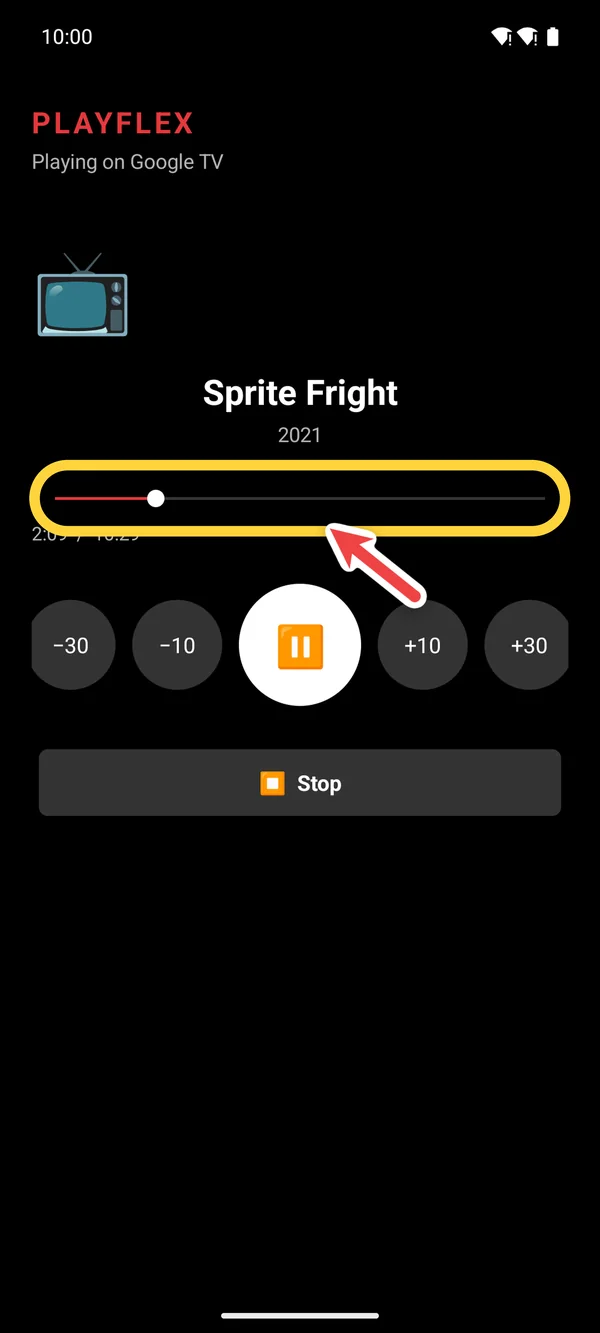
Stop
Tap Stop when you're done. PlayFlex remembers where you stopped, on the phone and the TV.
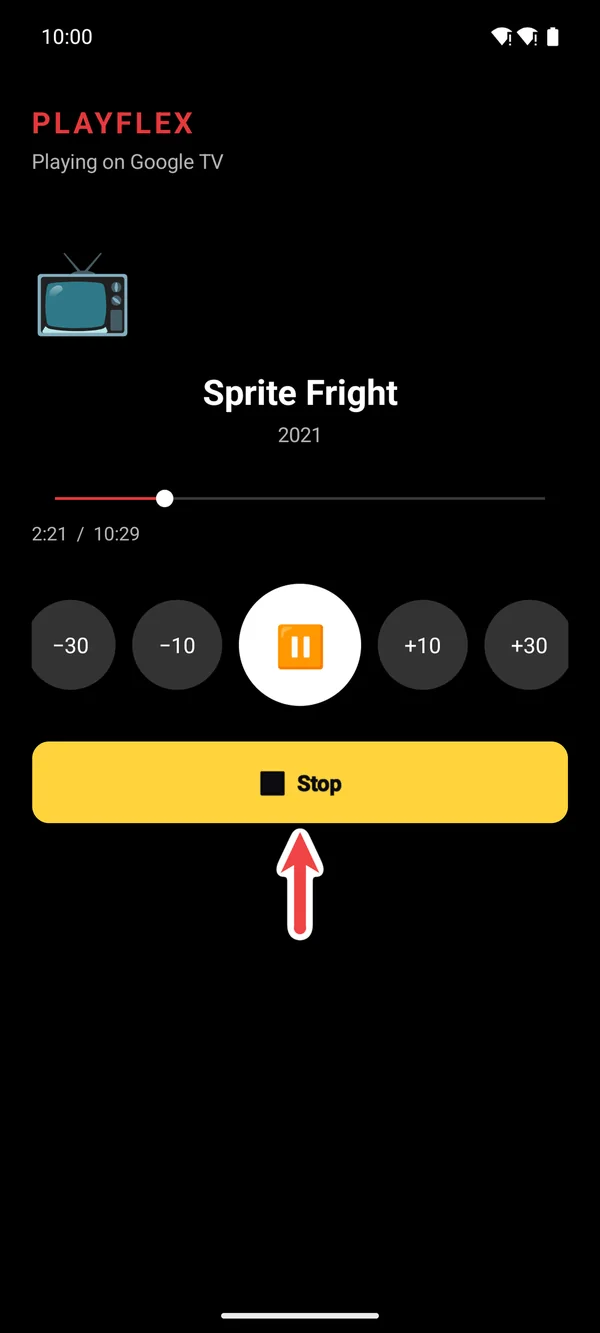
Questions
Does the TV remote still work?
Yes. Use whichever is closer.
Can I skip to the next episode?
Yes. With a TV show, the remote has a next episode button and the next one plays by itself.
Next: How to skip forward and back in PlayFlex with your TV remote
Before this: How to play a movie from your phone on your TV with PlayFlex
Don't have PlayFlex yet? Get the free apps.