How to play a movie from your phone on your TV with PlayFlex
1 min · On your phone and TV · Updated
This is the main thing PlayFlex does. Two taps on the phone and the movie starts on the TV, even if PlayFlex isn't open there.
You need
- PlayFlex set up on the phone and the TV
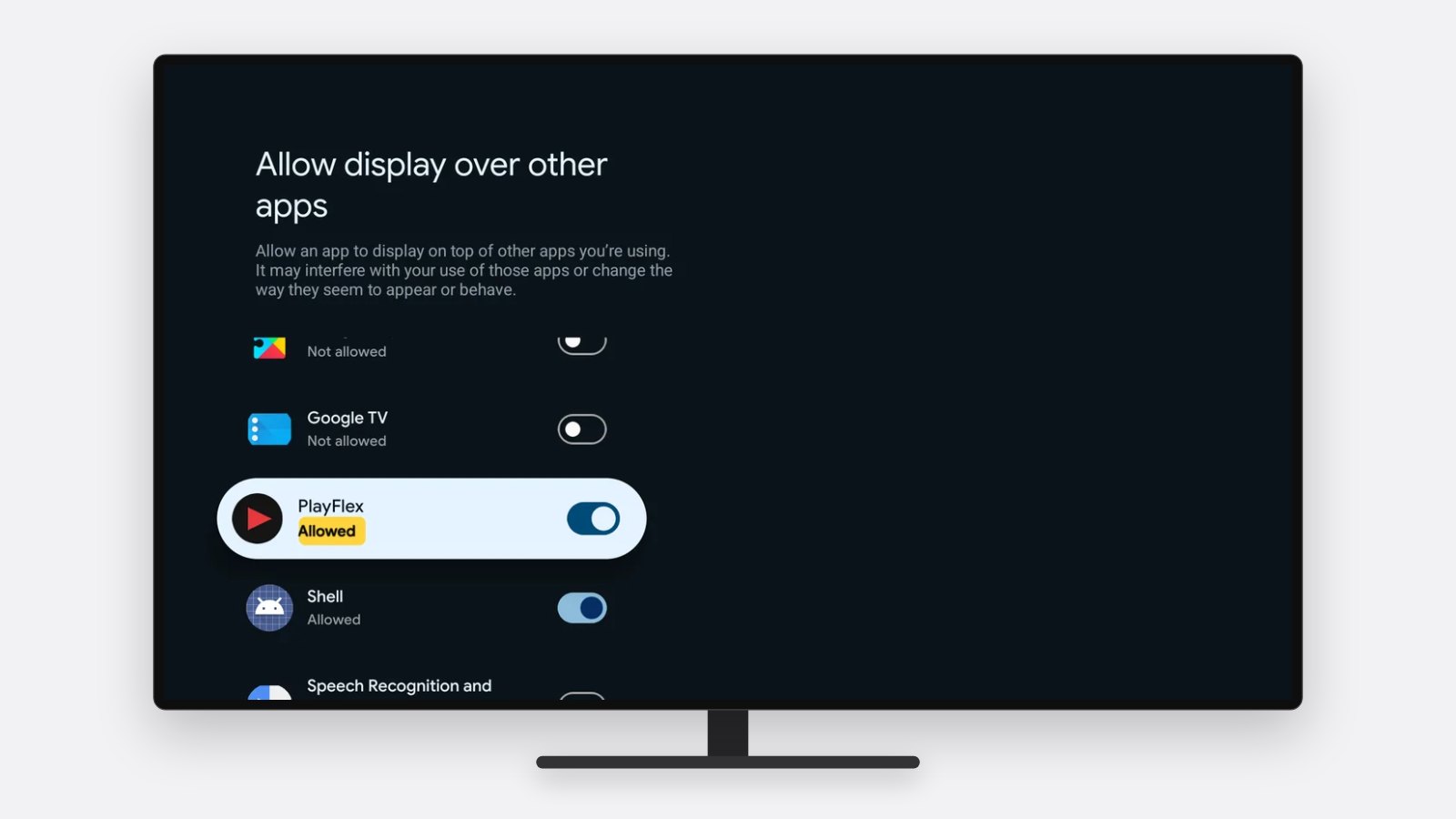
- Display over other apps allowed on the TV (how)
- Both on the same Wi-Fi
Steps
Pick a movie
Open PlayFlex on your phone and tap the movie you want.
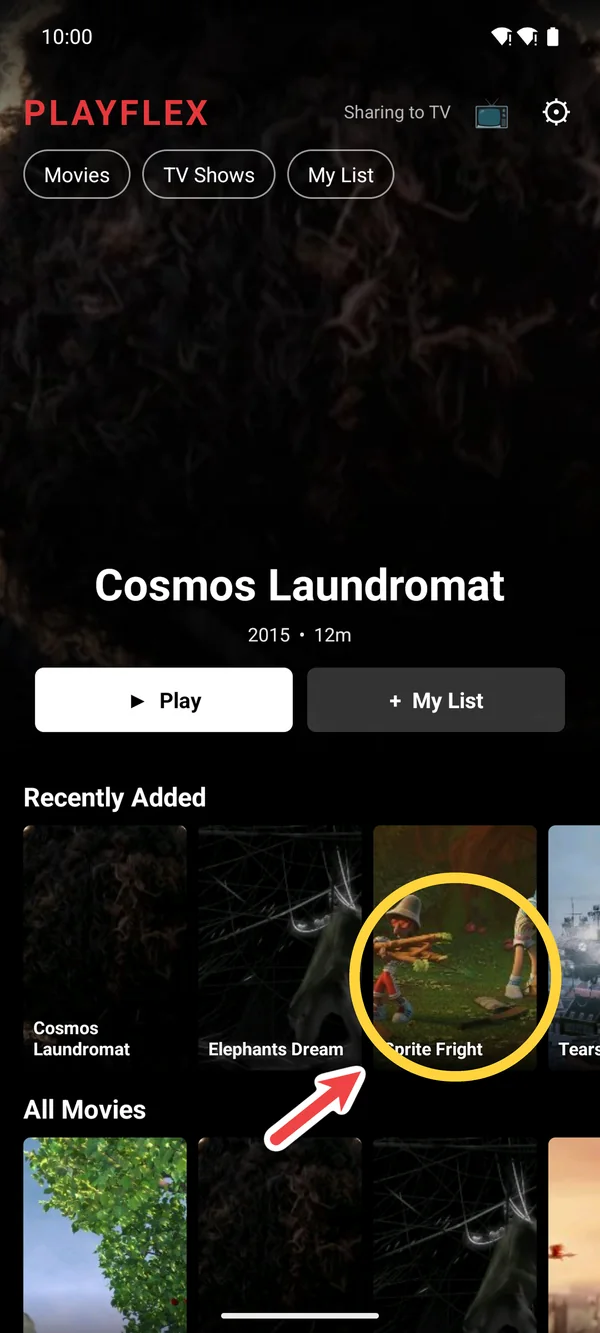
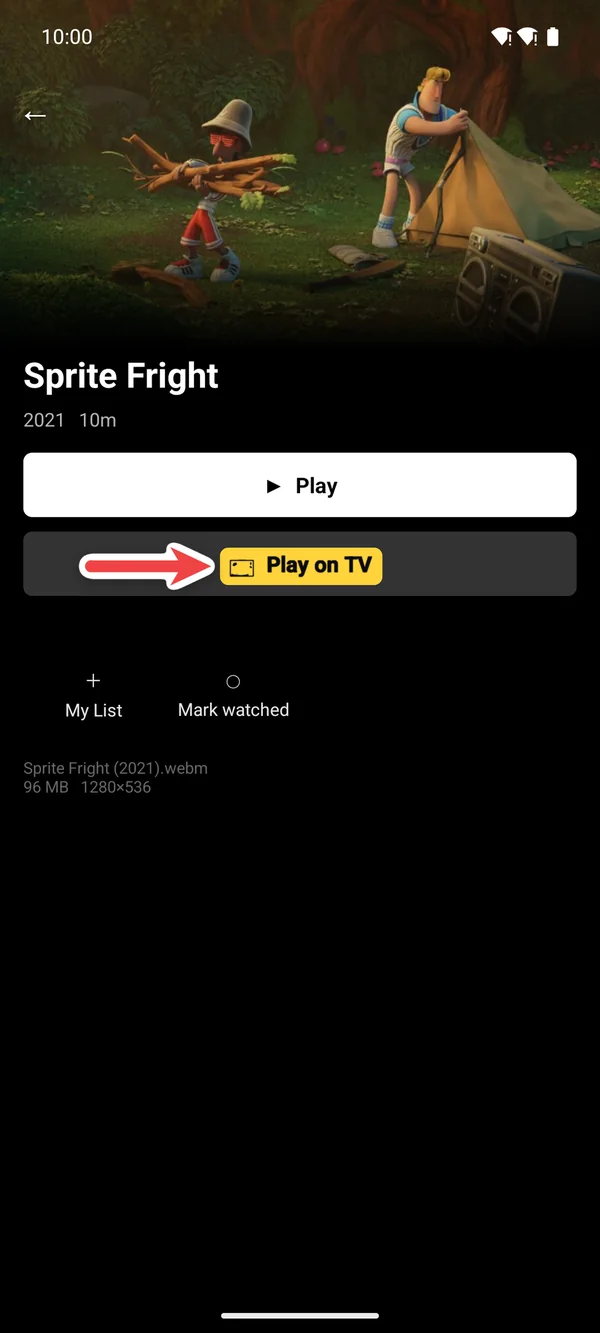
Tap Play on TV
Tap 📺 Play on TV. It says Finding your TV… for a moment.
Watch it on the TV
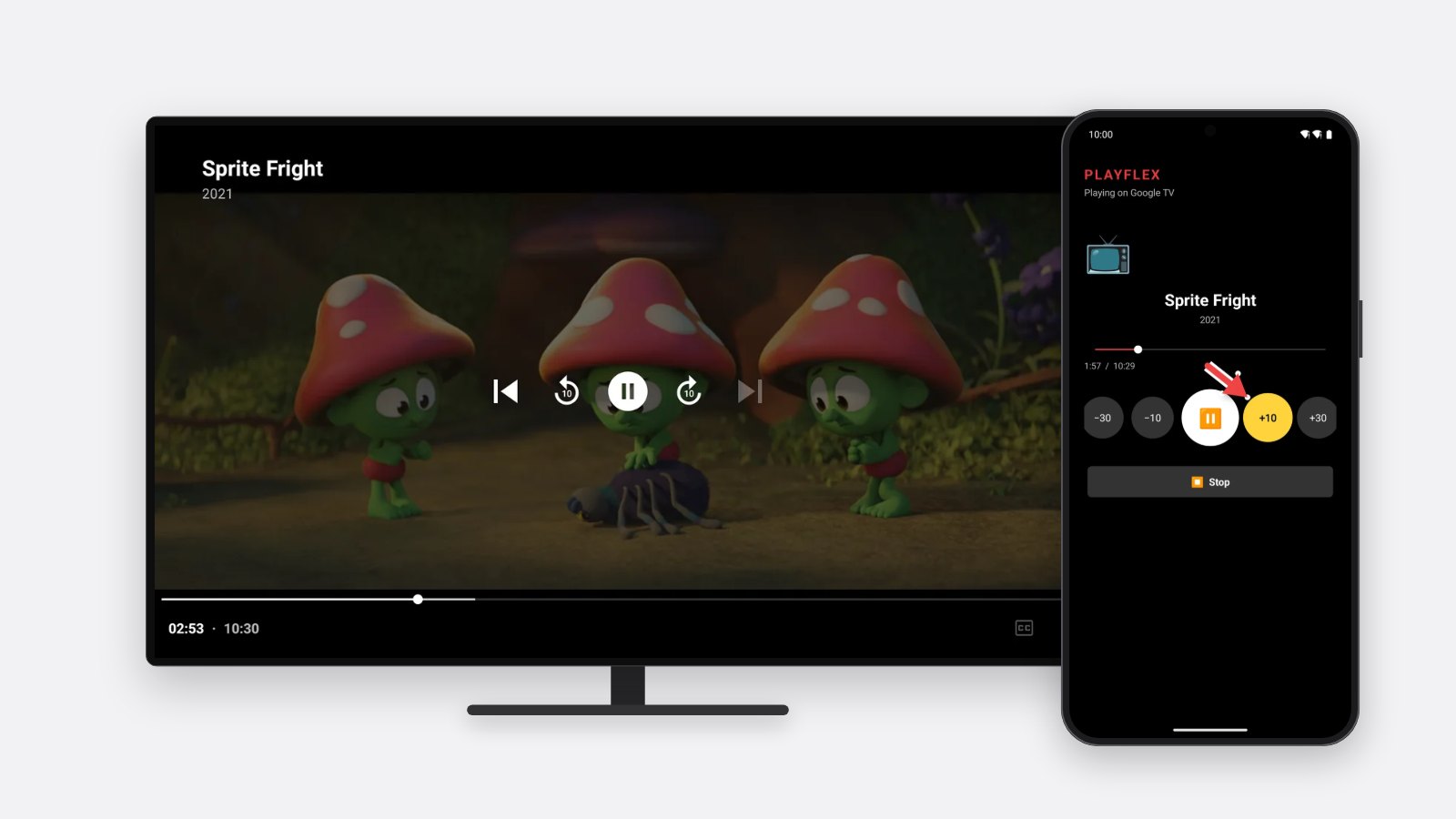
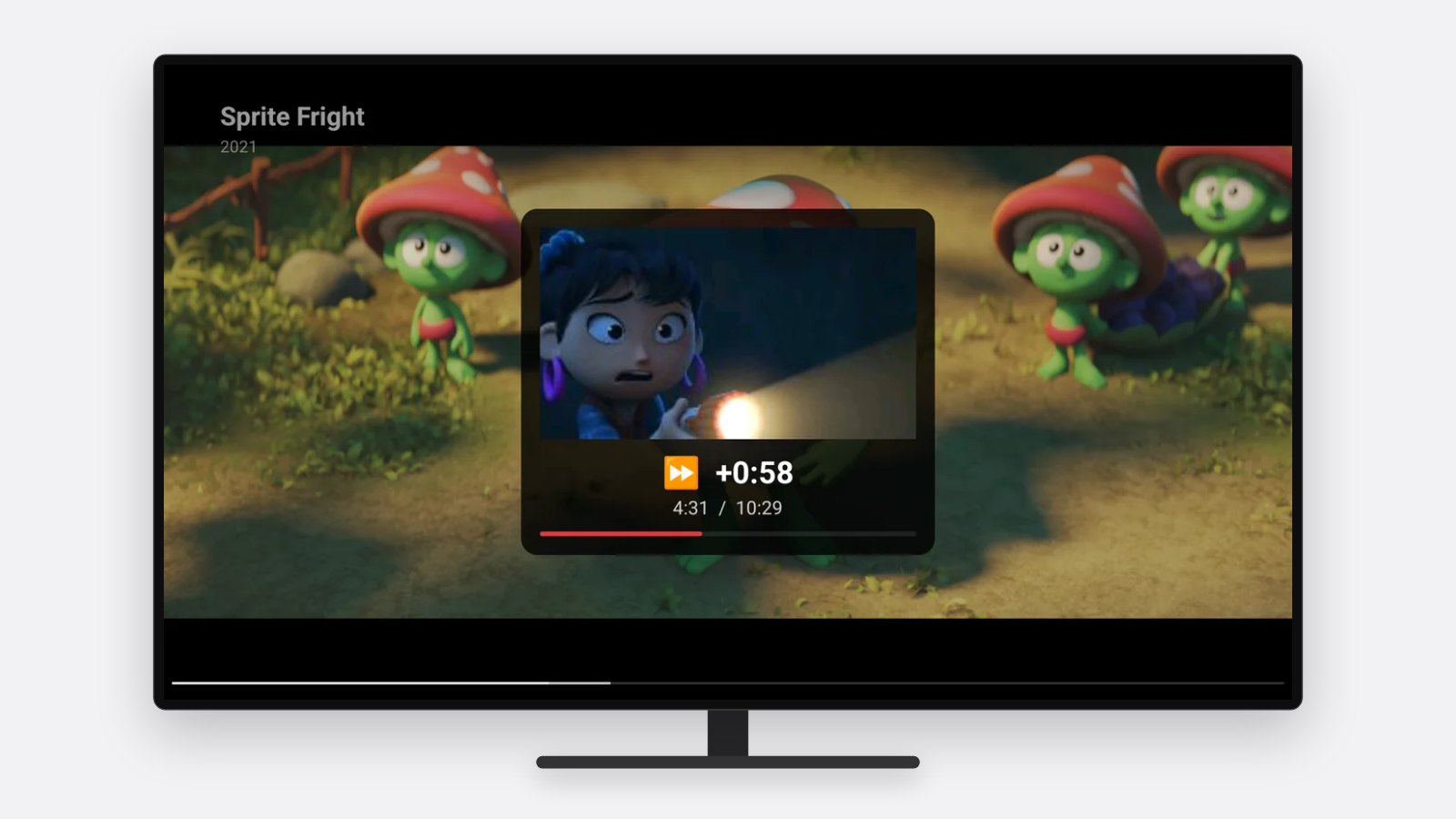
The movie starts on the TV and your phone turns into the remote. See what the remote does.
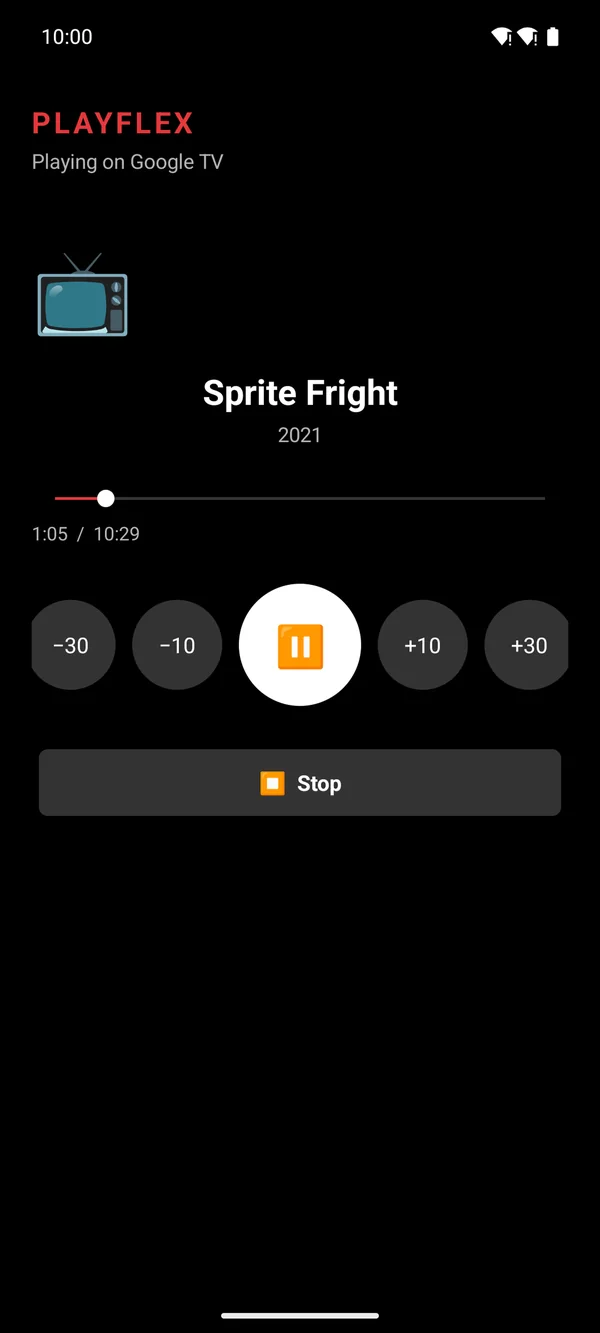
1Your phone is the remote 
2The movie plays on the TV
If something doesn't work
- Nothing happens on the TV
- Allow Display over other apps for PlayFlex on the TV, or open PlayFlex on the TV first.
- It says it can't find your TV
- Turn the TV on and check it's on the same Wi-Fi as the phone.
- The movie won't play
- The TV plays the original file, so it needs to support its format. Most MKV and MP4 movies are fine.
Questions
Does PlayFlex need to be open on the TV?
No, once you've allowed Display over other apps. The TV starts it by itself.
Is the picture quality lower?
No. The TV plays the original file. Nothing is re-encoded.
Can I share a video from another app?
Yes. Share any video and pick Play on TV.
Next: How to use your phone as a remote for PlayFlex
Before this: How to connect PlayFlex on your TV to your phone
Don't have PlayFlex yet? Get the free apps.