How to skip forward and back in PlayFlex with your TV remote
1 min · On your TV · Updated
You don't need to open any menu to move around a movie. These work while it plays.
You need
- A movie playing in PlayFlex on the TV
Steps
Press Right or Left
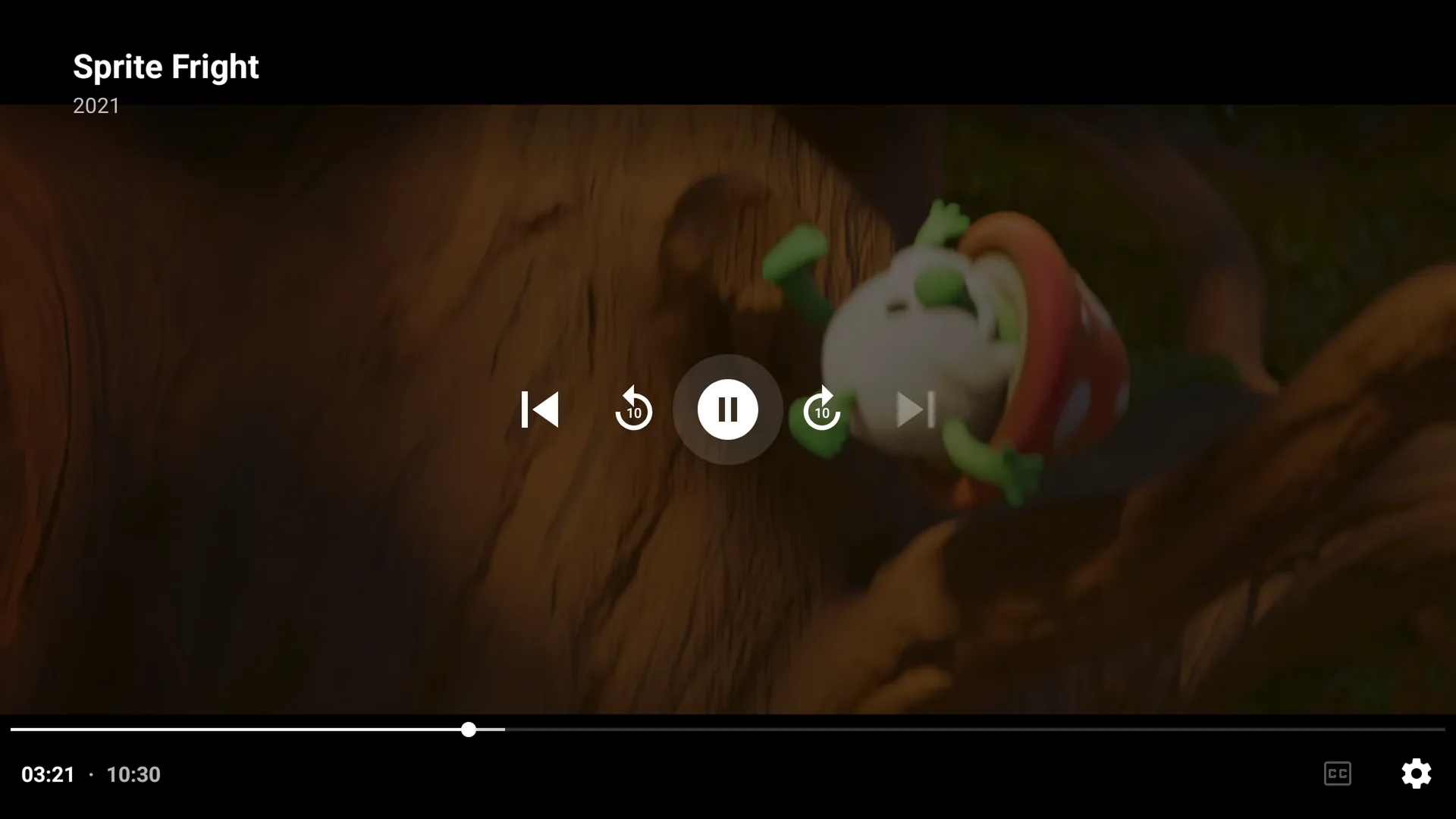
Press Right on the remote to skip 10 seconds ahead, Left to go 10 seconds back.
Hold to skip faster
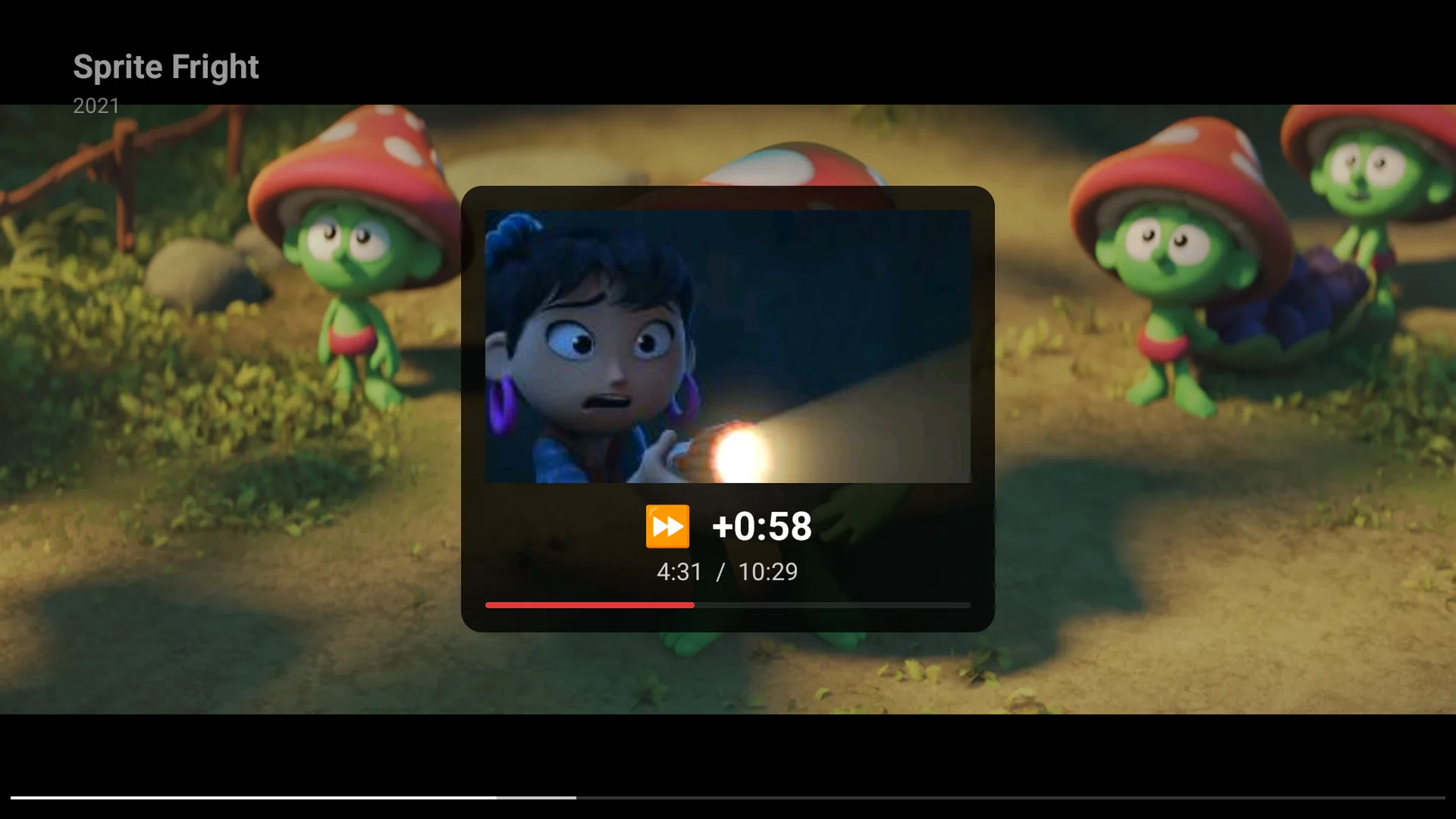
Hold Right (or Left). It speeds up to 30 and then 60 second steps, and a small preview shows the scene you'll land on. Let go to jump there.
Jump with the number keys
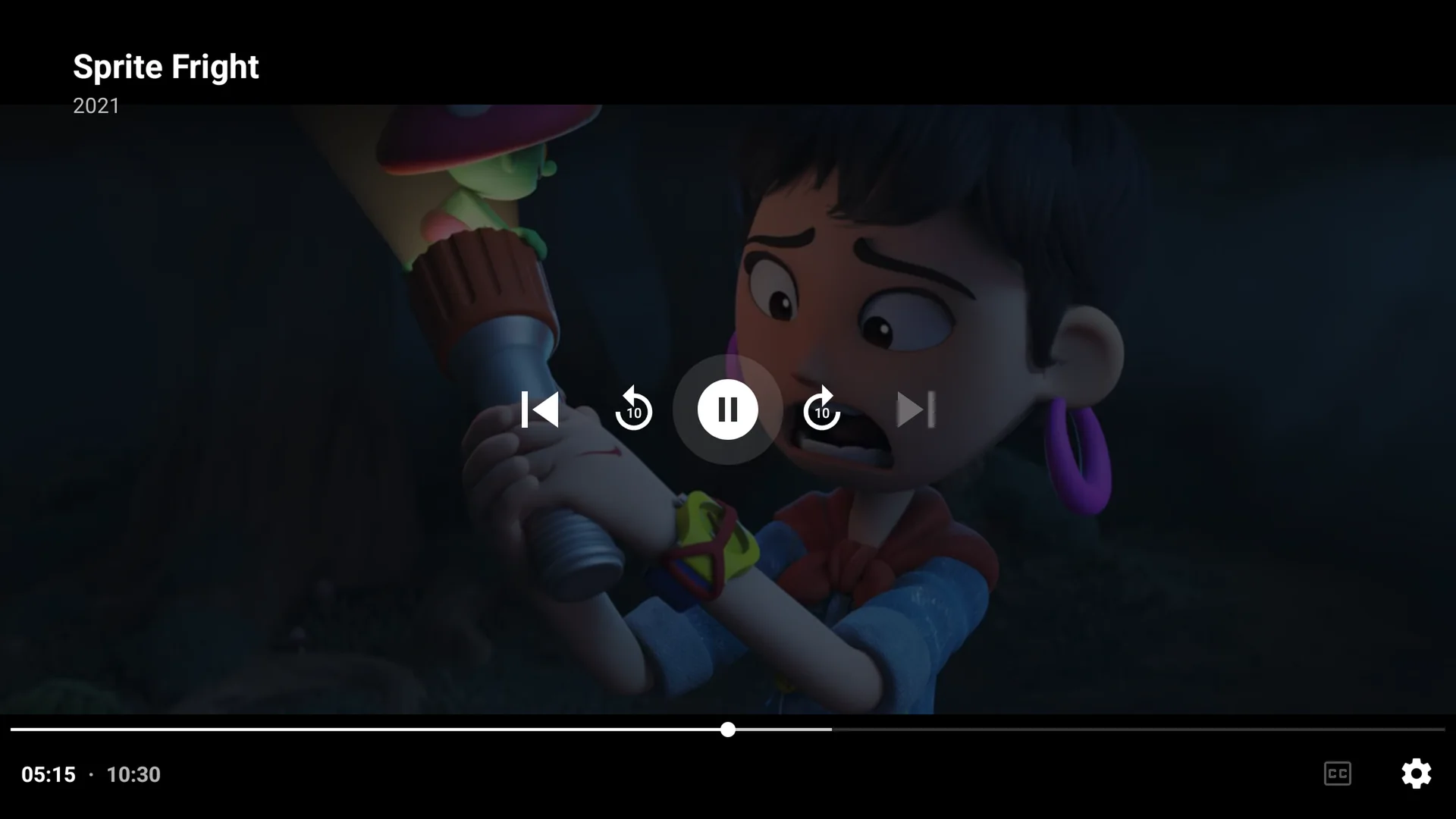
On a remote with numbers, press 1 to 9 to jump to 10% to 90% of the movie. 0 goes back to the start. Here, 5 jumped to the middle.
Questions
My remote has no number keys. What now?
Hold Right to skip fast, or drag the bar on your phone's remote.
Do the ⏪ ⏩ keys work?
Yes. They skip 30 seconds.
Next: How to let PlayFlex start movies on your TV from your phone
Before this: How to use your phone as a remote for PlayFlex
Don't have PlayFlex yet? Get the free apps.