
Netflix Icons and Symbols Explained
Netflix is where most of us end up after a long day, whether it’s a new movie, a show everyone is talking about, or something we have already watched three times. The app has changed a lot lately, with Clips, a My Netflix tab and Smart Downloads, and most of these features only show up as small icons.
In this guide, you will learn what every icon in the latest Netflix app means, screen by screen. And this is an interactive guide. You can tap on every icon on the screens below to know what it does.
Home
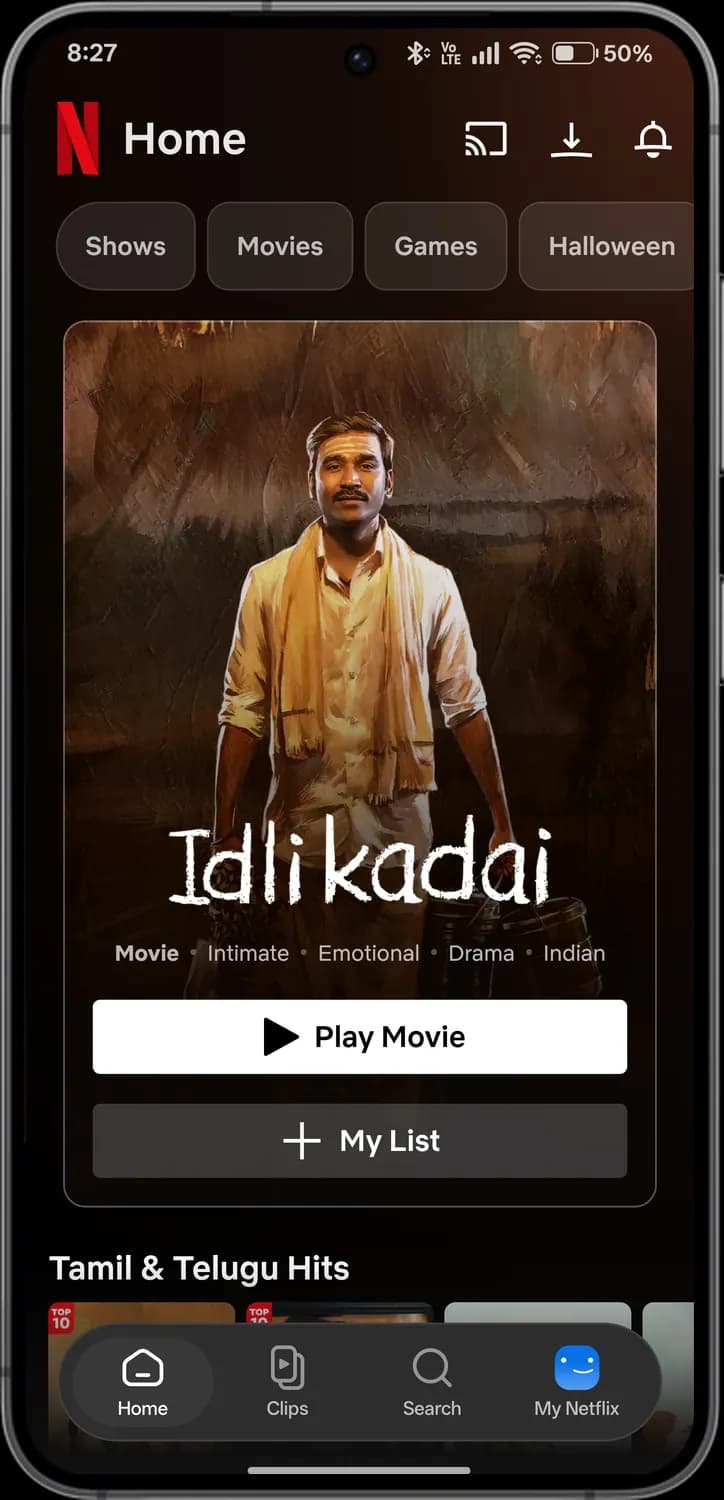
Netflix opens on Home, with a big featured title on top and rows of shows below. The bar at the bottom switches between the app's four tabs.
Top bar
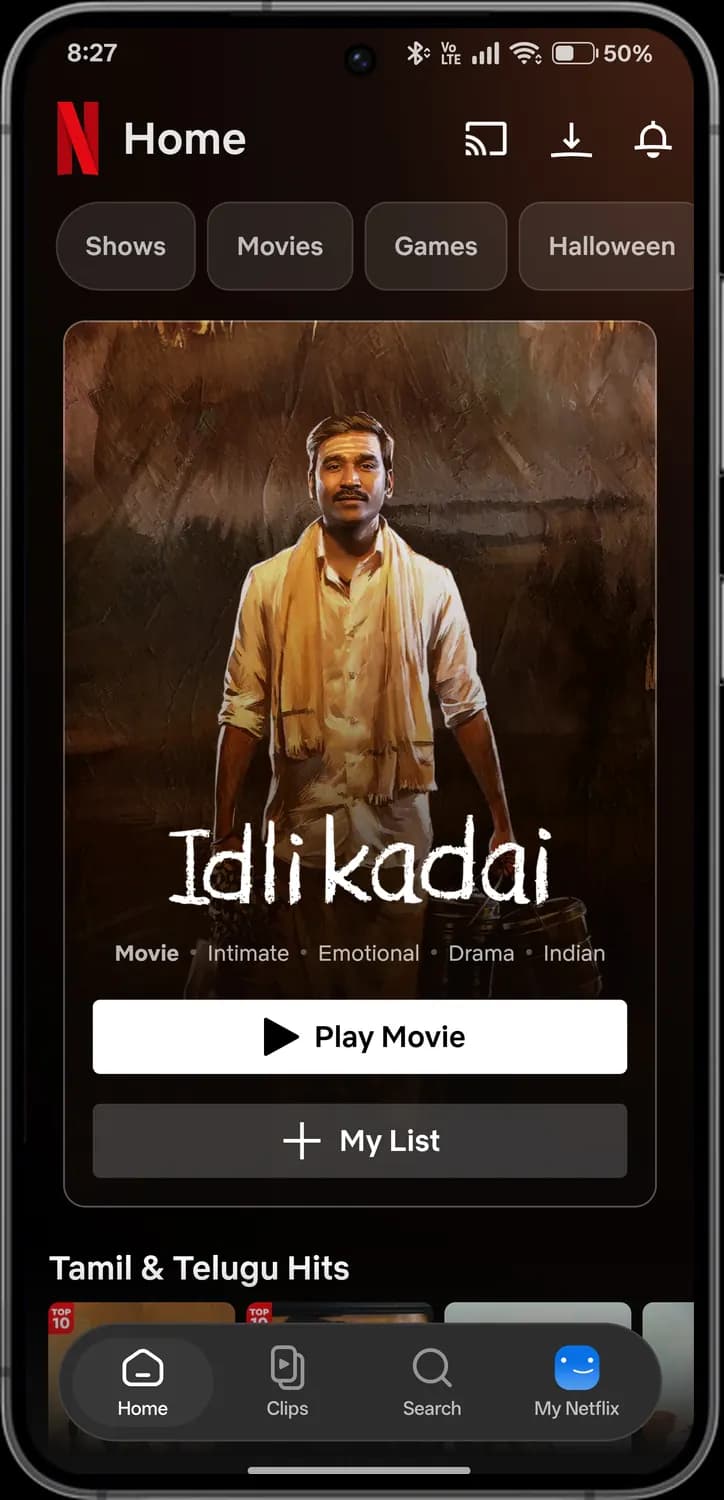

Netflix
Tap the N logo to jump back to the top of Home.
Cast
Play Netflix on your TV or a Chromecast on the same Wi-Fi.
Downloads
Everything you have saved to watch offline.

Notifications
New seasons, reminders and titles coming soon.
Categories and featured title
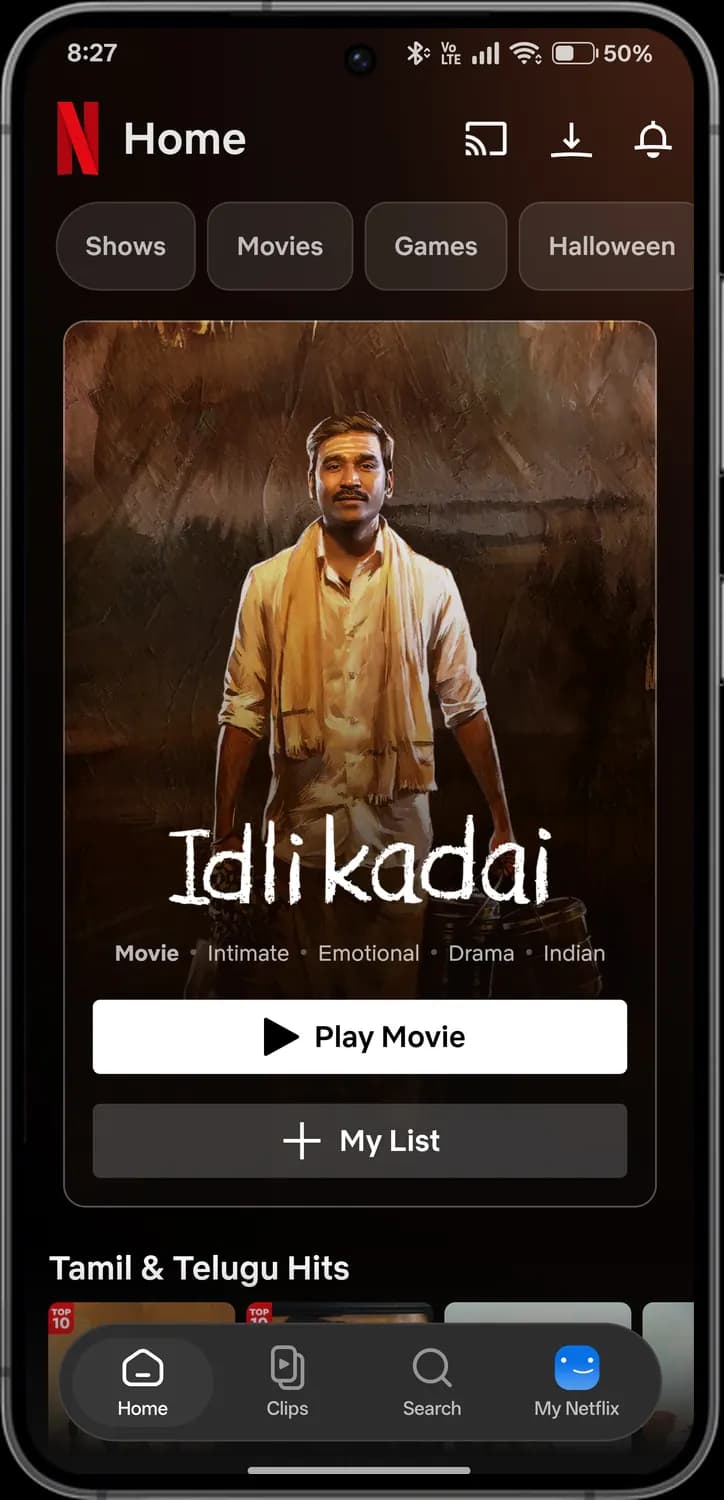
Shows
Show only TV series on Home.
Movies
Show only movies on Home.
Games
Netflix games you can play on your phone, included with your plan.
Seasonal category
A limited-time collection, like Halloween picks.

Tags
The type and mood of the featured title.

Play
Start the featured title right away.

My List
Save the title to watch later. It shows up under My Netflix.
Tab bar
Home tab
Back to the main feed.
Clips tab
Short vertical clips from shows and movies, one after another.
Search tab
Search for shows, movies, games and people.
My Netflix tab
Your profile, downloads, Continue Watching and My List.
Rows of shows
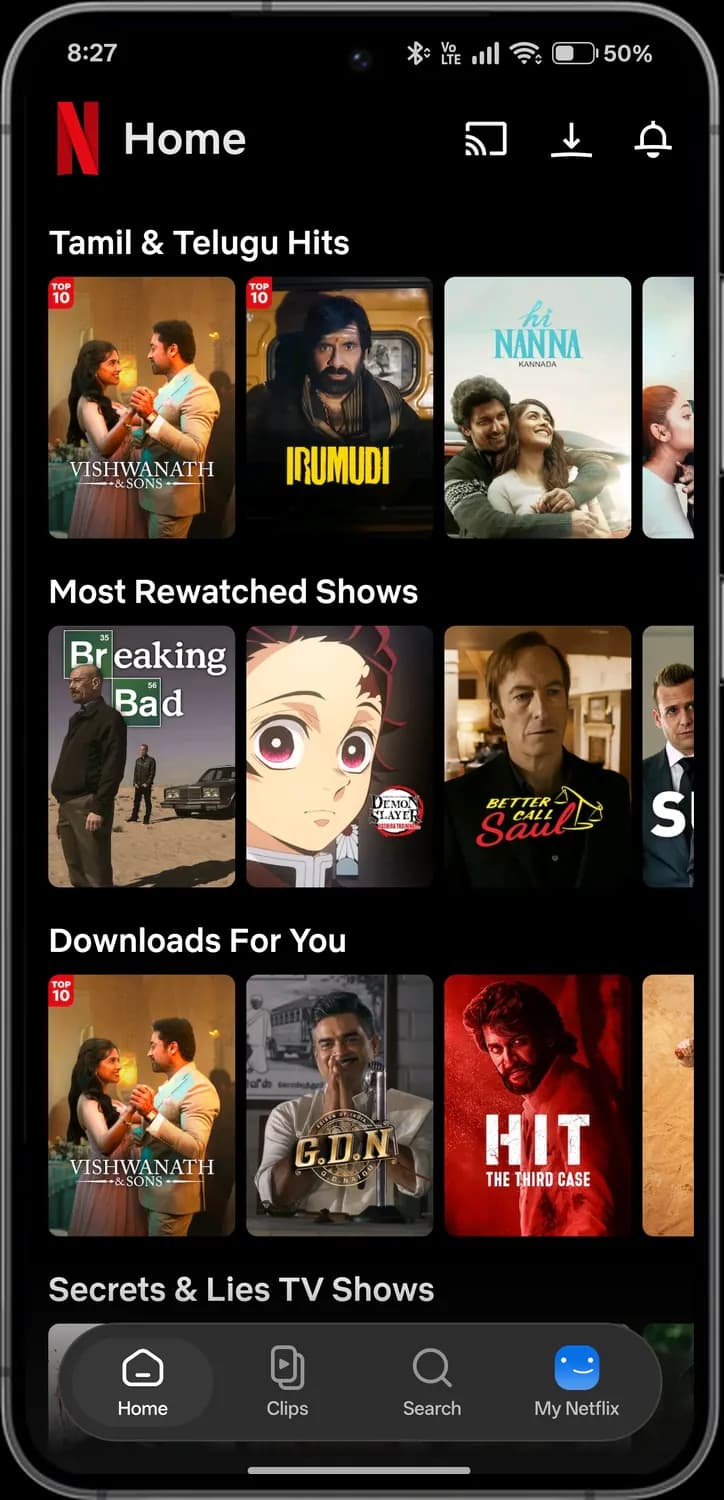

Row
A collection, like hits in your language or most rewatched shows.

Top 10
The title is in today's Top 10 in your country.

Title
Tap a poster to open its page.

More in the row
Swipe the row sideways to see more titles.
Notifications
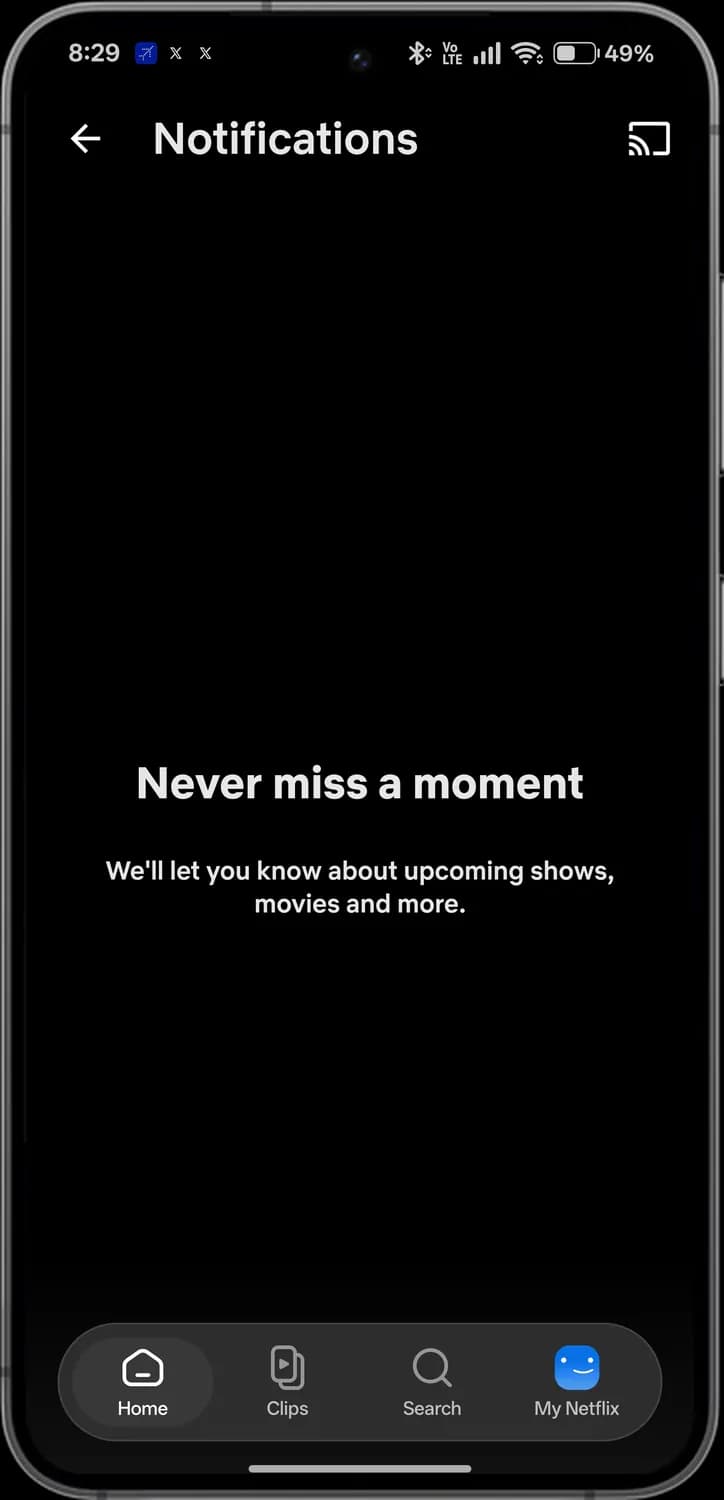

Back
Go back to the previous screen.

Cast from notifications
Cast to your TV from here too.
Clips
Clips plays short vertical scenes from shows and movies. Swipe up for the next clip, and tap the screen to pause.
Side buttons
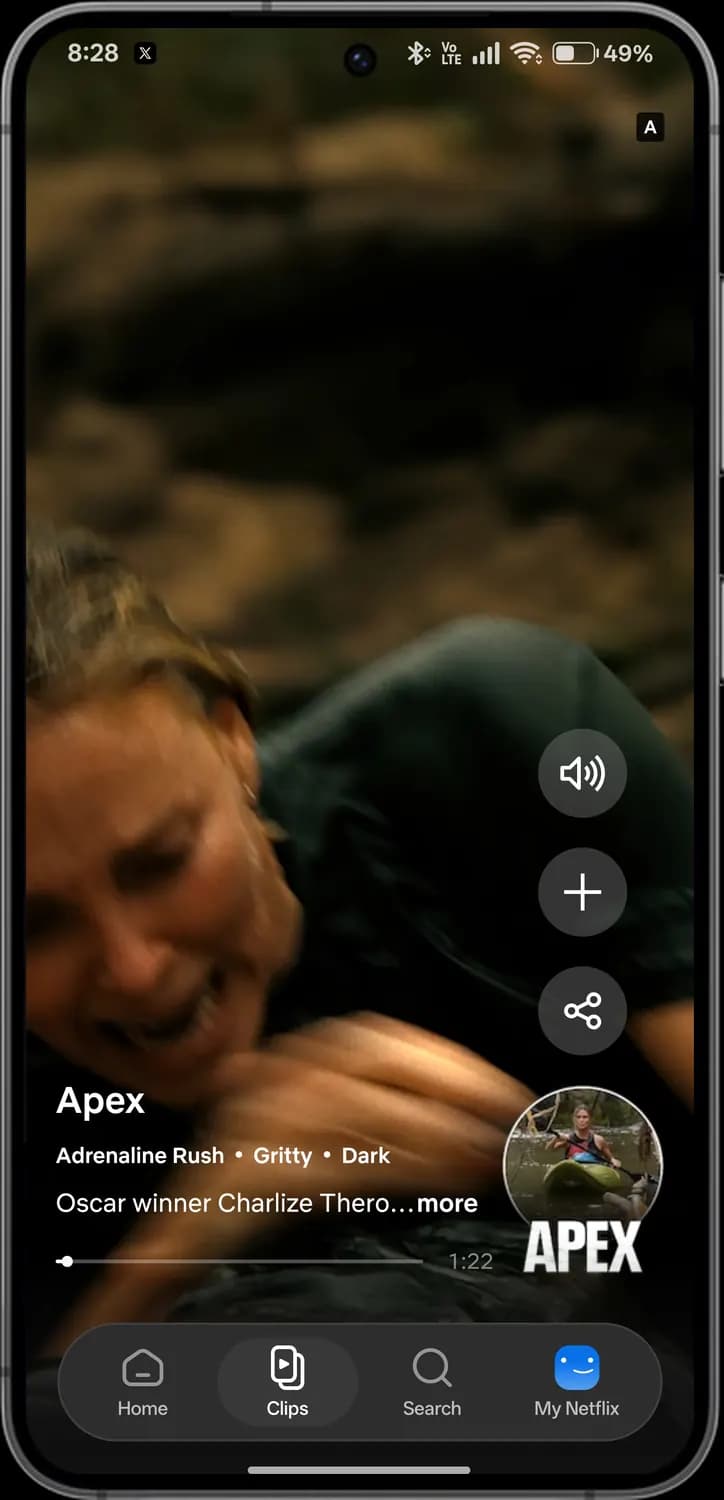

Maturity rating
Who the title is suitable for. A means adults only.
Sound
Turn the clip's sound on or off.
Add to My List
Save the full title to watch later.
Share
Send the title to a friend.

Open title
Tap the round poster to open the full title's page.
Clip details
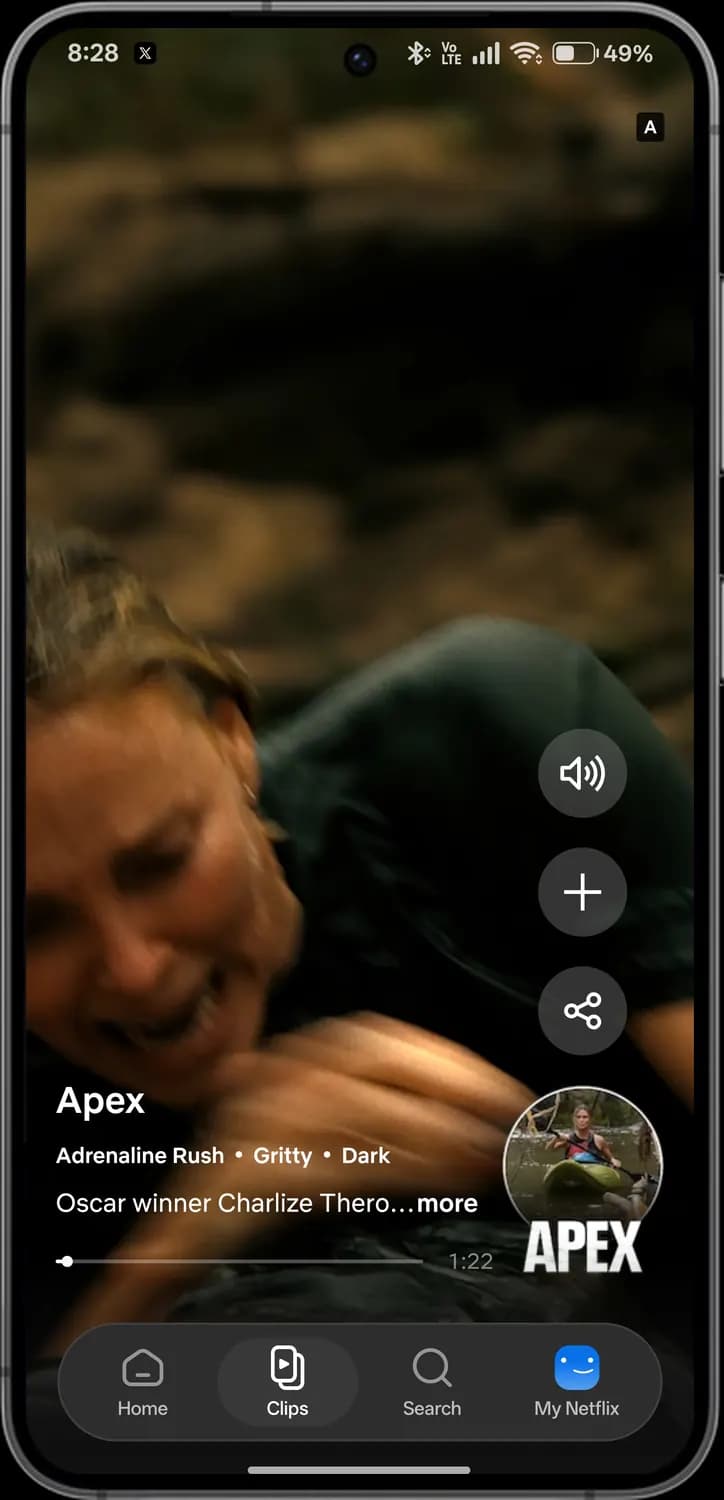

Title name
The show or movie the clip is from.

Mood tags
What the title feels like.

More
Read the full description.
Clip progress
How far into the clip you are. Drag the dot to skip.
Time left
How long the clip has left.
Paused
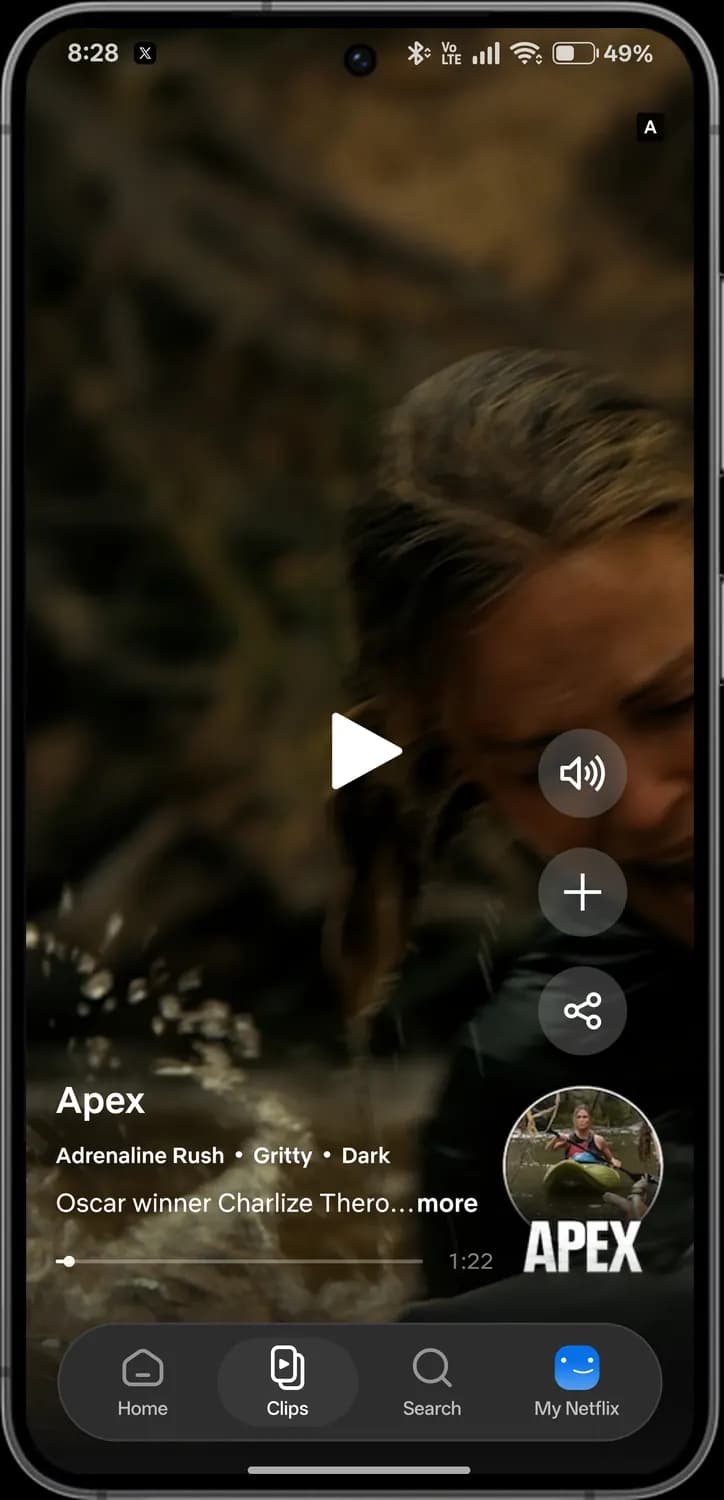

Paused
Tap the screen to pause, and tap again to play.
Search
Search finds shows, movies and games. Before you type, it suggests titles you might like. The suggestions are blurred here.
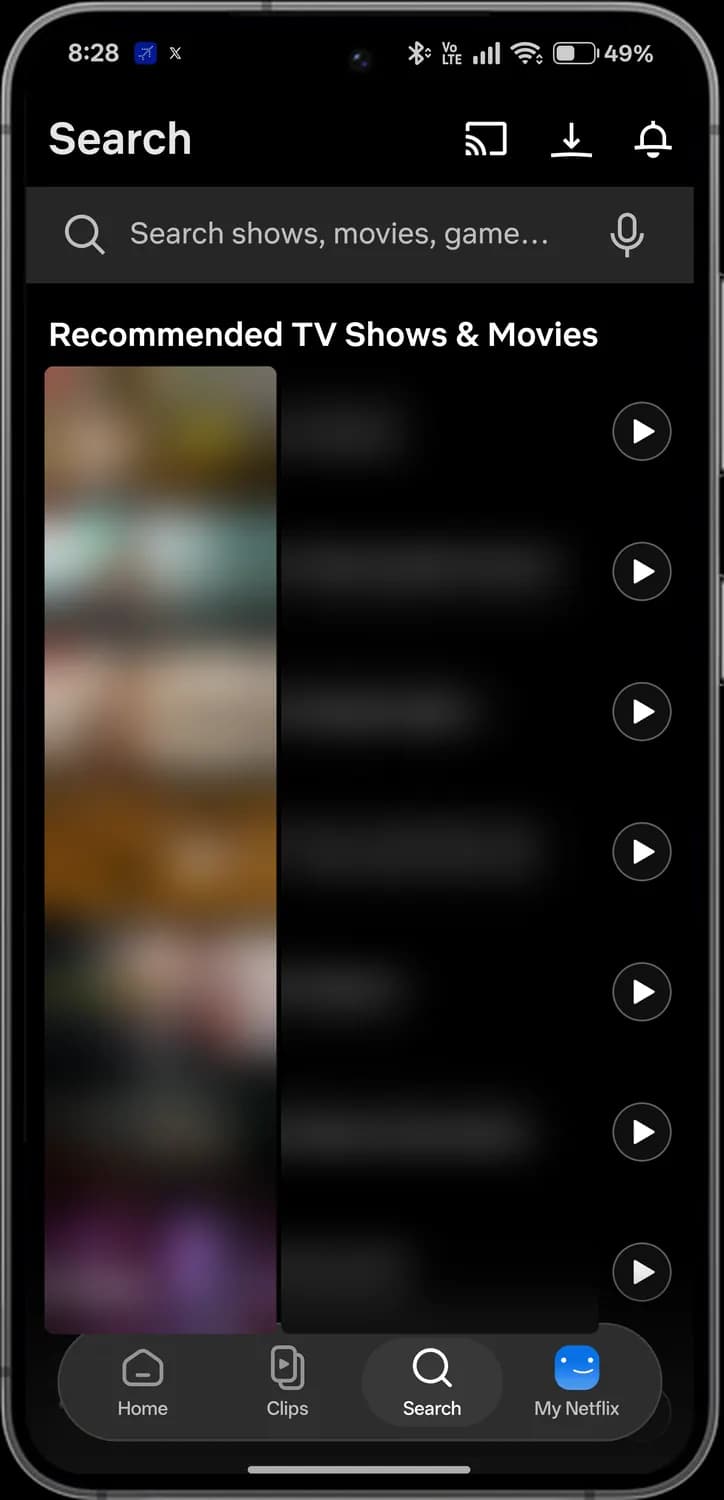

Search box
Type a title, genre, actor or game.

Voice search
Say what you want to watch instead of typing.

Suggested title
Tap the row to open the title's page.

Play now
Start the title without opening its page.
Title page
Tap any poster to open its page, with a preview on top, the play and download buttons, and more like it below.
Preview
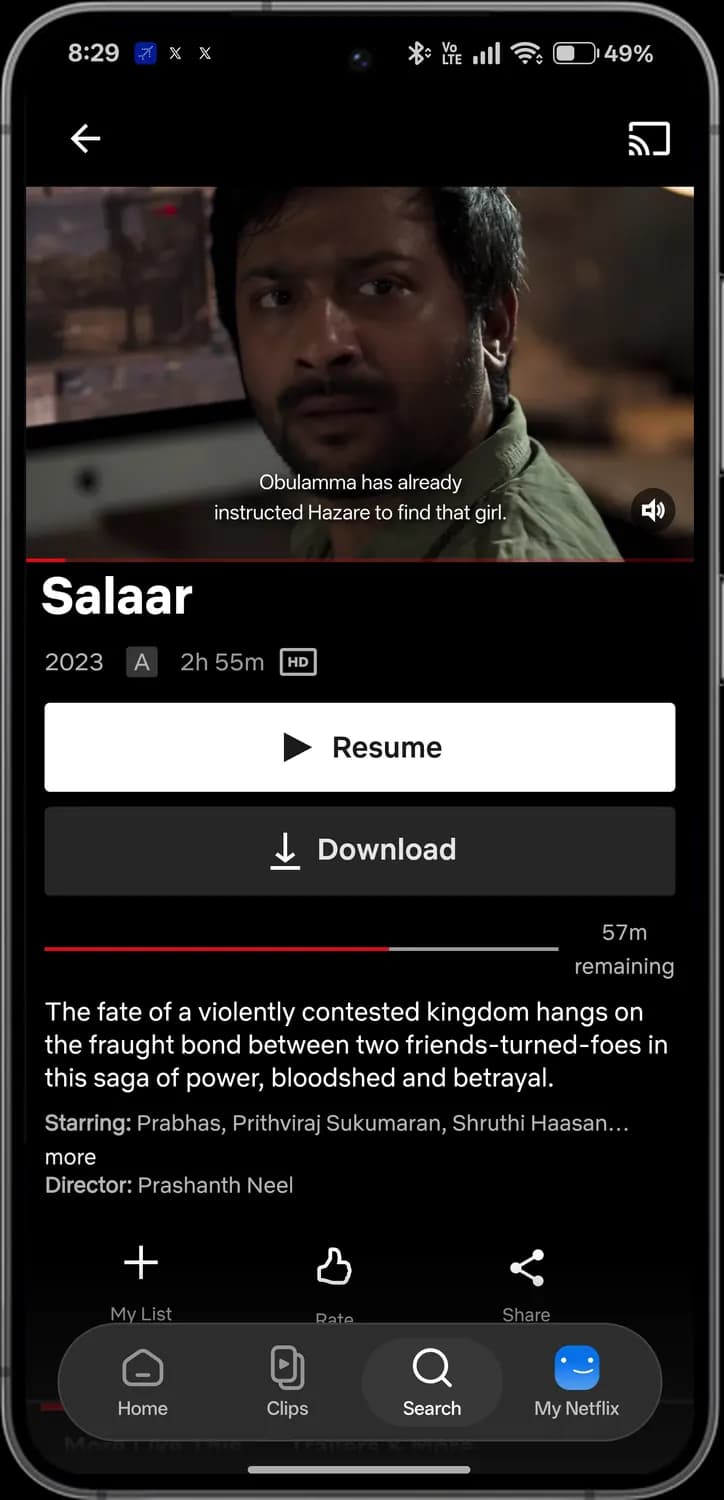

Back
Go back to where you were.

Cast
Play the title on your TV.
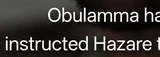
Subtitles
The preview shows the subtitles you have turned on.
Preview sound
Mute or unmute the preview.
Details and buttons
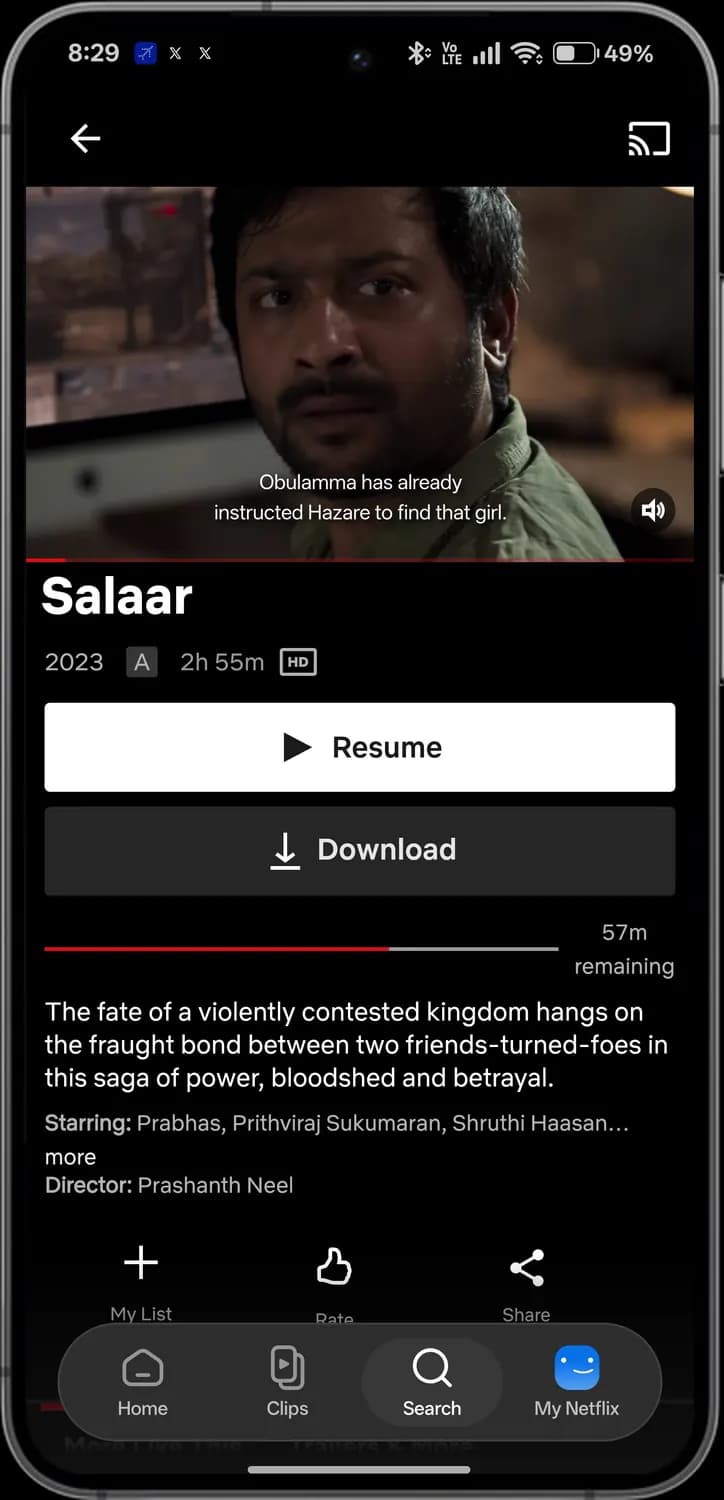
Year
When the title came out.

Age rating
Who it's suitable for. A means adults only.

HD
It plays in high definition on your plan.

Resume
Carry on from where you stopped. New titles say Play.
Download
Save it to your phone to watch offline.
Watch progress
How much you have watched, and the time left.
More like this
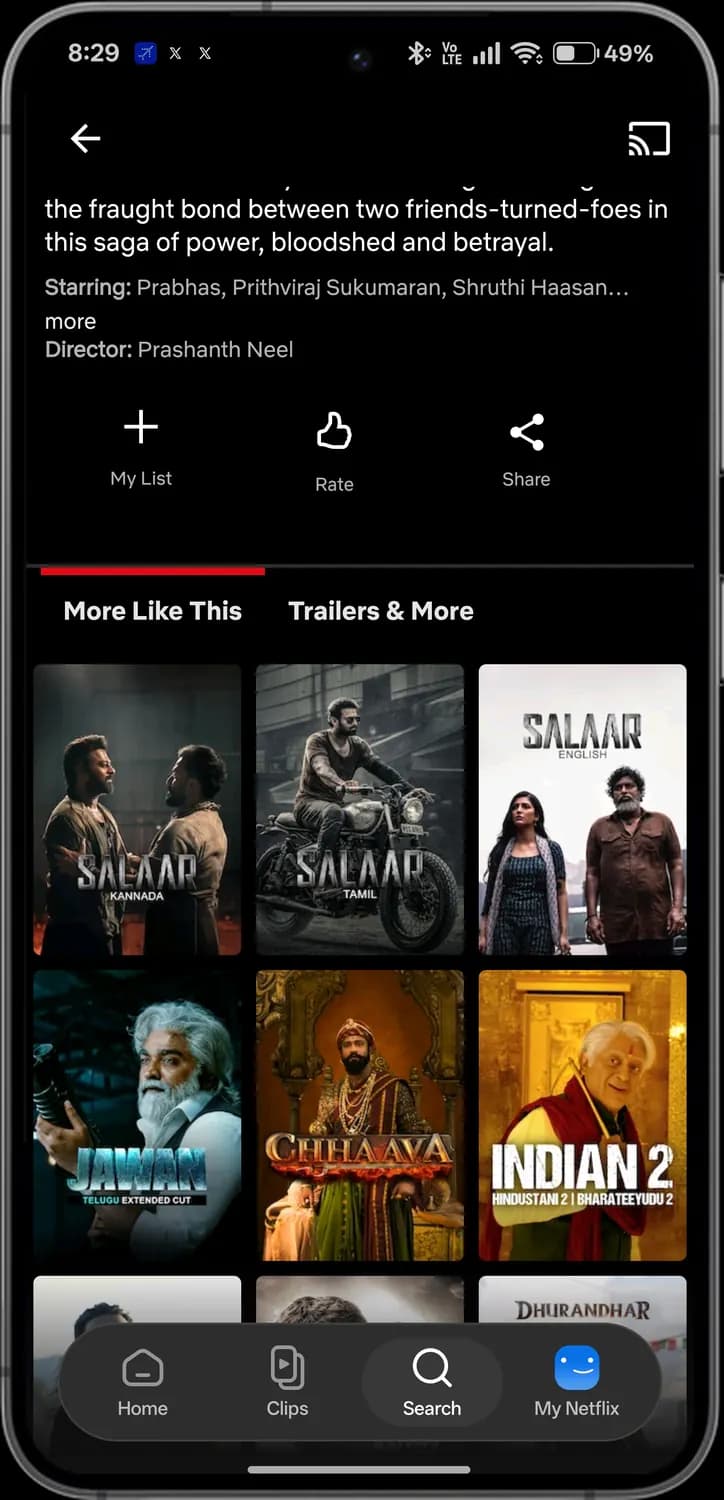

My List
Save it to watch later.

Rate
Thumbs up or down. Netflix uses it to pick what to show you.
Share
Send the title to a friend.

More Like This
Titles similar to this one.

Trailers & More
Trailers and extra videos for this title.

Similar title
Tap to open its page. Some are the same film in another language.
My Netflix
My Netflix is your own space: downloads, what you are watching, your list and your profile. Your profile name, watch history and saved titles are blurred here.
Profile and downloads
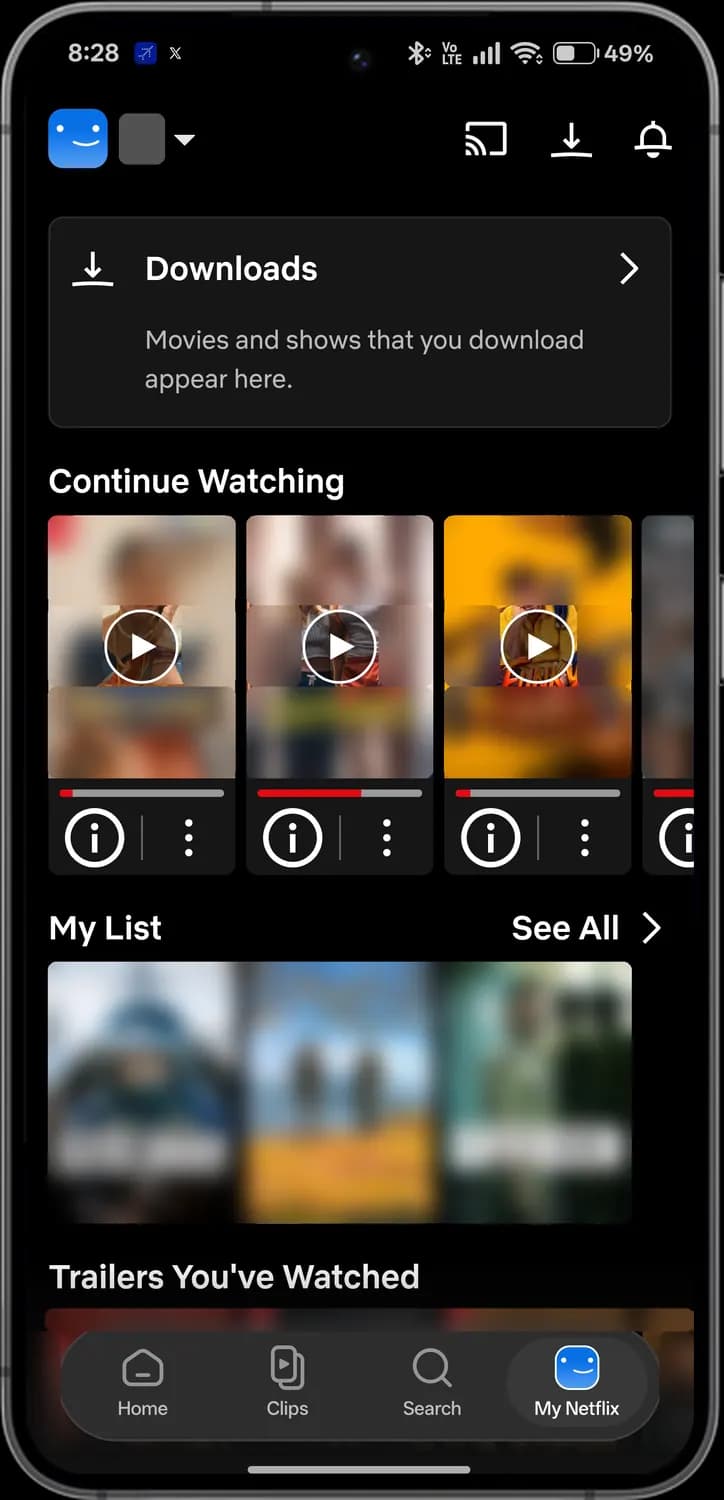

Profile
Tap your picture and name to open the profile menu.
Downloads
Titles saved on this phone.

Open
Opens the full Downloads page.
My Netflix tab
You are here.
Continue Watching and My List
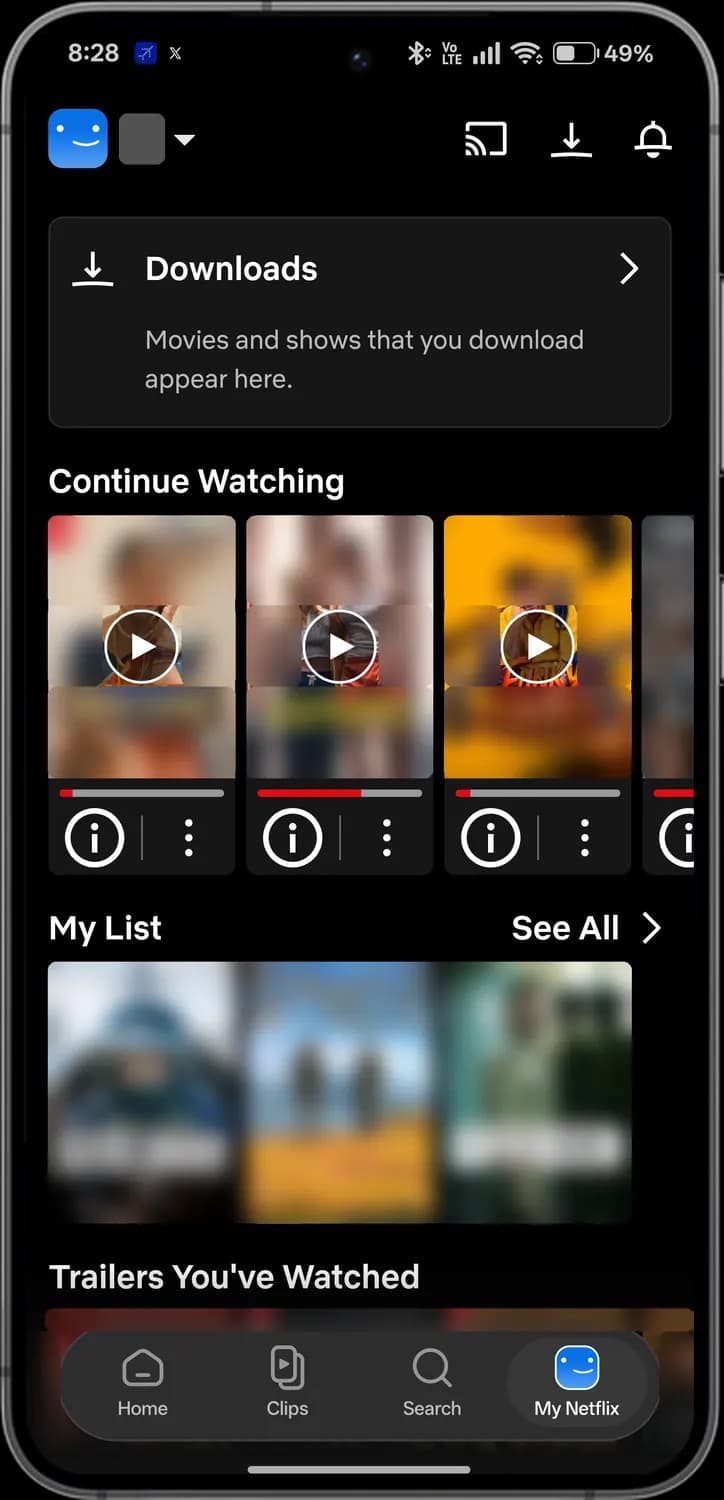

Continue watching
Pick up where you left off.
Progress
How much of the title you have watched.

Details
Episodes, cast and info for the title.

More options
Remove it from Continue Watching, rate it or download it.

See all
Everything in My List.
Profile menu
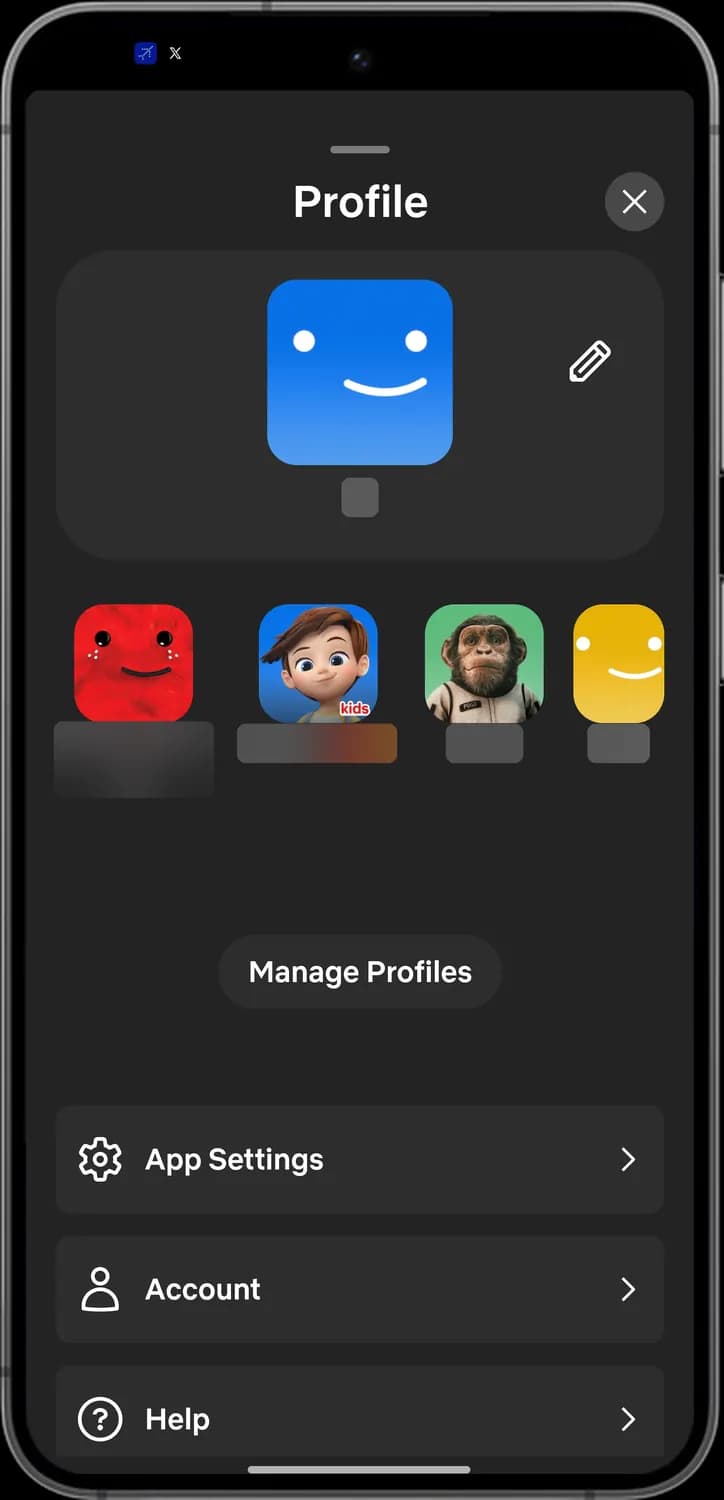

Close
Close the profile menu.

Current profile
The profile you are using now.

Edit profile
Change the profile's name, picture, language and settings.

Switch profile
Tap another picture to switch to that profile.

Kids
A kids profile, which only shows titles for children.

Manage Profiles
Add, edit or delete profiles, or lock one with a PIN.
Settings and help
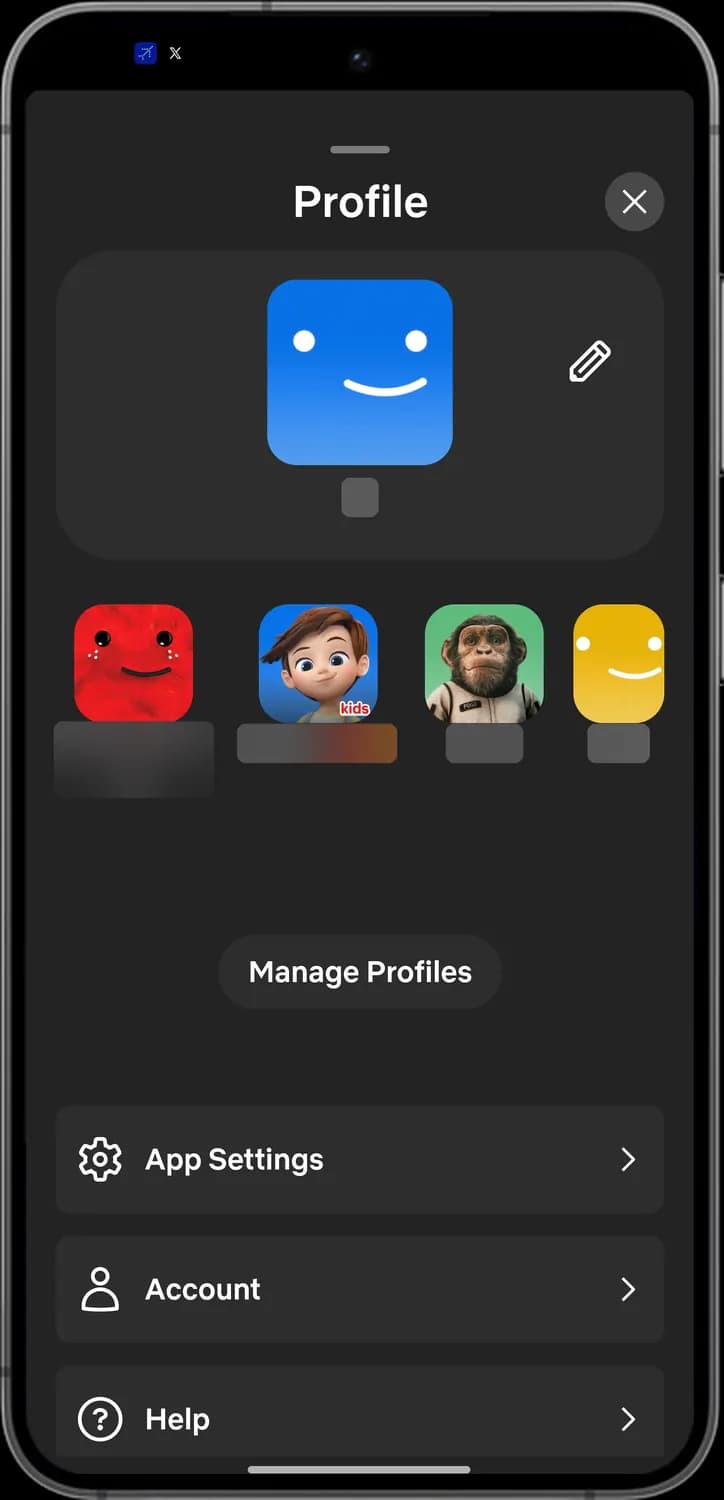

App Settings
Downloads, video quality, notifications and more.

Account
Your plan, payment, email and password.

Help
Help Center articles and contacting Netflix.
Downloads
Downloads keeps titles on your phone for offline watching, and Smart Downloads can manage them for you on Wi-Fi.
Downloads
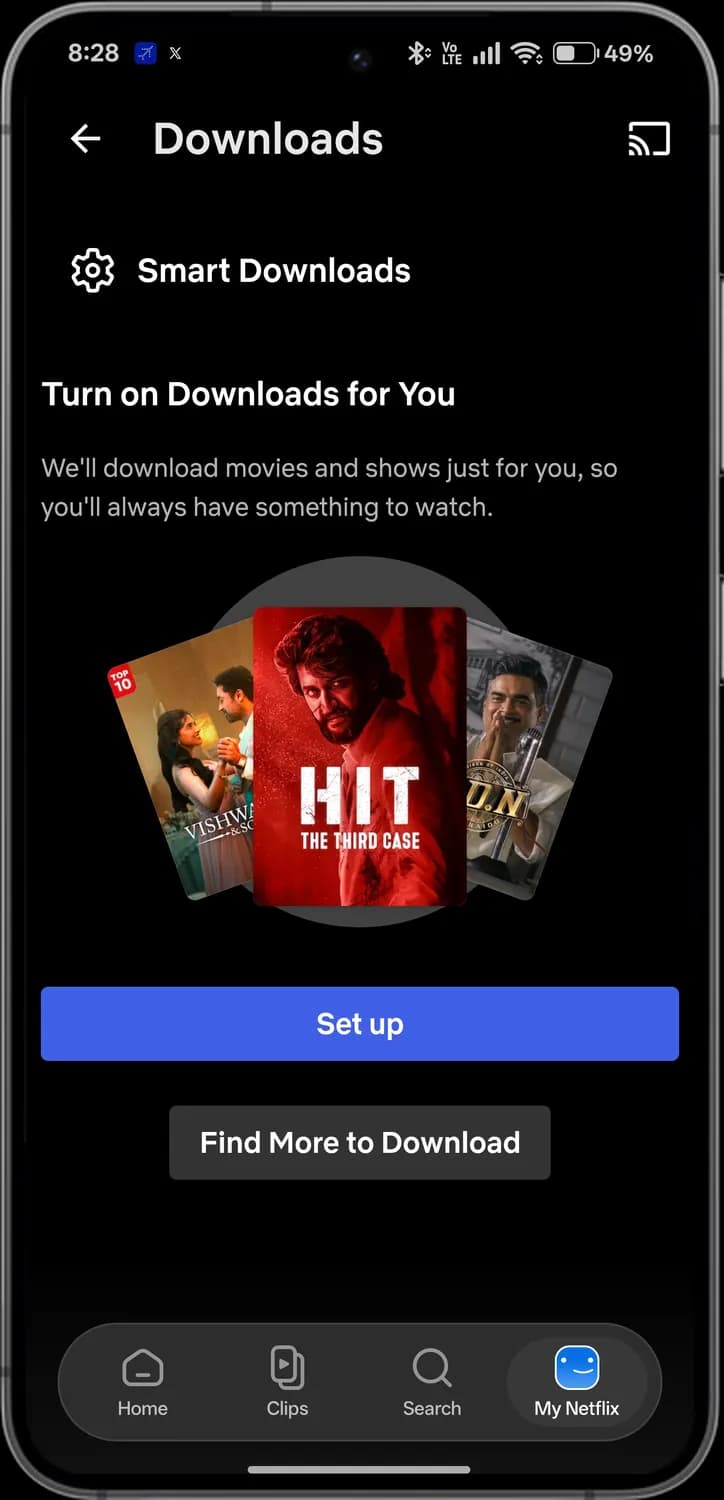

Back
Go back.

Cast
Play on your TV.

Smart Downloads
Settings for automatic downloads.

Set up
Turn on Downloads for You.

Find More to Download
Browse titles you can download.
Smart Downloads switches
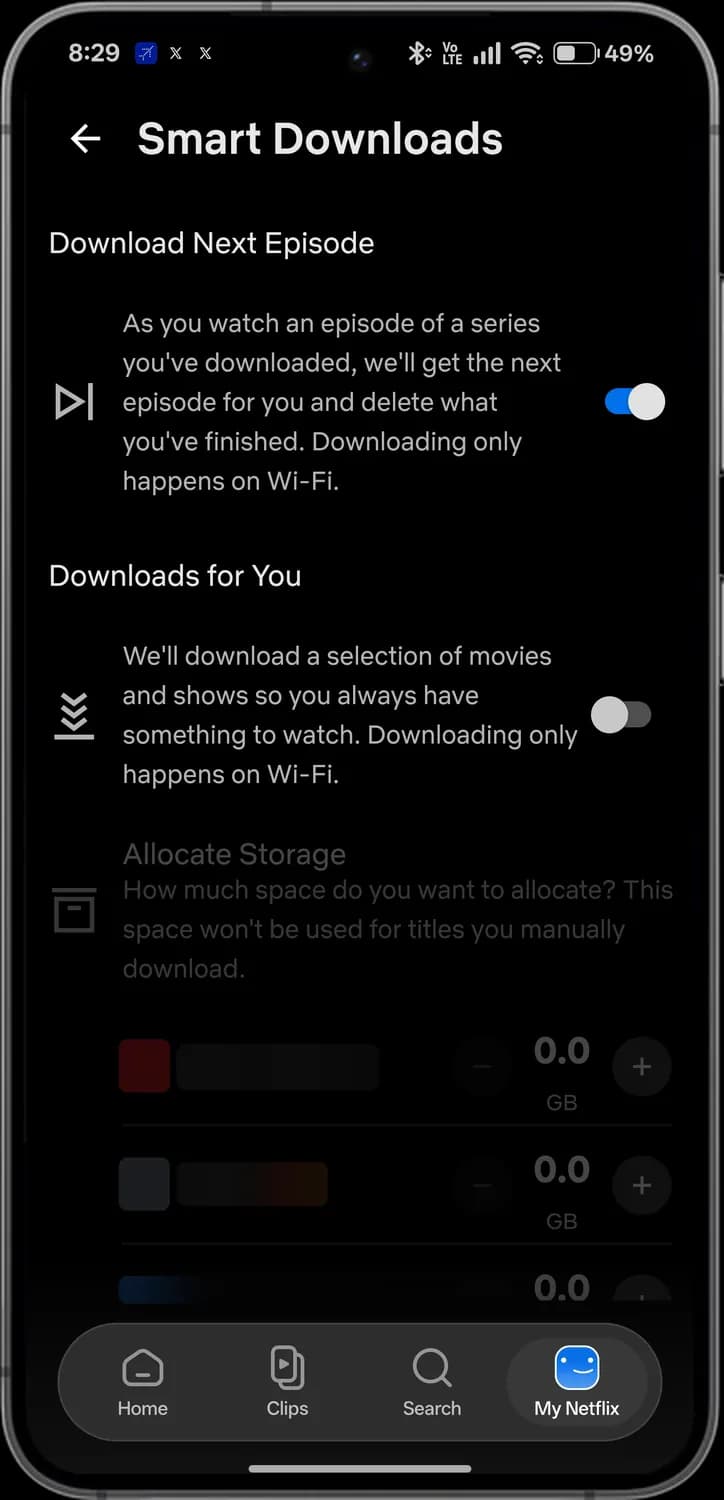

Download Next Episode
Downloads the next episode and deletes the one you finished.
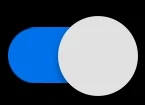
On
This switch is on.

Downloads for You
Netflix downloads titles it thinks you will like.
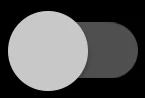
Off
This switch is off.
Smart Downloads storage
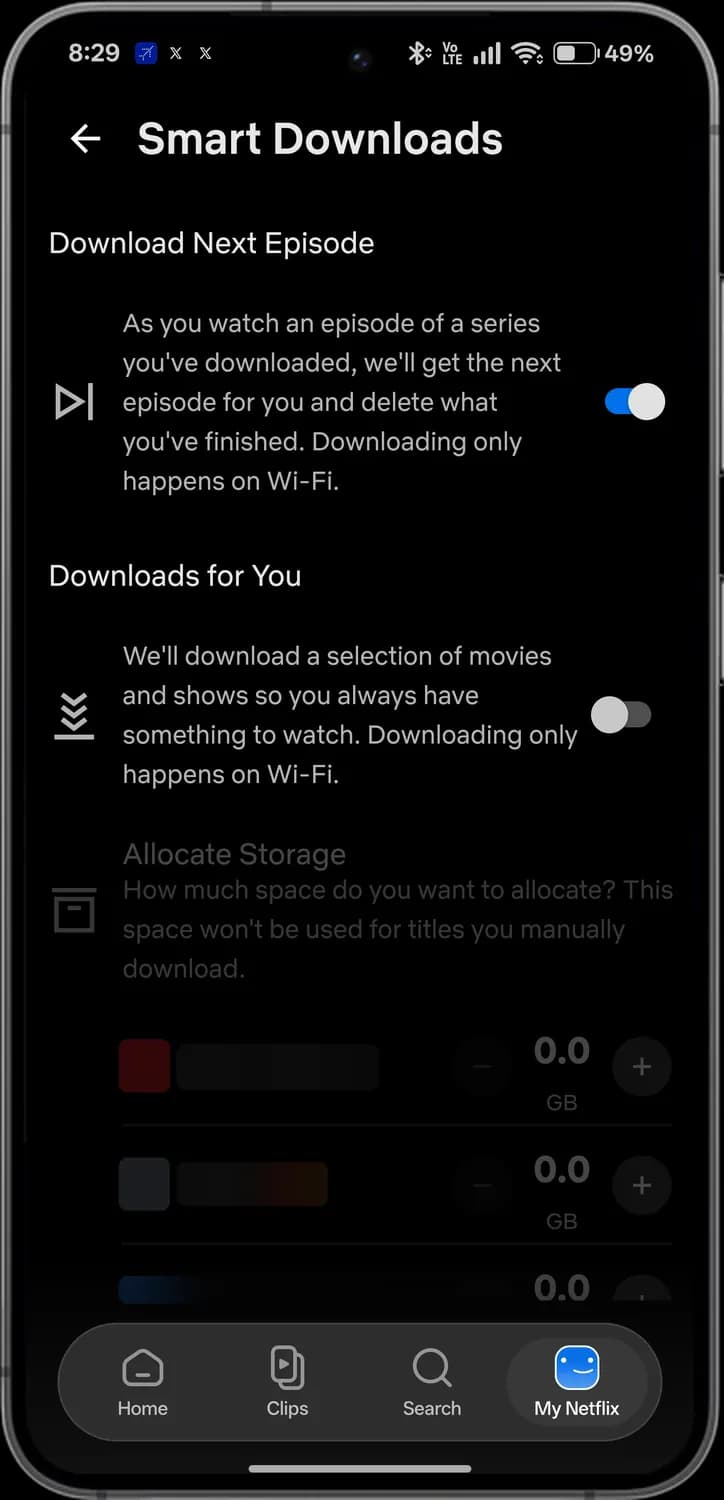

Allocate Storage
How much space Downloads for You can use.

Less space
Lower the space for this profile.
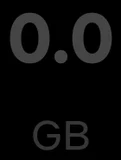
Storage per profile
Space set aside for this profile, in GB.

More space
Raise the space for this profile.
Choose your profile
If more than one person uses your account, Netflix asks who is watching when it opens. Profile names are blurred here.
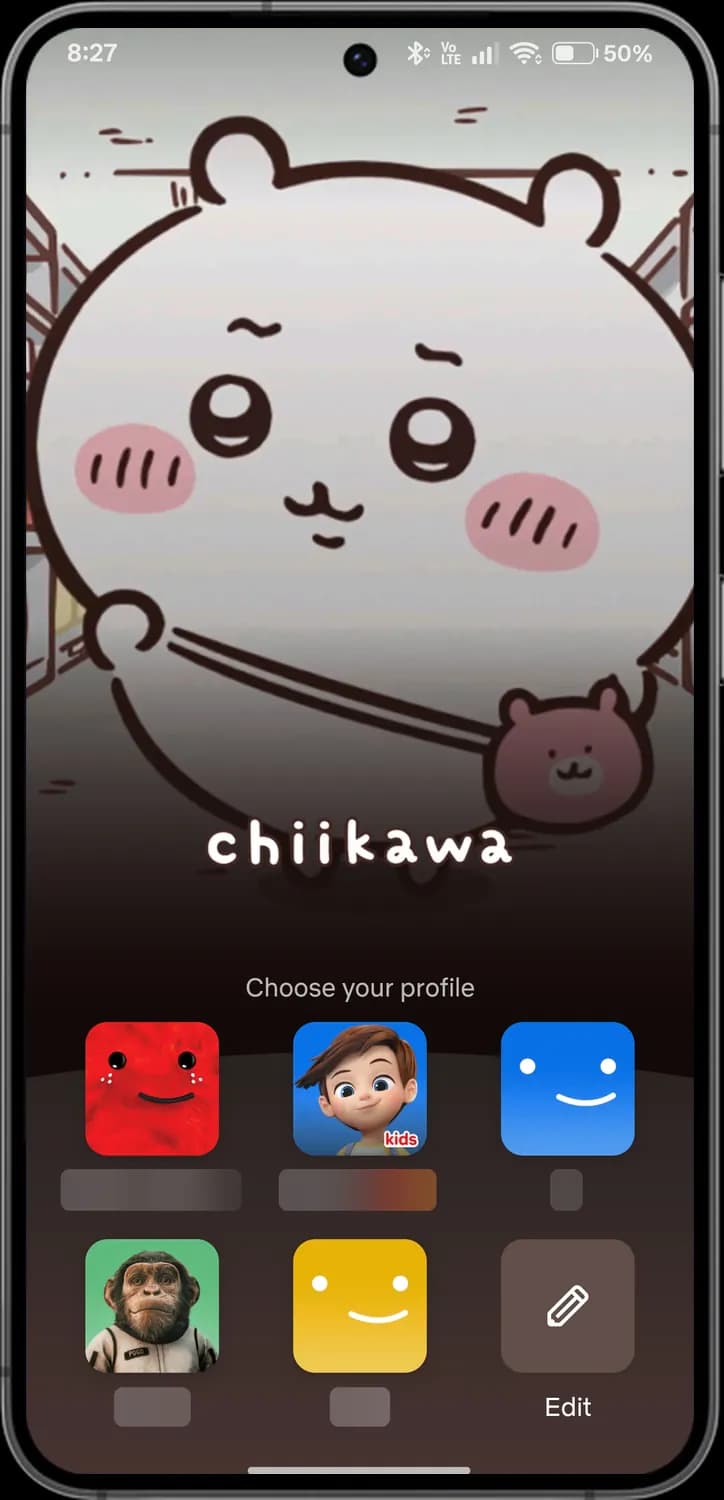

Profile
Tap a picture to watch as that person.

Kids profile
Only shows titles for children.

Edit
Change names and pictures, or add a profile.
Those are the meanings of Netflix icons and symbols. Netflix keeps testing new features and moving icons around, so we update this guide every time the interface changes, and you can bookmark this page to stay updated. Since Netflix looks almost the same on Android and iPhone, most of these icons mean the same thing on both. For more icon guides, you can also visit our TechPP icon guides.
Was this article helpful?
Comments
0Share your thoughts, questions, or feedback about this guide.