
Laptop ports explained, and what each one does
Here is every port you will find on a laptop, drawn at its real size, with what to plug into it.
The ports on a typical laptop
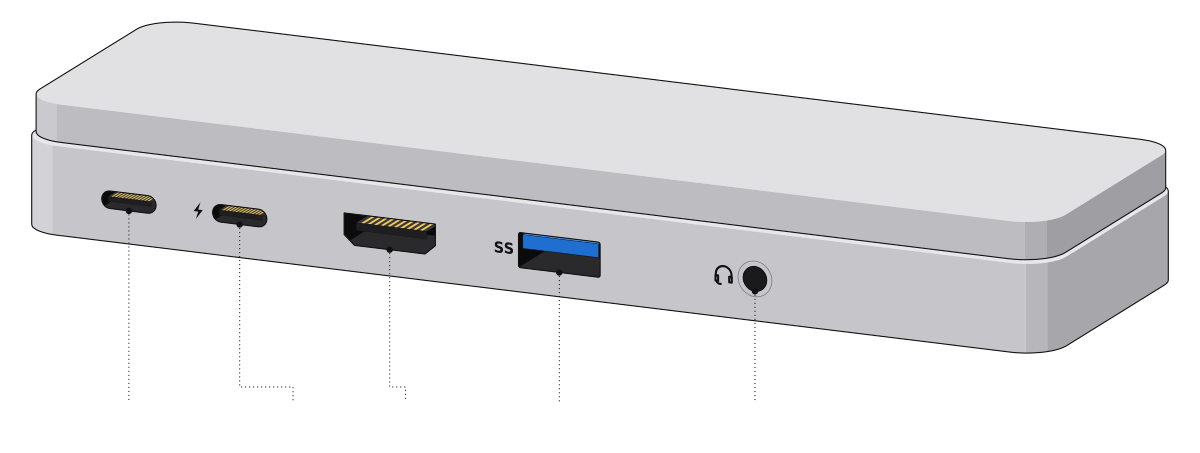 USB-C (charging)ThunderboltHDMIUSB-AHeadphone jack
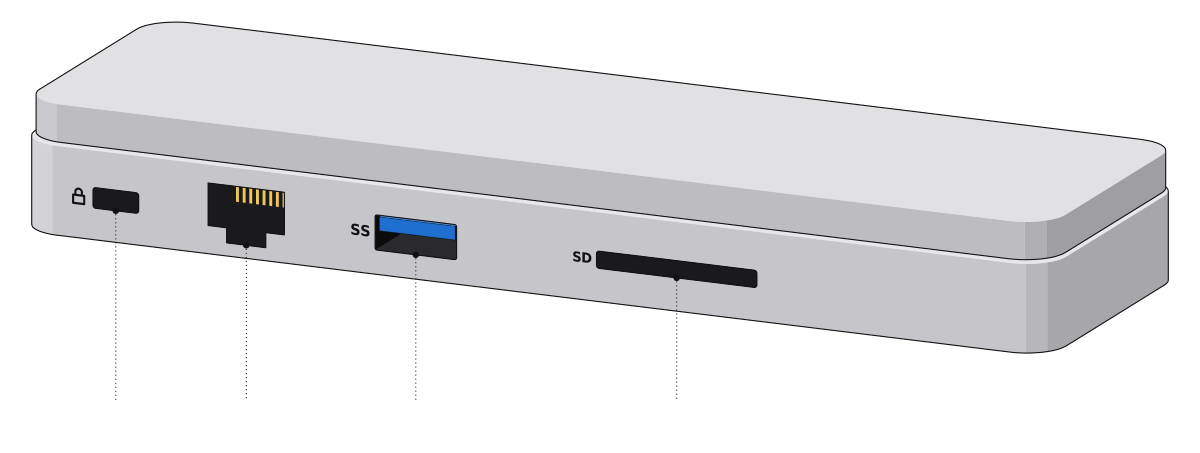 Lock slotEthernetUSB-ASD card slot
Every laptop port, one by one
| Drawing | Port | What it does | Plugs in |
|---|---|---|---|
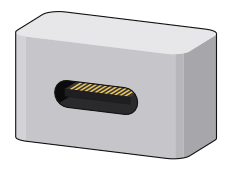 | USB-C | Data, charging and video in one small oval port. | Chargers, docks, phones, SSDs |
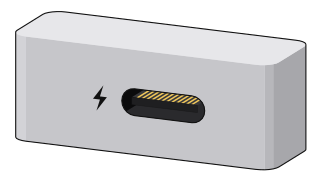 | Thunderbolt | A USB-C port with a bolt next to it, the fastest port on the laptop. | Docks, fast SSDs, monitors |
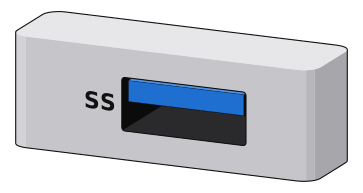 | USB-A | The classic flat port for everyday accessories. | Flash drives, mice, keyboards |
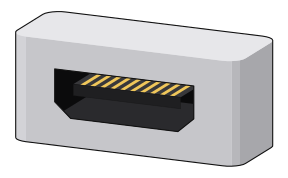 | HDMI | Sends picture and sound to a TV or monitor. | TVs, monitors, projectors |
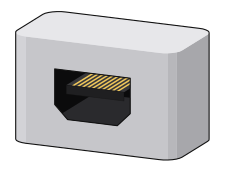 | Mini DisplayPort | A smaller monitor port on older Macs and business laptops. | Monitors |
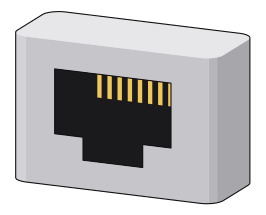 | Ethernet | Wired internet, straight from your router. | Router, wall jack |
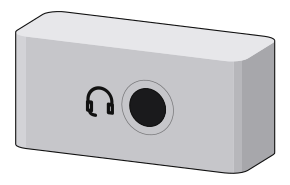 | Headphone jack | One 3.5 mm jack for headphones and a mic. | Wired headphones, headsets |
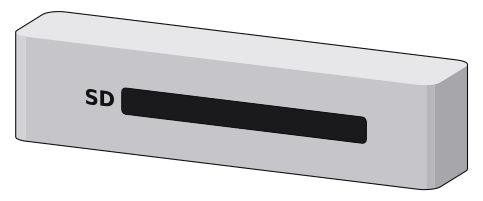 | SD card slot | Reads camera memory cards directly. | Camera SD cards |
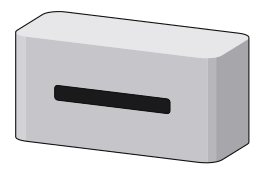 | microSD slot | Same idea, for the tiny cards from phones and drones. | microSD cards |
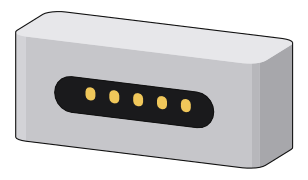 | MagSafe 3 | Apple's magnetic charging port. It pops off if someone trips on the cable. | USB-C to MagSafe 3 cable |
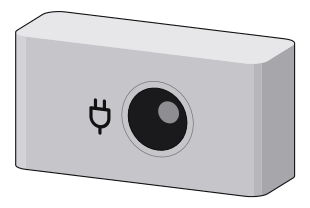 | DC charging jack | The round charging port on many gaming and older laptops. | The laptop's own charger |
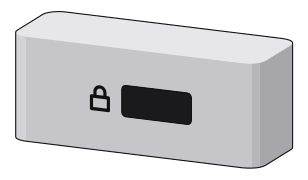 | Lock slot | Takes a cable lock that ties the laptop to a desk. | Kensington-style cable locks |
| On older laptops | |||
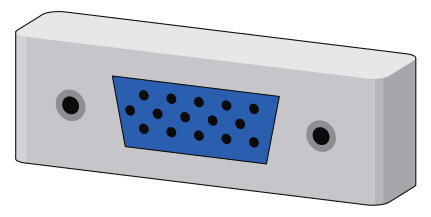 | VGA | Analog video for old projectors and monitors. | Older projectors |
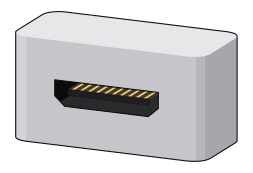 | Mini HDMI | A smaller HDMI on some older thin laptops. | Mini HDMI to HDMI cable |
All ports are drawn to the same scale.
Which port for what
| I want to | USB-C | Thunderbolt | USB-A | HDMI | DisplayPort | Ethernet | Audio jack | SD slot | MagSafe or DC |
|---|---|---|---|---|---|---|---|---|---|
| Charge the laptop | |||||||||
| External monitor | |||||||||
| Wired internet | |||||||||
| Headphones and mic | |||||||||
| Fast external SSD | |||||||||
| Camera memory cards | |||||||||
| Flash drives, mice, keyboards | |||||||||
| Charge your phone |
Best choice Works, sometimes with an adapter
Laptop ports compared
| Port | What it carries | Max speed or power |
|---|---|---|
| USB-C | Data, video, power | Up to 80 Gbps, 240 W |
| Thunderbolt 4 and 5 | Data, video, power | 40 or 80 Gbps (120 Gbps boost on TB5) |
| USB-A | Data, a little power | Up to 10 Gbps, 4.5 W |
| HDMI | Video and sound | 48 Gbps (HDMI 2.1) |
| DisplayPort | Video and sound | 80 Gbps (DisplayPort 2.1) |
| Ethernet | Wired internet | Usually 1 Gbps |
| Headphone jack | Analog sound in and out | Stereo out, mic in |
| SD card slot | Memory cards | 104 MB/s (UHS-I), 312 MB/s (UHS-II) |
| MagSafe 3 | Power only | Up to 140 W |
| Lock slot | Nothing, it holds a lock | Not a data port |
Not sure which USB plug is which? My USB port types guide draws every one of them.
Comments
0Share your thoughts, questions, or feedback about this guide.