
AirPods Status Light Meaning: Every Color Explained
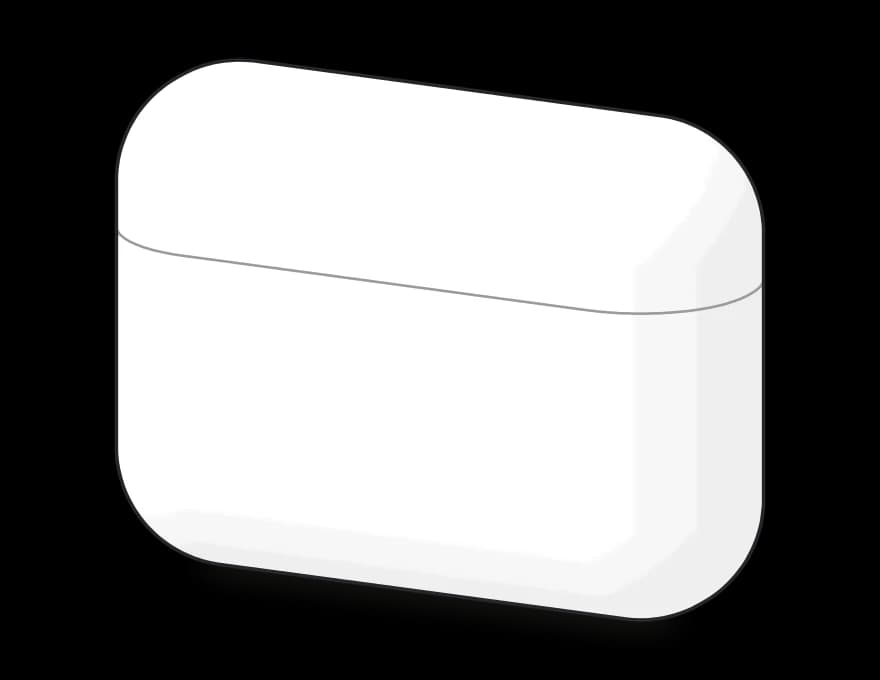
The light on your AirPods case shows the AirPods' charge when they're in the case with the lid open, and the case's own charge when they're out. On a wireless charger it turns off after 8 seconds.
What the light means
| Light | What it means |
|---|---|
 Green | You're good to go. Your AirPods are fully charged, or the case is if the AirPods are out. |
Amber | There's less than one full charge left, so plug it in soon. If it's already on the charger, it's just charging. |
Pulsing amber | Your AirPods or the case have dropped below 95%. Nothing to worry about, it's just a nudge to top up. |
Flashing amber | Your AirPods are below 95% and the case is under 25%. I'd charge the case before you head out. |
Flashing white | Your AirPods are ready to pair. Open Bluetooth on your phone or laptop and tap them. |
Amber, then white | The reset worked. Keep the case close to your iPhone and follow the pop-up. |
No light | The case probably needs a charge. Plug it in for a while and try again. |
Pair or reset your AirPods
Open the lid with your AirPods inside first.
| Your AirPods | To pair | To reset |
|---|---|---|
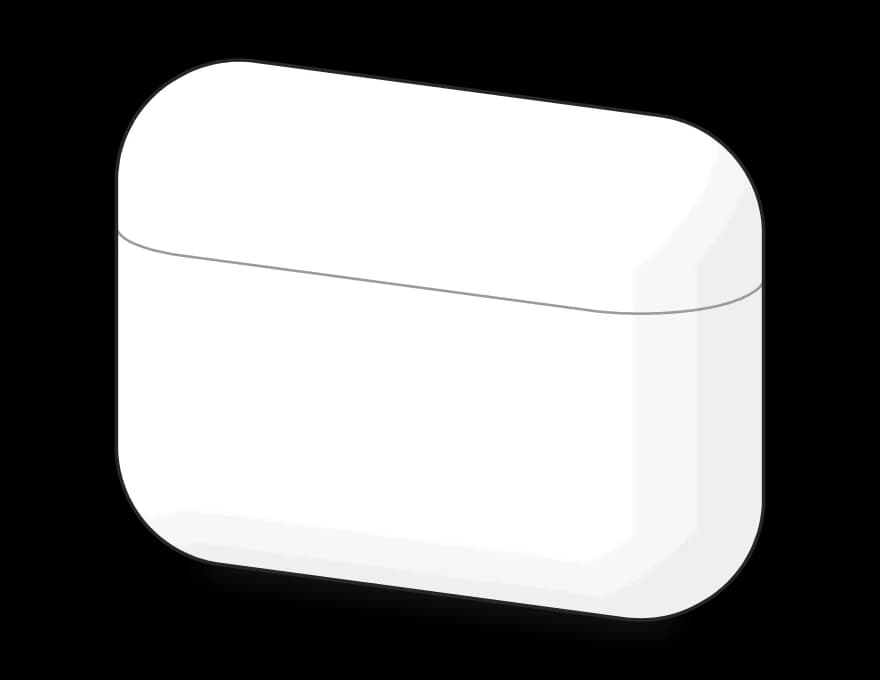 AirPods 1, 2 and 3, AirPods Pro 1 and 2 | Hold the setup button on the back until the light flashes white. | Hold the setup button for about 15 seconds, until the light flashes amber, then white. |
AirPods 4 and 5, AirPods Pro 3 | Double-tap the front until the light flashes white. | Double-tap three times: when the light is on, when it flashes white, and when it flashes faster. |
If the light never flashes white, close the lid for 20 seconds and try again.
Comments
0Share your thoughts, questions, or feedback about this guide.