
How-to Guide5 steps
How to Install Samsung One UI Beta
Learn how to check eligibility, register through the Samsung Members app, and safely download and install the One UI beta update on your Galaxy phone.
Step 1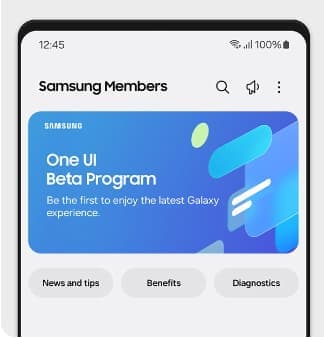
Check if your Samsung phone is eligible
First, confirm whether your Galaxy phone supports the current One UI beta. Samsung opens beta programs only for selected Galaxy models, selected countries, and selected software versions. The One UI beta program is typically available in markets including India, Germany, Poland, South Korea, the UK, and the US. Supported devices change with each beta wave, so check the Samsung Newsroom for the latest list before you begin.
Was this step helpful?