
How to check live train running status on Google Maps
Follow these simple steps to track real-time train departures, delays, platform numbers, and live running status on Google Maps.
Step 1
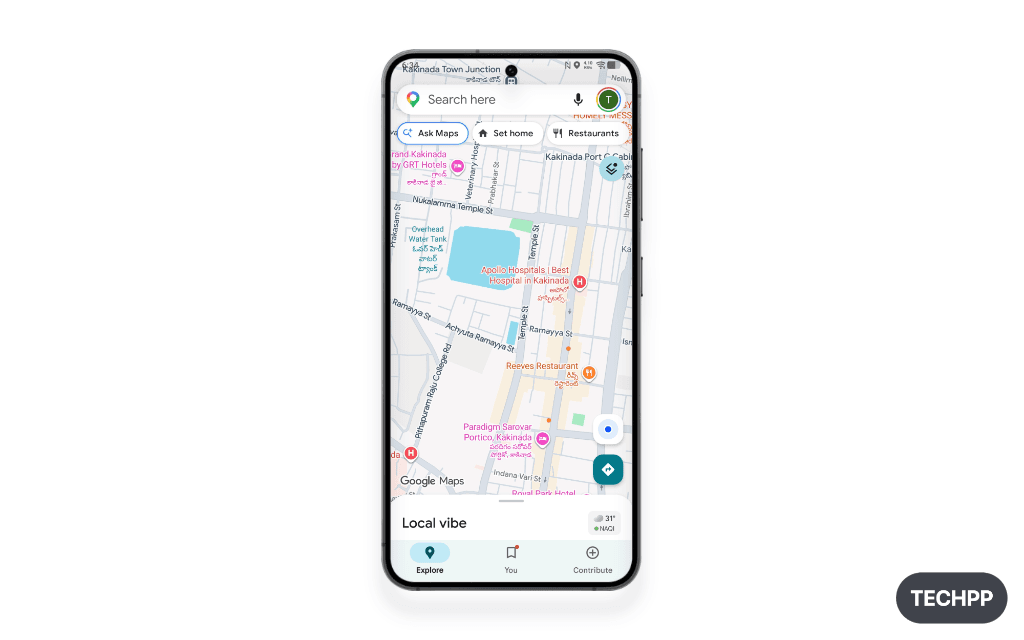
Open Google Maps
Launch the Google Maps app on your mobile device.
Step 2
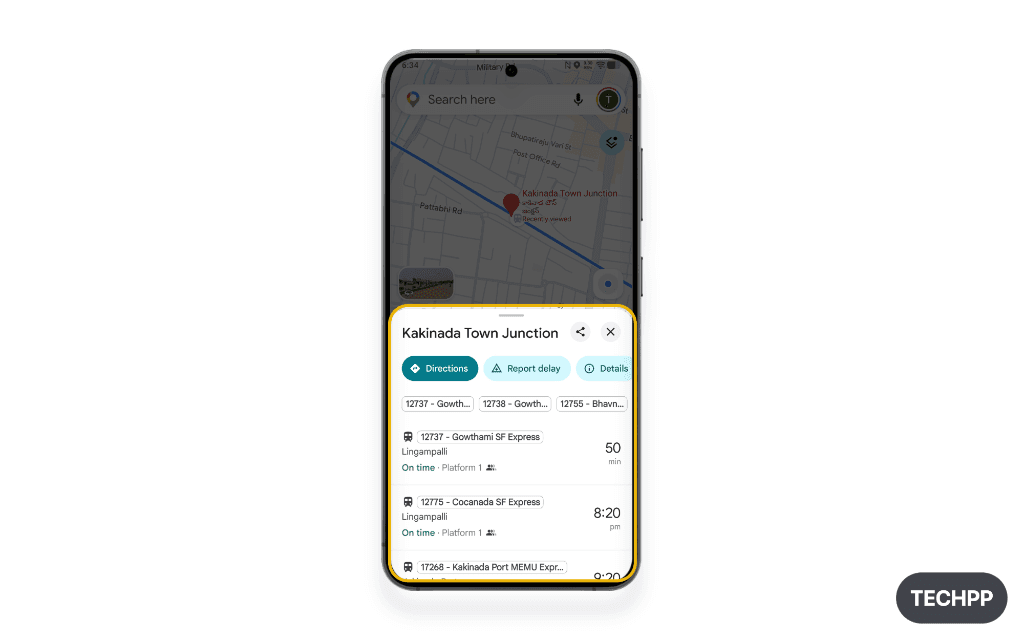
Search for your starting station
Type the name or station code of your starting railway station in the search bar.
Step 3
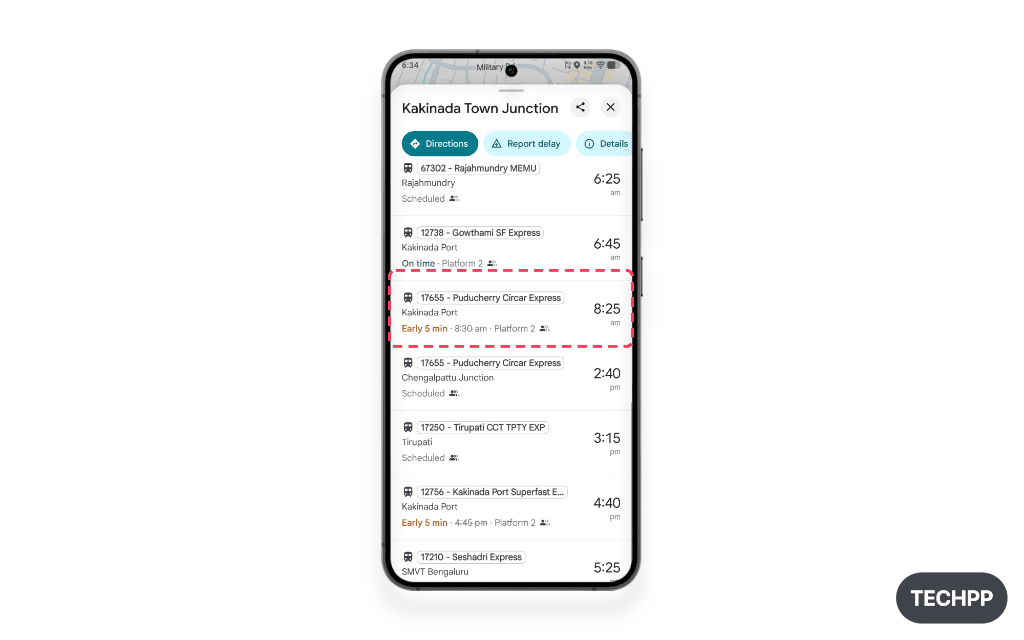
Scroll down to see the list of trains departing from the station
Swipe down on the station info card to see all upcoming departures and train schedules.
Step 4
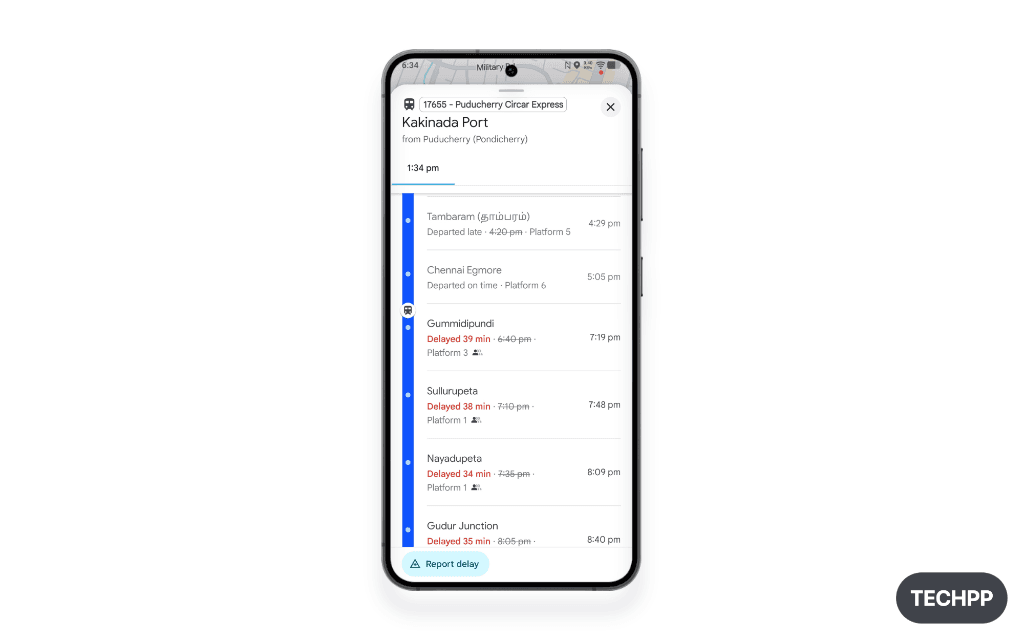
Select and tap on your train to see its live running status
Tap on your train to view its real-time delays, platform assignment, and live stop timeline.
Step 5 (alternative method)
Tap on “Ask Google Maps” and enter the train number
Alternatively, you can tap on “Ask Google Maps,” enter the train number, and ask for its running status.

Frequently asked questions
Common queries about tracking trains on Google Maps.
Was this article helpful?
Comments
0Share your thoughts, questions, or feedback about this guide.