
TV Remote Icons and Symbols: What Every Button Means
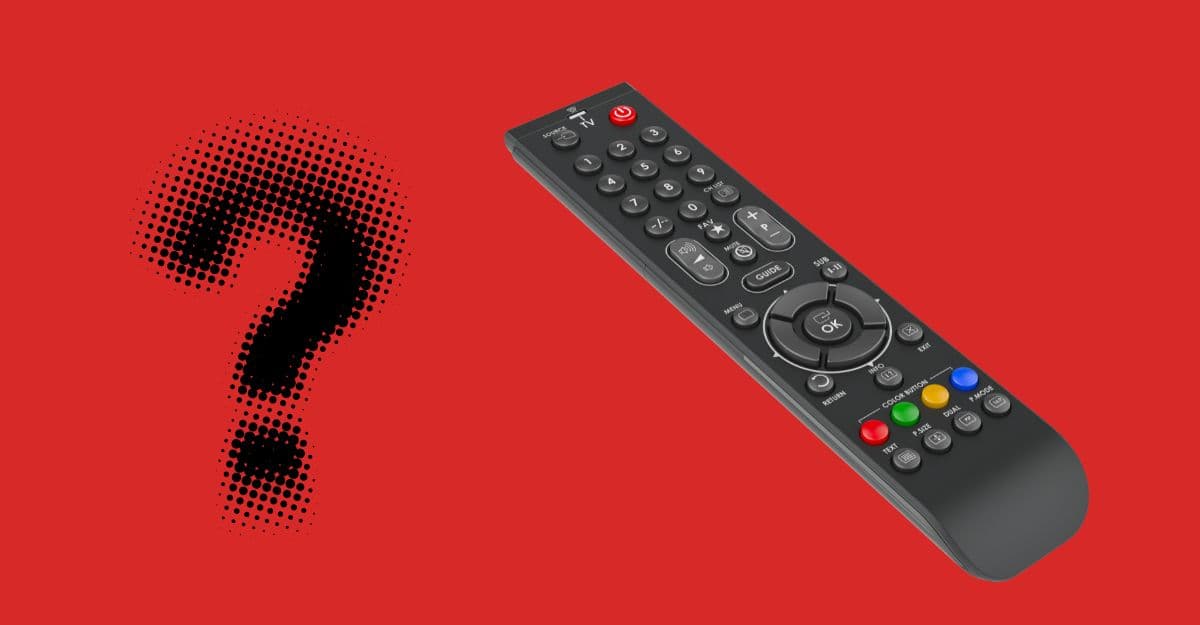
TV remote icons can be confusing. Even though TV technology has come a long way, many remote icons, even the simplified ones, remain unclear to most people. Every brand ships a different remote, but fortunately most icons mean the same thing from one remote to the next. So if you are holding a TV remote and are not sure what an icon does, this guide will help.
It covers Samsung, LG, Sony, Google TV, Roku, Fire TV and set-top box remotes: power and input, navigation, volume and channels, playback, voice controls, app buttons such as Netflix and Prime Video, captions, the colored buttons and universal remote keys.
Power and input
Buttons that turn the TV on and choose what it shows.
Navigation
Moving around menus, apps and the home screen.
Volume and channels
Sound level, channel changes and the program guide.
Playback
Controls for streaming apps, recordings and connected players.
Voice and smart features
Assistants, search and the shortcuts on newer smart TV remotes.
Streaming app buttons
Shortcut keys that open a streaming app directly. Which ones you get depends on the brand and the country.
Captions, picture and sound
Subtitles, audio tracks and picture or sound presets.
Color and text buttons
The four colored keys and teletext controls on broadcast TV remotes.
Set-top box and universal remotes
Device modes, pairing and the battery on the remote itself.
Was this article helpful?
Comments
0Share your thoughts, questions, or feedback about this guide.