If you bought a new Samsung washing machine and are facing errors and do not know what to do, then this guide is for you. Samsung makes a lot of products, and it also has washing machines in different categories. If these washing machines face any error, instead of displaying a full message, they simply show error codes. This can be confusing if you are a beginner or if you have not seen the error in the past. To make it easy for you to find what the errors mean and also possible fixes, we have created this guide.
In this guide, you can see all the possible error codes on Samsung washing machines of any category, what the errors mean, and the possible solutions you can use to fix them.
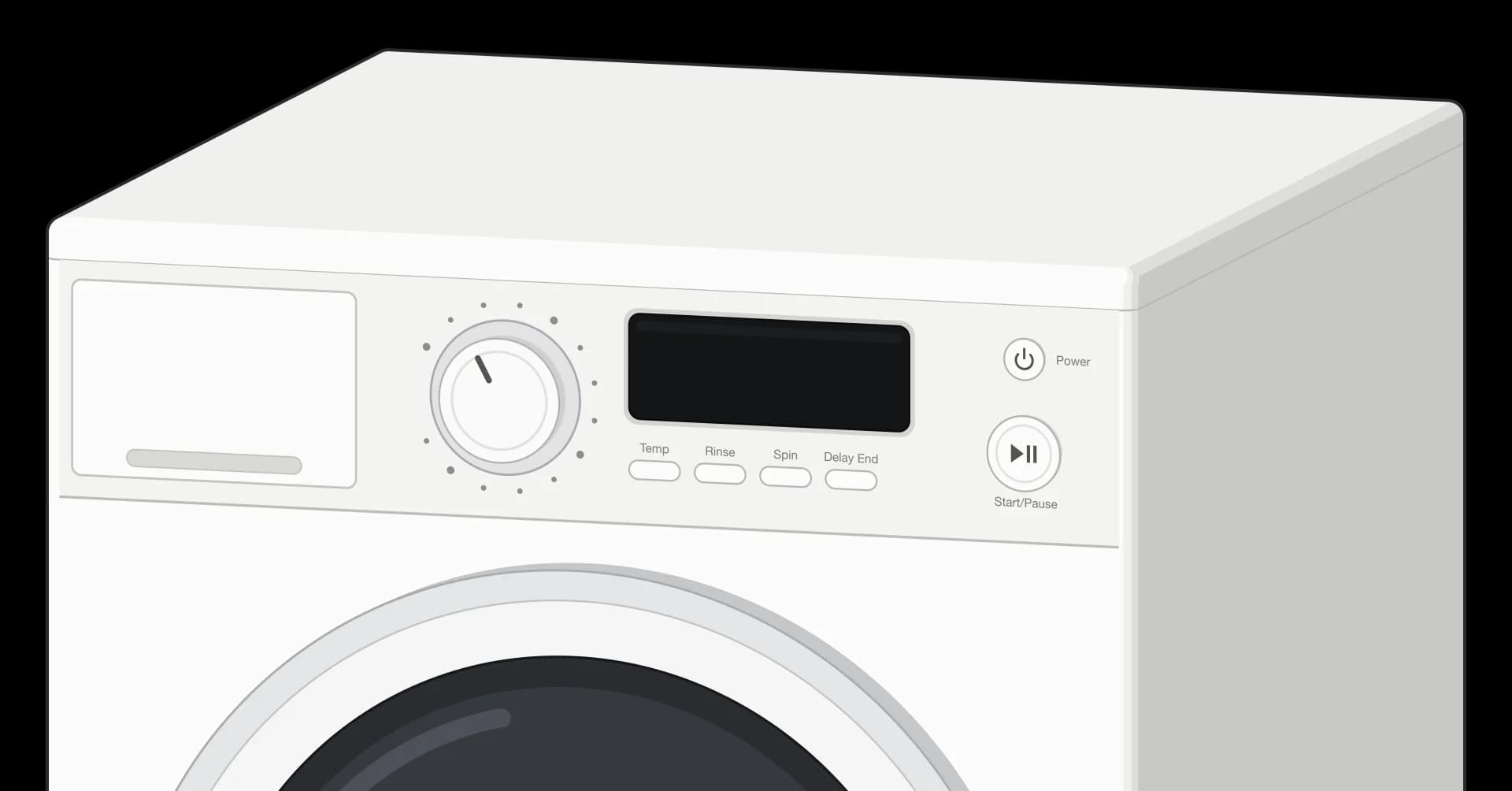
The code shows on the display next to the program dial. Here it reads 4C, a water supply issue.
Good to know: some codes can look different on the display depending on your model and region (for example, a 5 can look like an S, and a 0 like an O). A few codes also have more than one meaning across model lines, which is noted where it applies. Always cross-check with your model's manual before paying for a repair.
Water Level and Leak Codes
Code
What it means
What to do
0
Drum Clean reminder
Not a fault. Washer still works, but it is reminding you to run Drum Clean.Information code, not an error.
1C
Water level sensor issue
Restart the washer. If it returns, sensor or service check may be needed.
1E
Water level sensor issue
Washer cannot read water level properly. Restart and check again.
1 1C
Water level or leakage issue
Check for leaks, kinked hoses, incorrect drain hose position, and excess suds.
1 LC
Water level or leakage issue
Check for leaks, drain hose position, and excess suds.
LC
Low water level or leakage
Washer detects water level dropping. Check for leaks and drain hose height.
LC1
Low water level or leakage
Check drain hose position and possible leak.
LE
Low water level or leakage
Check for leakage and drain hose position.
LE1
Low water level or leakage
Check for water leak and drain hose clog or position.
E7
Water level sensor issue
Restart the washer. If code returns, service may be needed.
11E
Low water level detected
Check drain hose level, clogging, and water leakage.
E9
Low water level detected
Check drain hose position and water leak.
Water Supply and Temperature Codes
Code
What it means
What to do
4C
Water supply issue
Washer is not filling correctly. Check water tap, inlet hose, mesh filter, and water pressure.
4E
Water supply issue
Water is not entering properly. Check tap, hose, filter, and pressure.
1 4C
Water supply issue
Check water supply, inlet hose, and inlet filter.
E1
Water supply issue
Check tap, water pressure, mesh filter, and hose.
nF
No fill
Washer is not getting water. Check tap, hose, filter, and pressure.
NF
No fill
Washer is not filling. Check water tap and inlet hose.
4C2
Hot/cold water issue
Cold inlet may be connected to hot water. Check hose connection.
4E1
Water temperature issue
Check that the cold-water hose is connected to cold supply.
4E2
Water temperature issue
Cold water supply may be too hot or hoses may be swapped.
4Ed
Water temperature issue
Check hot and cold supply connection.
14C2
Hot/cold water issue
Cold water supply is too hot or hoses may be swapped.
CE
Water temperature issue
Check cold-water hose connection.Can also appear differently on some model/region lists.
E8
Water temperature issue
Check that the washer is connected to cold water, not hot water.
nF1
Hot/cold hose reversed
Hot and cold supply hoses may be connected incorrectly.
Drain and Cooling Codes
Code
What it means
What to do
5C
Drain issue
Water is not draining. Check drain hose, drain filter, and blockages.Buttons may be disabled briefly after this code appears.
Same as 5C or 5E on many models. Check drainage path.
nd
No drain
Washer cannot drain water. Check drain path and filter.
E2
Drain issue or button issue depending on model
On some models it means drain problem; on some models it can mean stuck button.Ambiguous code. Check exact model manual.
CC
Cooling or high drain temperature
Water may be too hot while draining. Let it cool; service may be needed if repeated.
Overflow Codes
Code
What it means
What to do
OC
Overflow error
Too much water detected. Washer may drain automatically.
OE
Overflow error
Too much water detected. Washer may drain automatically.
OF
Overflow error
Too much water detected.
0C
Overflow error
Too much water detected.
0E
Overflow error
Too much water detected.
1 OC
Overflow error
Too much water detected.
1 0C
Overflow error
Too much water detected.
E3
Overflow error or motor issue depending on model
UK lists E3 as overflow; US lists E3 under motor error group. Check model manual.Ambiguous code.
Door and Add Door Codes
Code
What it means
What to do
dC
Door issue or unbalanced load depending on model
Door may not be closed, or on some models it may mean unbalanced load.Ambiguous code.
DC
Door issue
Door is not detected as closed or locked.
dE
Door issue
Close door properly; check if clothes are stuck in the door.
dE1
Main door lock or unlock issue
Restart washer; service may be needed if repeated.
dE2
On/off switch error
Disconnect from mains, wait 5 minutes, then retry.
dS
Door issue
Door is not locked properly.
d5
Door issue
Door is not detected closed or locked.
FL
Door lock issue
Check latch and door lock.
LO
Door lock issue
Door lock or unlock issue.
L0
Door lock issue
Same as LO; door lock issue.
dC1
Main door lock or unlock issue
Restart washer; service may be needed if repeated.
DC1
Door issue
Door lock or door sensing problem.
dL
Door lock issue
Door lock problem.
1 dC
Door issue
Door is not detected as closed and locked.
1dC1
Door issue
Main door lock issue.
1dC4
FlexWash latch or rubber button issue
On FlexWash, check upper washer latch rubber button.Model-specific.
Ed
Door issue
Close door properly; check if laundry is caught.
DC3
Add Door lock issue
Restart washer; check Add Door lock.
dC3
Add Door lock issue
Add Door is not detected as closed or locked.
dE3
Add Door lock or unlock issue
Restart washer; service may be needed if repeated.
DDC
Add Door opened wrongly
Add Door was opened without pressing Start/Pause. Close and resume.
ddC
Add Door opened wrongly
Close Add Door and press Start/Pause.
Unbalanced Load Codes
Code
What it means
What to do
Ub
Unbalanced load
Washer stops spin or fails to complete cycle. Redistribute clothes.
UE
Unbalanced load
Load is uneven. Add or remove clothes and run spin again.
Ur
Unbalanced load retry
Washer will add water and retry balancing; cycle becomes longer.
U6
Unbalanced load
Rearrange laundry.
1 Ub
Unbalanced load
Rearrange laundry.
1U6
Unbalanced load
Rearrange laundry.
E4
Unbalanced load
Washer stopped spin for safety. Redistribute clothes.
dc
Unbalanced load on some models
On some models this means unbalanced load, not door issue.Ambiguous code.
Suds and Foam Codes
Code
What it means
What to do
SUd
Too much foam
Washer pauses to reduce suds, then continues. Use less detergent.
Sud
Too much foam
Too much foam detected. Washer pauses and then continues.
SUD
Too much foam
Too much foam detected. Use less detergent or HE detergent.
5UD
Too much foam
Too much foam detected. Washer pauses and then continues.
Sd
Too much foam
Too much foam detected.
5d
Too much foam
Too much foam detected.
SUdS
Too much foam
Too much foam detected.
5Ud5
Too much foam
Too much foam detected.
F70
Too much foam on some older references
Indicates excessive suds on some models.Model-specific / older reference.
Button and Control Panel Codes
Code
What it means
What to do
E2
Jammed button or drain issue depending on model
Check if buttons are stuck; on some models E2 means drain issue.Duplicate because code has multiple possible meanings.
bE1
Button issue
Check for a stuck button and clean the control panel.
bE2
Button issue
Check for a stuck button and clean the control panel.
bE3
Button issue
Check for a stuck button and clean the control panel.
BE2
Button issue or MEMS sensor issue depending on model
On some models it means stuck button; on others it can mean MEMS sensor issue.Ambiguous code.
6E2
Button issue
Check for a stuck button.
8E2
Button issue or MEMS sensor issue depending on model
On some models it means stuck button; on others it can mean MEMS sensor issue.Ambiguous code.
12E
Button issue
Check stuck buttons and clean panel.
14E
Button issue
Check stuck buttons and clean panel.
Power and Voltage Codes
Code
What it means
What to do
9C1
Low voltage or power issue
Check power supply and plug. Avoid extension cord.
9C2
Low voltage or power issue
Check power supply and plug. Avoid extension cord.
PF
Power failure
Power was interrupted before washer shut down properly.
3E
Voltage issue or motor issue depending on model
Check model manual. On many models it is motor issue; on some it is voltage issue.Ambiguous code.
2E
Voltage or control board issue
Restart; service may be needed if repeated.
9E1
Power error
Check socket and power supply.
9E2
Power error
Check socket and power supply.
9H1
Power error
Check socket and power supply.
UC
Voltage fluctuation
Check power cord and avoid extension cable.
19C1
Voltage error
Check power supply.
19C2
Voltage error
Check power supply.
Plo
Power error
Restart; check socket or fuse if no power.
Motor and Heater Codes
Code
What it means
What to do
3C
Motor issue
Restart cycle. Service may be needed if repeated.
3E
Motor issue or voltage issue depending on model
Check model manual. Often motor issue; sometimes voltage issue.Duplicate because code has multiple possible meanings.
3E1
Motor issue
Restart; service may be needed if repeated.
3E2
Motor issue
Restart; service may be needed if repeated.
3E3
Motor issue
Restart; service may be needed if repeated.
3E4
Motor issue
Restart; service may be needed if repeated.
1 3C
Motor issue
Restart; service may be needed if repeated.
EA
Motor issue
Restart cycle.
EB
Motor issue
Restart cycle.
3CP
Electronic control or pulsator motor operation issue
Restart cycle; service may be needed if repeated.
bE
Motor speed sensor error
Motor speed sensor issue. Service may be needed if repeated.
6E
Motor speed sensor or heater issue depending on model
US lists as motor speed sensor; UK lists 6E as water heater issue.Ambiguous code.
E5
Water heater issue
Contact Samsung service.
E6
Water heater issue
Contact Samsung service.
Communication and Electronics Codes
Code
What it means
What to do
AC
Communication error
Main or sub board communication issue. Restart.
AC3
Communication error
Restart; service may be needed if repeated.
AC4
Communication error
Restart; service may be needed if repeated.
AC5
Communication error
Restart; service may be needed if repeated.
AC6
Inverter communication error
Check inverter PCB or wiring; restart.
AC7
Communication error
Restart; service may be needed if repeated.
ACb
Communication error
Restart; service may be needed if repeated.
AE
Communication error
Main or sub board communication issue. Restart.
AE3
Communication error or DR Ready modem error
Samsung lists AE3 under communication and also DR Ready modem error.Ambiguous/model-specific.
AE4
Communication error
Restart; service may be needed if repeated.
AE5
Communication error
Restart; service may be needed if repeated.
AE6
Inverter communication error
Check inverter PCB or wiring; restart.
AE8
Communication error
Restart; service may be needed if repeated.
AEb
Communication error
Restart; service may be needed if repeated.
AEB
Communication error
Restart; service may be needed if repeated.
1AC6
Communication error
Restart; service may be needed if repeated.
1 AC
Communication error
Restart; service may be needed if repeated.
13E
Signal communication issue
Wait a few minutes; restart if it does not recover.
Vibration Sensor Codes
Code
What it means
What to do
8C
MEMS or vibration sensor issue
Restart washer. Service may be needed if repeated.
8C1
MEMS sensor issue
Restart; service may be needed if repeated.
8C2
MEMS sensor issue
Restart; service may be needed if repeated.
8E
MEMS/current/vibration sensor issue depending on model
Restart; check model manual.Ambiguous/model-specific.
8E1
MEMS sensor issue
Restart; service may be needed if repeated.
8E2
MEMS sensor or button issue depending on model
Check model manual. Could be sensor or stuck button.Ambiguous code.
BC
MEMS sensor issue
Restart; service may be needed if repeated.
BC1
MEMS sensor issue
Restart; service may be needed if repeated.
BC2
MEMS sensor issue
Restart; service may be needed if repeated.
BE
MEMS or vibration sensor issue on some models
Restart; check model manual.
BE1
MEMS sensor issue
Restart; service may be needed if repeated.
BE2
MEMS sensor or button issue depending on model
Check model manual.Ambiguous code.
1 8C
MEMS sensor issue
Restart; service may be needed if repeated.
1 BC
MEMS sensor issue
Restart; service may be needed if repeated.
18C1
MEMS sensor issue
Restart; service may be needed if repeated.
18C2
MEMS sensor issue
Restart; service may be needed if repeated.
1BC1
MEMS sensor issue
Restart; service may be needed if repeated.
1BC2
MEMS sensor issue
Restart; service may be needed if repeated.
Temperature and Heater Codes
Code
What it means
What to do
tE
Temperature sensor error
Restart washer; service may be needed if repeated.
tE1
Temperature sensor error
Restart washer; service may be needed if repeated.
tE2
Temperature sensor error
Restart washer; service may be needed if repeated.
tE3
Temperature sensor error
Restart washer; service may be needed if repeated.
tC
Temperature sensor error
Restart washer; service may be needed if repeated.
tC1
Temperature sensor error
Restart washer; service may be needed if repeated.
tC2
Temperature sensor error
Restart washer; service may be needed if repeated.
tC3
Temperature sensor error
Restart washer; service may be needed if repeated.
EC
Temperature sensor issue
Restart washer; service may be needed if repeated.
HC
Heater or high-temperature heating issue
Restart; service may be needed if repeated.
HE
Heater or high-temperature heating issue
Restart; service may be needed if repeated.
HE1
Water heater not functioning
Contact Samsung service.
HE2
Dryer heater not functioning
Dryer section shuts down for safety because temperature is too high.Washer-dryer models.
HE3
Steam function issue
Steam function is not working normally. Contact service.
H1
Water temperature issue
Check cold-water connection.
Hr
Heater error
Heater relay or heater issue. Service may be needed if repeated.
1 HC
Heater error
Restart; service may be needed if repeated.
HOT
Appliance too hot
Not a fault. Fan runs until appliance cools and door unlocks.Information code / safety state.
Clutch Codes
Code
What it means
What to do
PC
Clutch position error
Clutch position cannot be detected. Service recommended.
PE
Clutch position error
Clutch position cannot be detected. Service recommended.
PC1
Clutch hall signal error
Clutch detected, but hall signal is wrong. Service recommended.
PE1
Clutch hall signal error
Clutch detected, but hall signal is wrong. Service recommended.
Detergent Dispenser Codes
Code
What it means
What to do
SDC
Detergent drawer error
Detergent drawer is not fully closed. Push until it clicks.
5DC
Detergent drawer error
Detergent drawer is not fully closed. Push until it clicks.
Refill detergent
Auto dispenser empty
Fill detergent compartment. Message clears next cycle.Information/refill message.
Refill softener
Auto dispenser empty
Fill softener compartment. Message clears during rinse cycle.Information/refill message.
System and Other Codes
Code
What it means
What to do
IE
System error
Internal system or control issue. Restart; service may be needed if repeated.
SF
System error
Internal system or control issue. Restart; service may be needed if repeated.
5F
System error
Internal system or control issue. Restart; service may be needed if repeated.
SF1
System error
Internal system or control issue. Restart; service may be needed if repeated.
SF2
System error
Internal system or control issue. Restart; service may be needed if repeated.
SF3
System error
Internal system or control issue. Restart; service may be needed if repeated.
5F1
System error
Internal system or control issue. Restart; service may be needed if repeated.
5F2
System error
Internal system or control issue. Restart; service may be needed if repeated.
5F3
System error
Internal system or control issue. Restart; service may be needed if repeated.
1 SF
System error
Internal system or control issue. Restart; service may be needed if repeated.
Sr
System relay error
Relay or control issue. Restart; service may be needed if repeated.
5r
System relay error
Relay or control issue. Restart; service may be needed if repeated.
7E
SilverCare error
SilverCare system issue on supported models.Model-specific.
FE
Fan issue
Contact Samsung service.
9C6
High temperature circuit error
Restart; service may be needed if repeated.
9C7
Hardware overcurrent error
Restart; service may be needed if repeated.
9C8
Software overcurrent error
Restart; service may be needed if repeated.
18:8J
Model option error
Internal model-setting or configuration issue. Service may be needed.
Information and Reminder Codes
Code
What it means
What to do
Cb
Calibration mode
Washer recalibrates load or weight detection. Run empty.Information code, not an error.
C6
Calibration mode
Drum or tub moves for calibration. Run empty.Information code, not an error.
dn
Downloading update
Washer is downloading an update. Controls may not respond until done.Information code, not an error.
CL
Child Lock
Child Lock mode is active or water drained due to Child Lock safety behavior.Information or safety code.
t1
Test mode
Washer is in test mode. Restart machine.Information code, not normal wash error.
t2
Test mode
Washer is in test mode. Restart machine.Information code, not normal wash error.
tSt
Test mode
Washer is in test mode. Restart machine.Information code, not normal wash error.
Self Clean light
Self Clean reminder
Not an error. Run Self Clean or Pure Cycle when possible.Information/reminder.
Pure Cycle icon
Cleaning reminder
Not an error. Run cleaning cycle.Information/reminder.
For most codes, the first step is the same: turn the washer off, unplug it for a few minutes, and restart the cycle. If a code keeps coming back after the checks above, it usually points to a part that needs a technician. Meanings here are based on Samsung's official US, UK, and Latin America support pages.
Comments
0
Share your thoughts, questions, or feedback about this guide.

Leave a Comment