
Ring Doorbell Light Meaning: Every Color Explained
The light ring around the button on your Ring doorbell spins, flashes and fills up to tell you what it's doing. I've drawn a Ring Battery Doorbell here, and these are the patterns Ring lists for its battery doorbells.
Lights during setup
| Light | What it means |
|---|---|
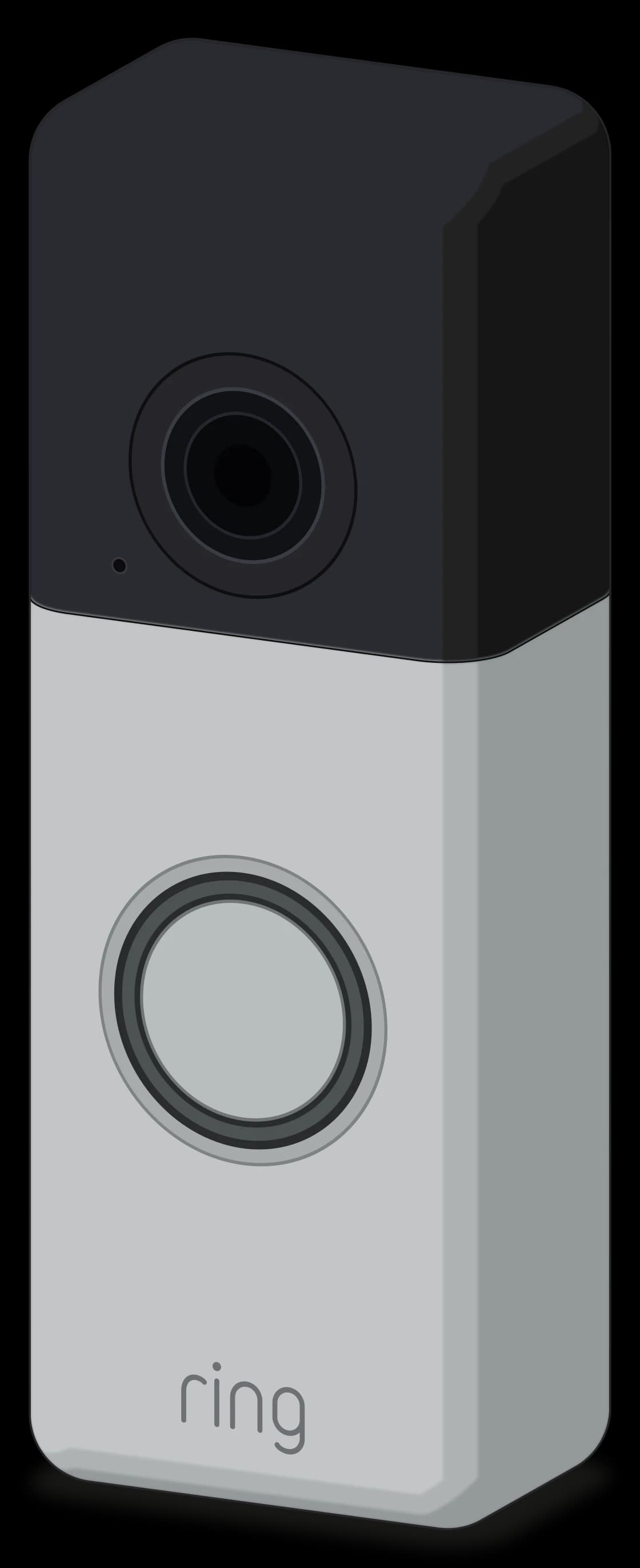 Spinning white | It's in setup mode and ready to add in the Ring app. Setup mode turns off after 10 minutes. |
Blue moving upward | It's connecting to your Wi-Fi. |
Four blue corners flashing | Setup worked. Your doorbell is on your Wi-Fi and ready to go. |
White flashing on the right | Setup failed because it couldn't reach your Wi-Fi. It's usually too far from the router, or your Wi-Fi name has special characters. |
White flashing on top | Setup failed because of the Wi-Fi password. Check it and try again. |
White flashing on the left | It joined your Wi-Fi but couldn't reach the internet or Ring's servers. |
Everyday lights
| Light | What it means |
|---|---|
Spinning blue | Someone pressed the doorbell button. |
Solid blue | There's a live call going and the doorbell's speaker is on. |
Blue filling clockwise | It's charging. A quarter lit is under 25%, half is up to 50%, most of the ring is up to 75%, and the full ring flashing means it's fully charged. |
Flashing white | It's installing a firmware update. |
Blue flashing slowly | It's resetting to factory settings. |
No light | That's normal. On battery power, the light stays off when the doorbell is idle. |
Solid white | It's idle and hardwired to your home's doorbell wiring. |
Wired Ring doorbells without a battery add one more: a red light flashing at the bottom means it isn't getting enough power.
Comments
0Share your thoughts, questions, or feedback about this guide.