
Kindle Charging Light Meaning: Every Color Explained
Your Kindle has a tiny light on its bottom edge, near the USB-C port. It's there to tell you about charging, and it works the same way on the Kindle, Paperwhite and Colorsoft. Here's what each one means.
What the light means
| Light | What it means |
|---|---|
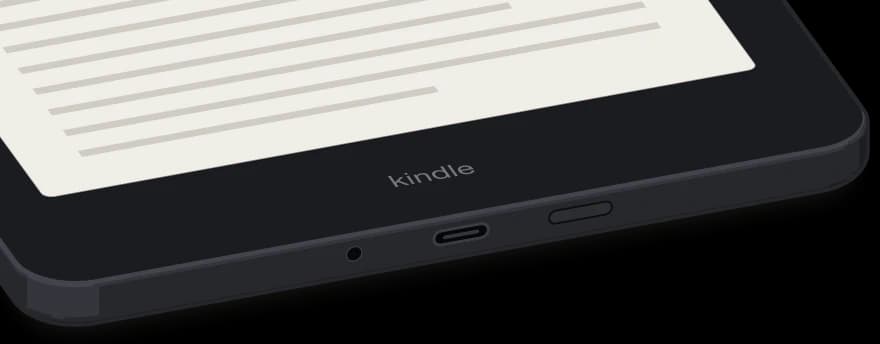 Amber | It's charging. On a Paperwhite Signature Edition, it also comes on when the Kindle is lined up right on a wireless charger. |
Green | The battery is fully charged. |
No light while plugged in | It isn't charging. Check that the USB-C cable is pushed all the way in at both ends. |
Amber, blinks 4 times | You're holding the Power button to force a restart. You can let go now, and the Kindle restarts. |
If the light doesn't come on
Push the USB-C cable all the way into your Kindle and into the charger or computer. If it still won't charge, try another USB port or power outlet. Low-powered USB ports, like the ones on some keyboards and older computers, can't charge a Kindle.
Comments
0Share your thoughts, questions, or feedback about this guide.