
How Much RAM Does Your iPhone Have? Full List of Every Model
Apple never puts RAM on its iPhone spec pages, so it is hard to find. Here is every iPhone with its picture and RAM, from the 2007 original to the iPhone 18 Pro.
iPhone RAM List for Every Model From Newest to Oldest
| Picture | iPhone | RAM | Chip | Year |
|---|---|---|---|---|
 | iPhone Duo Apple Intelligence | 12 GB | A20 Pro | 2026 |
 | iPhone 18 Pro MaxApple Intelligence | 12 GB | A20 Pro | 2026 |
 | iPhone 18 ProApple Intelligence | 12 GB | A20 Pro | 2026 |
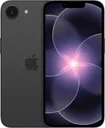 | iPhone 17eApple Intelligence | 8 GB | A19 | 2026 |
 | iPhone 17 Pro MaxApple Intelligence | 12 GB | A19 Pro | 2025 |
 | iPhone 17 ProApple Intelligence | 12 GB | A19 Pro | 2025 |
 | iPhone AirApple Intelligence | 12 GB | A19 Pro | 2025 |
 | iPhone 17Apple Intelligence | 8 GB | A19 | 2025 |
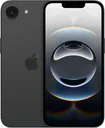 | iPhone 16eApple Intelligence | 8 GB | A18 | 2025 |
 | iPhone 16 Pro MaxApple Intelligence | 8 GB | A18 Pro | 2024 |
 | iPhone 16 ProApple Intelligence | 8 GB | A18 Pro | 2024 |
 | iPhone 16 PlusApple Intelligence | 8 GB | A18 | 2024 |
 | iPhone 16Apple Intelligence | 8 GB | A18 | 2024 |
 | iPhone 15 Pro MaxApple Intelligence | 8 GB | A17 Pro | 2023 |
 | iPhone 15 ProApple Intelligence | 8 GB | A17 Pro | 2023 |
 | iPhone 15 Plus | 6 GB | A16 Bionic | 2023 |
 | iPhone 15 | 6 GB | A16 Bionic | 2023 |
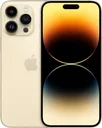 | iPhone 14 Pro Max | 6 GB | A16 Bionic | 2022 |
 | iPhone 14 Pro | 6 GB | A16 Bionic | 2022 |
 | iPhone 14 Plus | 6 GB | A15 Bionic | 2022 |
 | iPhone 14 | 6 GB | A15 Bionic | 2022 |
 | iPhone SE (3rd generation) | 4 GB | A15 Bionic | 2022 |
 | iPhone 13 Pro Max | 6 GB | A15 Bionic | 2021 |
 | iPhone 13 Pro | 6 GB | A15 Bionic | 2021 |
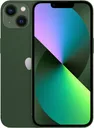 | iPhone 13 | 4 GB | A15 Bionic | 2021 |
 | iPhone 13 mini | 4 GB | A15 Bionic | 2021 |
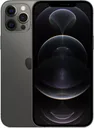 | iPhone 12 Pro Max | 6 GB | A14 Bionic | 2020 |
 | iPhone 12 Pro | 6 GB | A14 Bionic | 2020 |
 | iPhone 12 | 4 GB | A14 Bionic | 2020 |
 | iPhone 12 mini | 4 GB | A14 Bionic | 2020 |
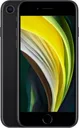 | iPhone SE (2nd generation) | 3 GB | A13 Bionic | 2020 |
 | iPhone 11 Pro Max | 4 GB | A13 Bionic | 2019 |
 | iPhone 11 Pro | 4 GB | A13 Bionic | 2019 |
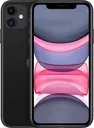 | iPhone 11 | 4 GB | A13 Bionic | 2019 |
 | iPhone XS Max | 4 GB | A12 Bionic | 2018 |
 | iPhone XS | 4 GB | A12 Bionic | 2018 |
 | iPhone XR | 3 GB | A12 Bionic | 2018 |
 | iPhone X | 3 GB | A11 Bionic | 2017 |
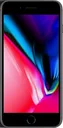 | iPhone 8 Plus | 3 GB | A11 Bionic | 2017 |
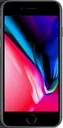 | iPhone 8 | 2 GB | A11 Bionic | 2017 |
 | iPhone 7 Plus | 3 GB | A10 Fusion | 2016 |
 | iPhone 7 | 2 GB | A10 Fusion | 2016 |
 | iPhone SE (1st generation) | 2 GB | A9 | 2016 |
 | iPhone 6s Plus | 2 GB | A9 | 2015 |
 | iPhone 6s | 2 GB | A9 | 2015 |
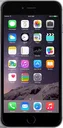 | iPhone 6 Plus | 1 GB | A8 | 2014 |
 | iPhone 6 | 1 GB | A8 | 2014 |
 | iPhone 5s | 1 GB | A7 | 2013 |
 | iPhone 5c | 1 GB | A6 | 2013 |
 | iPhone 5 | 1 GB | A6 | 2012 |
 | iPhone 4s | 512 MB | A5 | 2011 |
 | iPhone 4 | 512 MB | A4 | 2010 |
 | iPhone 3GS | 256 MB | Samsung APL0298 | 2009 |
 | iPhone 3G | 128 MB | Samsung APL0098 | 2008 |
 | iPhone (original) | 128 MB | Samsung APL0098 | 2007 |
How iPhone RAM Has Grown Since 2007
The most RAM in any iPhone released each year.
- 2007128 MB
- 2008128 MB
- 2009256 MB
- 2010512 MB
- 2011512 MB
- 20121 GB
- 20131 GB
- 20141 GB
- 20152 GB
- 20163 GB
- 20173 GB
- 20184 GB
- 20194 GB
- 20206 GB
- 20216 GB
- 20226 GB
- 20238 GB
- 20248 GB
- 202512 GB
- 202612 GB
How to Check Which iPhone Model You Have
- 1
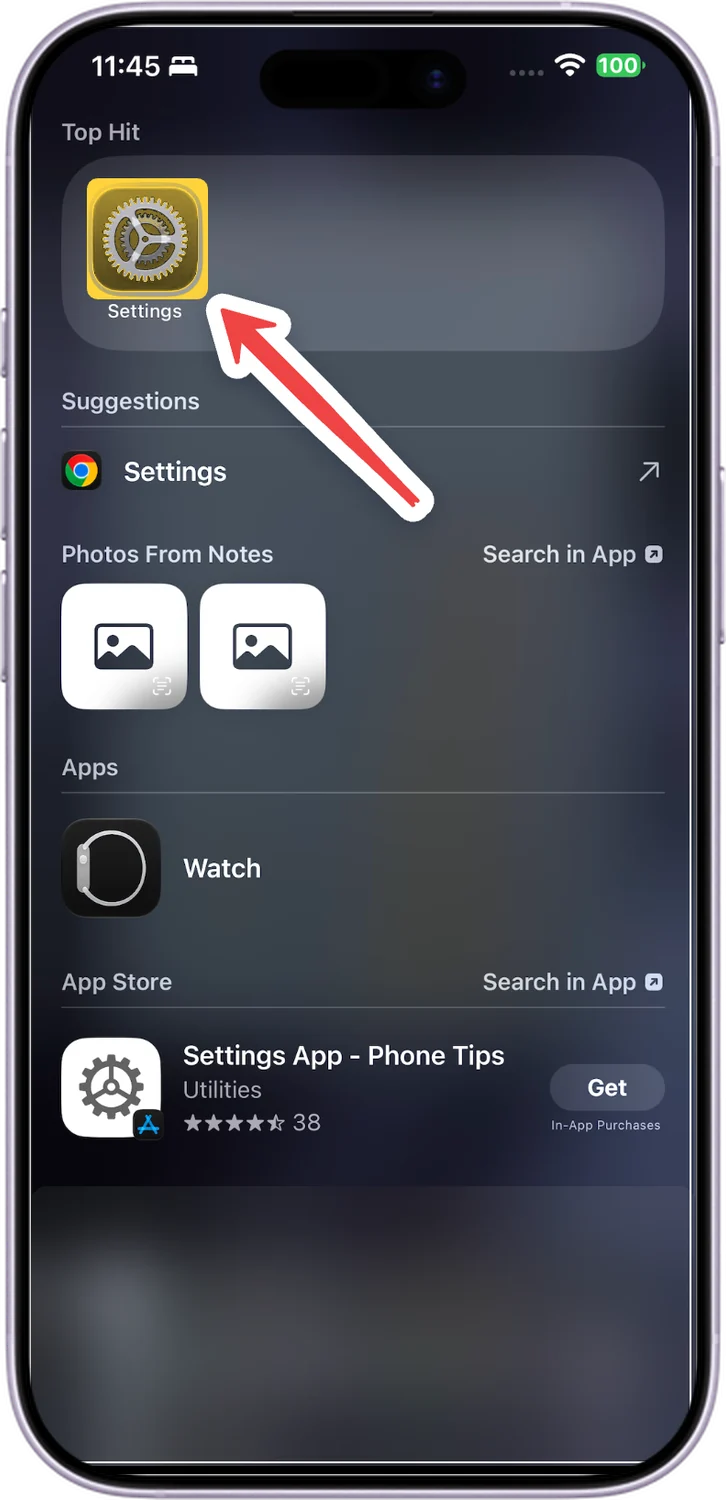
Open Settings
Swipe down on the Home Screen, type Settings and tap the Settings app.
- 2
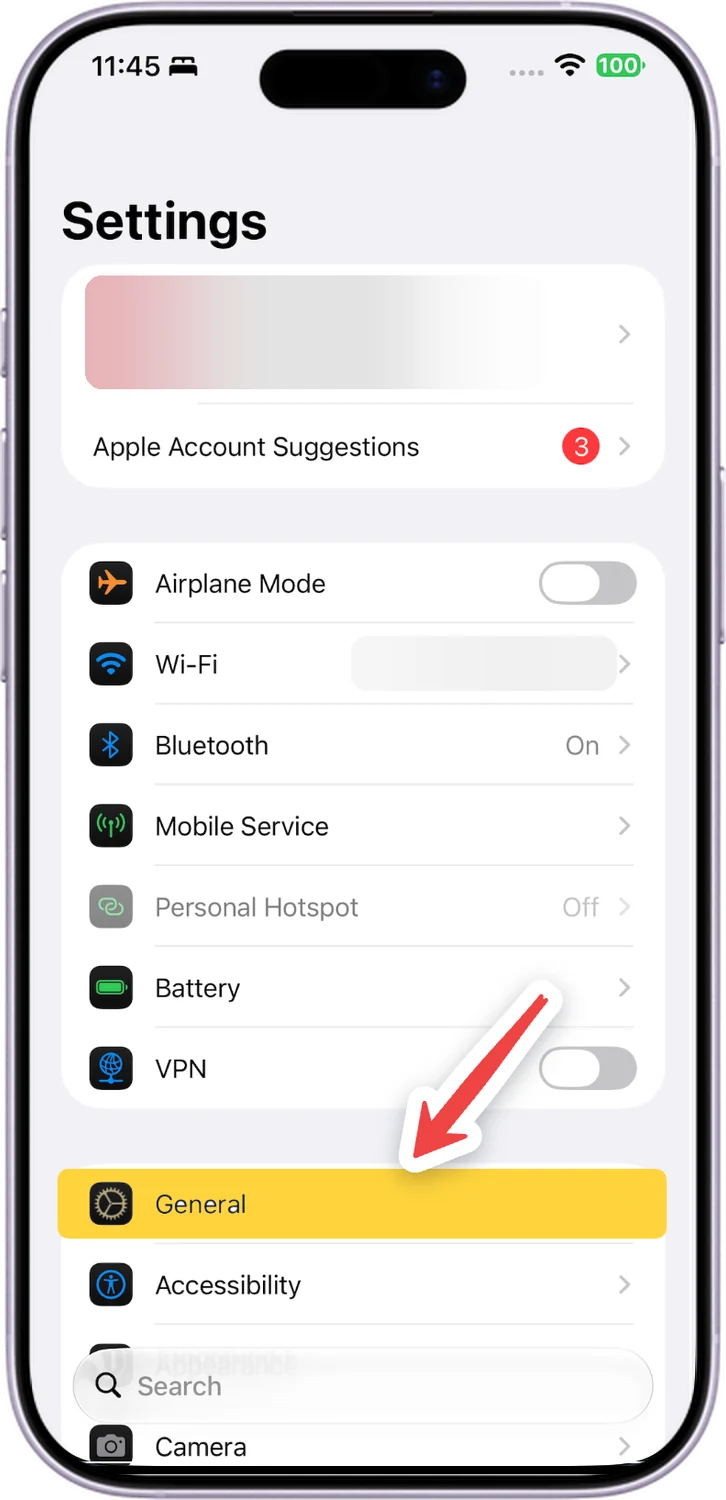
Tap General
Scroll down a little and tap General.
- 3
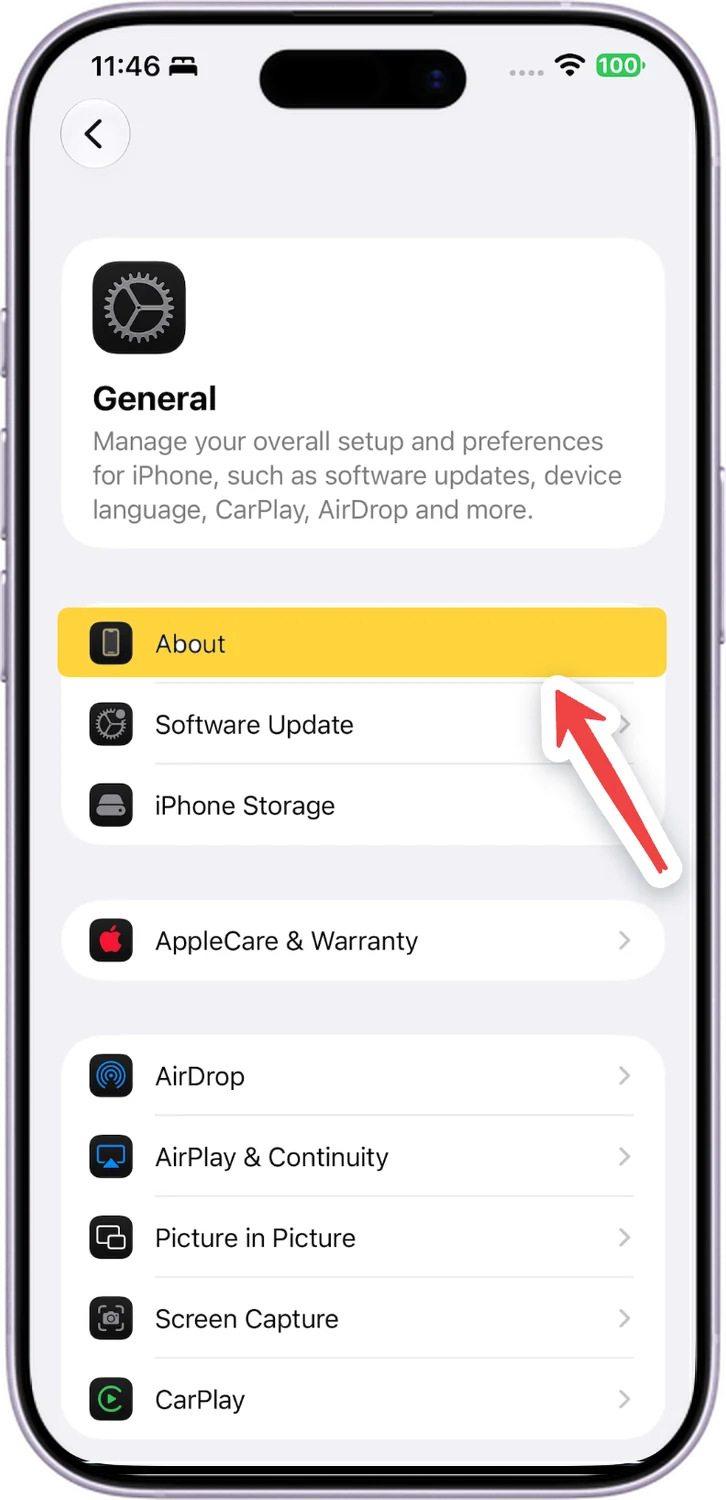
Tap About
About is the first row in General.
- 4
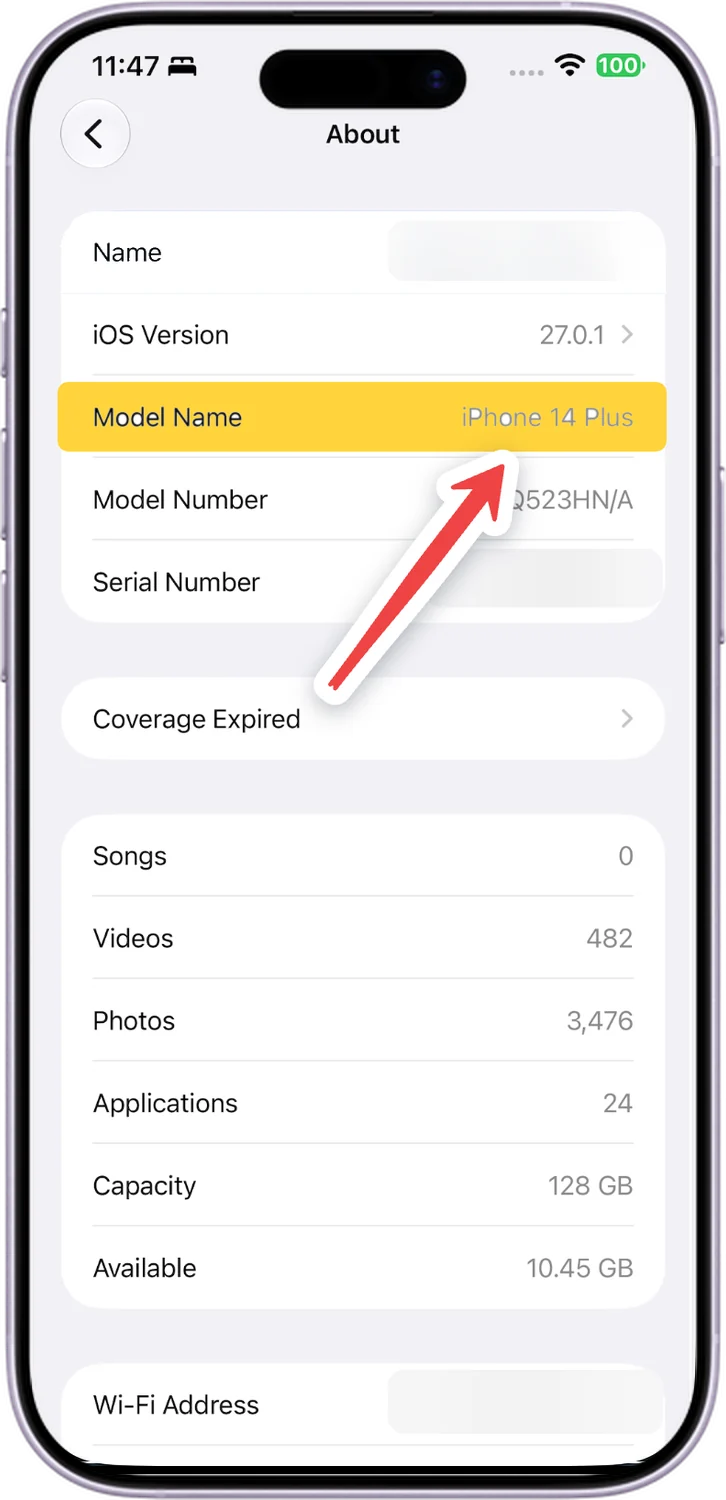
Read the Model Name
Model Name shows your iPhone, here an iPhone 14 Plus. Find it in the table above.
Our iPhone update checker shows how many more iOS updates your model will get.
Comments
0Share your thoughts, questions, or feedback about this guide.