
Galaxy Buds Light Meaning: Every Color Explained
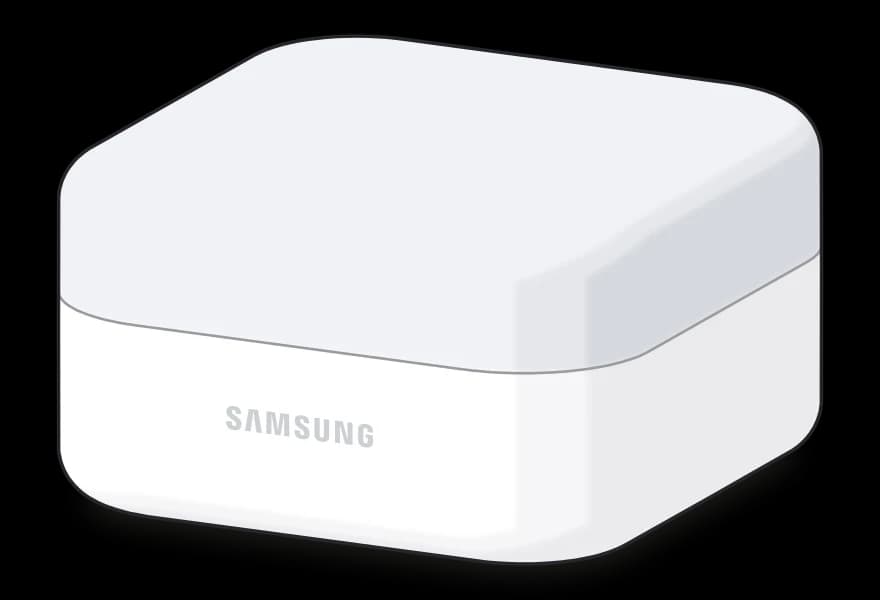
The small light on the front of your Galaxy Buds4 or Buds4 Pro case shows the battery and charging status. It comes on when you open or close the case, or briefly press the Connect button on the back.
What the case light means
| Light | What it means |
|---|---|
 Solid red | It's charging. That's the case, plus the earbuds if they're inside. |
Solid green | Fully charged. The case is full, and so are the earbuds if they're inside. |
Flashing red while charging | Charging is blocked. The case or earbuds are too hot or cold, or there's water, sweat or dirt on the charging contacts. |
Green for 5 seconds | With the earbuds out, the case is above 60%. With them in, the earbuds are fully charged. |
Yellow for 5 seconds | With the earbuds out, the case is between 30% and 59%. |
Red for 5 seconds | With the earbuds out, the case is low, between 10% and 29%. With them in, the earbuds are charging. |
Flashing red when you open or close it | With the earbuds out, the case is almost empty, under 10%. Time to plug it in. |
Flashing red, green and blue | Your earbuds are in pairing mode, so you can connect them from your phone's Bluetooth settings. |
Flashing blue, then off | The two earbuds are coupled to each other again after you held the Connect button for 7 seconds. |
The Buds3 and Buds3 Pro case light uses the same colors. The Buds3 Pro also has lights on its stems that come on when you open or close the case, pair it with a Galaxy phone, or search for your earbuds.
If the light doesn't look right
If the light doesn't behave as described, unplug the charger from the case and plug it back in. If it's flashing red because charging is blocked by water, sweat or dirt, clean the charging contacts on the earbuds and the case, then charge again. And if it keeps flashing red after you hold the Connect button for 7 seconds, take the earbuds out, put them back in and try once more.
Comments
0Share your thoughts, questions, or feedback about this guide.