
Fitbit Air Light Meaning: Every Pattern Explained
The Google Fitbit Air has no screen. Instead, a small light on the side of the tracker shows when it's charging, updating or running low. You can firmly double-tap the tracker at any time to wake the light and check the battery.
What the status light means
| Light | What it means |
|---|---|
 Lights up as you attach the charger | The charging cable is on properly. The tracker also vibrates to let you know. |
Pulsing white | It's charging. A full charge from empty takes about 90 minutes. |
Solid white on the charger | Fully charged, at 100%. You can take it off the cable. |
Fast blinking white | It's installing a firmware update. |
Flashing red | The battery is low, under 20%. It vibrates too. Charge it soon. |
Solid red | The battery is critically low or has already run out. Put it on the charger. |
White when you double-tap | It's working, and the battery is between 20% and 100%. |
Red when you double-tap | The battery is below 20%. Charge it soon. |
No light when you double-tap | It's off or the battery is empty. If you just changed the band, the light may be hidden behind it. |
If you can't see the light
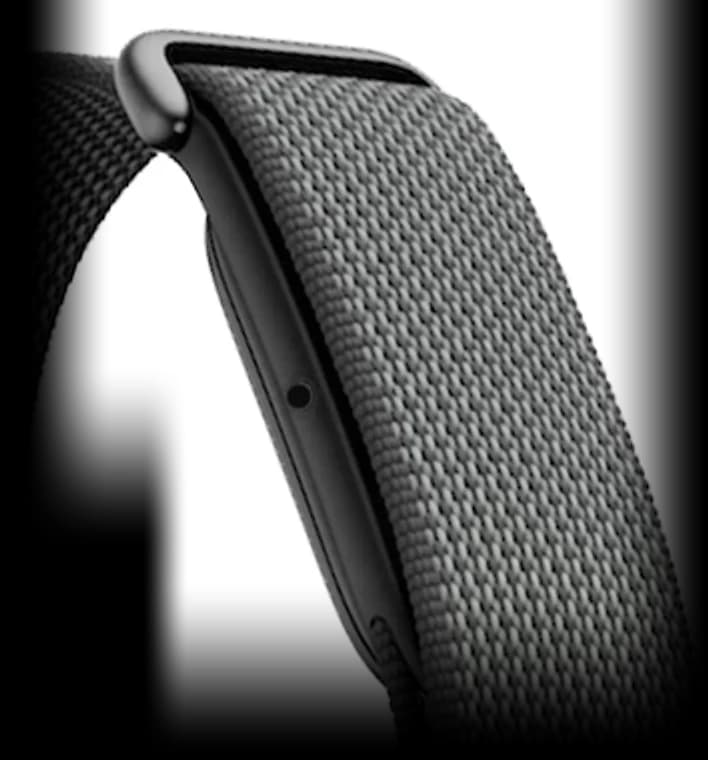
The Fitbit Air's light is on the left side of the tracker, in the middle, behind a small hole in the band. That's where you'll see it glow in its two colors, white and red. If you just swapped bands, make sure the small alignment markings on the band and the tracker line up, or the band can cover the hole.
If the light still isn't showing, firmly double-tap the top of the tracker to wake it. And if you still don't see it, the battery has probably run down, so put your Fitbit Air on the charger.
Comments
0Share your thoughts, questions, or feedback about this guide.
Leave a Comment