
Does Instagram Notify Someone When You Like and Unlike Their Post?
We've all been there. You are scrolling through someone's profile, go a little too deep, and accidentally double-tap a photo from two years ago. You unlike it in a panic, and now you are wondering if they know.
To find out, I used two phones with two Instagram accounts. One liked and unliked posts, and the other watched what showed up. The screens below are from that test, so you can try it yourself and see exactly what the other person sees.
| What you do | Alert on their phone | What they see |
|---|---|---|
| You like their post | Yes | Your username in an alert within seconds |
| You unlike it right away | Yes | The first alert stays on their phone |
| You unlike it minutes later | Yes | Your like still listed in their Activity |
| You like it again within minutes | No second alert | Only the first like |
| You like it again a day later | Shows as new | Your like back at the top with a new time |
| You like an old post | Yes | The alert with a thumbnail of that post |
| You like a reel | Yes | "liked your reel" |
| They turned off Instagram notifications | No | Your like in their Activity |
| Their like alerts are off | No | No alert on their phone |
| They only allow alerts from people they follow | No, if they don't follow you | No alert from you |
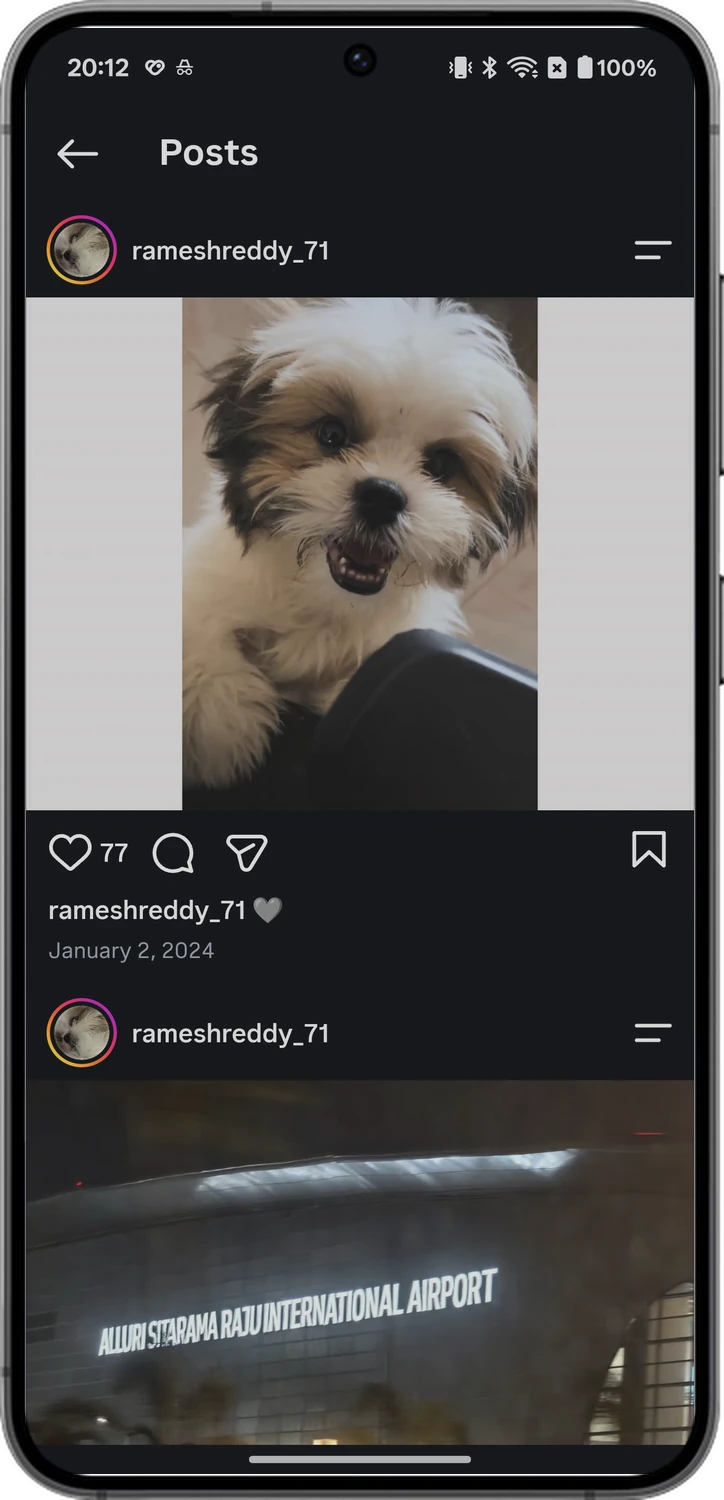
Tap the heart to like the post.
1. You Like Their Post
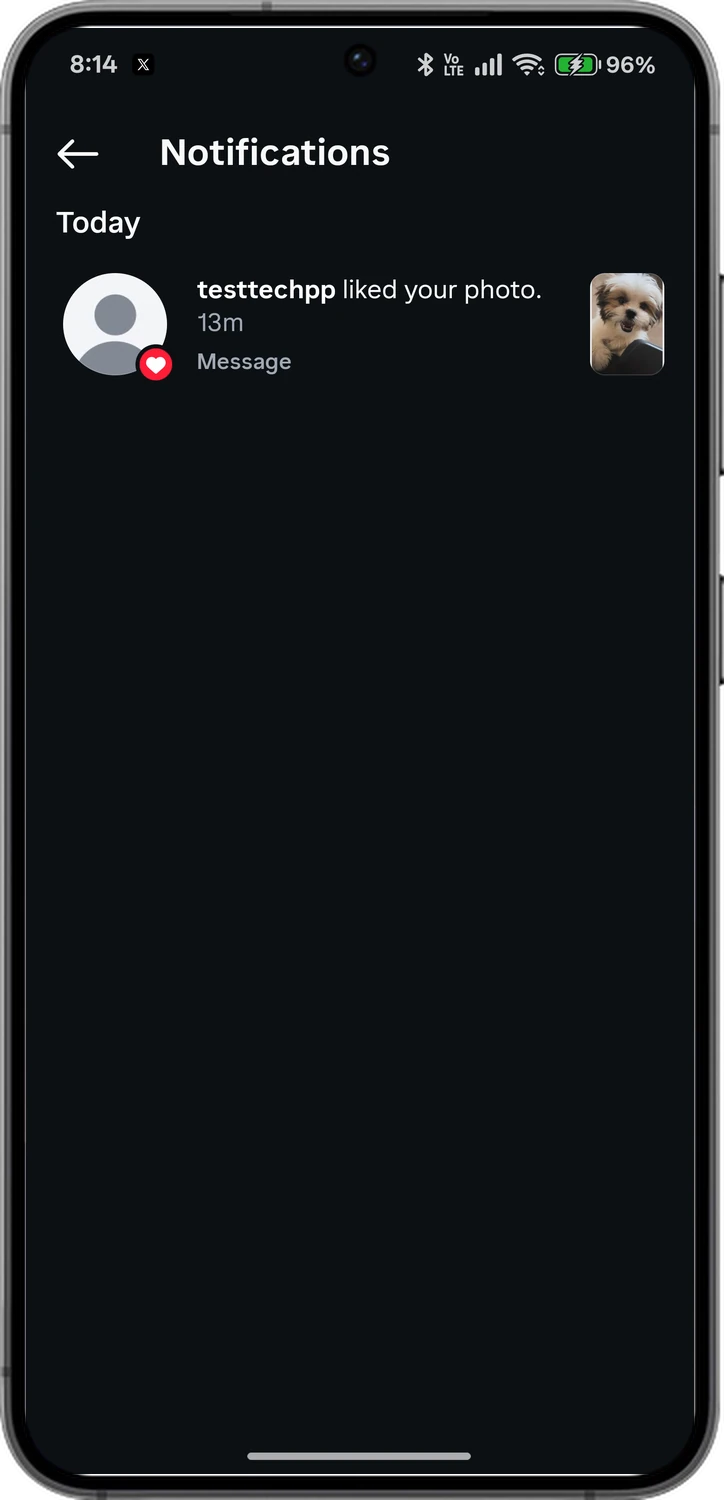
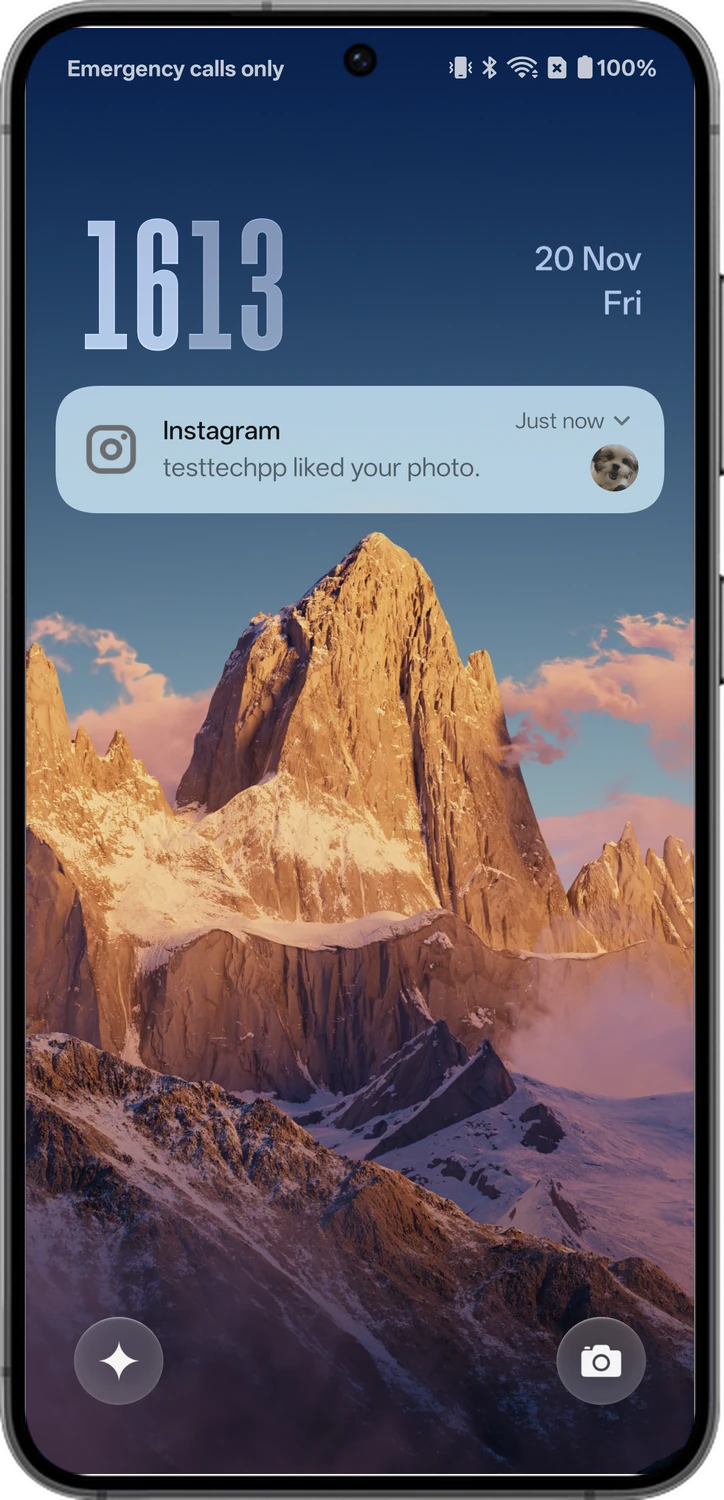
The moment you like a post, Instagram sends an alert to the other person. It shows up on their phone within seconds, with your username in it.
2. You Unlike It Right Away
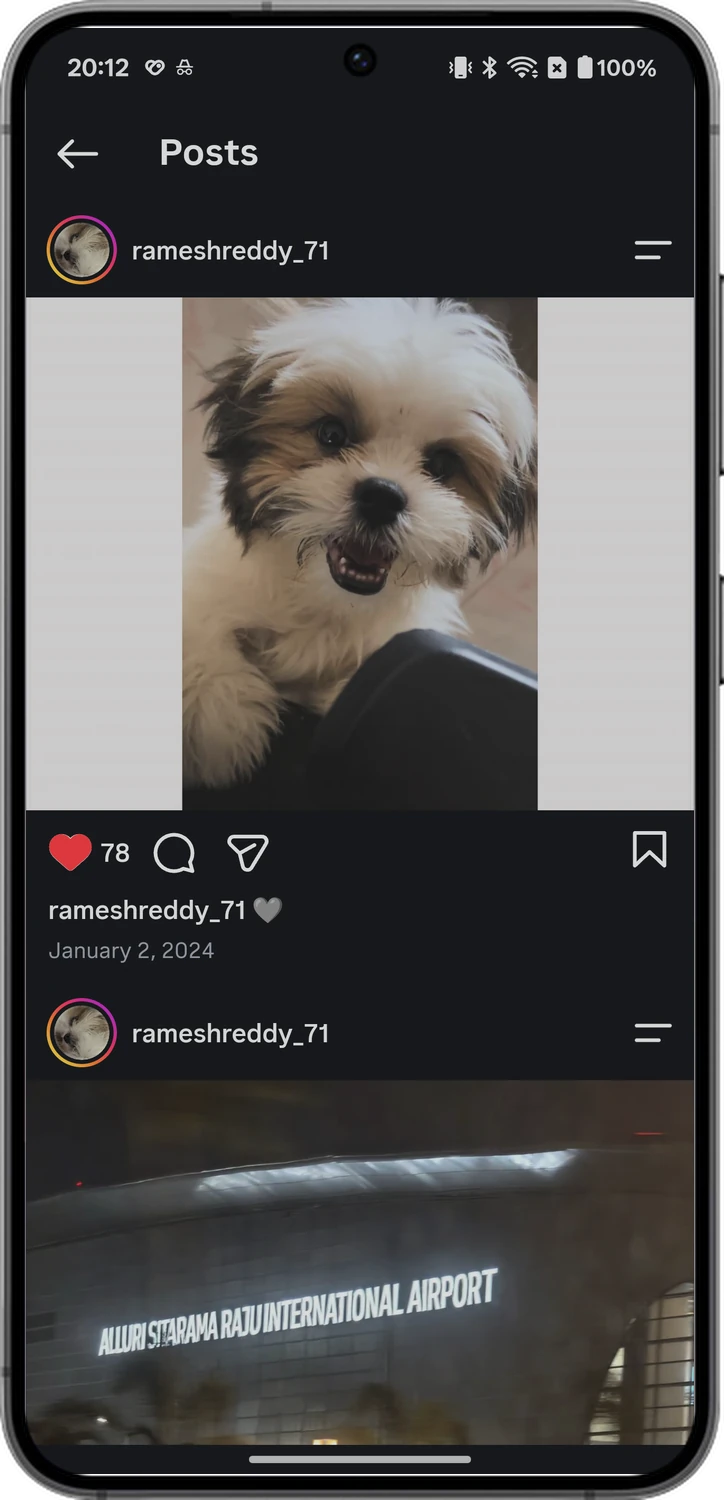
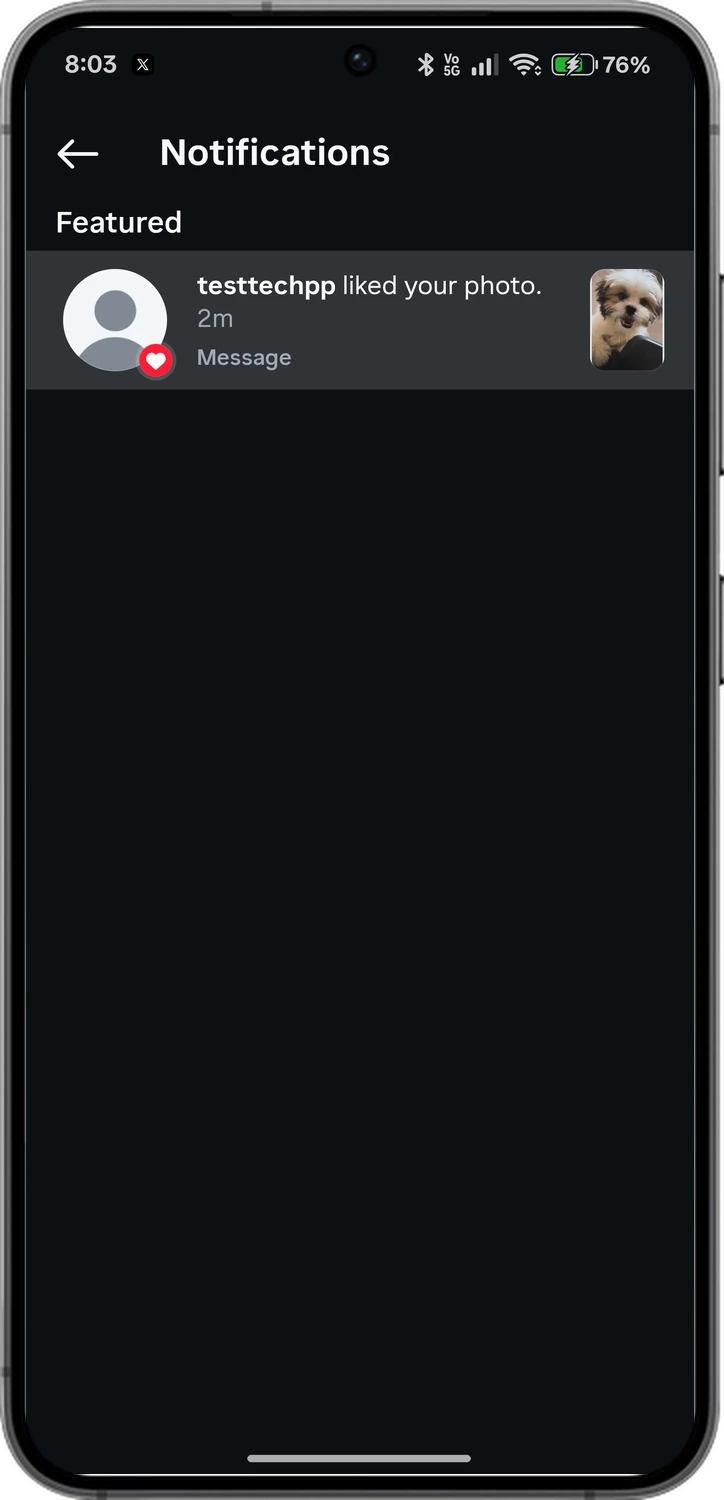
Unliking doesn't send any new notification, and your like disappears from the post. However, the alert that already reached their phone stays there. Instagram's head, Adam Mosseri, has also confirmed this and said that Instagram can't delete a notification once it lands on someone's phone. So once the other person receives the like notification, it stays on their phone. But keep in mind that if they tap the notification after you unlike the post, they won't see your like.
3. You Unlike It Minutes Later
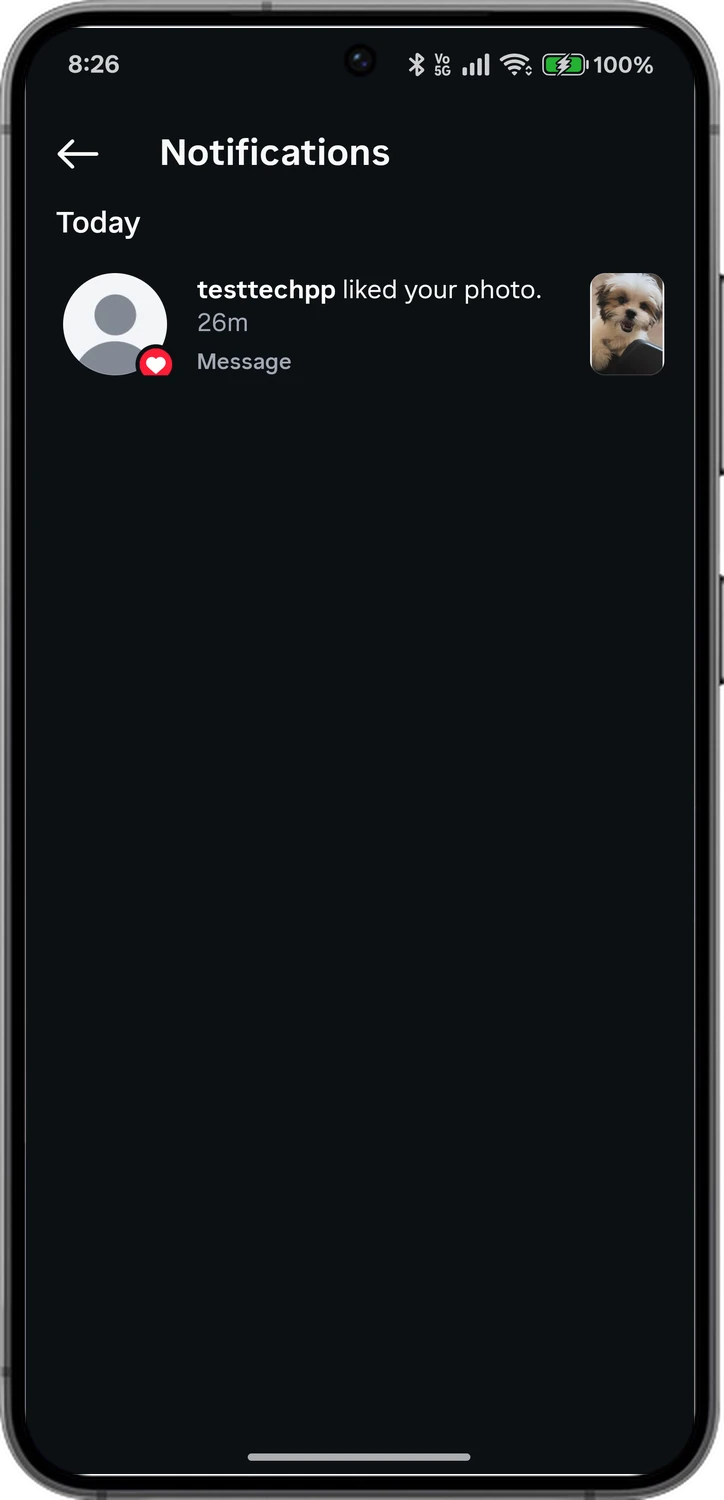
I unliked the photo at 8:12 PM and checked the other phone again at 8:26 PM. The "liked your photo" line was still in their Activity, even after restarting the app. So if they open Instagram, they can still see it.
4. What If You Like It Again Within Minutes After Unliking It?
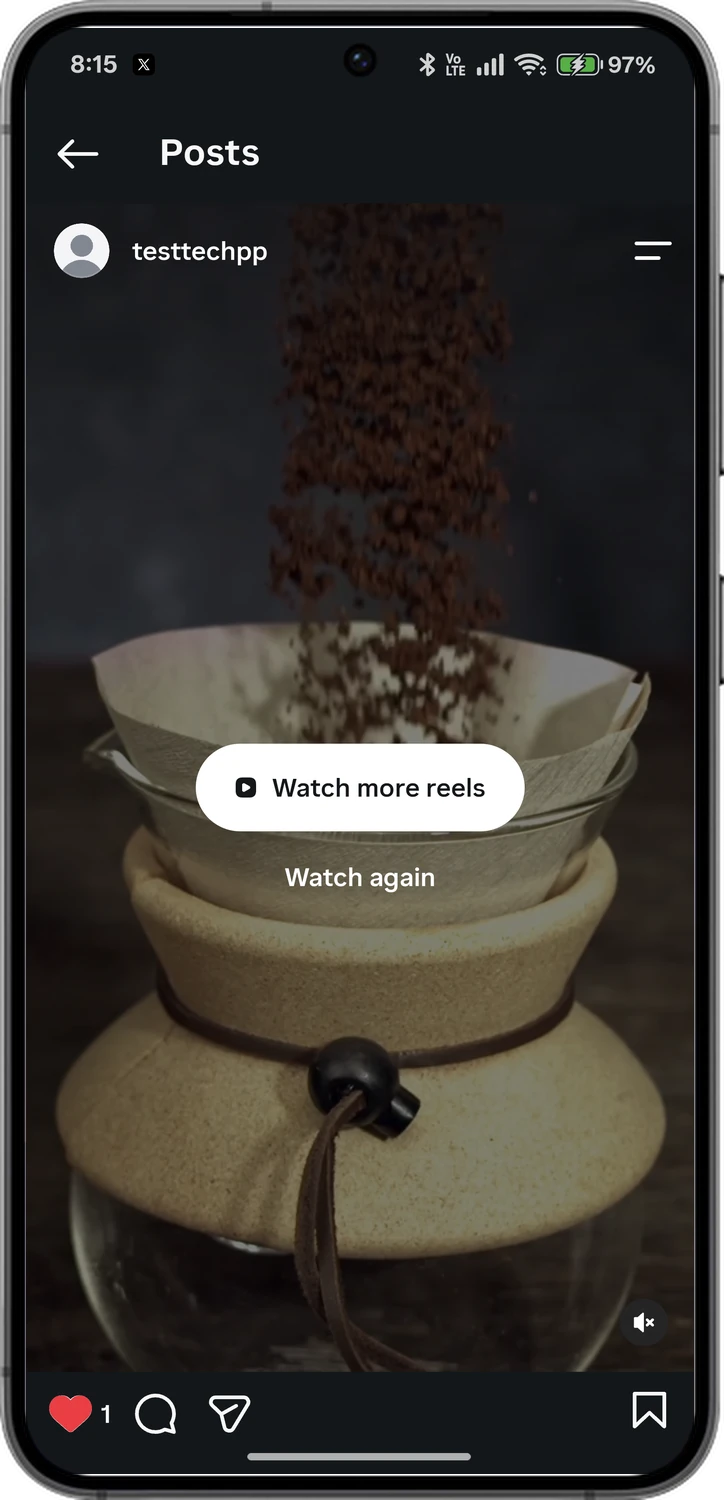
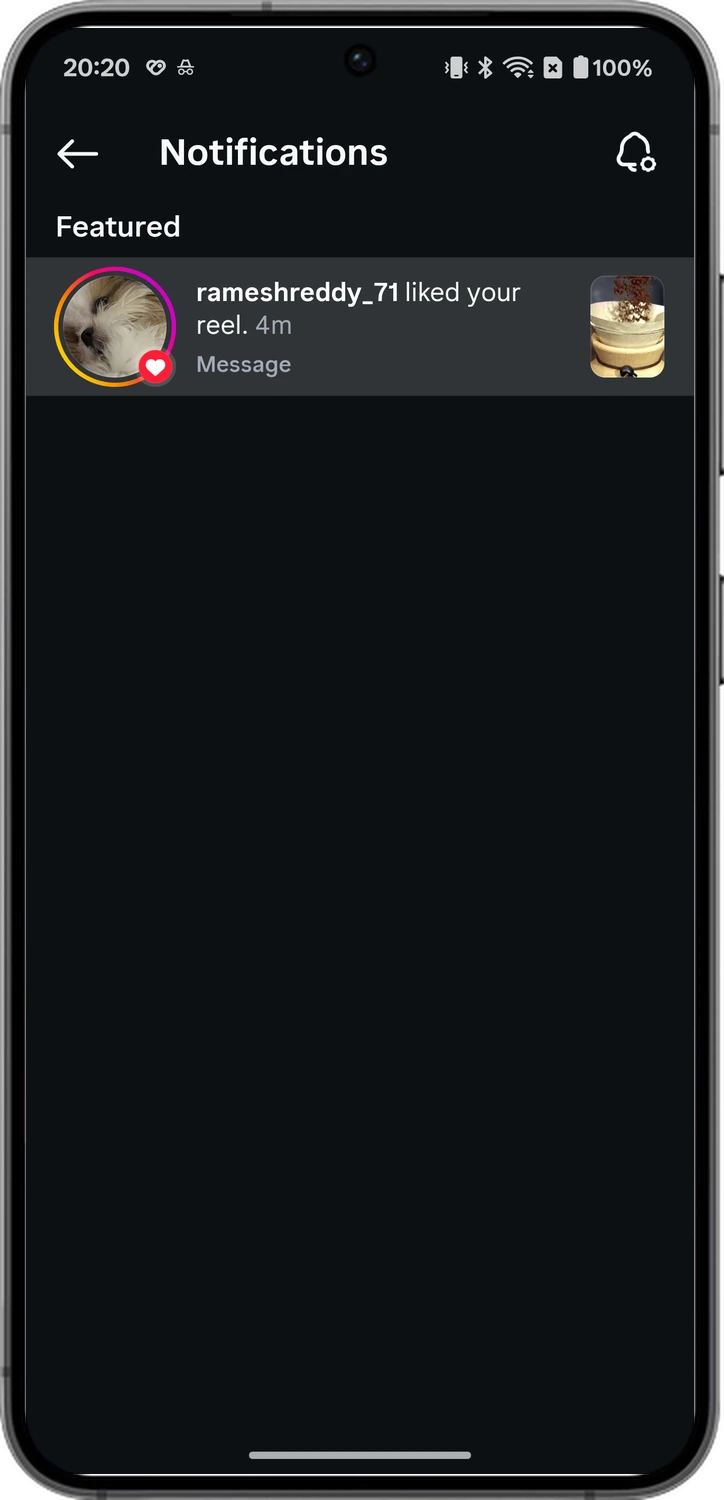
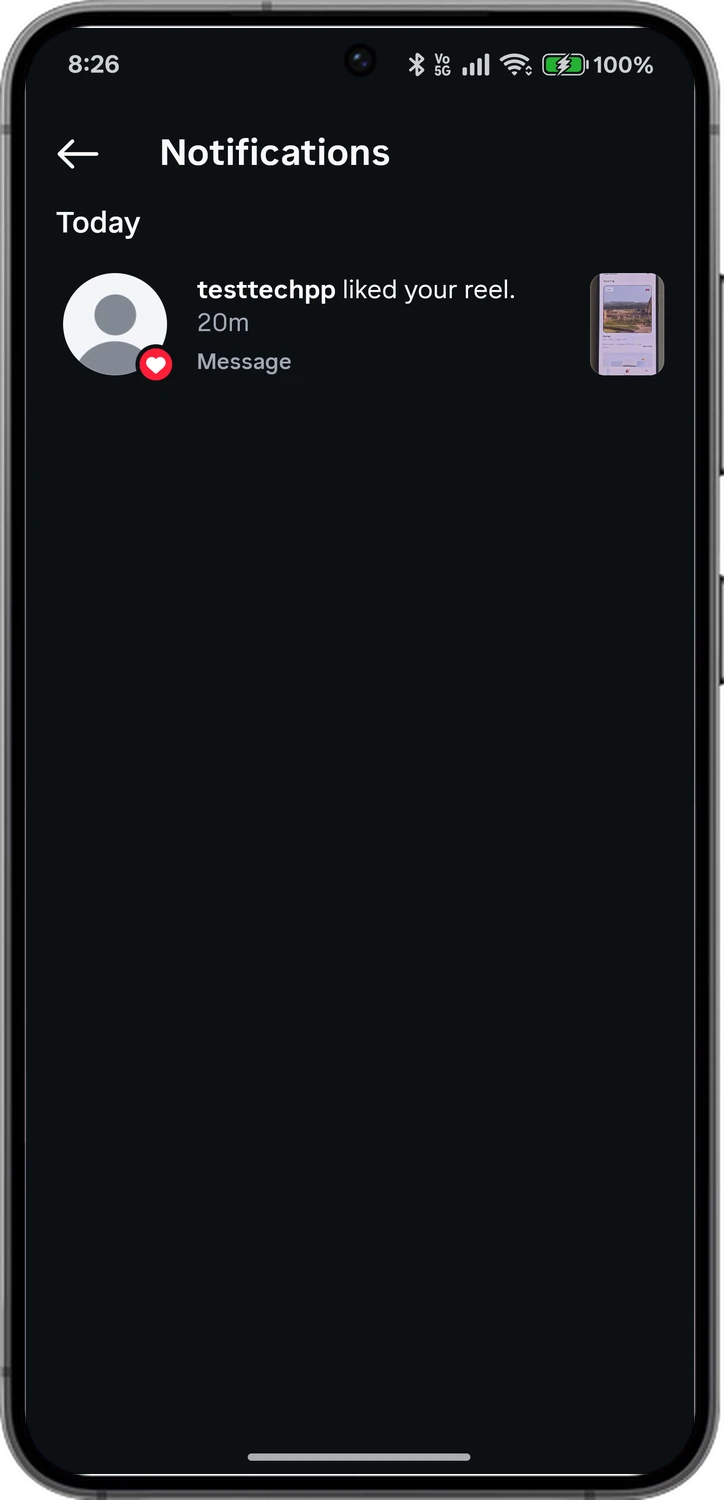
To test this out, I liked a reel, unliked it and liked it again within a few minutes. The other person didn't get a second alert. Their Activity only showed the notification for the first like.
5. What If You Like It Again a Day After Unliking It?
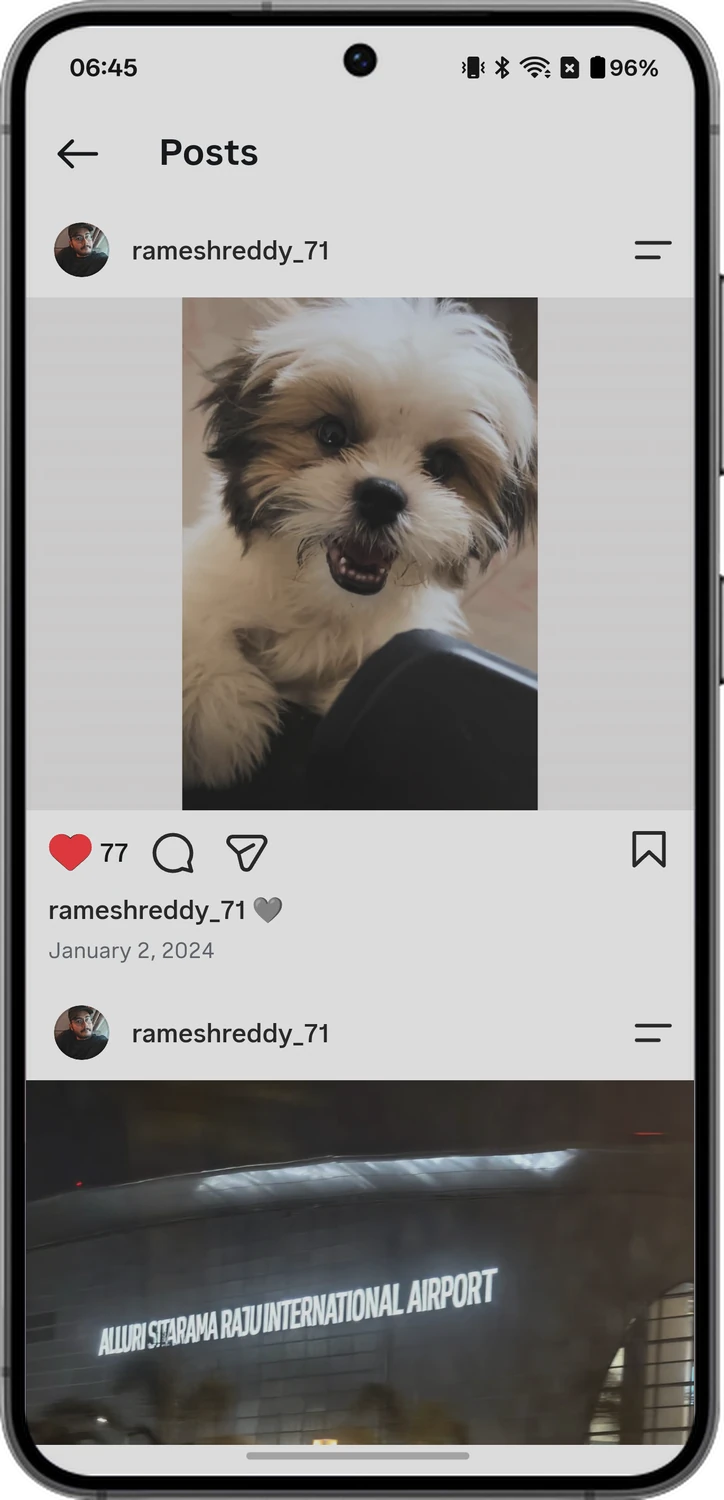
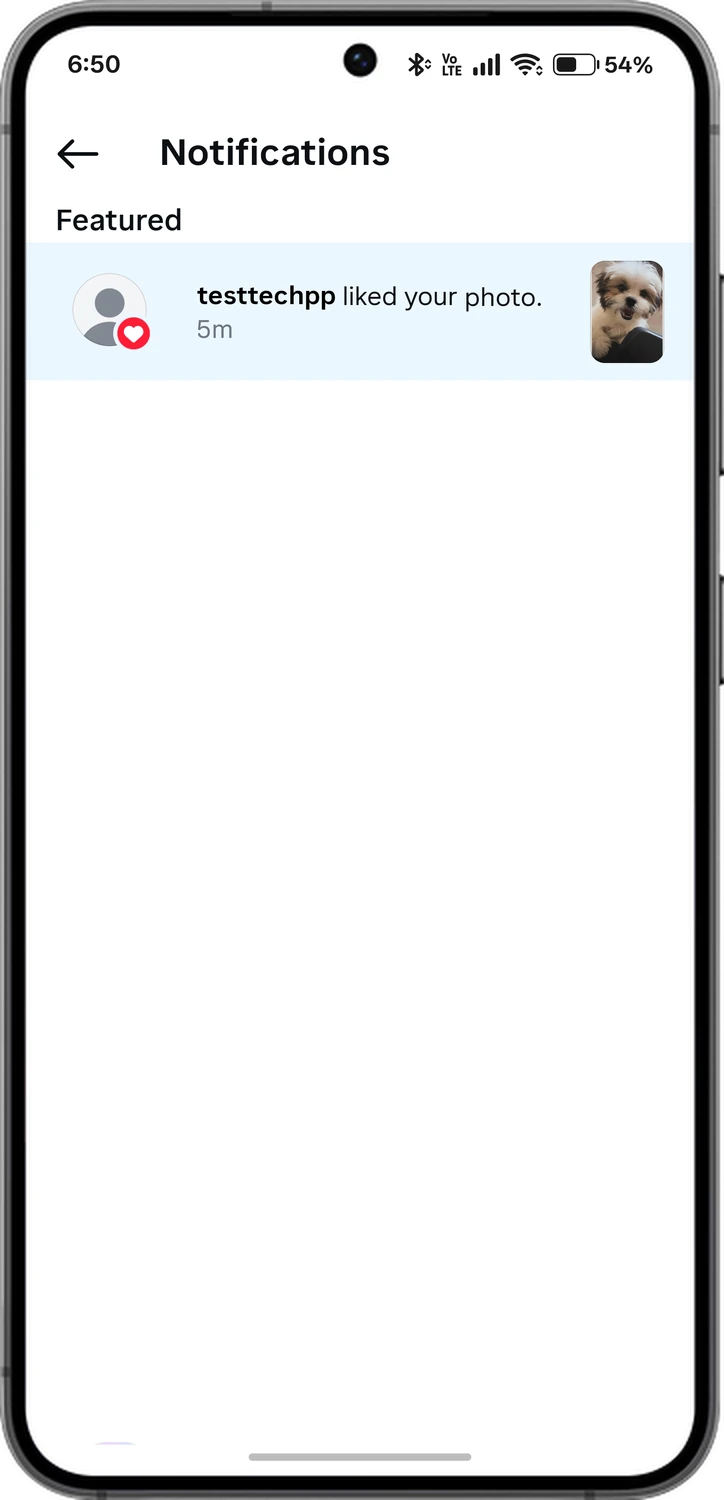
Things are different if you accidentally liked a post, unliked it and liked it again hours later. For instance, I unliked the dog photo at 8:12 PM and liked it again at 6:45 AM the next day, about 22 hours later. This time Instagram showed a new like at the top of their Activity, marked as new and with the latest like time. So this is also something you need to keep in mind.
6. What If You Like an Old Post of Theirs?
There is not much difference. Instagram sends the same notification for old posts too. For instance, I liked a photo that was posted in January 2024. The alert works the same for an old post, and their Activity shows a thumbnail of the photo, so they can tell exactly which post you were looking at.
7. What If You Like a Reel?
It works the same way. Reels also show the same like notification on their phone. The only difference is that the alert says "liked your reel" instead of "liked your photo".
8. What If They Turned Off Instagram Notifications?
To test it out, I turned off phone notifications for Instagram on the other phone. With notifications off, Instagram didn't show a like notification on the lock screen or the home screen, but the like still showed up in their Activity within seconds. So they will see it the next time they open Instagram.
9. What If Their Like Alerts Are Off?
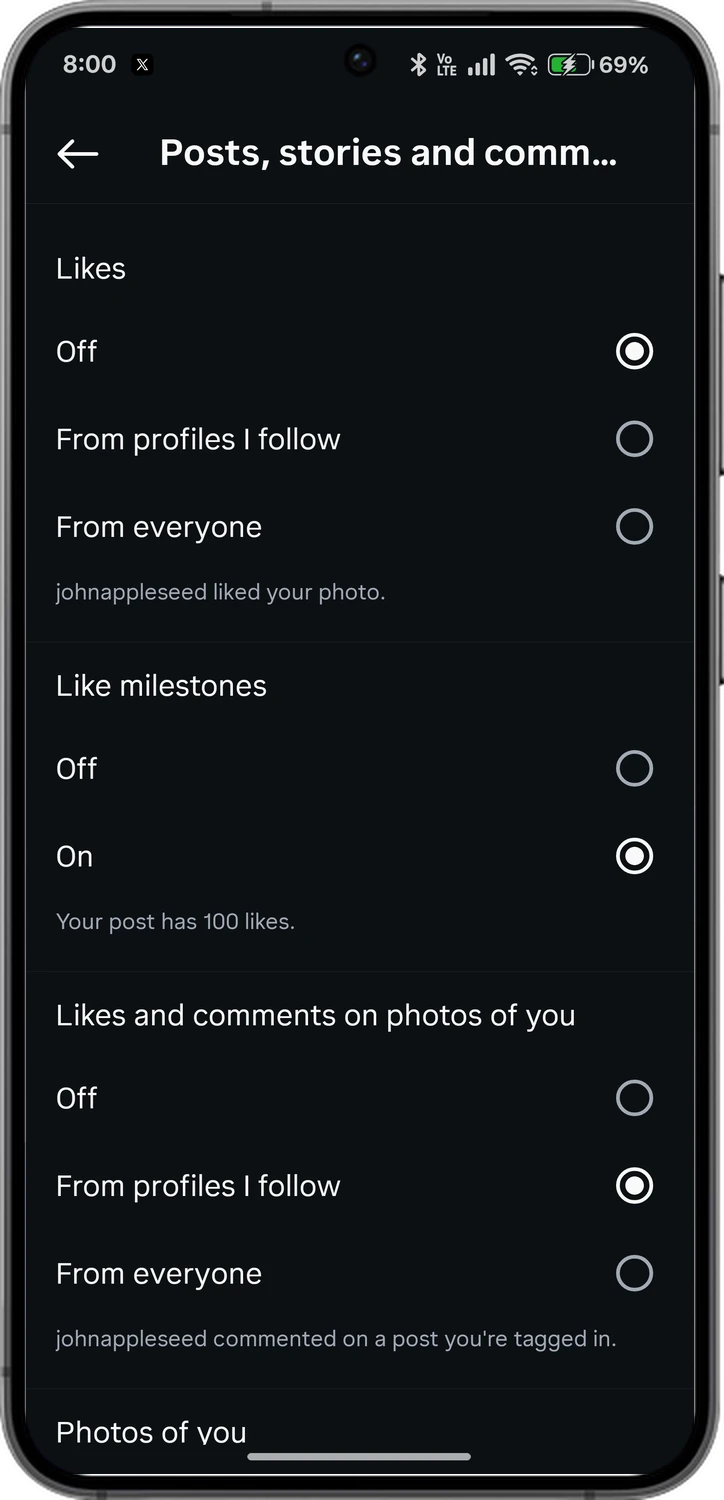
Instagram lets users turn off like notifications for their posts. It lives under Settings, Notifications, and Posts, stories and comments. If they have set like notifications to Off, Instagram doesn't send an alert to their phone when you like their post.
10. What If They Only Allow Alerts From People They Follow?
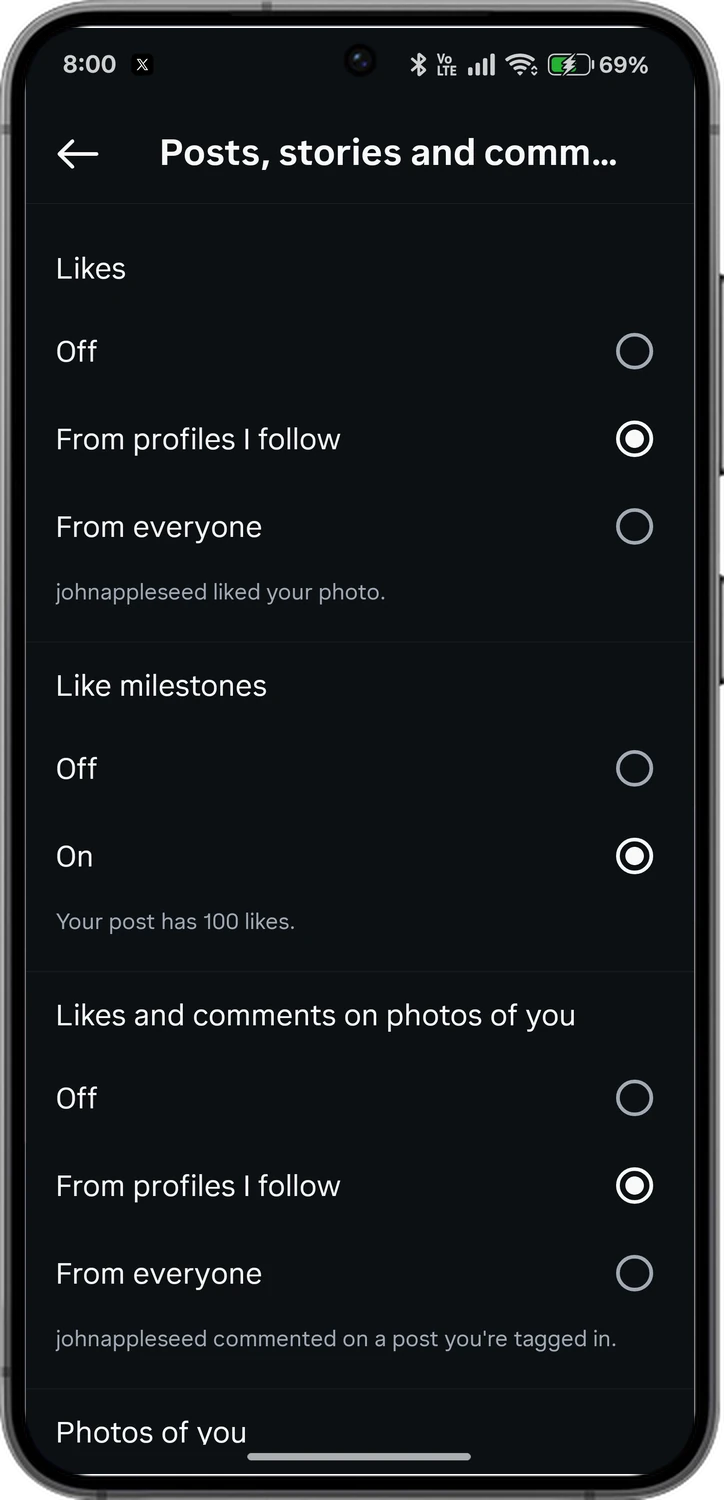
Instagram also lets users get notifications only from the profiles they follow. For instance, if they don't follow you and you like their post, they won't receive the notification. Remember that this only happens when they turn on the From profiles I follow setting on their phone.
I hope this post gave you detailed information on what happens when you like and unlike a post on Instagram. To give you a real experience, I tested it on two phones and shared the screens here. If you still have questions, let me know in the comments below.
Comments
0Share your thoughts, questions, or feedback about this guide.
Leave a Comment