
Google Chrome Error Codes and How to Fix Them
Seeing a Chrome error you don't understand? Find the code below to see what it means and how to fix it.
Site Cannot Be Reached Errors
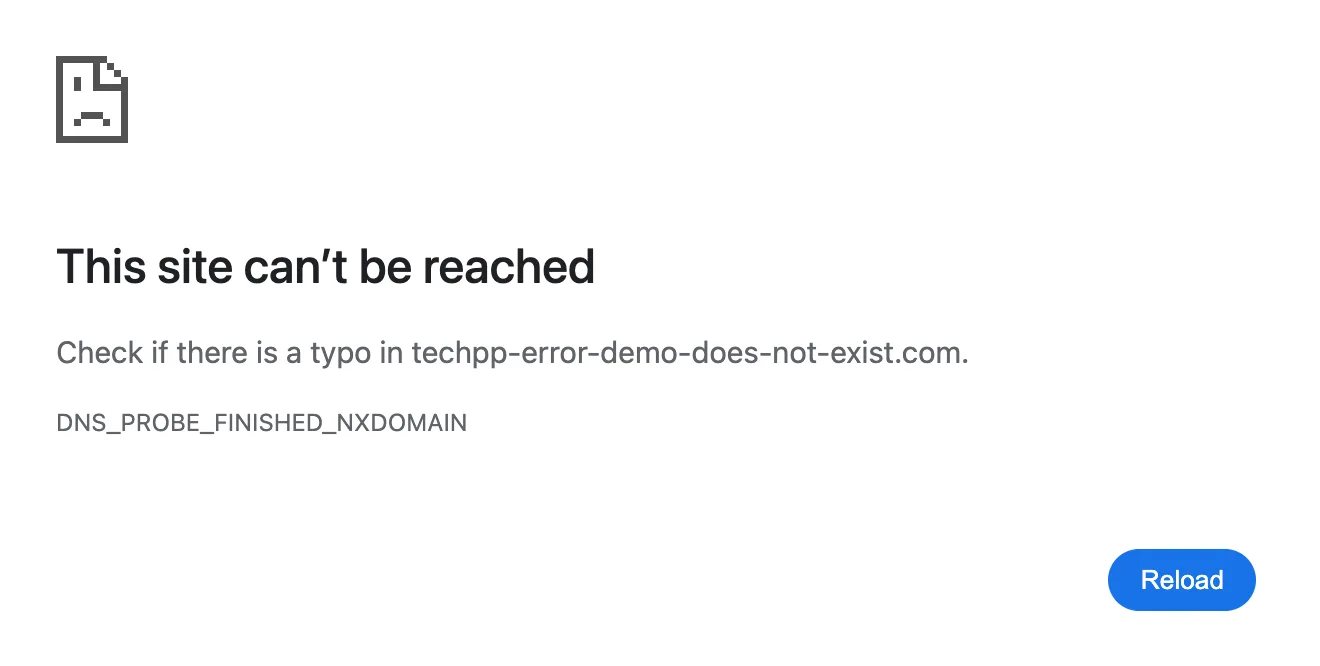
DNS_PROBE_FINISHED_NXDOMAIN
What it means
Chrome can't find the website's address. The domain may not exist, or your DNS couldn't look it up.
Steps to fix
- Check the address for typos.
- Restart your router.
Also shown as ERR_NAME_NOT_RESOLVED.
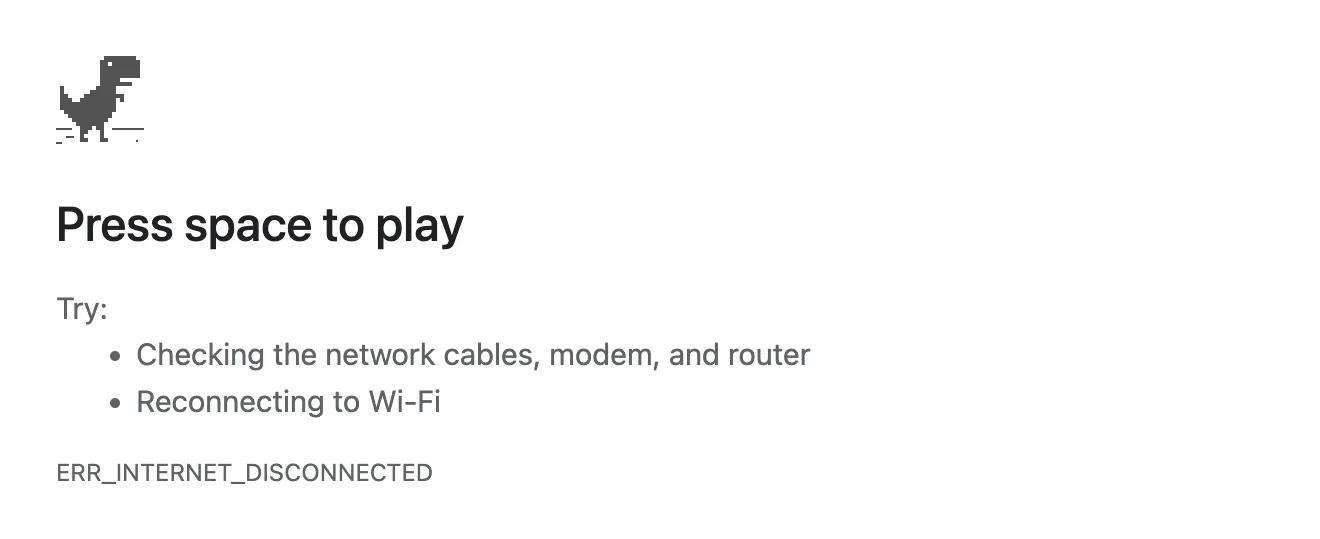
ERR_INTERNET_DISCONNECTED
What it means
Your device isn't connected to the internet, so Chrome can't load any page.
Steps to fix
- Reconnect to Wi-Fi.
- Check your cable, modem and router.
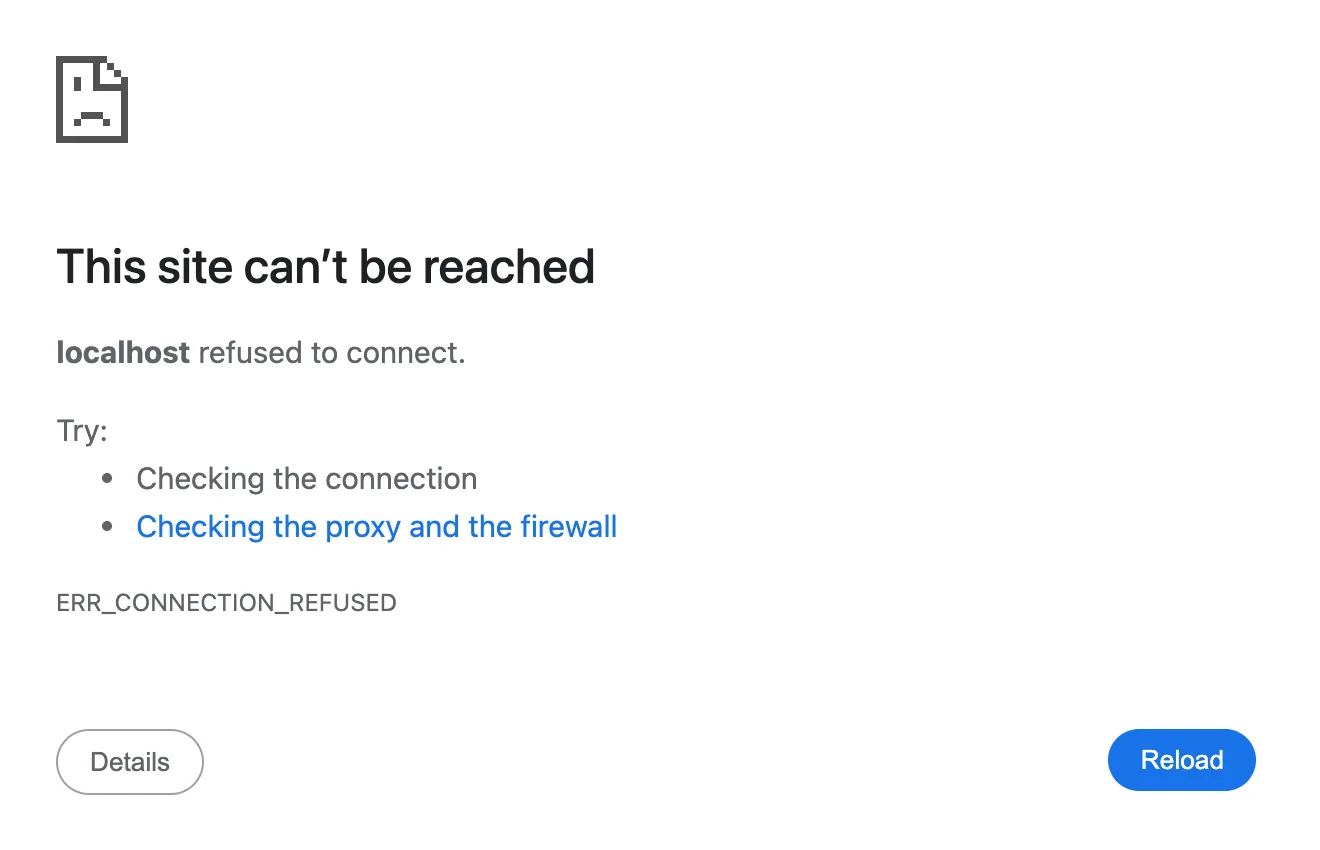
ERR_CONNECTION_REFUSED
What it means
The website refused to connect. The site may be down, or a VPN, proxy or firewall is blocking it.
Steps to fix
- Reload.
- Turn off your VPN or proxy.
- Check your firewall.
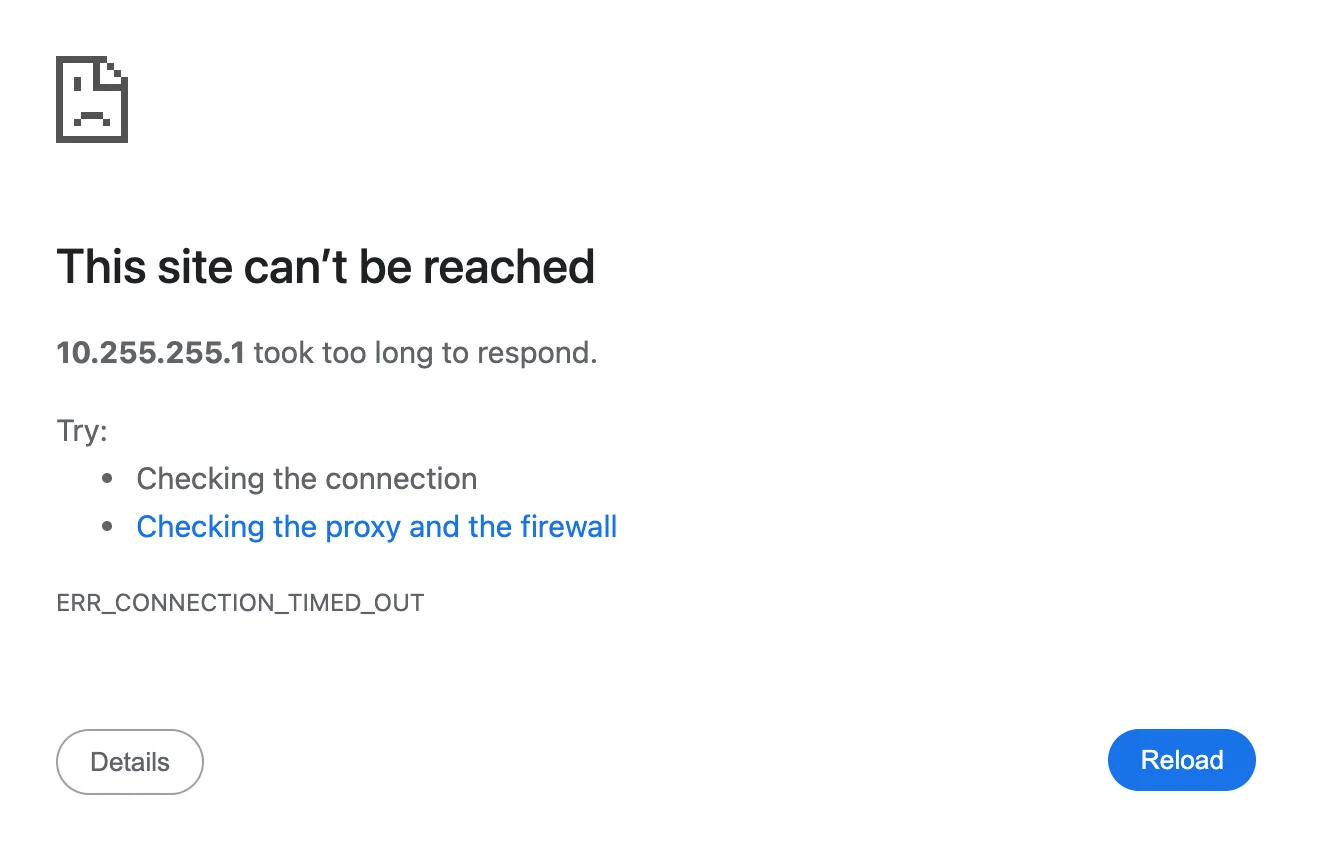
ERR_CONNECTION_TIMED_OUT
What it means
The website took too long to respond, usually because of a slow connection or a busy site.
Steps to fix
- Check your connection.
- Try again later.
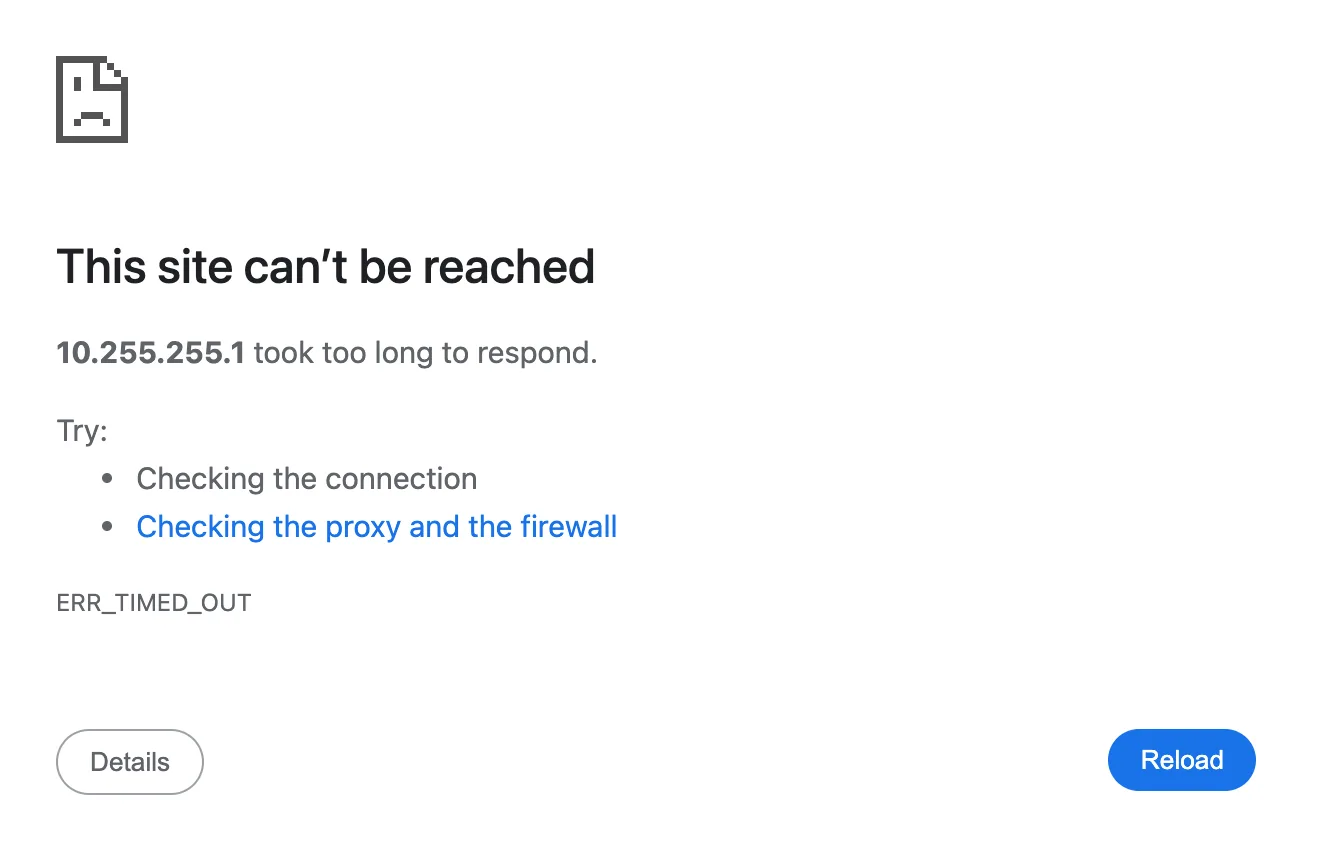
ERR_TIMED_OUT
What it means
The request took too long to finish, so Chrome gave up waiting.
Steps to fix
- Check your connection.
- Reload.
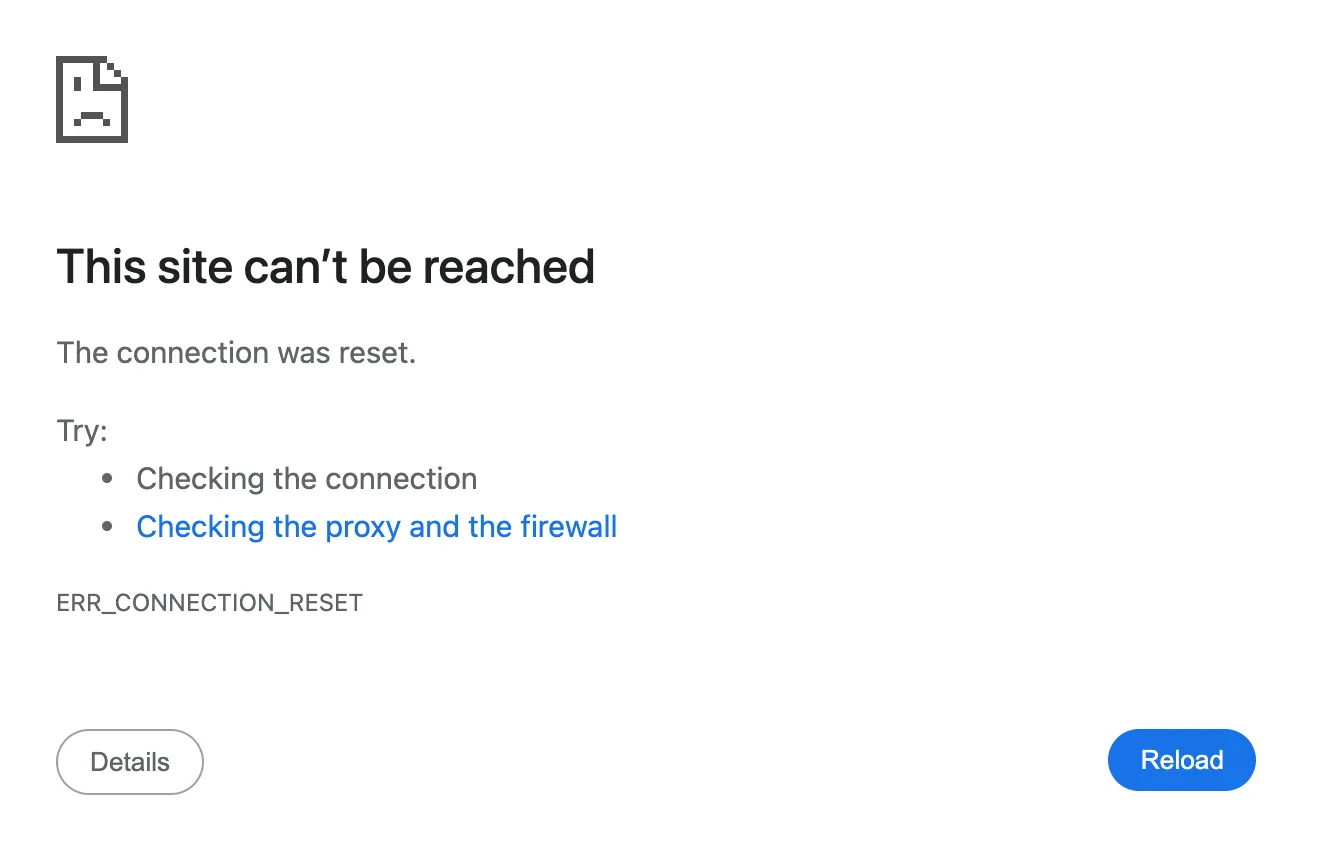
ERR_CONNECTION_RESET
What it means
The connection was cut off midway, often by an unstable network, a VPN or security software.
Steps to fix
- Reload.
- Turn off your VPN or proxy.
- Update Chrome.
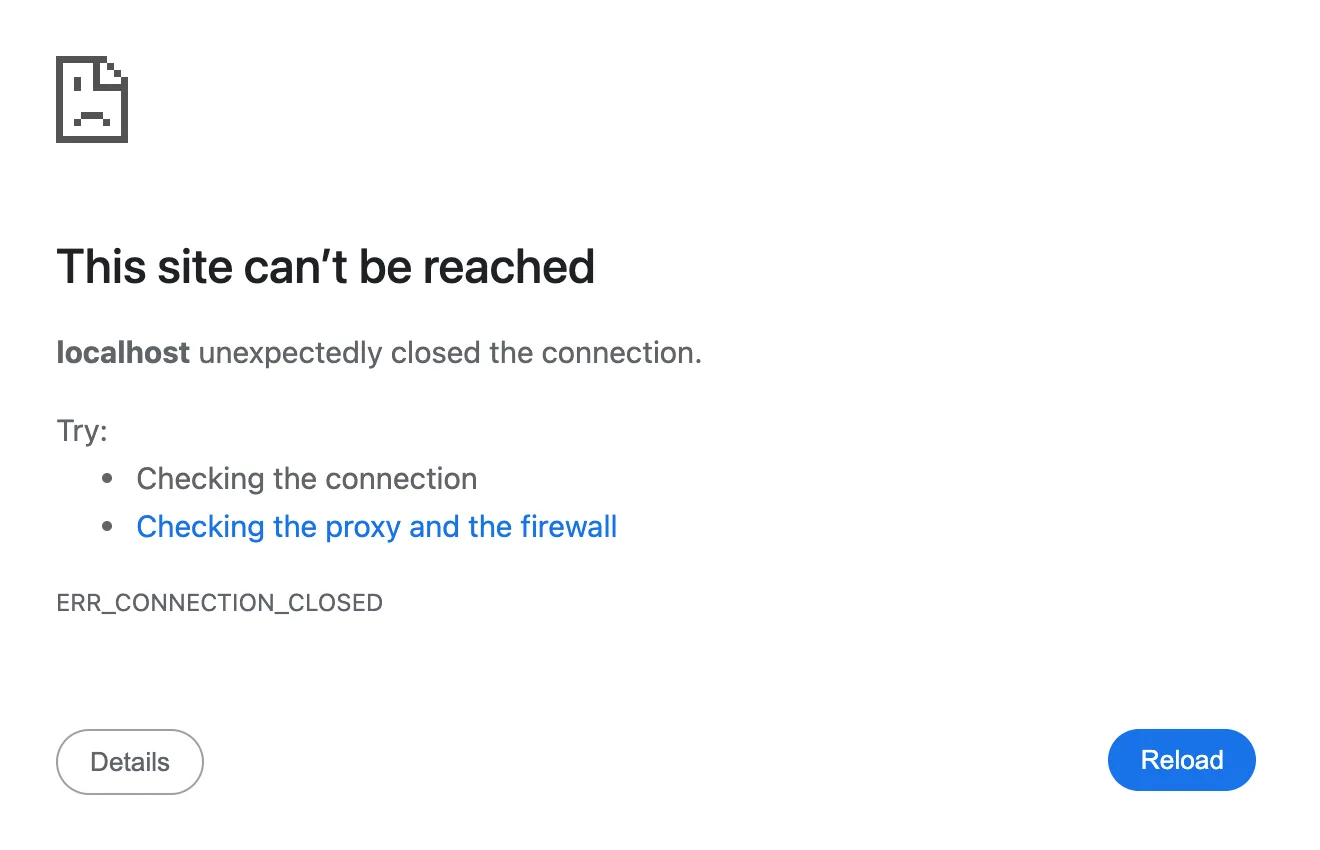
ERR_CONNECTION_CLOSED
What it means
The website closed the connection before it sent the page.
Steps to fix
- Reload.
- Turn off your VPN or proxy.
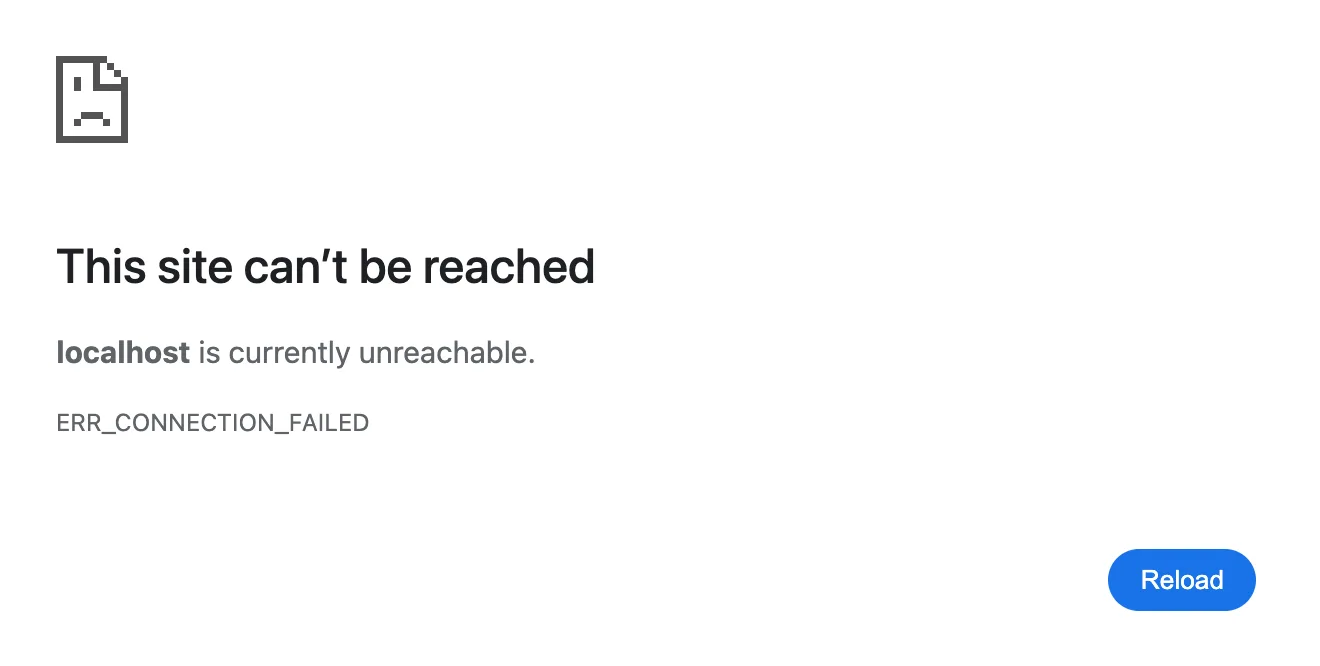
ERR_CONNECTION_FAILED
What it means
Chrome tried to connect to the website, but the attempt failed.
Steps to fix
- Reload.
- Check your proxy and firewall.
ERR_ADDRESS_UNREACHABLE
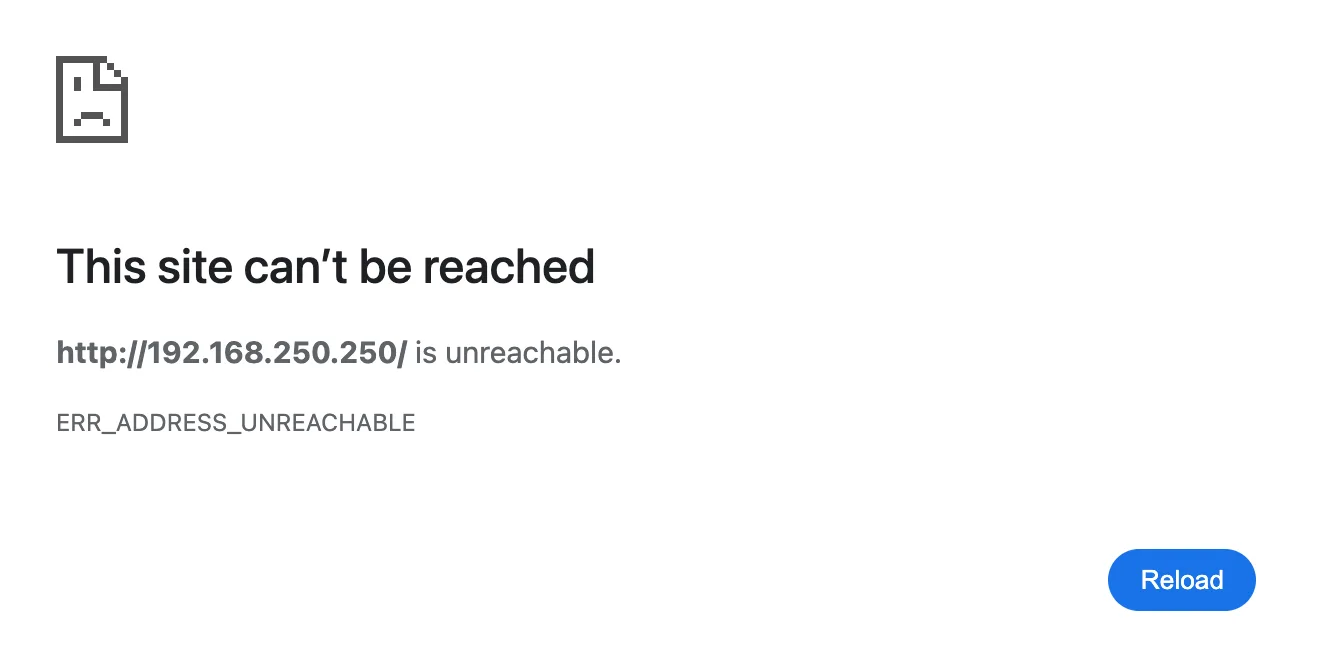
What it means
That address can't be reached from your network. Common with router or camera pages opened from another network.
Steps to fix
- Check the address.
- For a router page, join that router's Wi-Fi.
ERR_NETWORK_CHANGED
Chrome says “Your connection was interrupted”
What it means
Your network switched while the page was loading, like moving to another Wi-Fi or a VPN connecting.
Steps to fix
- Wait a moment, then reload.
ERR_PROXY_CONNECTION_FAILED
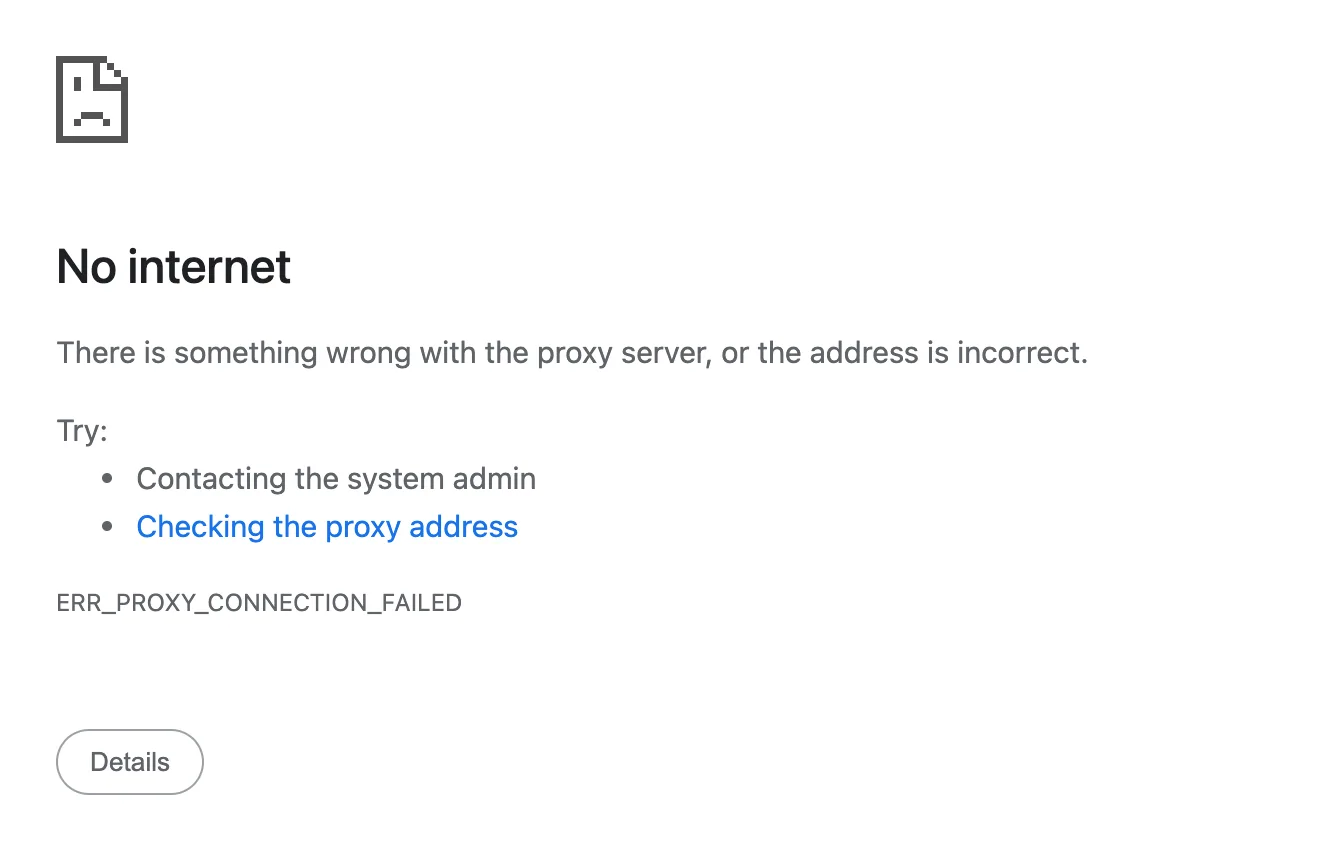
What it means
Chrome is set to use a proxy server, and that proxy isn't answering.
Steps to fix
- Turn off the proxy in network settings.
- On a work device, ask your admin.
ERR_TUNNEL_CONNECTION_FAILED
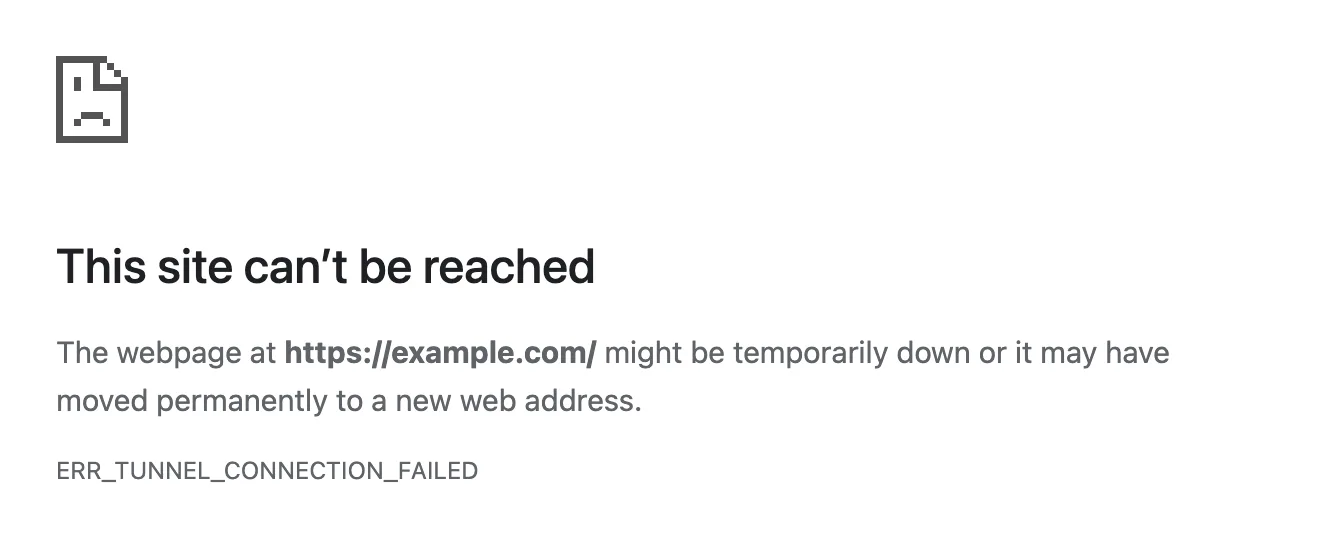
What it means
Your proxy couldn't open a secure connection to the website.
Steps to fix
- Check your proxy or VPN.
- Turn the proxy off and reload.
ERR_UNSAFE_PORT
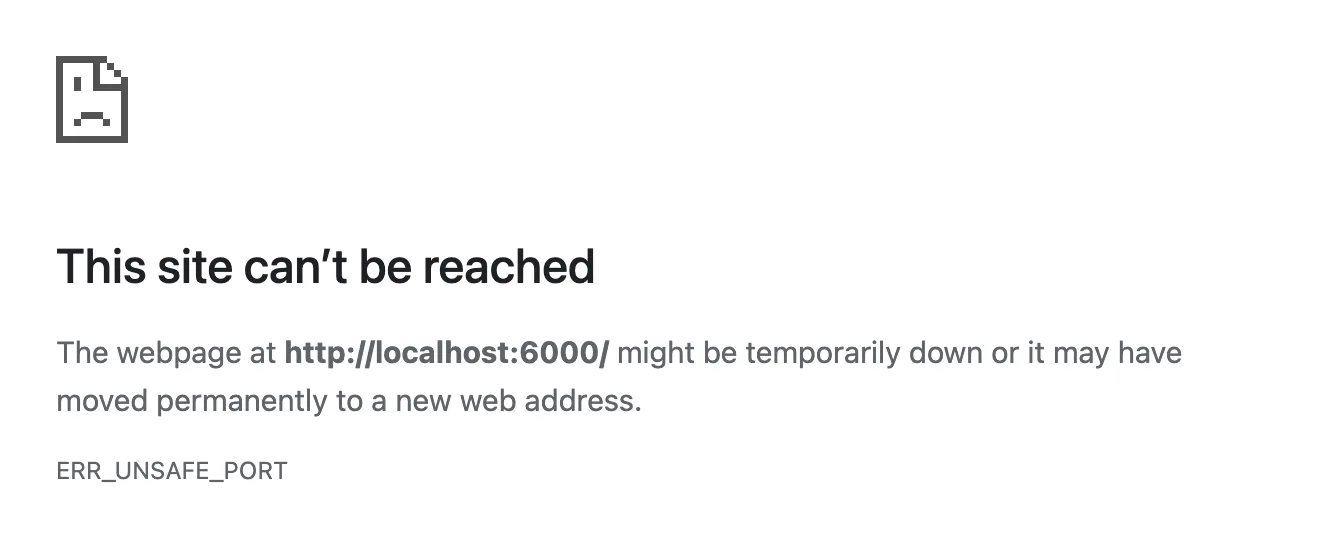
What it means
The address uses a port Chrome blocks for safety, like 25 or 6000.
Steps to fix
- Use the site's normal address.
Page Not Working Errors
ERR_EMPTY_RESPONSE
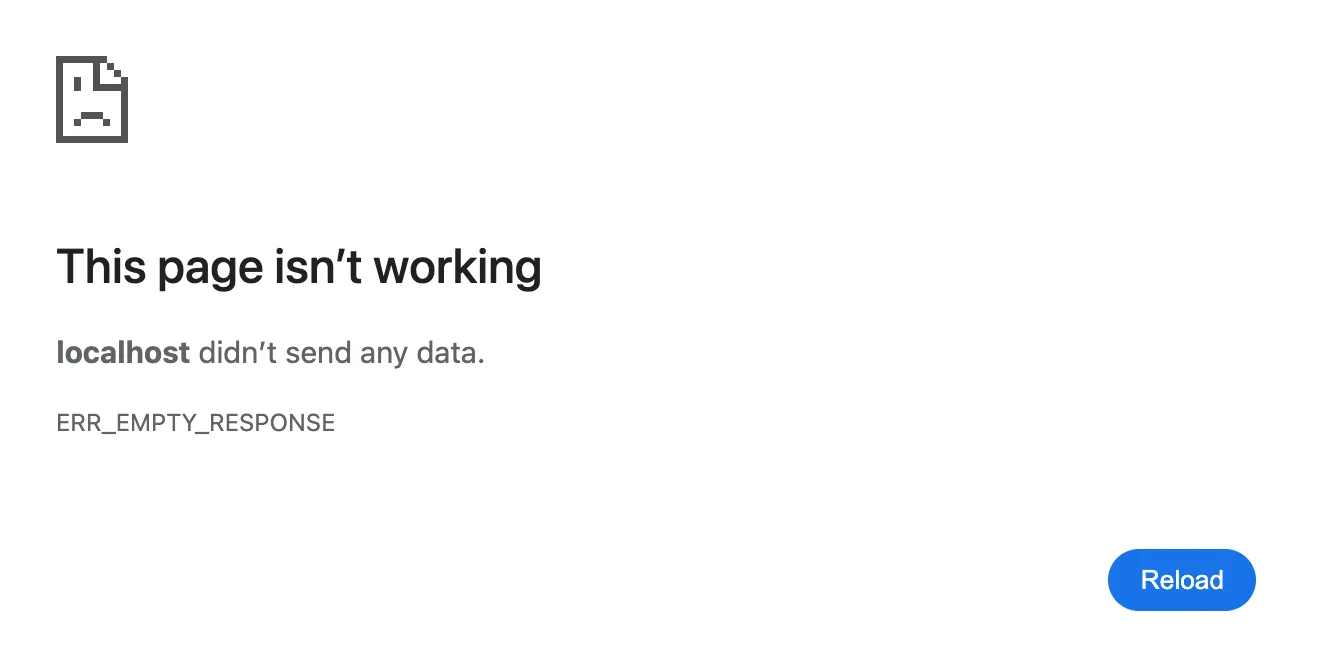
What it means
The website closed the connection without sending anything back. It may be down.
Steps to fix
- Try again later.
ERR_TOO_MANY_REDIRECTS
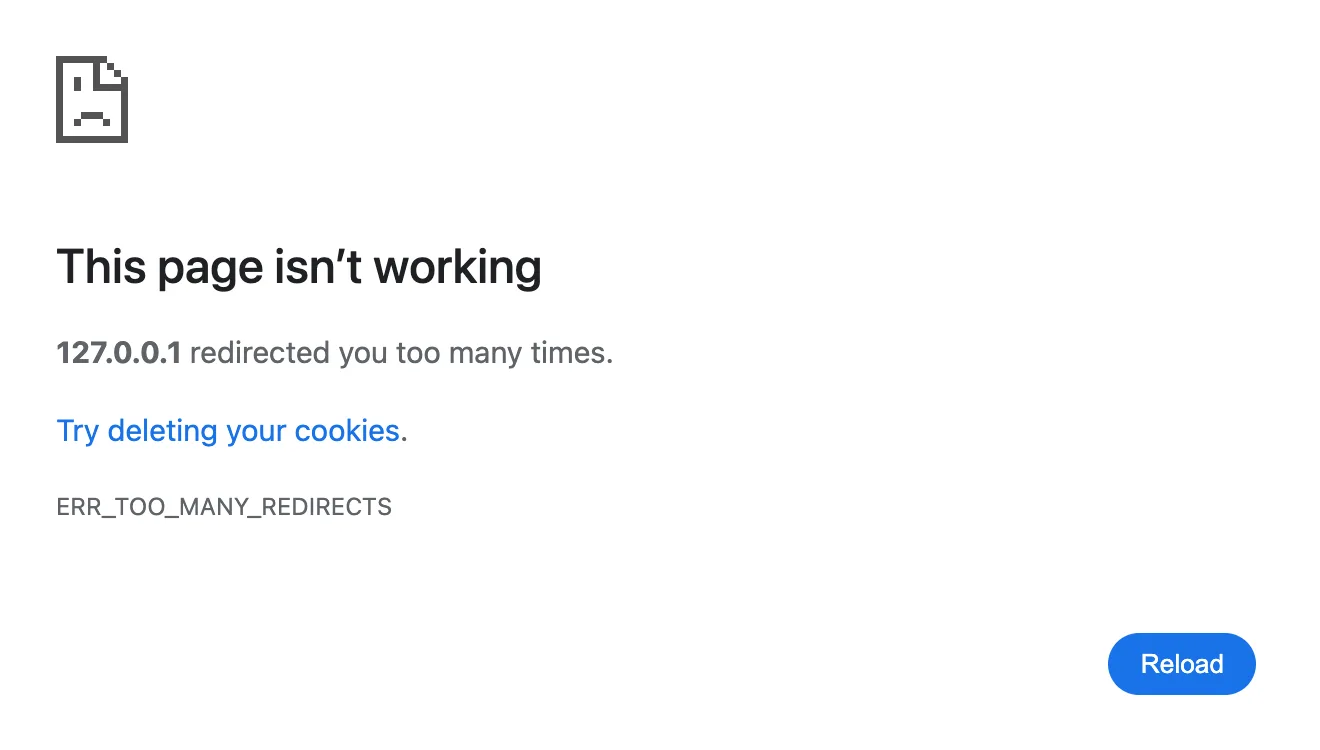
What it means
The website keeps sending Chrome between addresses in a loop, often because of a bad cookie.
Steps to fix
- Delete the site's cookies.
- Reload.
ERR_CACHE_MISS
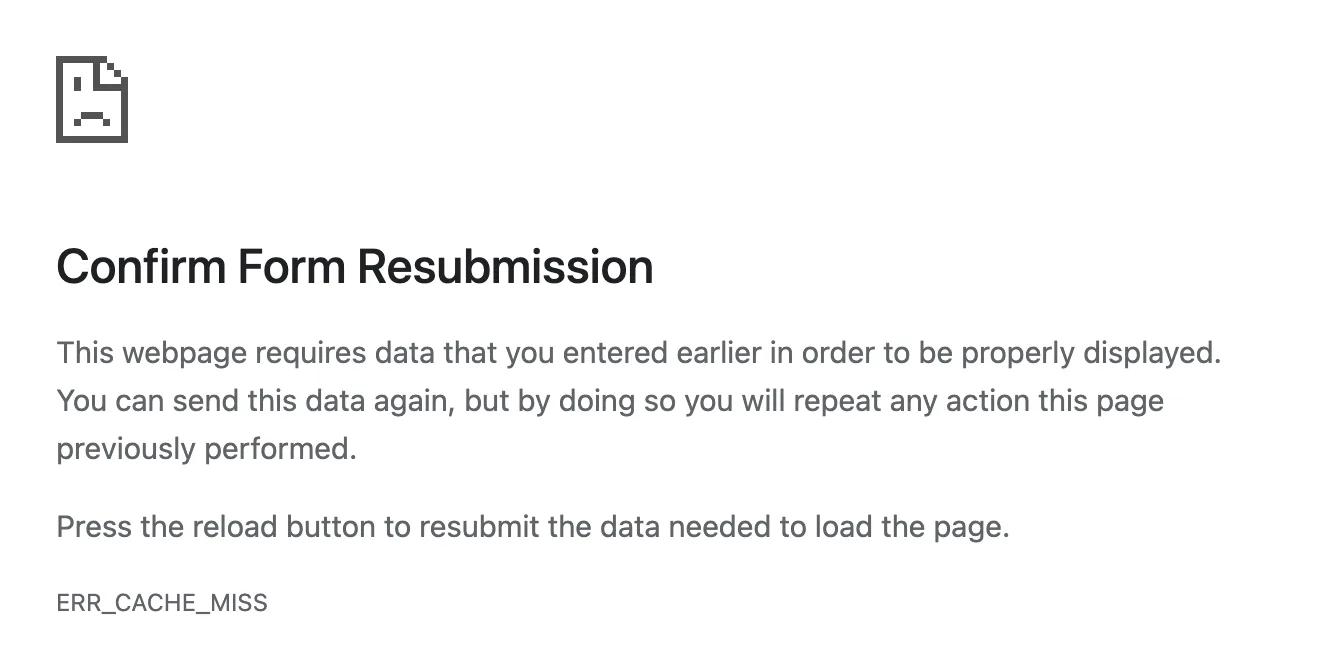
What it means
The page needs the form details you sent earlier, so Chrome asks before sending them again.
Steps to fix
- Reload and confirm to resend.
- Careful on payment pages.
ERR_INVALID_HTTP_RESPONSE
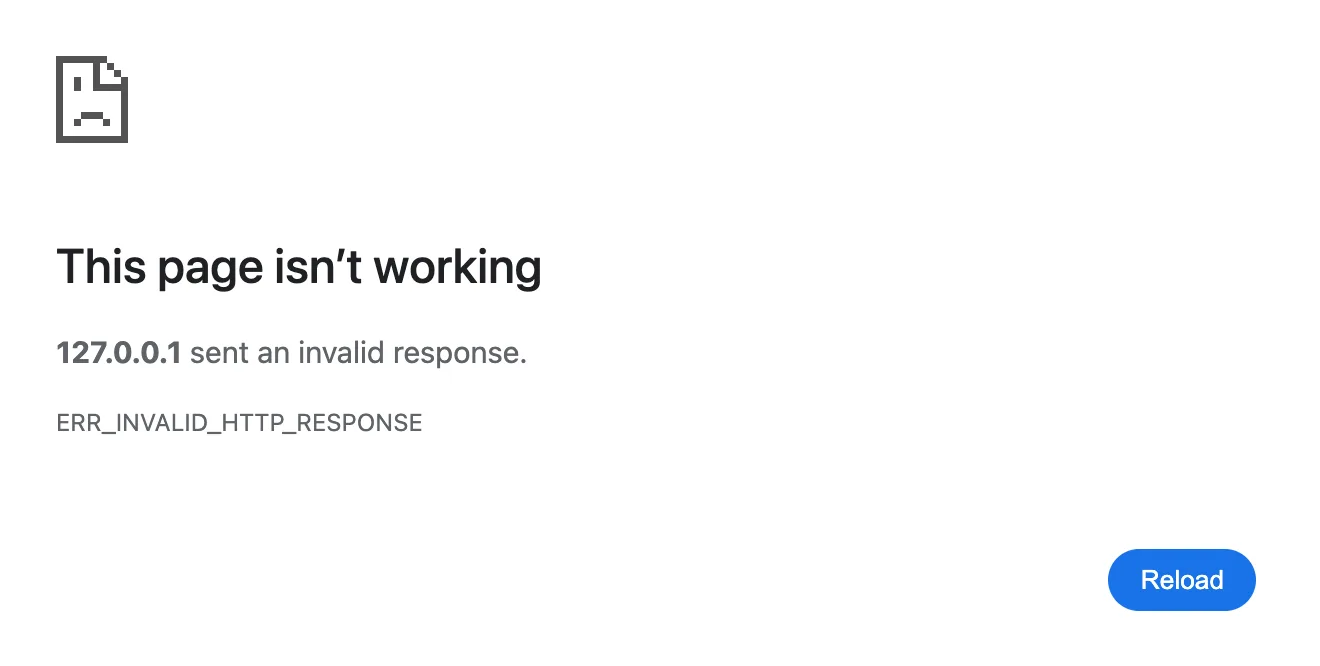
What it means
The website sent a reply in a format Chrome can't read.
Steps to fix
- Reload.
- If it repeats, it's the site's problem.
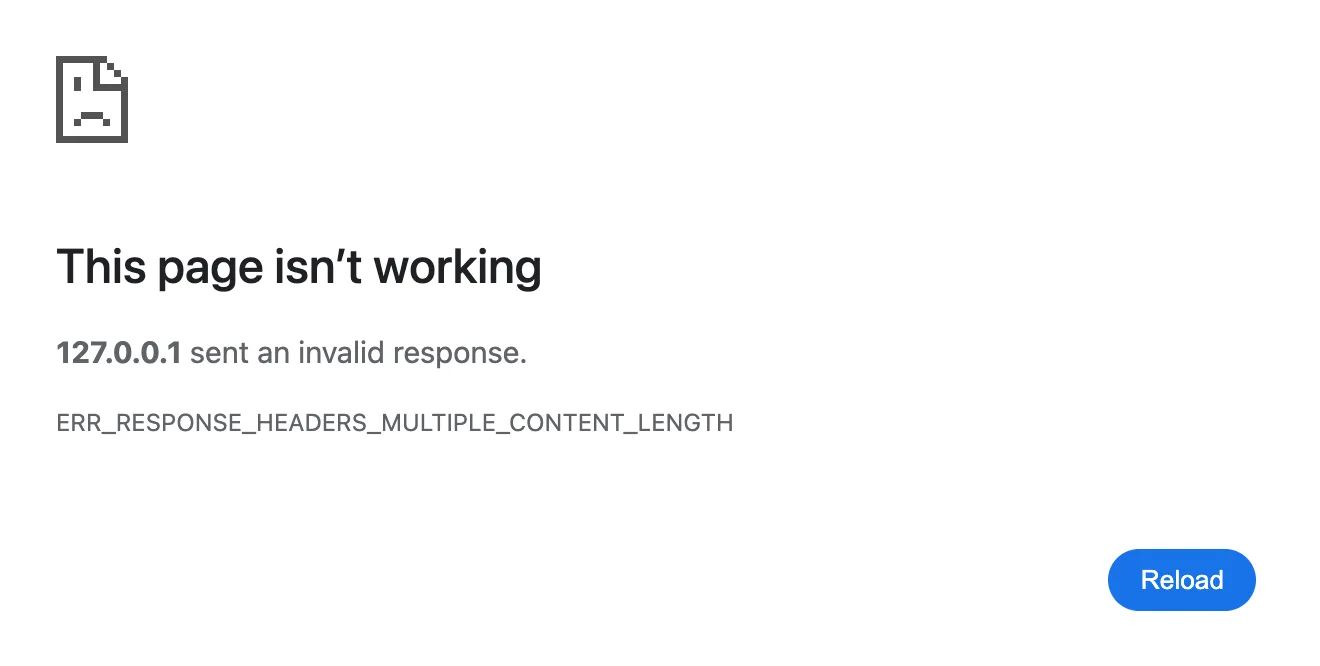
ERR_RESPONSE_HEADERS_MULTIPLE_CONTENT_LENGTH
What it means
The website's server sent two different sizes for the page, so Chrome refused to load it.
Steps to fix
- Nothing to fix on your side.
- Contact the website owner.
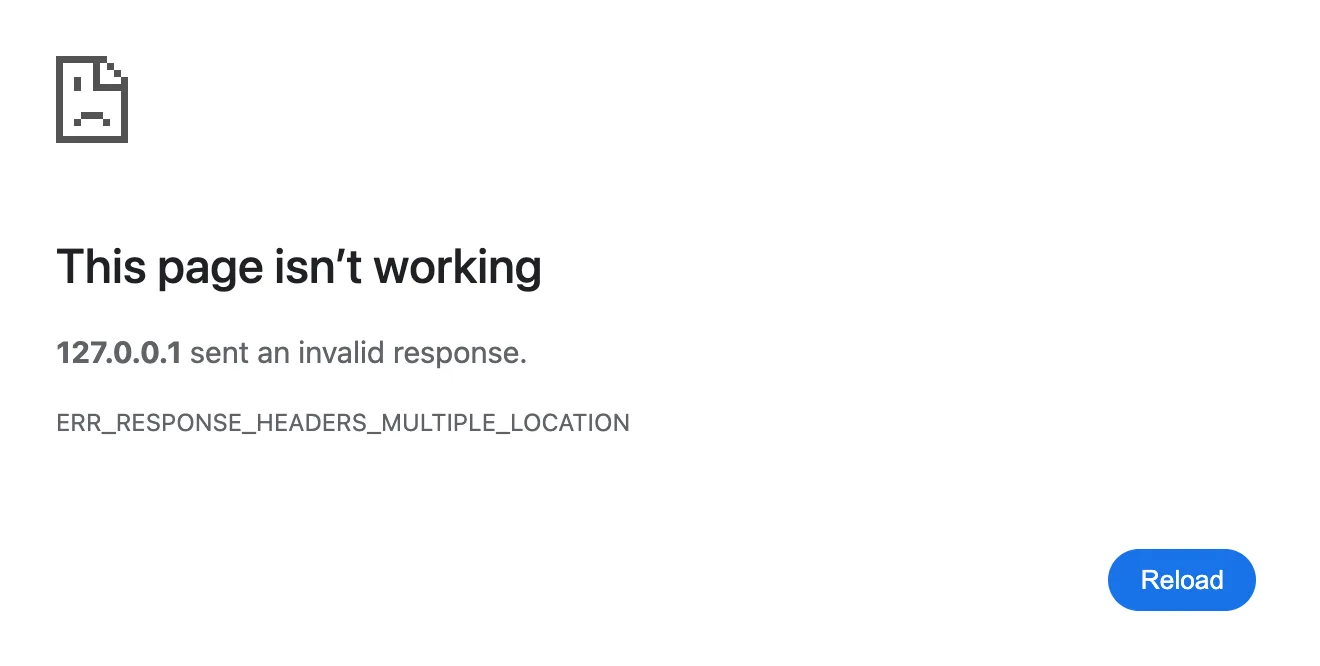
ERR_RESPONSE_HEADERS_MULTIPLE_LOCATION
What it means
The website's server sent two different redirect addresses, so Chrome stopped.
Steps to fix
- Nothing to fix on your side.
- Contact the website owner.
ERR_CONTENT_DECODING_FAILED
What it means
The website said the page was compressed, but Chrome couldn't unpack it.
Steps to fix
- Reload.
- Turn off your VPN or proxy.
ERR_HTTP2_PROTOCOL_ERROR
What it means
The connection broke the rules of HTTP/2, the protocol most sites use. Usually a server or network issue.
Steps to fix
- Reload.
- Try Incognito.
- Turn off your VPN.
ERR_QUIC_PROTOCOL_ERROR
Chrome says “This site can't be reached”
What it means
The connection broke the rules of QUIC, the faster protocol Google and many other sites use.
Steps to fix
- Reload.
- Turn off your VPN or proxy.
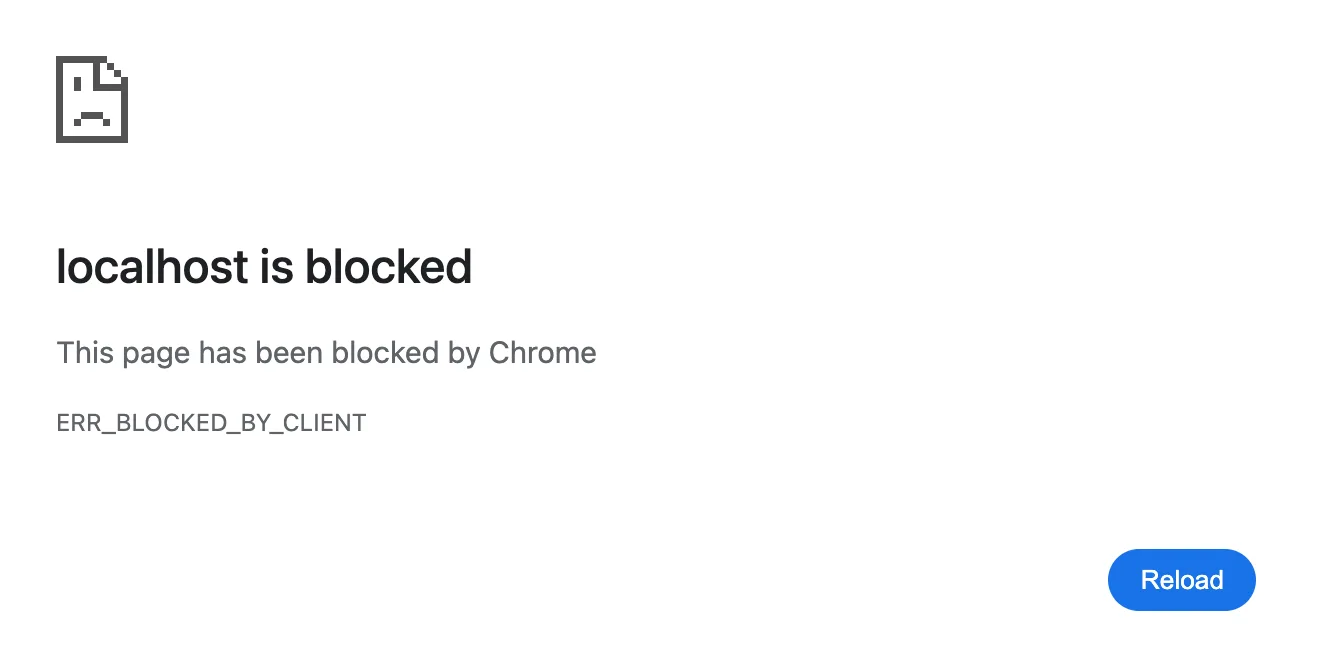
ERR_BLOCKED_BY_CLIENT
What it means
Something in your browser blocked the page, usually an ad blocker or privacy extension.
Steps to fix
- Pause your ad blocker for this site.
- Reload.
ERR_BLOCKED_BY_ADMINISTRATOR
Chrome says “(site) is blocked”
What it means
Your work or school administrator has blocked this site in Chrome.
Steps to fix
- Ask your administrator.
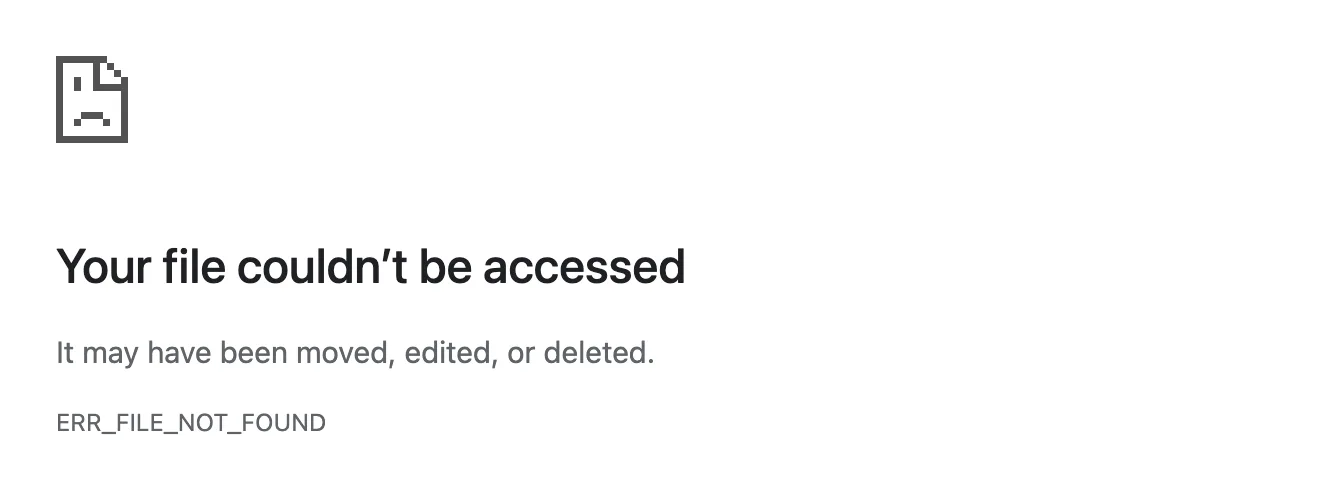
ERR_FILE_NOT_FOUND
What it means
The file you opened in Chrome was moved, renamed or deleted.
Steps to fix
- Find the file and open it again.
HTTP Error Codes
HTTP ERROR 401
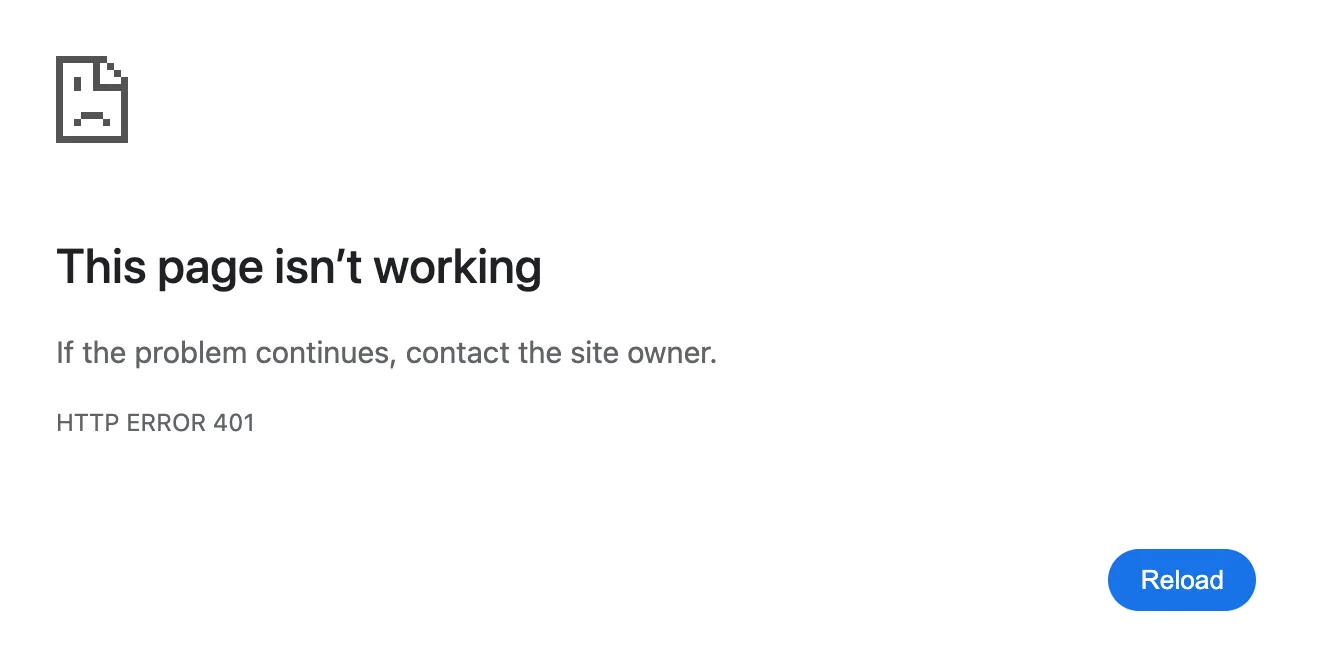
What it means
The page needs you to sign in before it shows anything.
Steps to fix
- Sign in and try again.
HTTP ERROR 403
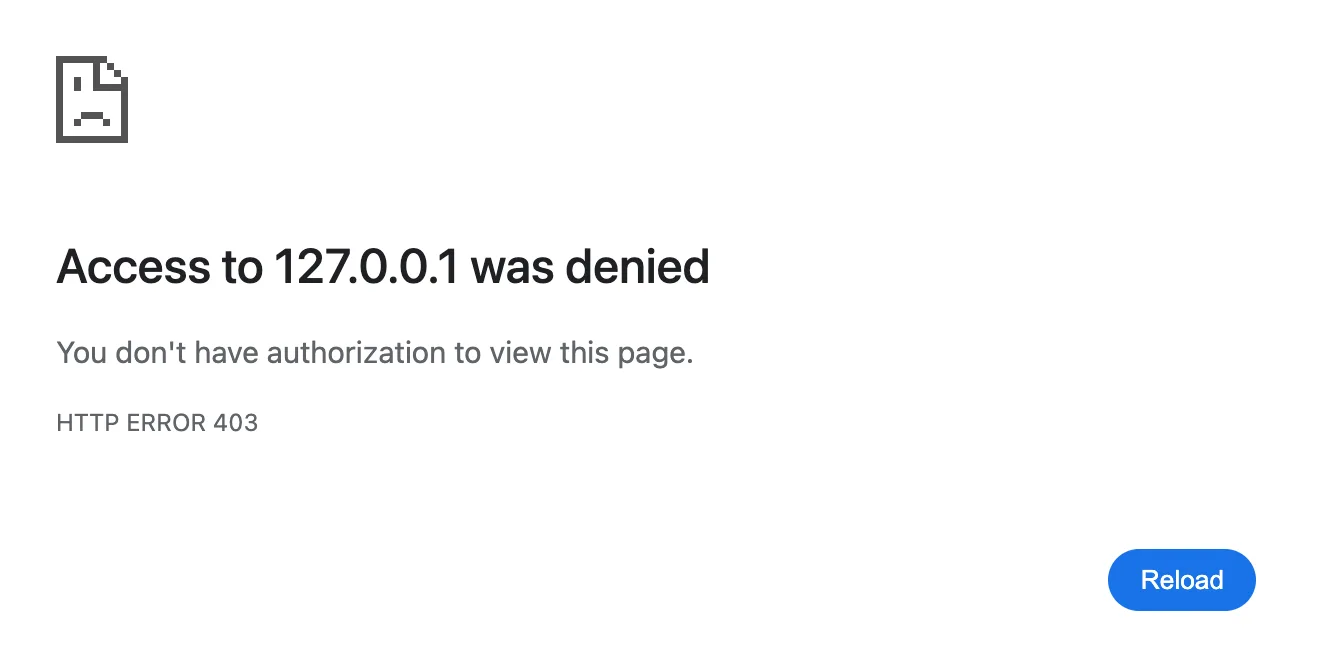
What it means
The website knows who you are but won't let you see this page.
Steps to fix
- Sign in with the right account.
HTTP ERROR 404
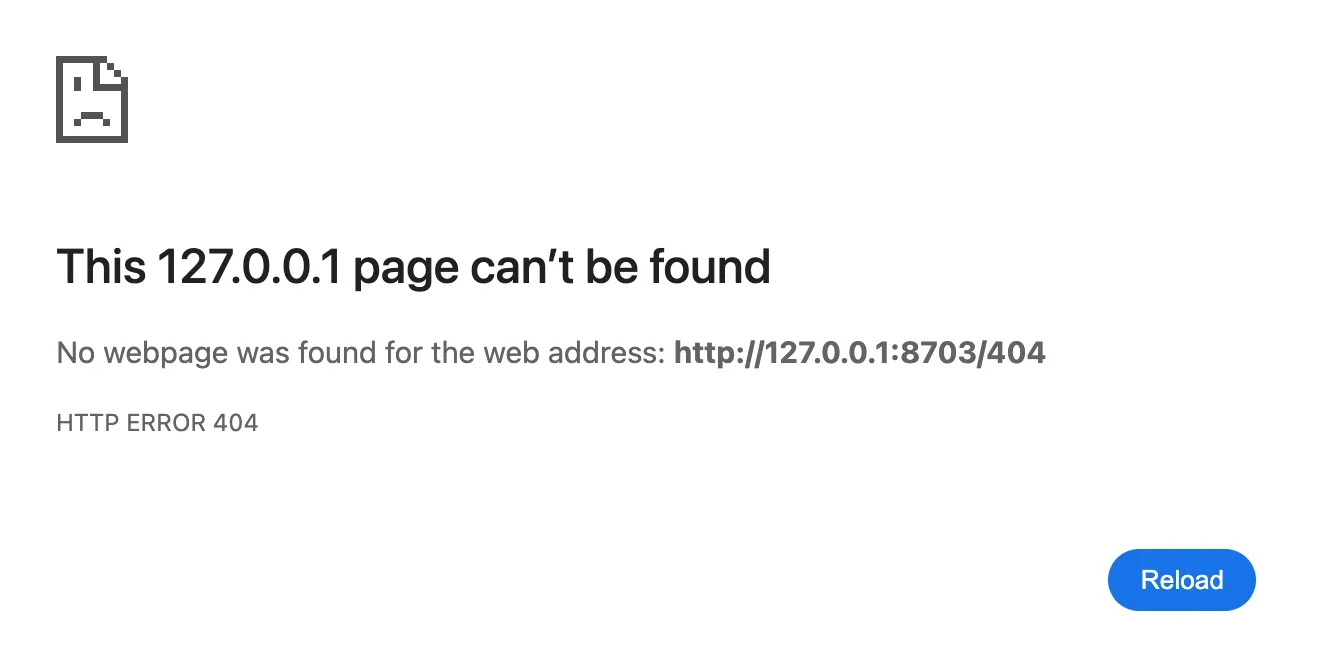
What it means
There's no page at this address. The link is broken or the page moved.
Steps to fix
- Check the address for typos.
HTTP ERROR 410
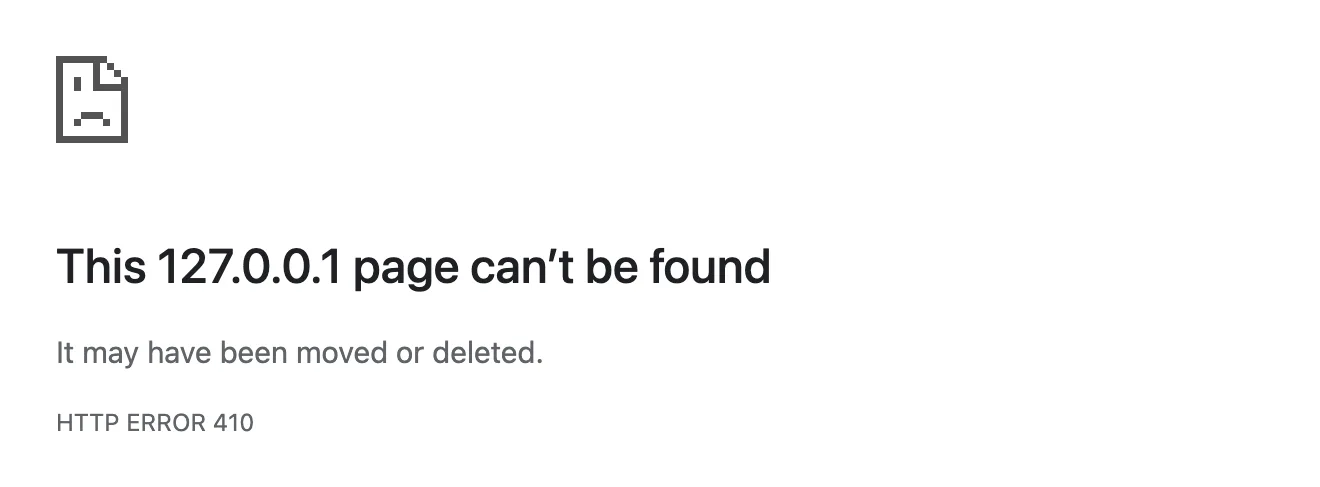
What it means
The page was removed on purpose and isn't coming back.
Steps to fix
- Look for it elsewhere on the site.
HTTP ERROR 429
What it means
You sent too many requests in a short time, so the site paused you.
Steps to fix
- Wait a few minutes.
- Reload.
HTTP ERROR 500
What it means
The website's server ran into an error while building the page.
Steps to fix
- Wait a few minutes and reload.
- It's the website's problem, not yours.
HTTP ERROR 502
What it means
A server in front of the website got a bad reply from it.
Steps to fix
- Wait a few minutes and reload.
- It's the website's problem, not yours.
HTTP ERROR 503
What it means
The website is down for maintenance or too busy right now.
Steps to fix
- Wait a few minutes and reload.
- It's the website's problem, not yours.
HTTP ERROR 504
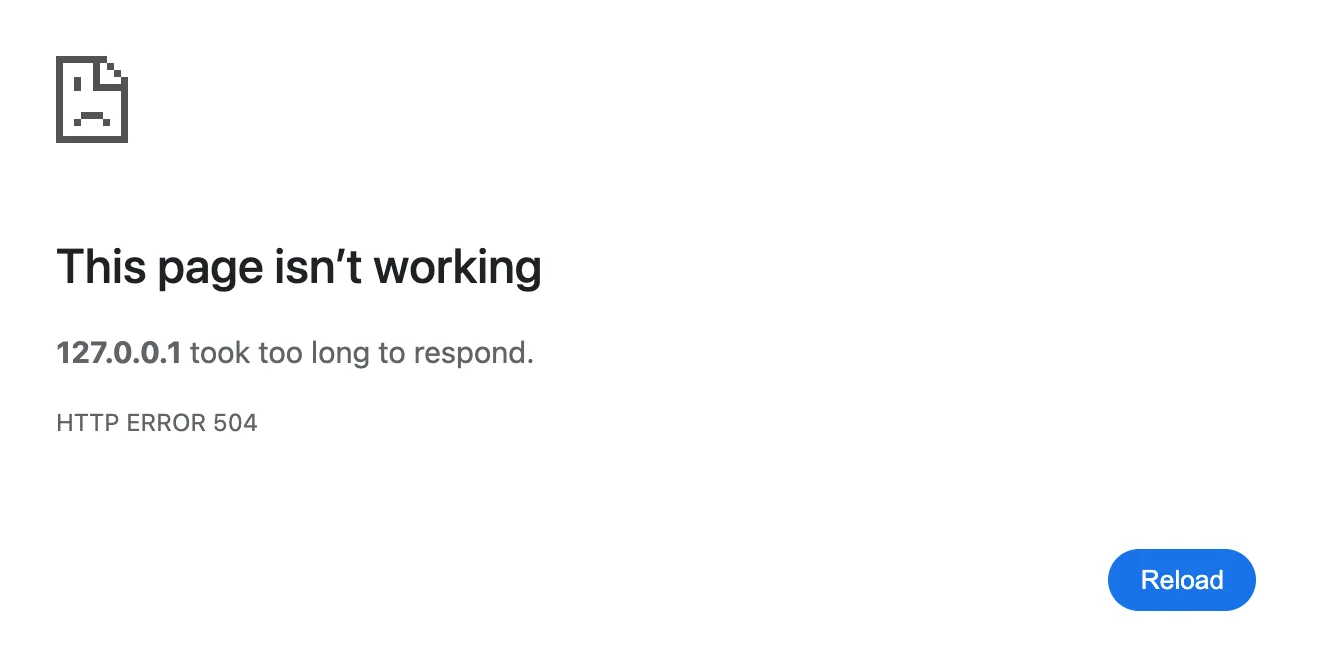
What it means
A server in front of the website gave up waiting for it to reply.
Steps to fix
- Wait a few minutes and reload.
- It's the website's problem, not yours.
Privacy and Certificate Errors
NET::ERR_CERT_AUTHORITY_INVALID
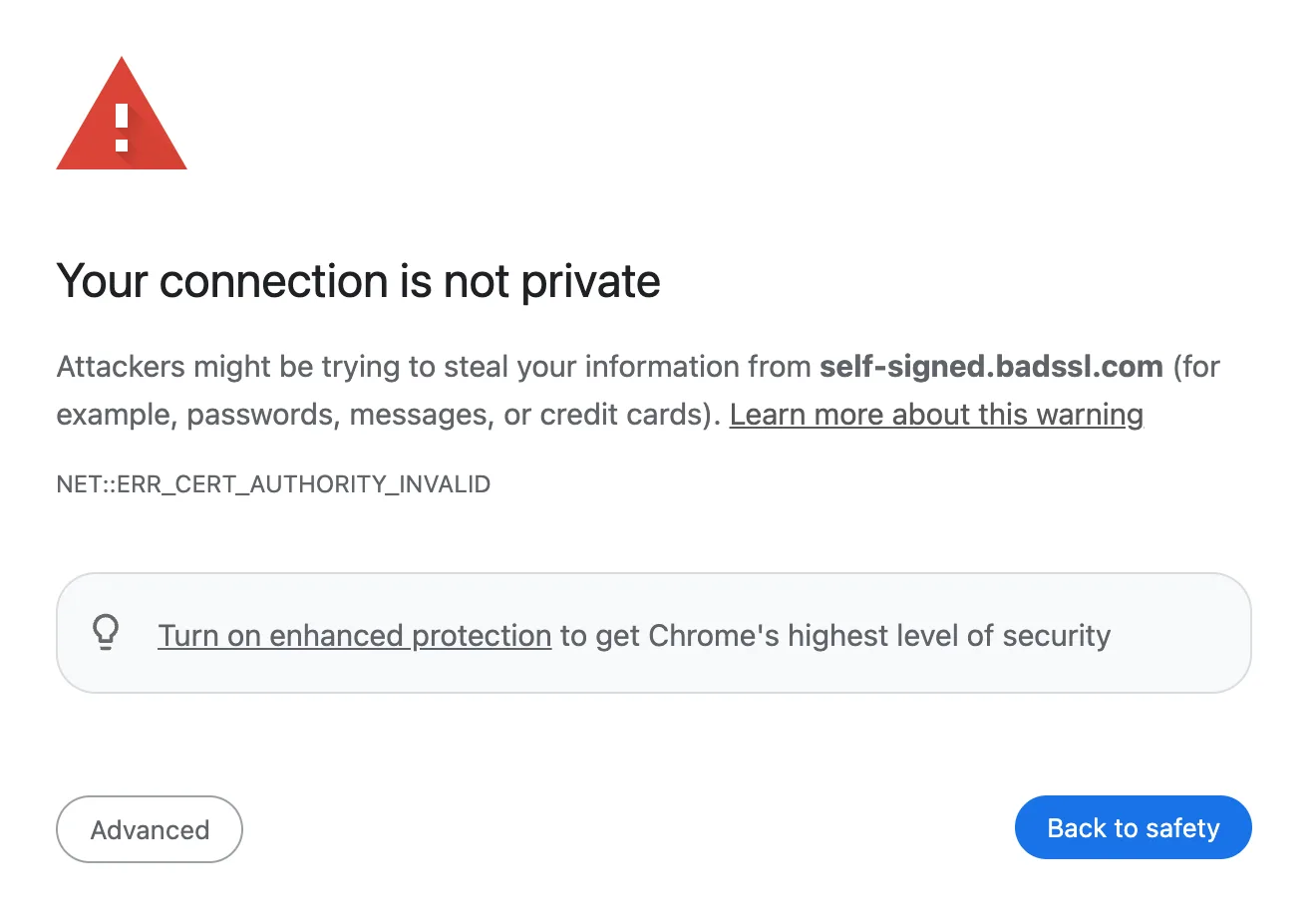
What it means
Chrome doesn't trust whoever issued the website's security certificate.
Steps to fix
- Sign in to the Wi-Fi login page, if any.
- Check your date and time.
- Don't enter passwords or card details.
NET::ERR_CERT_COMMON_NAME_INVALID
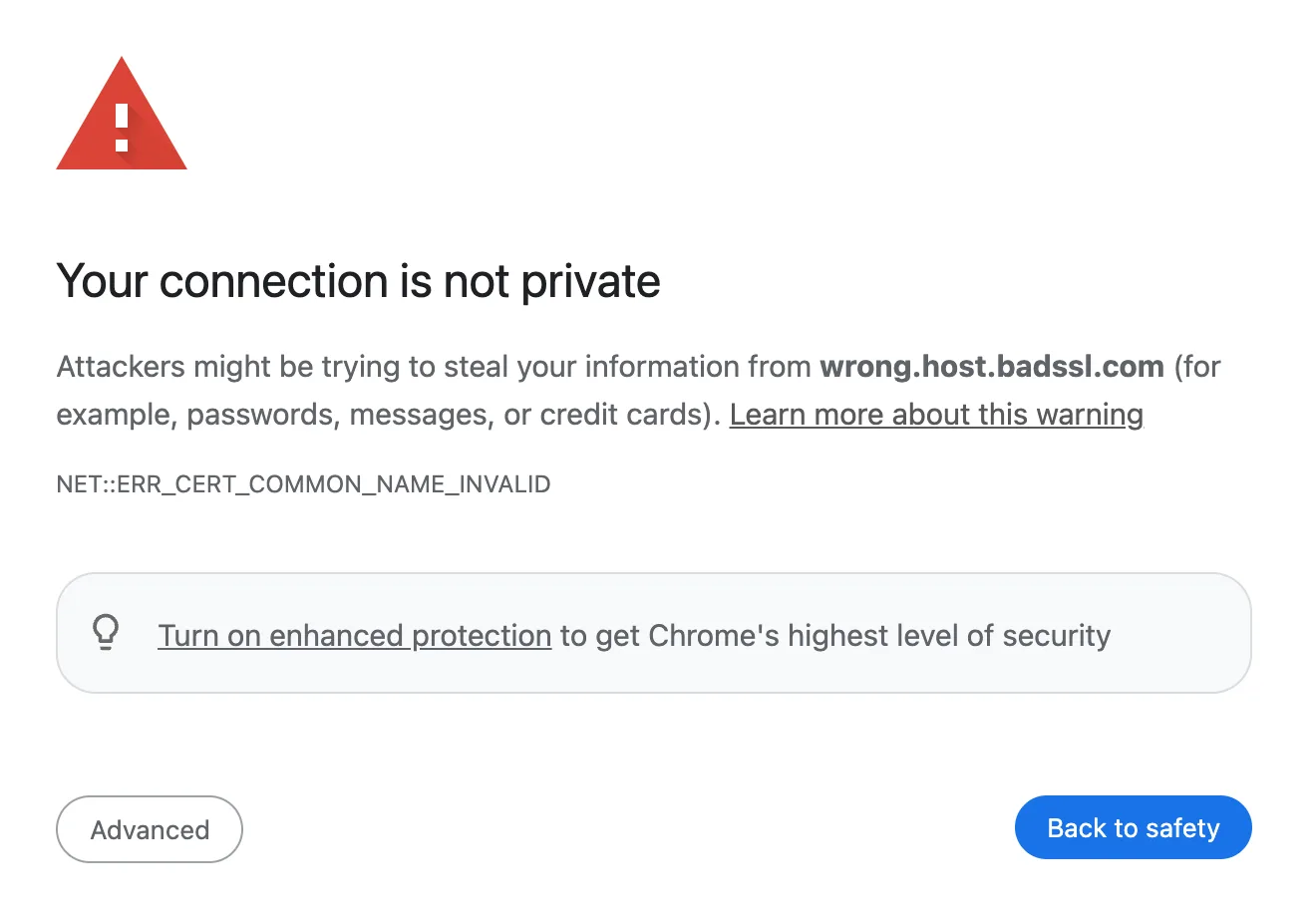
What it means
The website's certificate was made for a different address than the one you opened.
Steps to fix
- Sign in to the Wi-Fi login page, if any.
- Check your date and time.
- Don't enter passwords or card details.
NET::ERR_CERT_DATE_INVALID
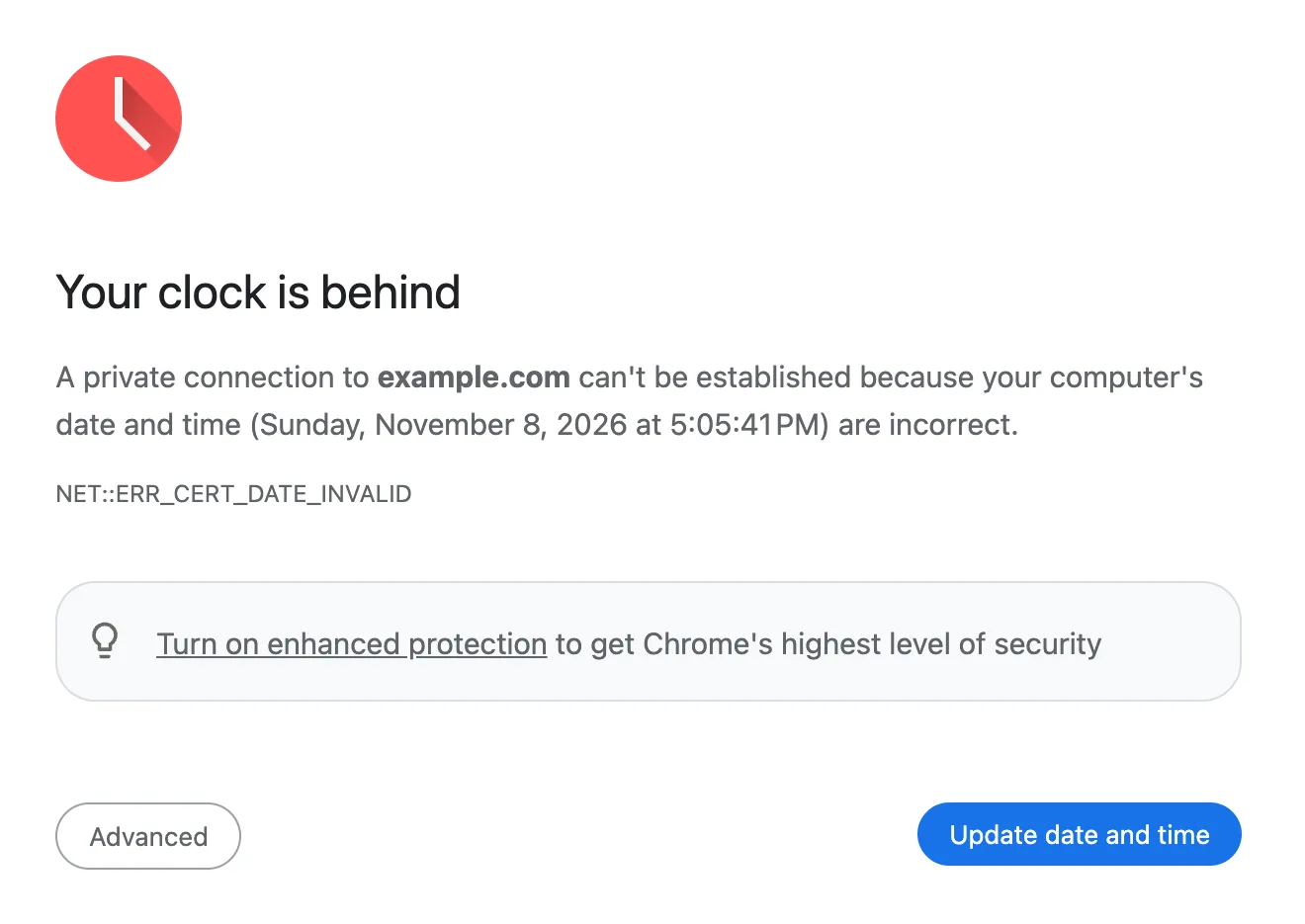
What it means
Your device's clock is wrong, so the site's certificate looks expired or not yet valid.
Steps to fix
- Click Update date and time.
- Reload.
NET::ERR_CERT_REVOKED
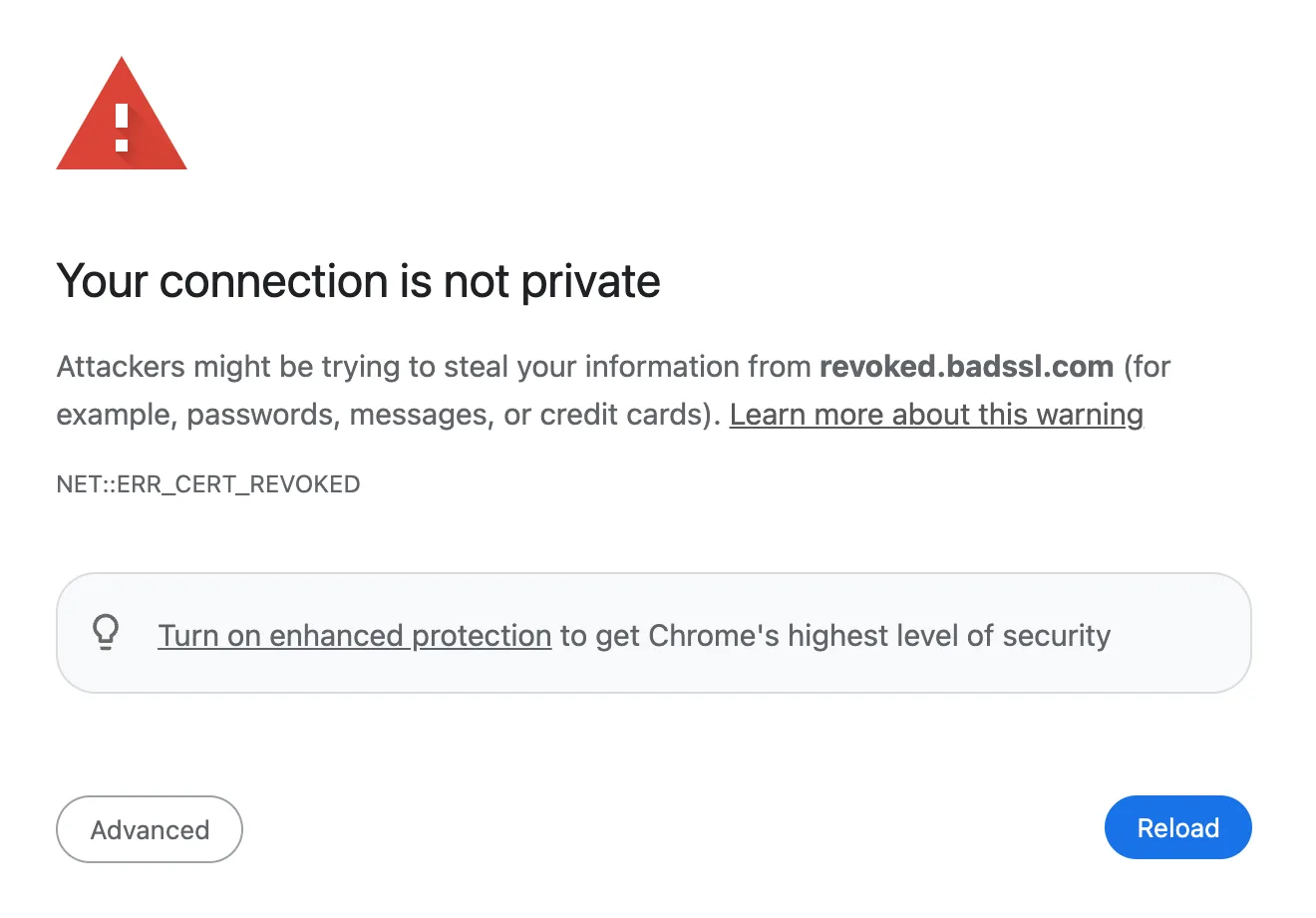
What it means
The company that issued the website's certificate has cancelled it.
Steps to fix
- Don't continue.
- Only the site owner can fix it.
NET::ERR_CERTIFICATE_TRANSPARENCY_REQUIRED
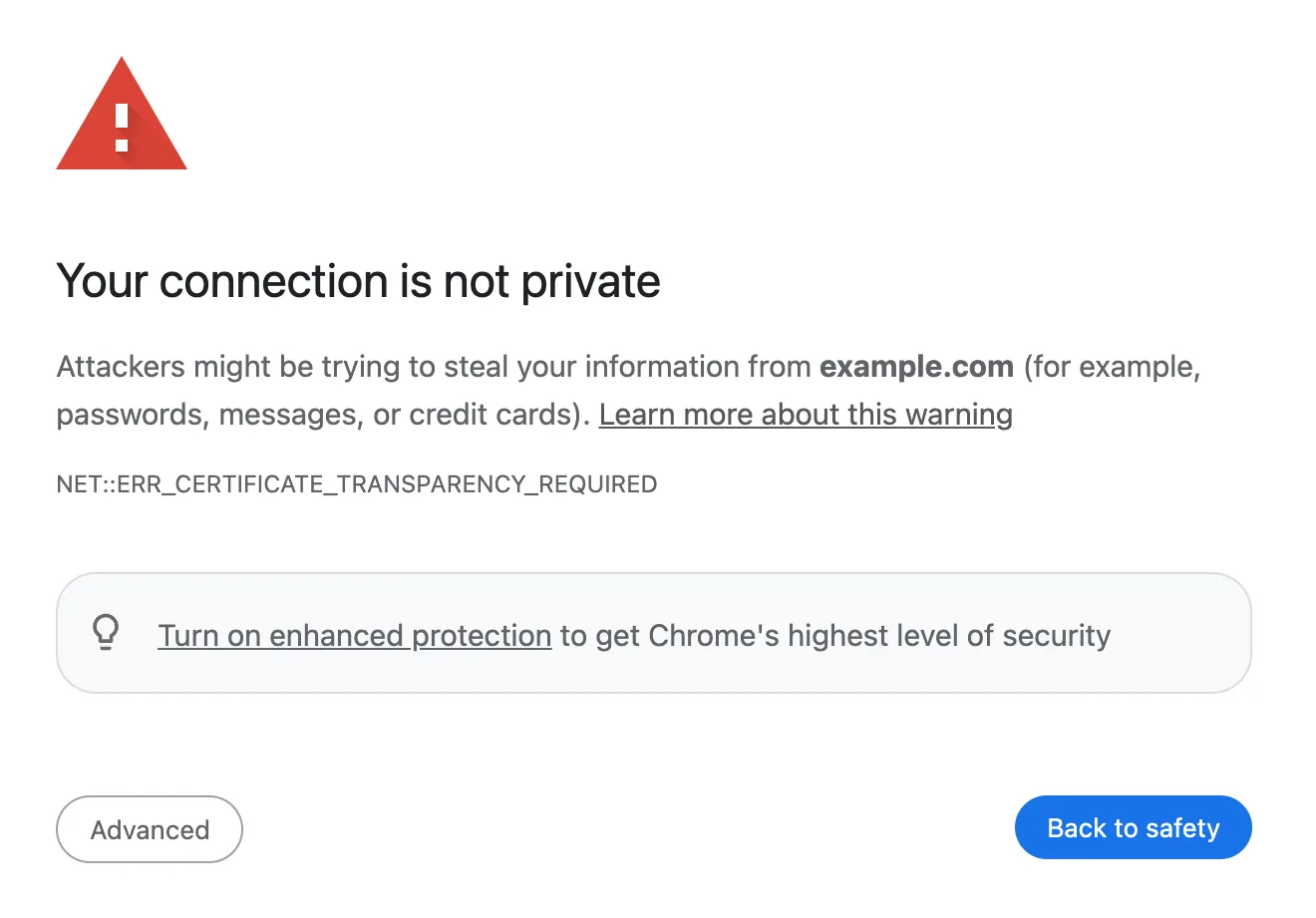
What it means
The certificate wasn't publicly logged the way Chrome requires.
Steps to fix
- Sign in to the Wi-Fi login page, if any.
- Check your date and time.
- Don't enter passwords or card details.
NET::ERR_SSL_PINNED_KEY_NOT_IN_CERT_CHAIN
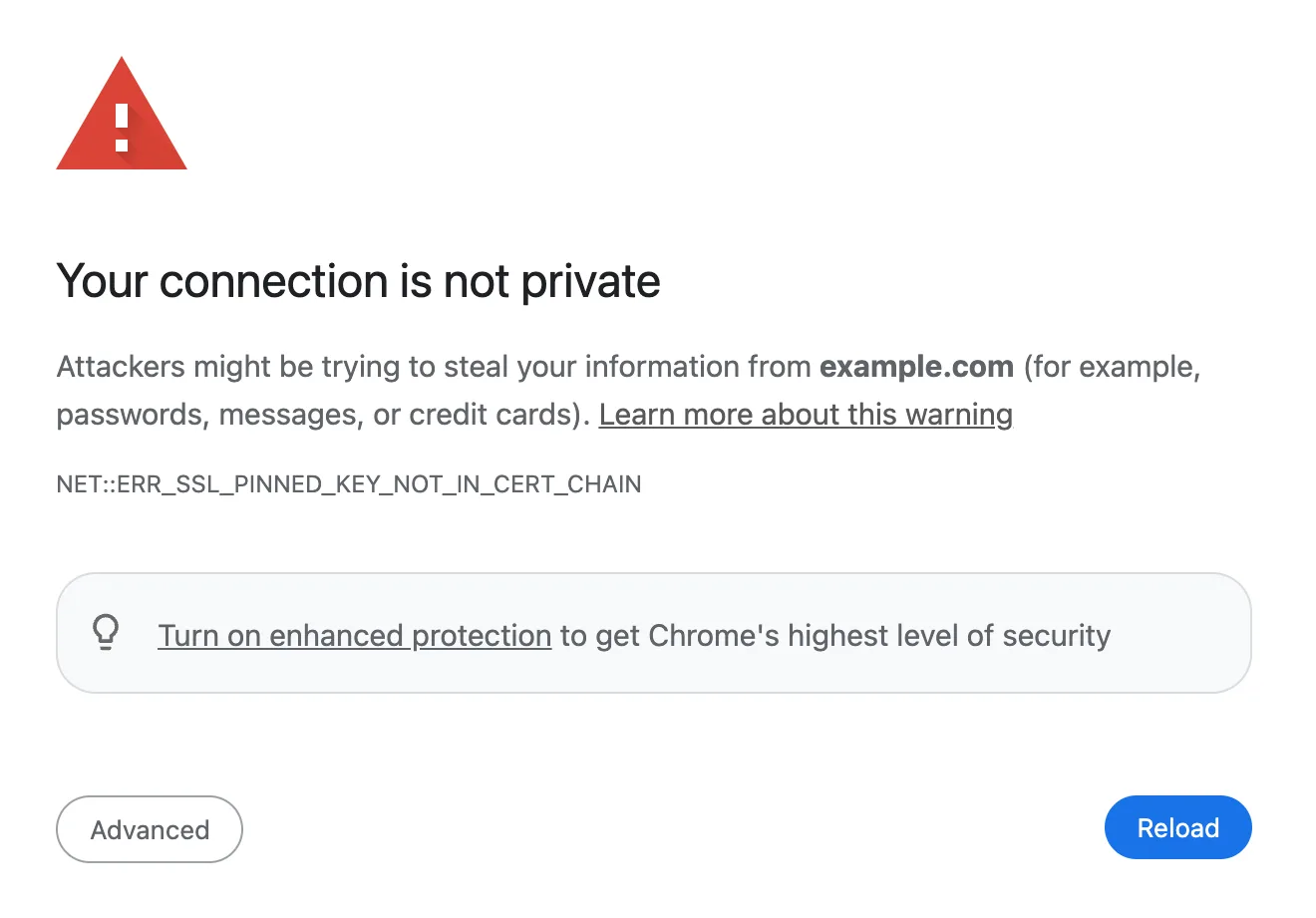
What it means
The certificate doesn't match the keys Chrome expects for this site, which can mean someone is intercepting it.
Steps to fix
- Don't continue.
- Try another network.
NET::ERR_CERT_WEAK_SIGNATURE_ALGORITHM
Chrome says “Your connection is not private”
What it means
The certificate is signed with an old, weak method Chrome no longer trusts.
Steps to fix
- Sign in to the Wi-Fi login page, if any.
- Check your date and time.
- Don't enter passwords or card details.
ERR_SSL_PROTOCOL_ERROR
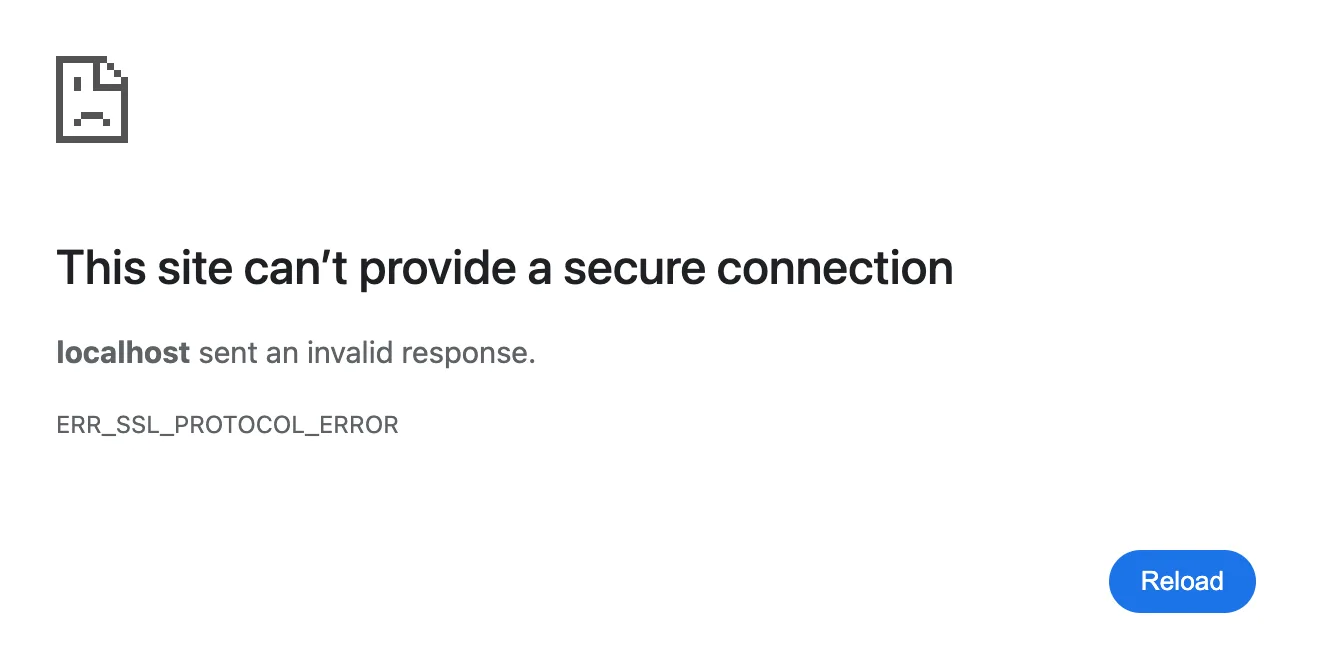
What it means
The website sent a secure connection reply Chrome couldn't understand.
Steps to fix
- Check your date and time.
- Try Incognito.
- Reload.
ERR_SSL_VERSION_OR_CIPHER_MISMATCH
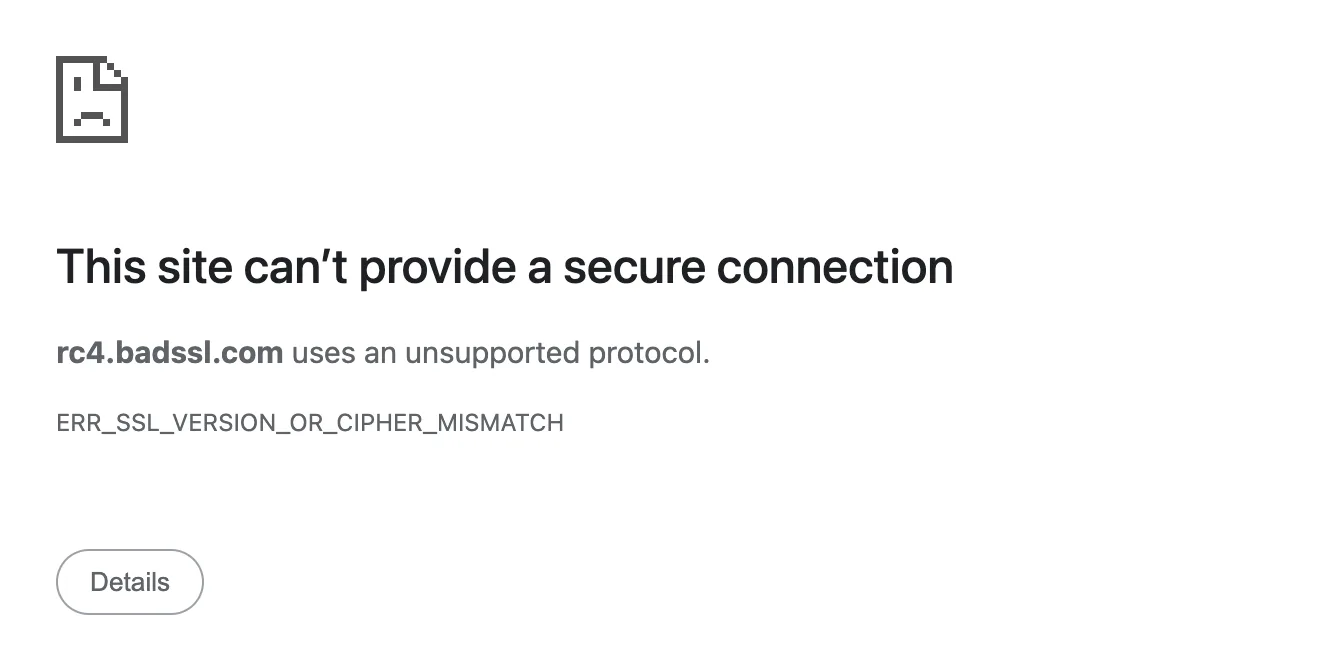
What it means
The website uses old security settings that Chrome no longer accepts.
Steps to fix
- Only the site owner can fix it.
ERR_BAD_SSL_CLIENT_AUTH_CERT
Chrome says “This site can't provide a secure connection”
What it means
The site asked for a login certificate, common on bank and work sites, and rejected yours.
Steps to fix
- Contact the site or your IT team.
Security Warning Pages
Dangerous site (phishing)
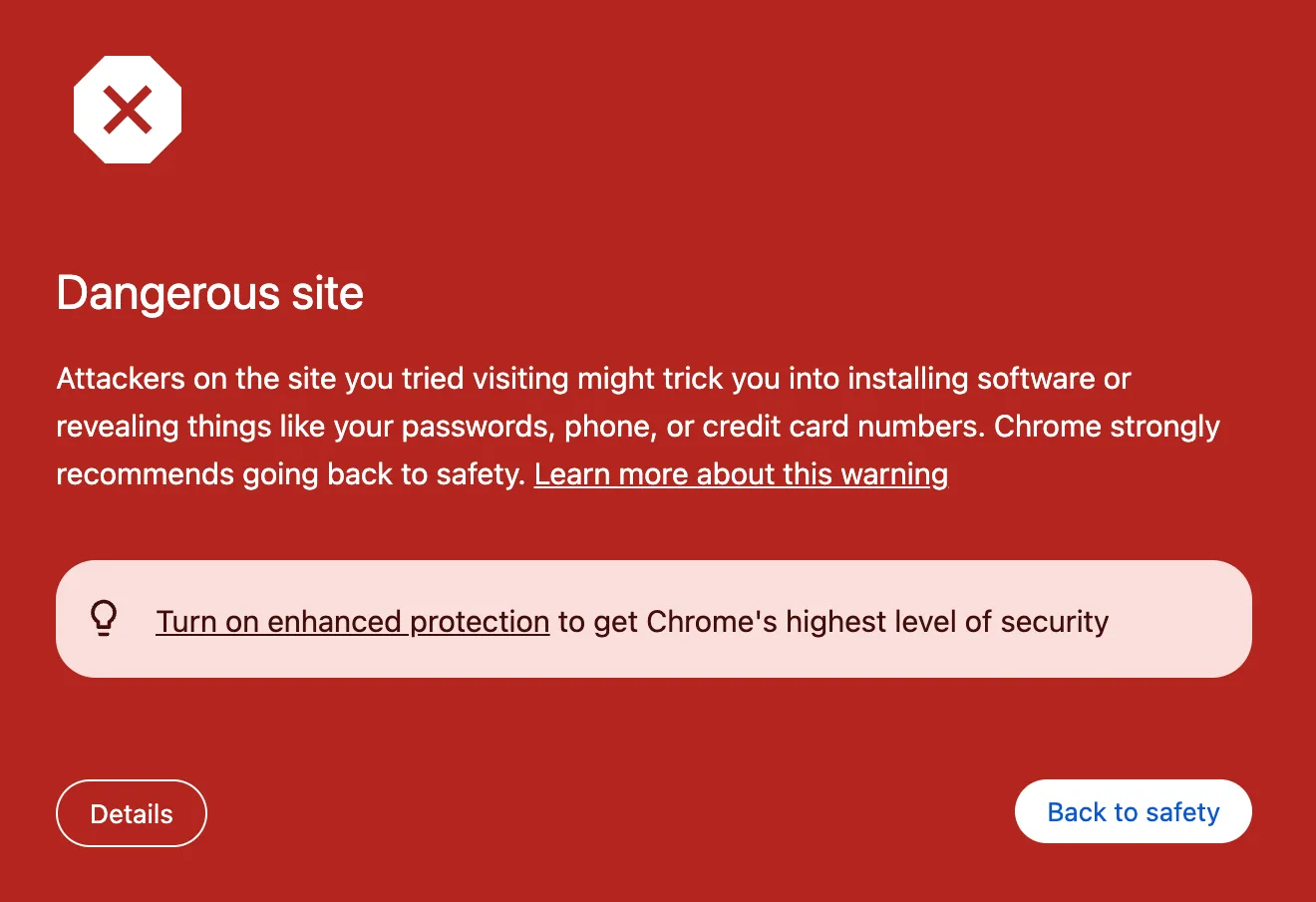
What it means
Google Safe Browsing flagged this site for tricking people into sharing passwords or card details.
Steps to fix
- Click Back to safety.
Dangerous site (malware)
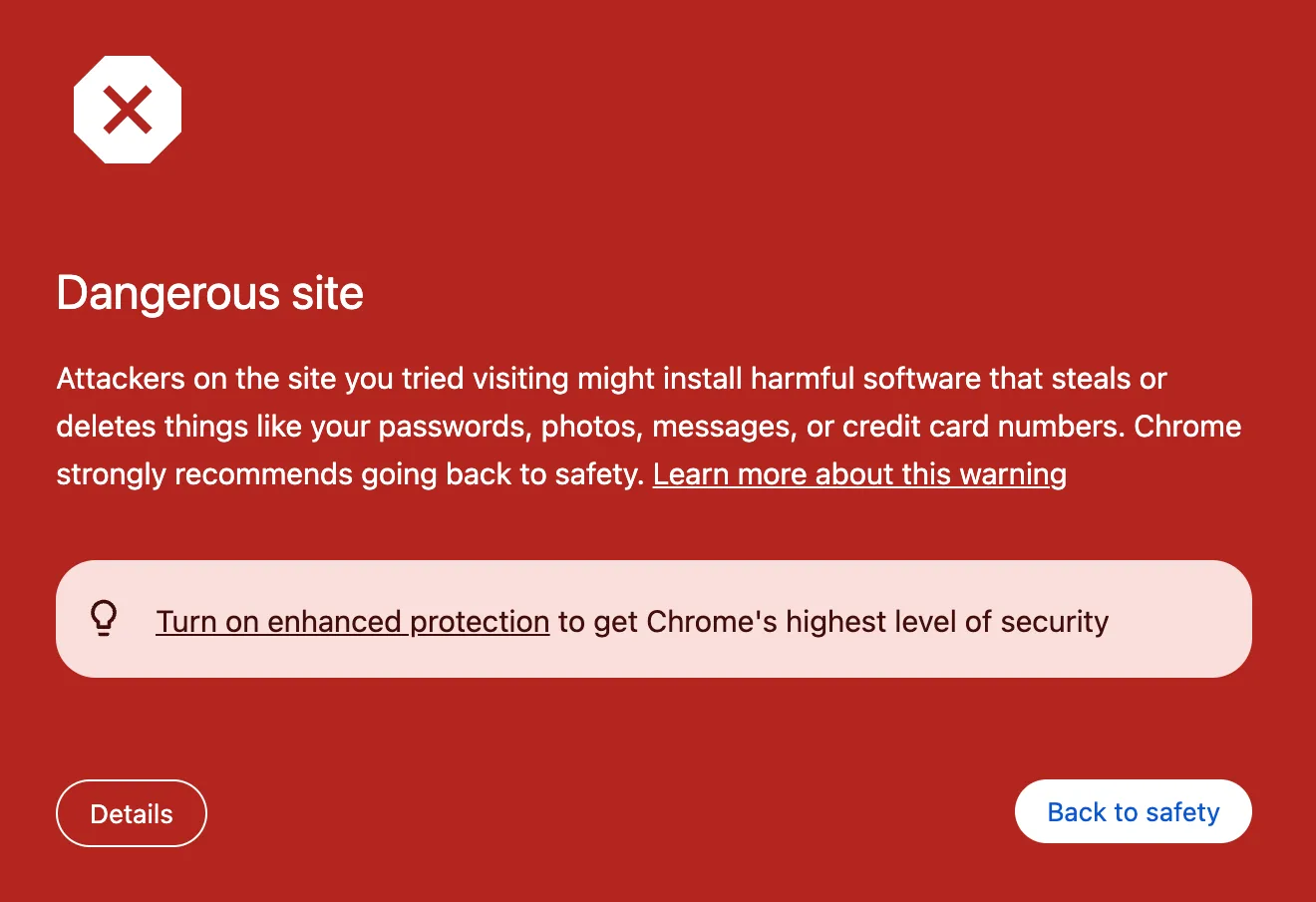
What it means
Google Safe Browsing flagged this site for trying to install harmful software.
Steps to fix
- Click Back to safety.
Dangerous site (unwanted software)
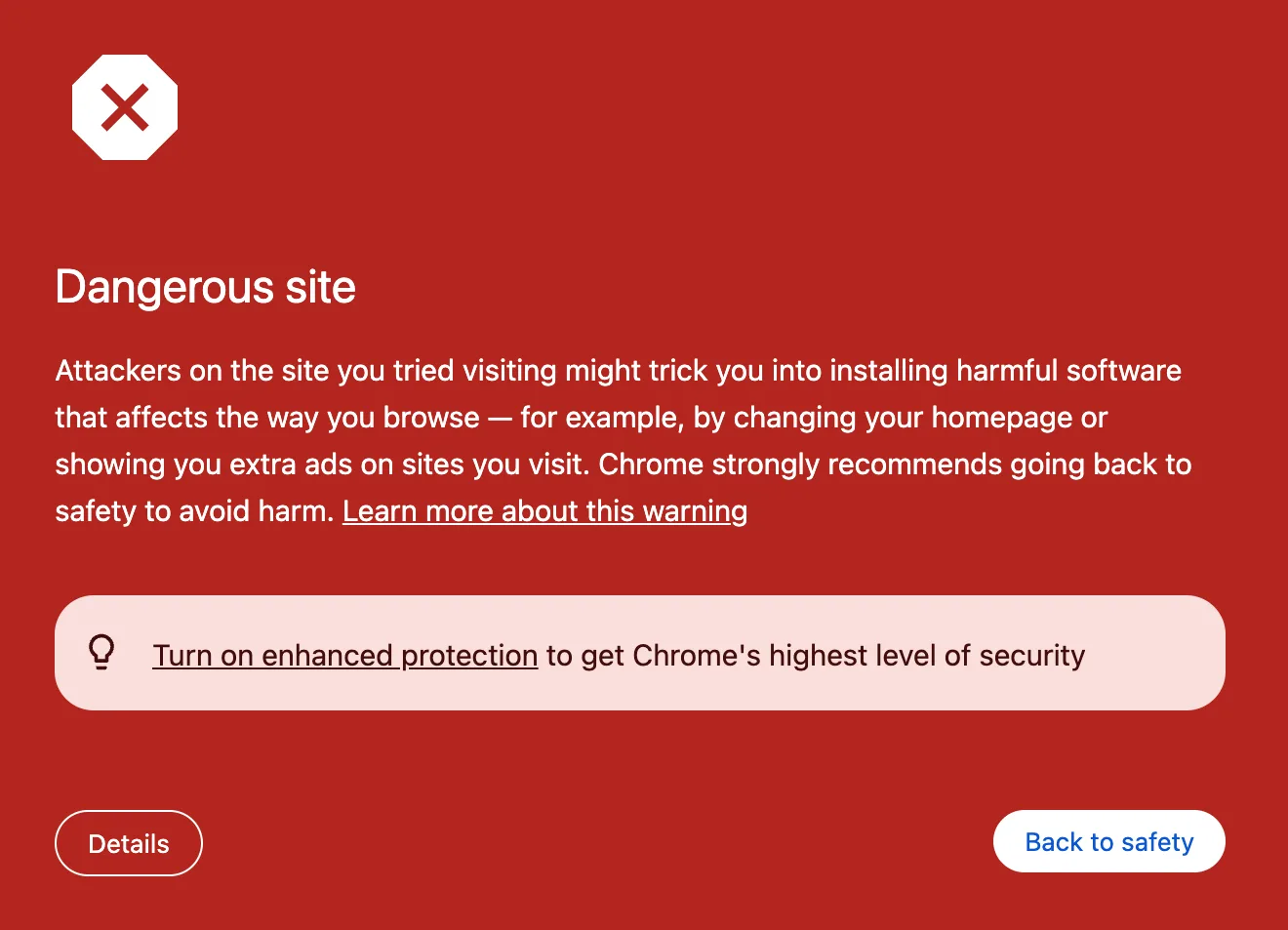
What it means
The site may push software that changes your browser, like a new homepage or extra ads.
Steps to fix
- Click Back to safety.
Connect to Wi-Fi
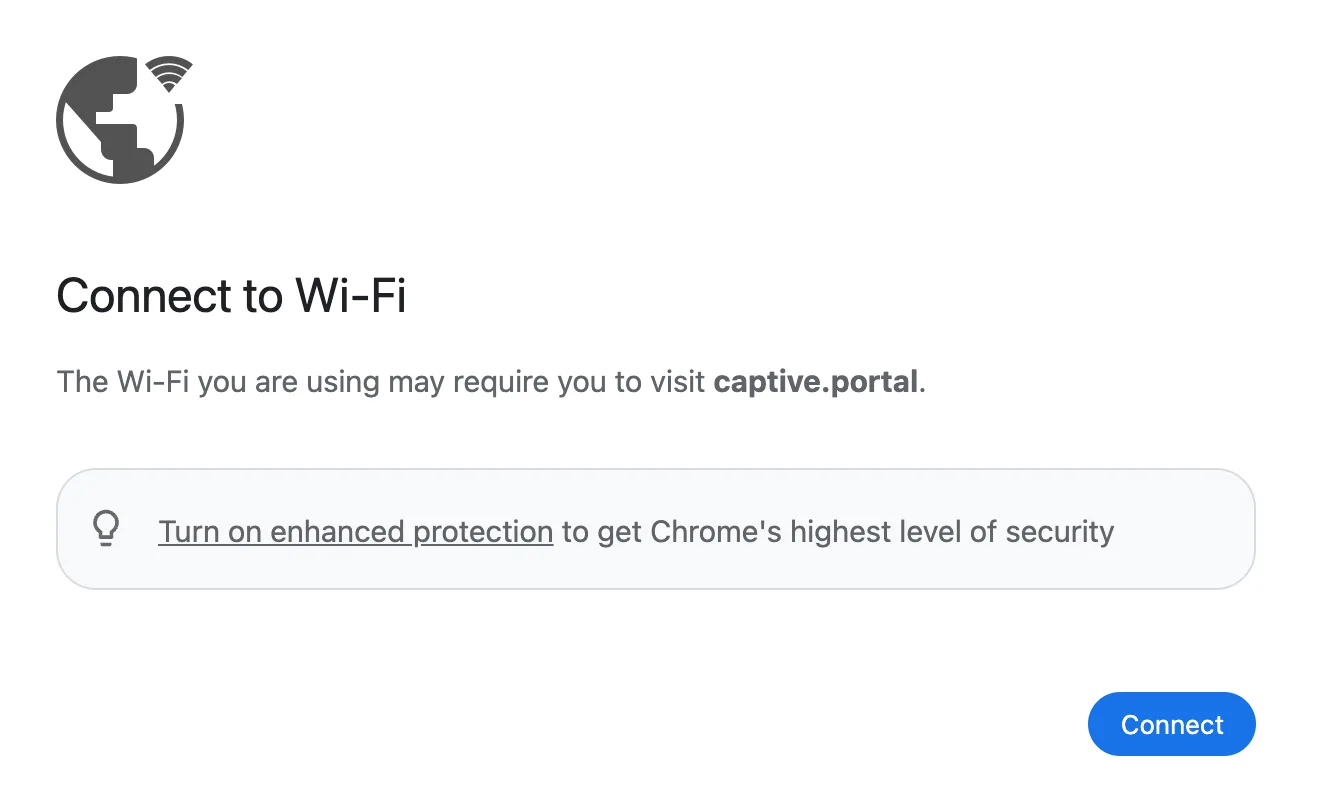
What it means
The Wi-Fi you're on, like at a hotel or airport, needs you to sign in on its login page first.
Steps to fix
- Click Connect.
- Finish the sign-in.
Did you mean
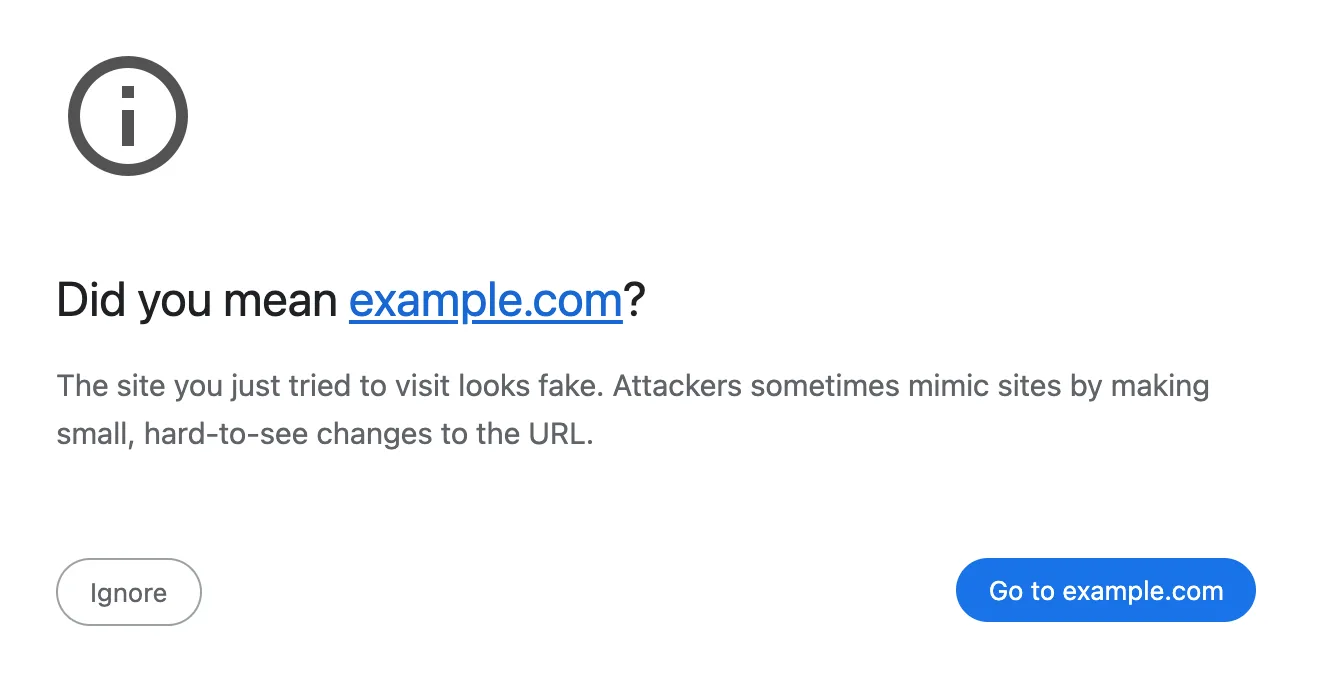
What it means
The address looks almost like a site you visit often, a common trick used by fake sites.
Steps to fix
- Click the suggested site.
Form is not secure
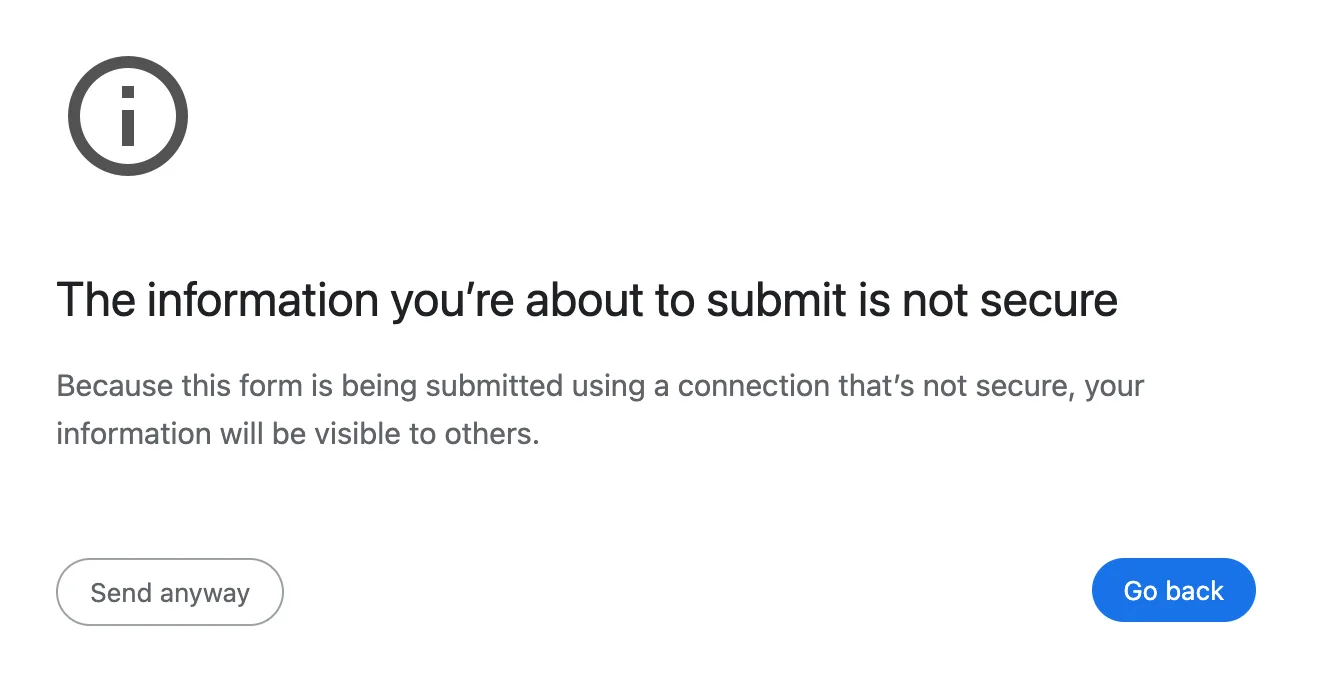
What it means
This form sends what you type without encryption, so others on the network could see it.
Steps to fix
- Click Go back.
Site doesn't support HTTPS
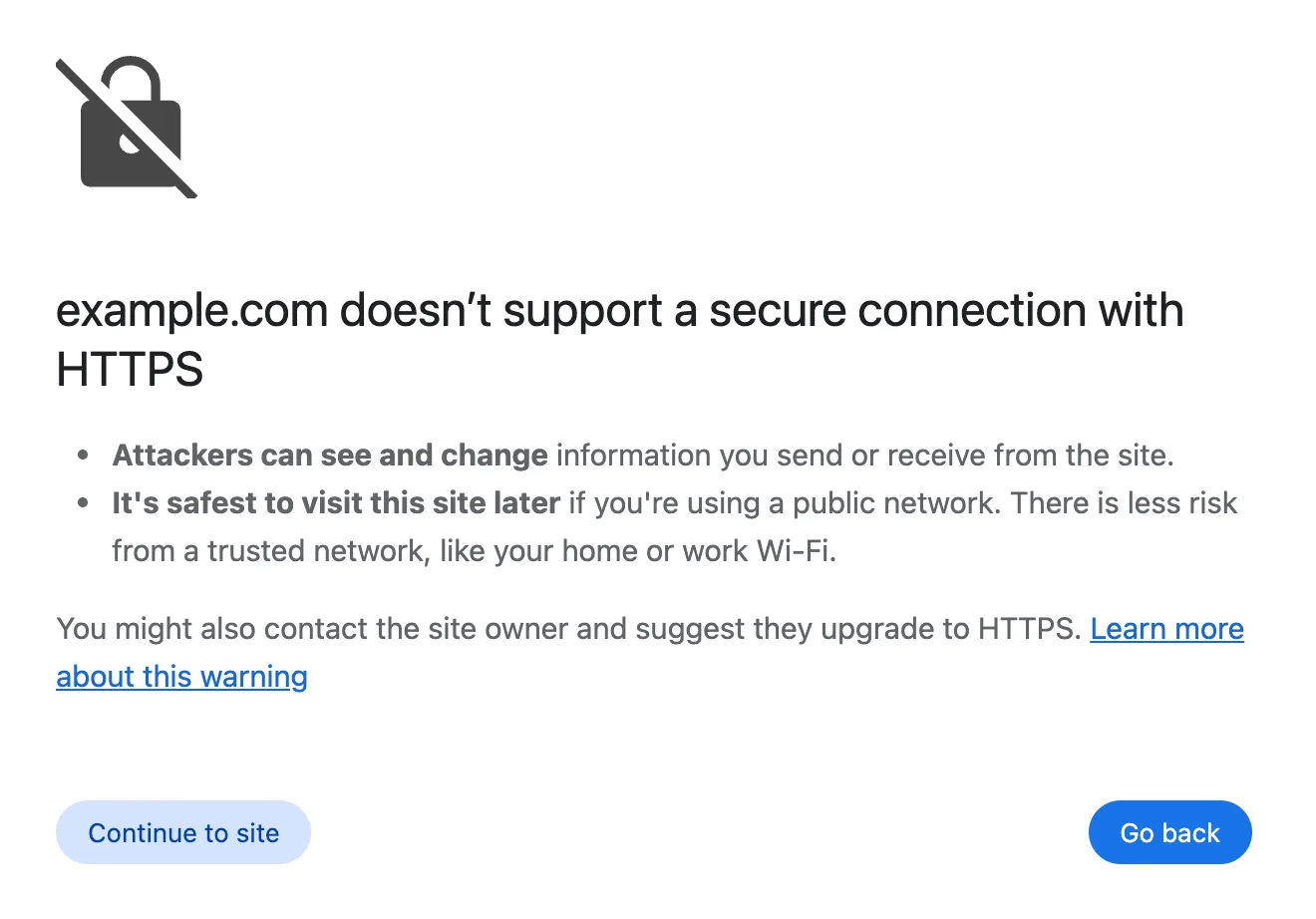
What it means
You turned on Always use secure connections, and this site only works without encryption.
Steps to fix
- Continue only if you trust it.
Blocked by your organization
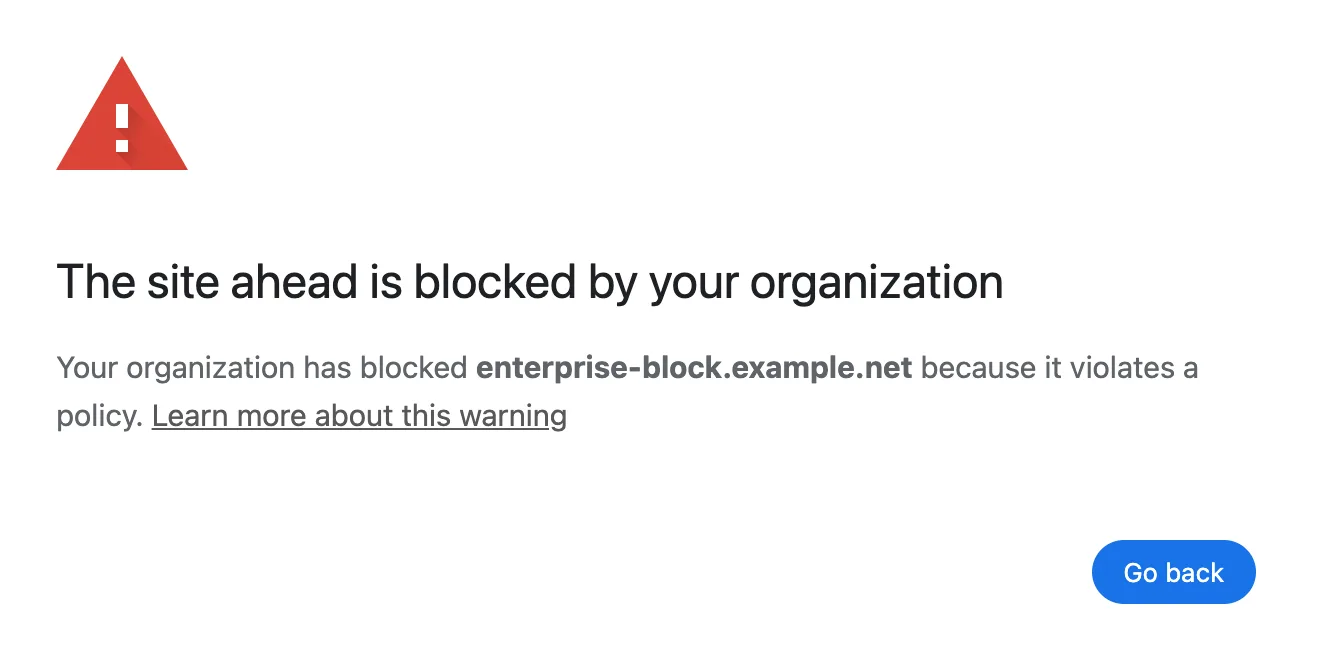
What it means
Your work or school blocks this site on the Chrome they manage.
Steps to fix
- Ask your administrator.
An application is stopping Chrome
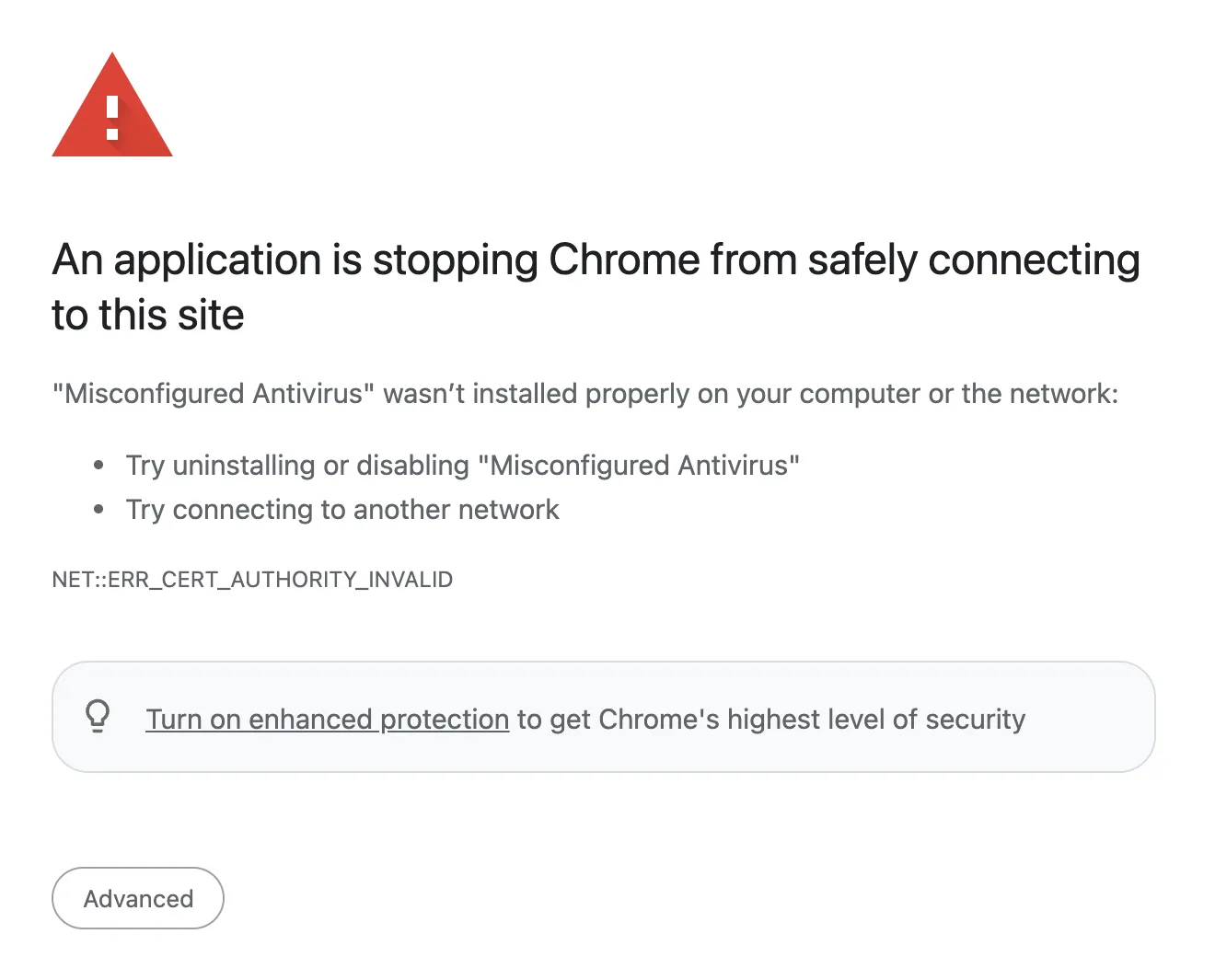
What it means
Software on your computer, often antivirus, is getting in the way of secure connections.
Steps to fix
- Turn off its HTTPS scanning.
- Or update or remove it.
Aw Snap Crash Codes
Error code: 11
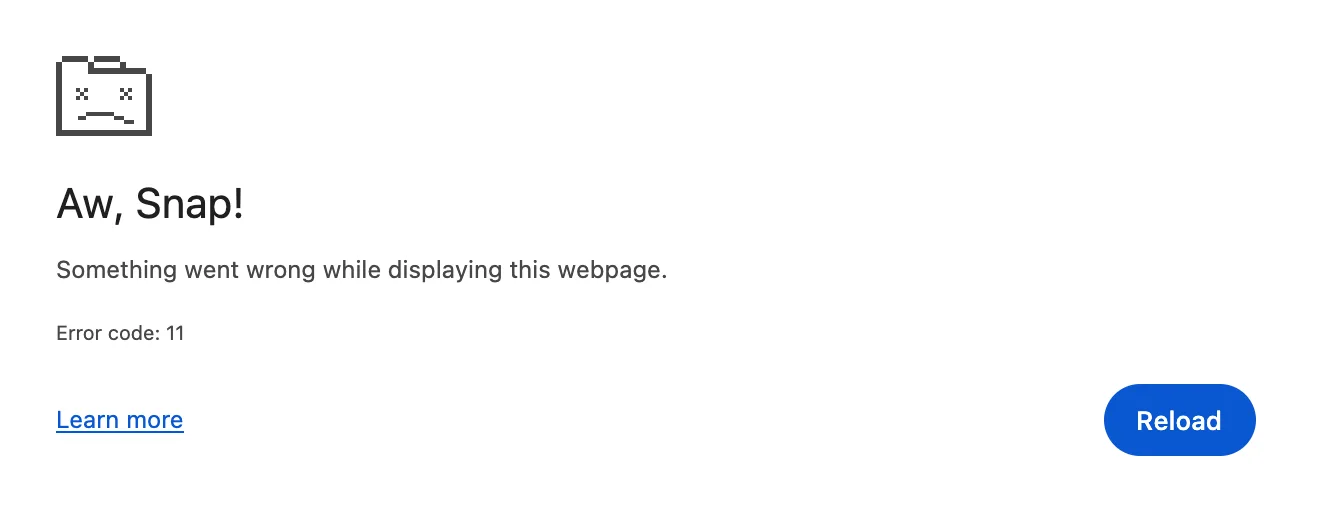
What it means
The page crashed while showing the site. 11 means a memory error on Mac and Linux.
Steps to fix
- Click Reload.
- Turn off extensions.
- Update Chrome.
On Windows: STATUS_ACCESS_VIOLATION.
Error code: 15
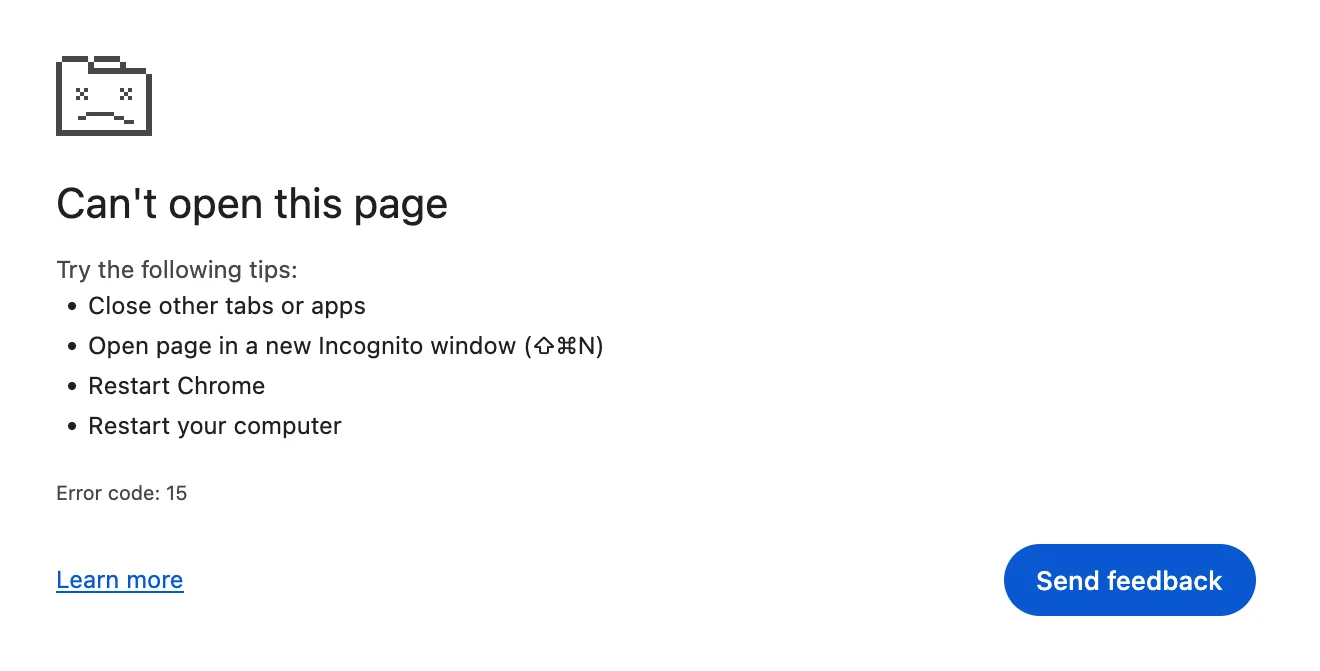
What it means
The page's process was stopped, often by your computer to free up memory.
Steps to fix
- Close other tabs.
- Restart Chrome.
Error code: 5
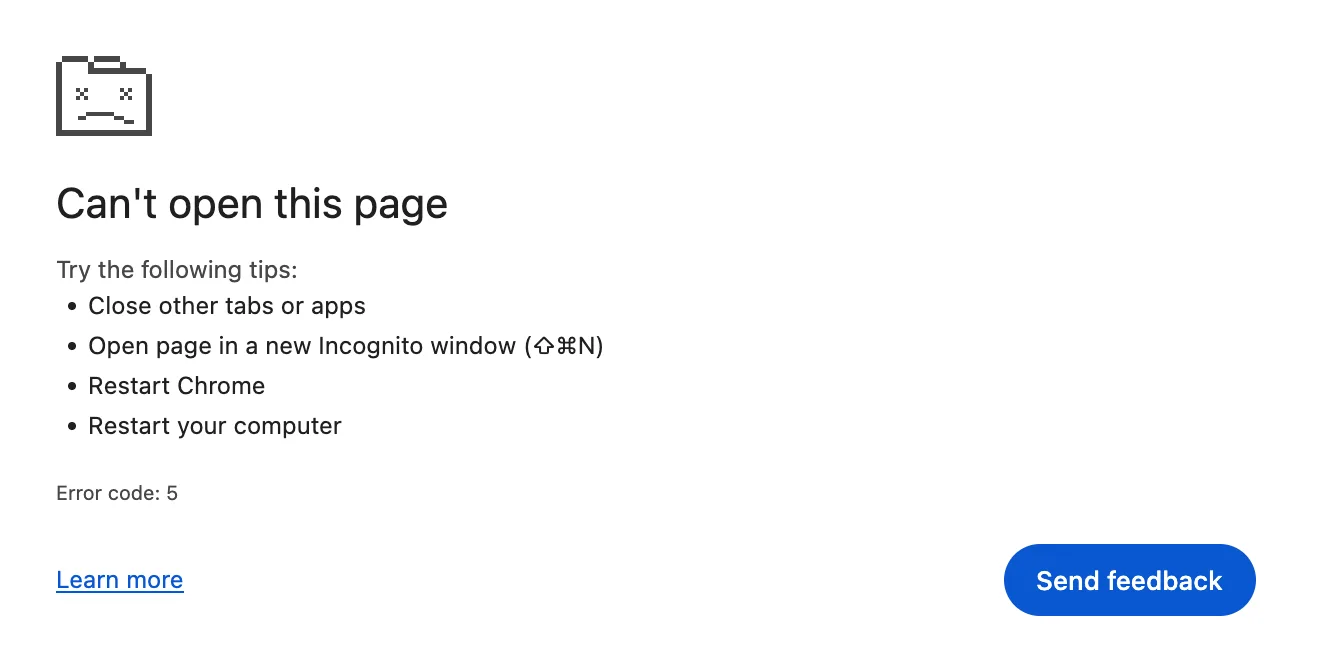
What it means
The page used up its memory, so Chrome stopped it.
Steps to fix
- Close other tabs and apps.
- Reload.
On Windows: Out of Memory.
STATUS_ACCESS_VIOLATION
Chrome says “Aw, Snap!”
What it means
On Windows, the page tried to use memory it wasn't allowed to and crashed.
Steps to fix
- Reload.
- Turn off extensions.
- Update Chrome.
STATUS_BREAKPOINT
Chrome says “Aw, Snap!”
What it means
On Windows, the page hit an internal stop point and Chrome closed it.
Steps to fix
- Update Chrome.
- Turn off extensions.
STATUS_INVALID_IMAGE_HASH
Chrome says “Aw, Snap!”
What it means
On Windows, a Chrome file failed a security check, often because other security software blocked it.
Steps to fix
- Update Chrome.
- Check your antivirus.
RESULT_CODE_HUNG
Chrome says “Aw, Snap!”
What it means
The page stopped responding for too long, so Chrome closed it.
Steps to fix
- Reload.
- Close heavy tabs.
Download Errors
Failed - Network error

What it means
The download stopped because your connection dropped partway through.
Steps to fix
- Click Resume in Downloads.
Download blocked
What it means
Your computer's security settings blocked the file from downloading.
Steps to fix
- Check your security settings.
Virus detected
What it means
Your antivirus scanned the file and blocked it.
Steps to fix
- Check your antivirus.
No file

What it means
The file isn't on the website anymore, or it was moved.
Steps to fix
- Find it somewhere else.
Forbidden

What it means
The website's server won't let you download this file.
Steps to fix
- Sign in to the site first.
Needs authorization
What it means
You don't have permission to download this file.
Steps to fix
- Contact the site owner.
Insufficient permissions

What it means
Chrome couldn't save the file to the folder you picked.
Steps to fix
- Save to Desktop or Documents.
Disk full

What it means
There isn't enough free space on your computer for the file.
Steps to fix
- Delete files and empty the Trash.
Still stuck? Update Chrome, restart your computer, then try Settings, Reset settings. Your bookmarks and passwords stay.
Comments
0Share your thoughts, questions, or feedback about this guide.
Leave a Comment