
Airtel AirFiber Light Meaning: Every Color Explained
Your Airtel Xstream AirFiber has one small light on the front of its base. It changes color and blinks to tell you whether you're online, and Airtel prints the meanings on a sticker right next to it. Here's what each one means.
What the light means
| Light | What it means |
|---|---|
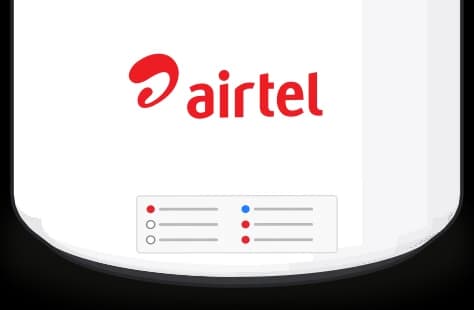 Solid white | All good. Your AirFiber is online and the internet is working. |
Solid red | The internet is down. The AirFiber is on, but it can't get online. |
Blinking red after you plug it in | It's booting up. Give it a minute and it should turn solid white. |
Blinking white | Wi-Fi is paused. The AirFiber is still on, but your devices won't get Wi-Fi until you turn it back on. |
Blinking blue | WPS is on, so you can connect a device with its WPS button instead of typing the password. |
Blinking red after a reset | It's going back to factory settings. Your Wi-Fi name and password will be back to the defaults after this. |
If the light stays red
Unplug the AirFiber, wait 15 to 20 seconds, then plug it back in and give it at least a minute to boot. If it's still solid red after that, get in touch with Airtel.
Comments
0Share your thoughts, questions, or feedback about this guide.